
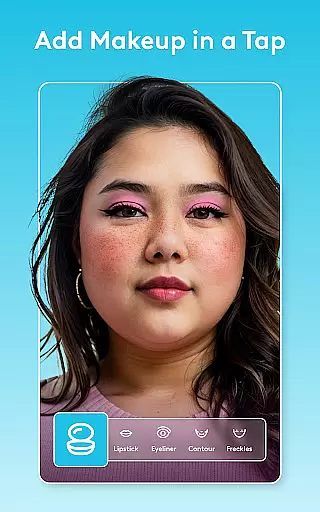
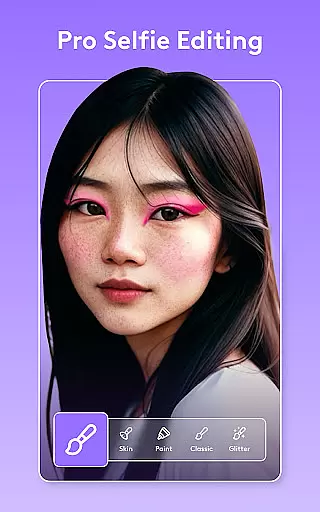
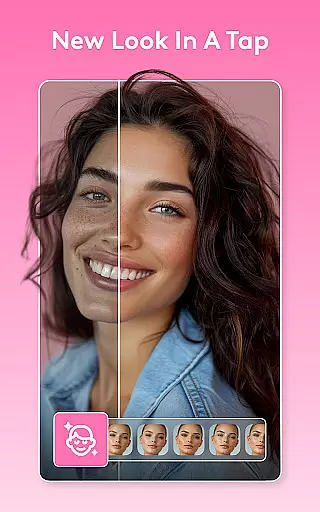
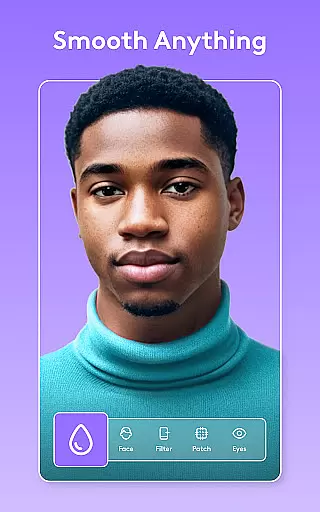
Facetune is the ultimate AI-powered photo and video editing application that allows users to effortlessly enhance their digital content. With its comprehensive suite of tools, the app enables both quick fixes and advanced retouching for photos and videos alike. Whether you're perfecting a selfie, creating polished headshots, or producing scroll-stopping video content, Facetune provides the means to achieve professional-grade results without requiring expert skills.
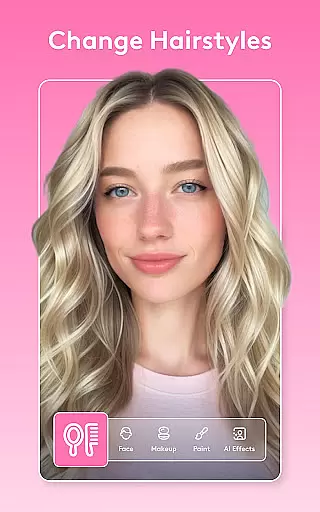
The app stands out with features like one-tap enhancements, AI-driven skin smoothing, eye brightening, and facial reshaping. It also offers creative options such as makeup application, hairstyle testing, and hair color changes. For video content, Facetune ensures your clips are as stunning as your photos with filters and retouching capabilities applied across entire videos instantly. The intelligent AI tools continue to evolve, providing users with ever-improving ways to express their creativity.
Facetune is ideal for anyone looking to elevate their social media presence or refine personal and professional imagery with minimal effort. Its powerful yet user-friendly interface makes it accessible to all skill levels, ensuring users can look and feel their best in every piece of content they create.
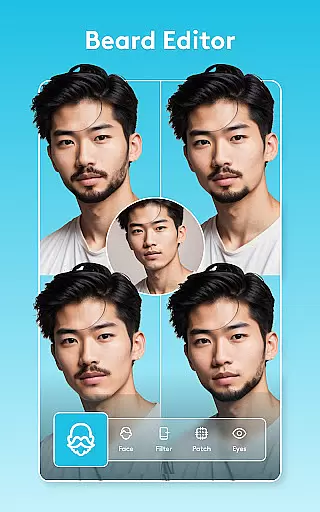
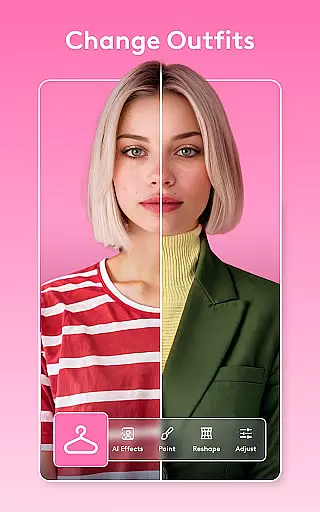
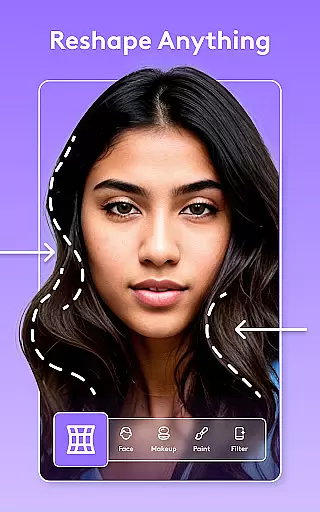
Facetune boasts an impressive array of features designed to cater to a wide range of editing needs. At its core, the app leverages AI technology to deliver swift and precise edits through one-tap solutions that cover everything from basic adjustments to intricate retouching tasks. Users can smooth skin, whiten teeth, reshape facial features, and experiment with bold new styles using intuitive controls that require no prior expertise.
Beyond simple photo enhancement, Facetune extends its capabilities into video editing where users can apply consistent filters and retouching effects across entire clips. This feature ensures that video content maintains a high-quality aesthetic comparable to edited photos. Additionally, innovative tools such as background blurring or swapping, light adjustment for captivating eye effects, body skin tone adjustments, tanning options, and smile enhancements provide unparalleled control over the final output.
One of Facetune's standout features is its AI headshot tool which generates professional-looking headshots instantly. This functionality is particularly beneficial for individuals needing resume-ready images quickly. Overall, Facetune combines precision editing with effortless AI magic, making it an indispensable tool for anyone seeking to transform their digital presence with ease.
Real-time capture and preview functionality is essential for ensuring that users can see the results of their edits as they apply them. Facetune offers a dynamic preview system that allows users to witness changes instantly, providing an accurate representation of the final output.
This feature is particularly beneficial when utilizing AI-powered tools for photo and video editing. Users can experiment with different styles, filters, and retouching options while observing the impact in real time. Such immediate feedback empowers creators to make precise adjustments without guesswork.
The advantage of Facetune's real-time capabilities extends beyond mere convenience; it enhances the creative process by enabling rapid iteration. Whether smoothing skin, brightening eyes, or reshaping features, seeing these modifications live ensures that the desired aesthetic is achieved efficiently.
Ultimately, this seamless integration of real-time capture and preview elevates the user experience, making high-quality editing accessible even to those without professional skills. It transforms the editing process into an intuitive and engaging activity where creativity flourishes.
Facetune stands out with its AI beauty and enhancement features that prioritize natural-looking results. The application employs sophisticated algorithms to ensure that enhancements such as teeth whitening, blemish removal, and makeup application appear authentic rather than artificial.
One key aspect is the ability to fine-tune every detail manually after applying automated one-tap fixes. This dual approach allows users to maintain control over the subtlety of their edits, preserving unique facial characteristics while achieving a polished look.
Moreover, Facetuneu2019s intelligent features continue to evolve, offering advanced options like adjusting body skin tone or adding a tan. These tools are designed not only for aesthetic improvement but also for maintaining realism, which is crucial for creating believable and appealing visuals.
By focusing on naturalness, Facetune caters to users who seek enhancements that complement their inherent features without appearing overly processed. This commitment to authenticity sets Facetune apart in the realm of photo and video editing applications.
User-friendly interface
Advanced AI tools
Versatile editing options
Instant video enhancements
Professional headshot creation
Premium features locked behind paywall
Subscription model may deter some users
Occasional processing delays
Limited free version functionality
High system requirements for optimal performance

All-in-One Editor & AI Photo Enhancer, Beautify & Retouch, Collage, Cartoonify
 4.20
4.20
Viewfinder, Light meter, Reciprocity failure time, DOF & Bellows Extension
4.60
Perfect body tune & face app - photo retouch, makeup, slim body & beautify face.
4.80
Take videos and pictures with the popular TikTok TIME WARP SCAN filter.
4.60
Superimpose one photo on top of another using the original Superimpose app!
3.20
Smart, light, and fast photo and video gallery
4.30
Enhance, retouch & create your story - Share the moment with Photoshop Express.
4.60
Professional camera app that brings DSLR manual photography controls to Android.
4.20
Effortlessly make high-quality GIFs from images & videos without any watermarks.
4.70
Gallery show photo, video, slideshow, is perfect 3D effect private photo albums.
4.80
Enhance, upscale, and transform your images — on your device, without limits
4.70
Unblur, enhance & restore photos with powerful AI photo enhancer tools.
4.60
Discover & download millions of art for The Frame TV or Hisense CanvasTV
4.60
Effortlessly organize, view and share your photos & videos with Gallery app!
4.40
Photo editor: face & body editor, beauty cam, filters and quality enhancer.
4.00
Gallery Slideshow is slideshow maker app for slideshow from your gallery photos.
3.90
Hair color changer, AI haircut app, fun hair editor and buzz cut filter for all!
3.80
Long exposure camera with computational photography
2.60
Add a dreamy vibe to your selfies and videos with soft style filters
4.3


User Reviews