
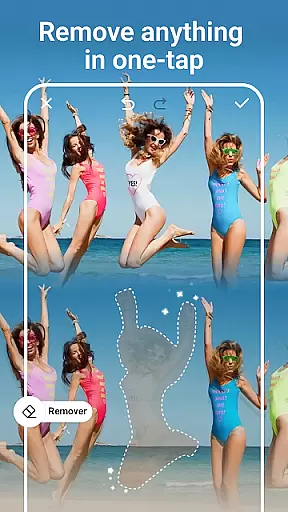
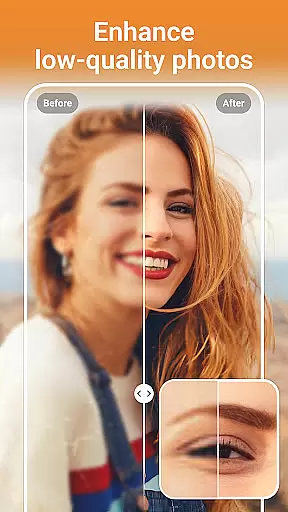


PhotoArt is an advanced AI-powered photo editing application that caters to a wide range of users, from beginners to professionals. The app offers an extensive suite of tools including One-Tap Enhance, Magic Eraser, AI Face Swap, and creative filters. These features allow users to effortlessly improve their photos, remove unwanted elements, and apply artistic effects.
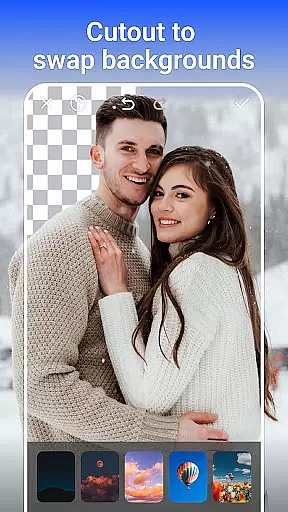
With over 100 filters and effects, PhotoArt enables users to explore various styles such as retro, film, portrait, and more. Advanced editing tools like HSL, Curves, and Highlight adjustments provide precise control over color and lighting. Additionally, the app supports high-resolution photo enhancement, background removal, and creating collages, making it a versatile choice for all photo editing needs.
Whether you're looking to enhance your social media presence or restore old memories, PhotoArt delivers professional-grade results without the need for specialized skills. Its intuitive interface and powerful AI capabilities ensure that anyone can achieve stunning visual content with minimal effort.
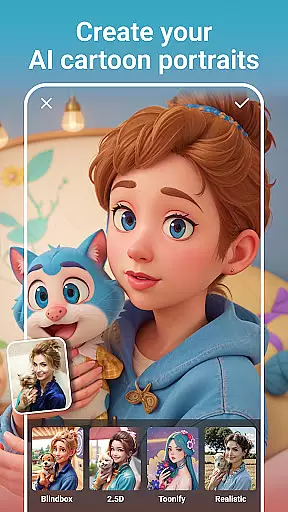
PhotoArt distinguishes itself through its comprehensive set of AI-driven features. The One-Tap Enhance tool automatically adjusts photo settings for optimal quality, while the Magic Eraser allows users to seamlessly remove unwanted objects. AI Face Swap and AI Cartoon Filters offer fun and creative ways to transform images, appealing to users who enjoy experimenting with different styles.
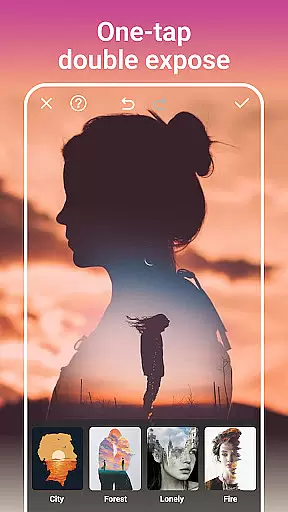
The app's advanced editing toolkit includes options like HSL, Highlight, and Split Tone adjustments, enabling detailed color corrections. Users can also leverage the Curve tool to fine-tune image balance and vibrancy. With features like Double Exposure and Background Removal, PhotoArt provides endless possibilities for creativity and personalization.
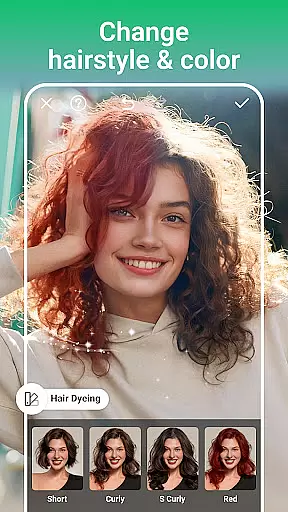
Additional functionalities such as AI Age Changer, Sky Replacement, and Open Eyes further enhance the user experience by offering innovative ways to modify and improve photos. Whether you're aiming to create professional-quality edits or simply have fun with your images, PhotoArt's diverse feature set ensures there's something for everyone.
Real-time capture and preview functionality is essential for ensuring that users can see the results of photo edits instantly. This feature allows photographers and editors to make precise adjustments while observing the changes in real-time, which enhances the overall editing experience.
PhotoArt offers a seamless real-time preview system where every adjustment, filter, or effect applied is immediately visible. This empowers users to fine-tune their images with accuracy, ensuring that the final output matches their creative vision without any surprises upon rendering.
The benefit of real-time capture and preview extends beyond just convenience; it significantly improves productivity by reducing the time spent on trial and error. Users can experiment with different styles, effects, and enhancements, seeing the results instantly and making informed decisions about their edits.
With this powerful feature, PhotoArt ensures that users can achieve professional-grade results with minimal effort. Whether you're adjusting colors, applying filters, or experimenting with complex effects like double exposure, the real-time feedback loop enables a more intuitive and satisfying editing process.
AI-driven beauty and enhancement features are revolutionizing the way we edit photos by offering natural-looking improvements without compromising the authenticity of the original image. This technology intelligently identifies facial features and applies enhancements that look realistic and pleasing.
PhotoArt leverages advanced AI algorithms to provide users with tools for retouching portraits, enhancing natural beauty, and even reshaping figures while maintaining a realistic appearance. The AI Face Swap and AI Cartoon Filters are examples of how technology can be used creatively yet naturally.
Users benefit from these AI enhancements as they can achieve polished and professional results effortlessly. The intelligent systems ensure that skin tones remain natural, facial features are enhanced subtly, and overall aesthetics are improved without looking over-processed or artificial.
By focusing on naturalness, PhotoArt sets itself apart in the photography app market. It caters to both amateur users looking for quick touch-ups and professionals seeking sophisticated editing capabilities, all while preserving the genuine essence of the captured moment.
User-friendly interface
Wide range of filters
Powerful AI tools
High-resolution support
Versatile editing options
Occasional lag
Ads in free version
Learning curve
Limited offline features
Subscription costs

Photo Album Watch Face shows your favorite pictures as a Watchface.
 1.90
1.90
Trendy TikTok time warp scan funny filter app brings you unique photos & videos.
4.40
Take videos and pictures with the popular TikTok TIME WARP SCAN filter.
4.60
A reflected light meter with spot metering and incident light metering.
4.40
Create AI photos & videos with Enhancer; restore, fix, beautify, enhance photos
4.50
Smart, light, and fast photo and video gallery
4.30
RAW video capture with advanced controls
4.40
Try an anime version, cartoon yourself, and generate AI hug or aging videos!
3.70
Photo & Video Gallery app to manage albums and save WA Status easily.
4.70
Create funny photos and videos with the popular Time Warp Scan filter.
4.90
A collection of tools and reference tables for DPs, ACs, DITs and Operators.
4.70
Automatically backup your photos and videos to computer, NAS and Cloud services
4.60
Discover & download millions of art for The Frame TV or Hisense CanvasTV
4.60
Edit like a pro with Hypic. Apply filters, AI effects, & magic touch.
4.40
[3DSteroid Pro] is a stereoscopic application for Android.
4.30
Photo editor: face & body editor, beauty cam, filters and quality enhancer.
4.00
Perfect photos with body shaping, BG changer and object remover.
3.70
Pet Camera
3.70
Long exposure camera with computational photography
2.60


User Reviews