
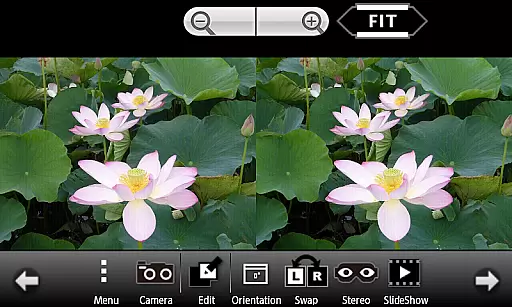
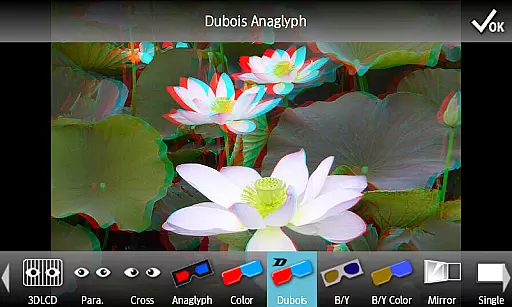
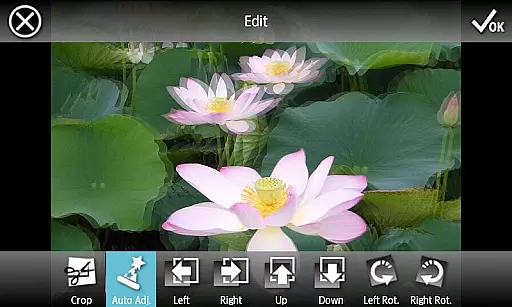
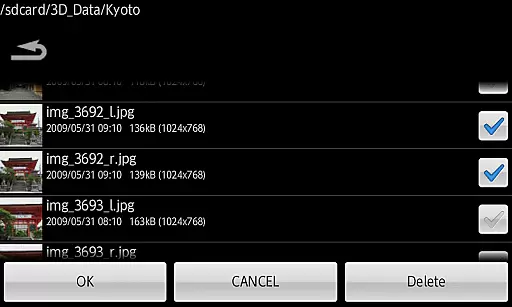
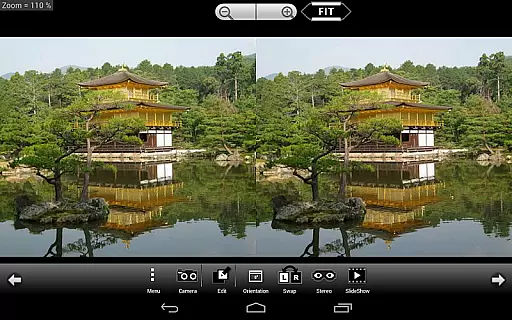
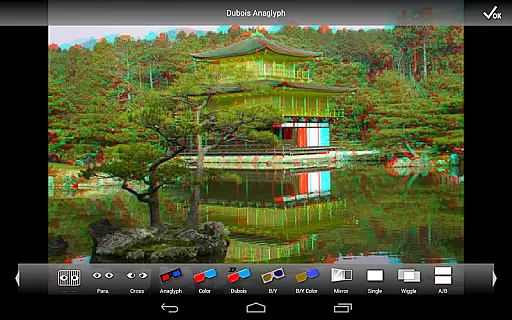
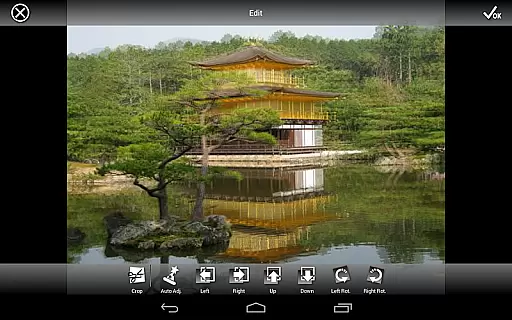
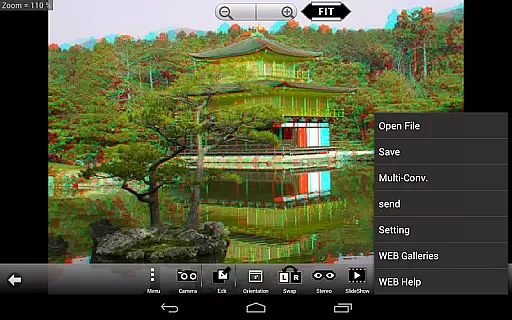
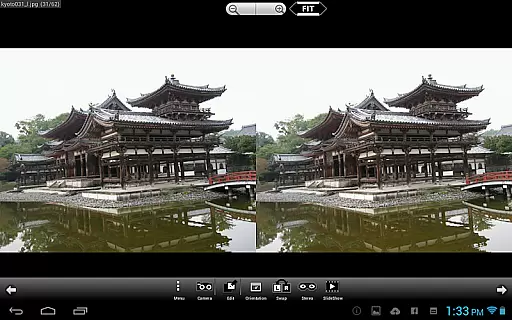
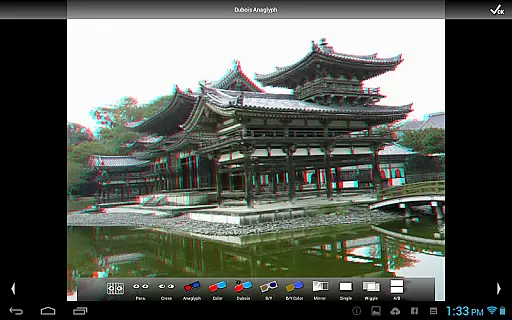
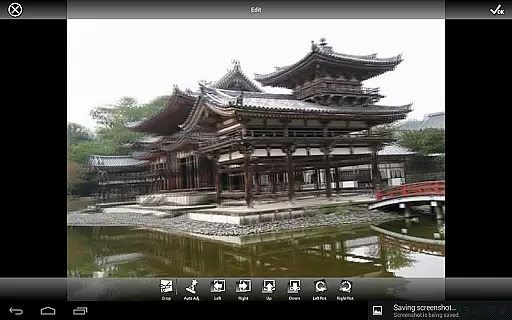
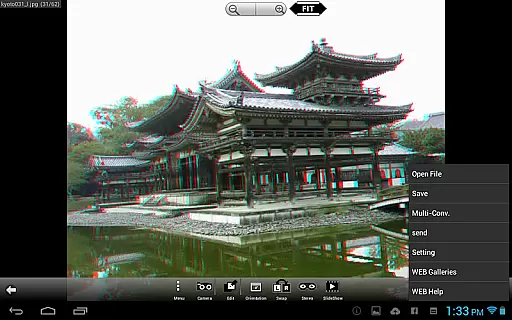
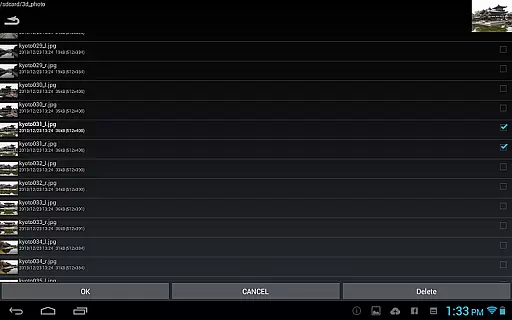
3DSteroid Pro is a premium stereoscopic application designed for Android devices, specializing in 3D image viewing and editing. The app supports various input formats including L/R independent, SBS (Side-by-Side), and MPO files, making it versatile for different types of 3D content. With the ability to adjust L/R image positions, rotation errors, and size discrepancies, users can achieve precise alignment of their 3D images. Additionally, the app offers multiple display methods such as 3D LCD compatibility, SBS, Mirror, Wiggle, 2D, and Anaglyph views, catering to diverse viewing preferences.
This application stands out with its advanced features like auto-alignment of L/R images, batch conversion, and saving edited images, which are exclusive to the Pro version. Users can also enjoy over 1000 images from a WEB Gallery, providing a rich library of stereoscopic content. Whether you're a professional photographer or an enthusiast, 3DSteroid Pro enhances your 3D imaging experience by offering powerful tools within a user-friendly interface.
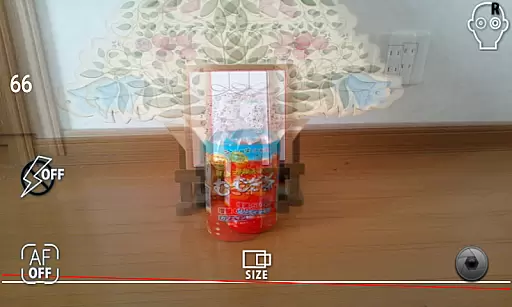
3DSteroid Pro boasts a comprehensive set of features tailored for 3D photography enthusiasts. One of its key capabilities is the auto-alignment function, which ensures that left and right images are perfectly matched, correcting any positional, rotational, or size errors. This feature is crucial for creating high-quality 3D images. The app also supports taking L/R pictures directly with the device's internal camera, streamlining the capture process.
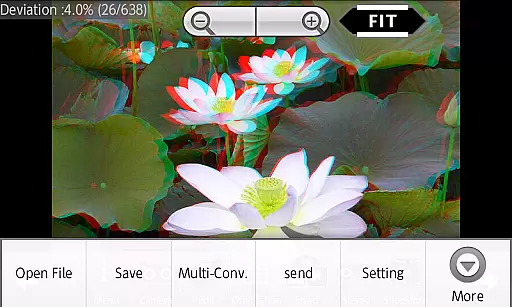
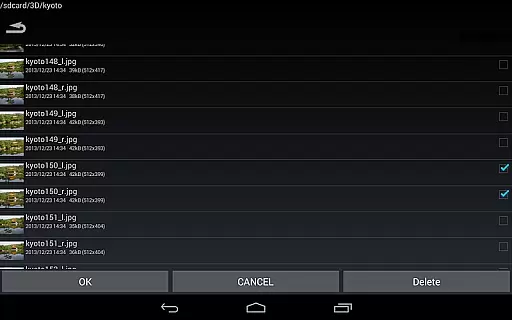
Another standout feature is the multi-conversion tool, allowing users to convert multiple files at once into various formats. This is complemented by the ability to save edited images and send them directly from the app, a functionality exclusive to the Pro version. Additionally, users can enjoy a dynamic slideshow feature and access a vast web gallery containing over 1000 stereoscopic images. These robust features make 3DSteroid Pro an indispensable tool for anyone serious about 3D photography.
Real-time capture and preview functionality is essential for ensuring that users can take stereoscopic 3D images with precision. The 3DSteroid Pro app offers a unique experience by allowing users to take left/right (L/R) pictures using the internal camera of their Android device.
This application provides real-time feedback, enabling users to adjust L/R image positions, correct rotation errors, and fix size discrepancies immediately during the capture process. This ensures that the final output meets the user's expectations in terms of alignment and quality.
By offering live adjustments and corrections, 3DSteroid Pro enhances the overall imaging experience, making it easier for photographers to produce high-quality 3D content without needing specialized equipment.
While 3DSteroid Pro does not focus on AI beauty enhancements typically found in portrait photography apps, it emphasizes maintaining the natural integrity of stereoscopic images. The app achieves this through its advanced auto-alignment feature for L/R images, which preserves the realistic depth and perspective of 3D photos.
Users can further enhance their stereoscopic images by adjusting various parameters such as position, rotation, and size directly within the app. These manual controls ensure that any modifications made are both precise and retain the original essence of the captured scene.
The emphasis on natural enhancement rather than artificial beautification makes 3DSteroid Pro an ideal choice for professionals and enthusiasts who prioritize authenticity in their 3D imagery work.
Advanced 3D image editing
Batch conversion support
Auto-alignment of images
Comprehensive format compatibility
Extensive web gallery access
No MPO file support on Android 11+
Limited to Picture folder saving
Old 3D LCD models unsupported
Pro version is paid
Complex for beginners

Cut and paste photo editor & eraser to customize photos easy and swap faces fun
 4.50
4.50
Photo prints, cards, & gifts at Walgreens. Easy ordering & fast local pickup !
4.80
Cartoon and artistic effects for your photos and videos
4.70
Create amazing frames with up to five photos. Rounded corners, effects and more!
3.60
USB Storage Access for Photos, Videos, Music and Documents
3.80
Luminar: Photo Editor - easy picture editing with AI
4.20
RAW video capture with advanced controls
4.40
Catch sunlight, sunrise sunset times and sun phases with the AR sun tracker.
4.10
Remote control the phone camera shutter from your smartwatch and take a picture
1.60
Create funny photos and videos with the popular Time Warp Scan filter.
4.90
Take videos and pictures with the popular TikTok TIME WARP SCAN filter.
4.60
Effortlessly organize, view and share your photos & videos with Gallery app!
4.40
Trendy TikTok time warp scan funny filter app brings you unique photos & videos.
4.40
Edit like a pro with Hypic. Apply filters, AI effects, & magic touch.
4.40
Shooting photos and records video easily and efficient with professional Camera
4.30
All-in-One Editor & AI Photo Enhancer, Beautify & Retouch, Collage, Cartoonify
4.20
Create AI Photos, Improve and restore quality of blurry, old or damaged pics.
4.20
Remote control of the phone camera from your Wear OS smartwatch
3.70
HD Photo gallery and photo manager to edit, hide private photos, videos & albums
4.3


User Reviews