
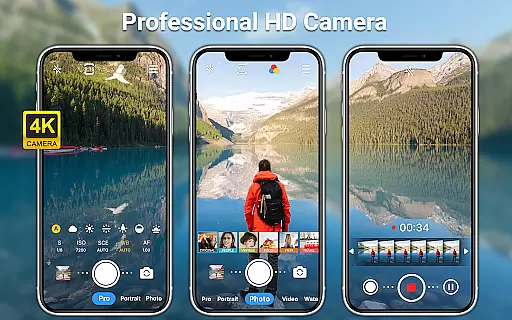
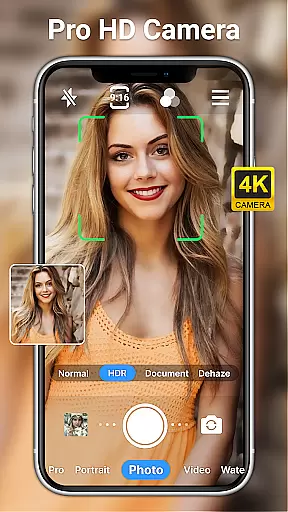
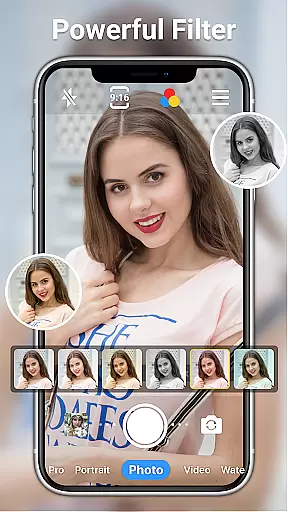
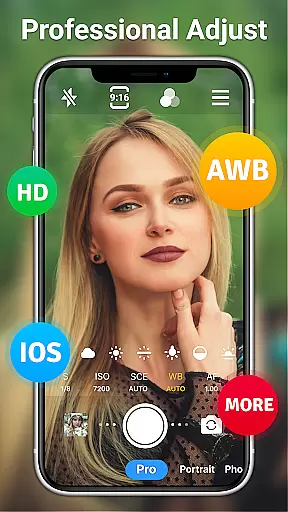
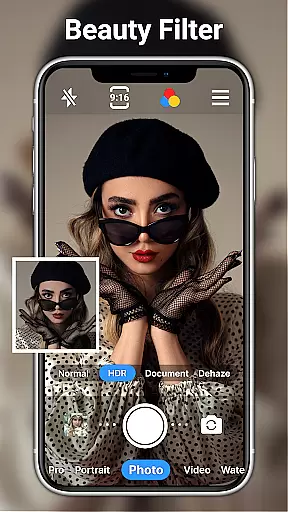
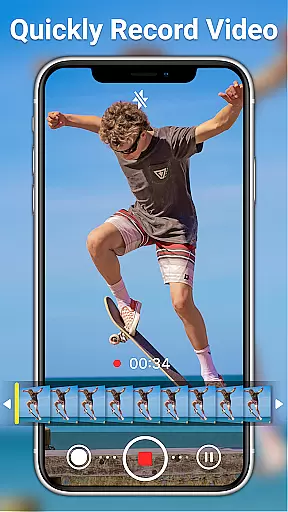
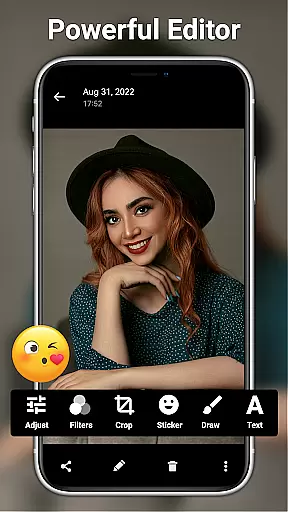
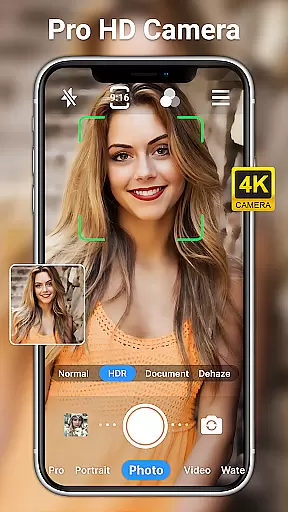
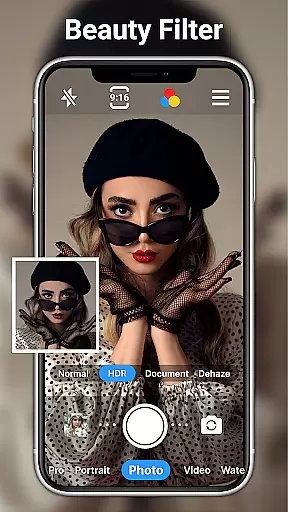
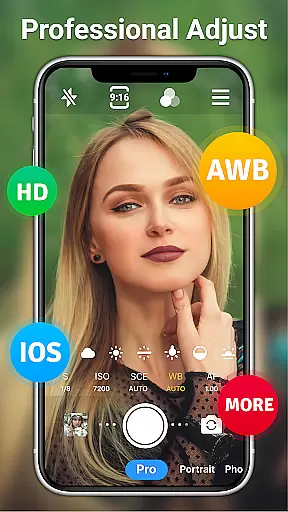
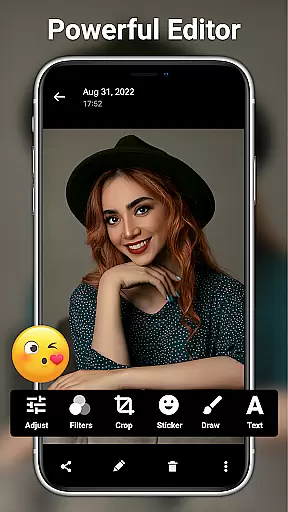
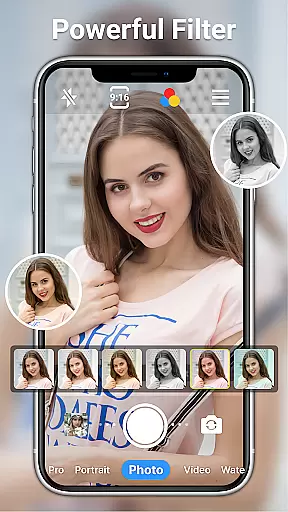
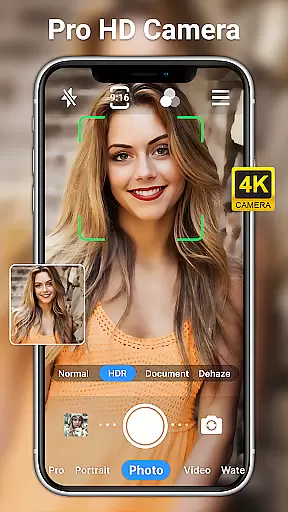
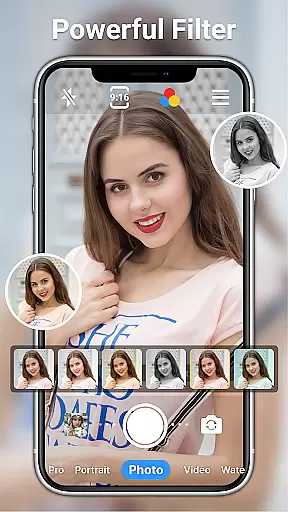
HD Camera for Android is a professional-grade photography application designed to elevate your mobile photography experience. This feature-rich app allows users to capture high-definition photos and videos with remarkable clarity and detail. Supporting both front and rear cameras, the app offers full 1080p HD resolution, ensuring exceptional image quality regardless of lighting conditions.
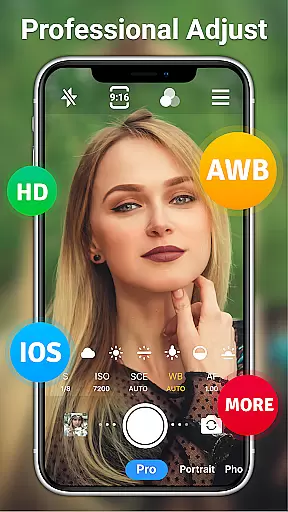
The app stands out with its comprehensive set of professional tools. Users can access various shooting modes including steady shooting, time-lapse, and short-video mode. The inclusion of real-time filters, optical/digital zoom, and advanced settings like ISO, shutter speed, and white balance controls makes it a versatile camera solution. Whether you're capturing everyday moments or working on professional projects, HD Camera delivers outstanding results.
Perfect for photography enthusiasts and professionals alike, this app transforms your Android device into a powerful camera tool. With features like date watermarking, scene modes, and AI-powered photo editing tools, users can create stunning visuals and edit them with precision. The app's intuitive interface and robust functionality make it an essential tool for anyone looking to maximize their smartphone's photographic potential.
HD Camera for Android distinguishes itself through its extensive feature set that caters to both amateur and professional photographers. The app provides complete control over camera settings, including resolution adjustment up to 1080p, scene mode selection (sports, night, sunset), and detailed white balance options (cloudy, daylight, fluorescent). These features ensure optimal image quality in any environment.
One of the app's key strengths lies in its advanced shooting capabilities. Users can utilize professional-grade functions such as optical/digital zoom, tap-to-focus with focus halo display, and steady shooting with pinch-to-zoom functionality. The inclusion of timer, grid, level, and time-lapse features enables precise composition and execution of shots. Additionally, the app supports both photo and video capture with multiple real-time filters and effects.
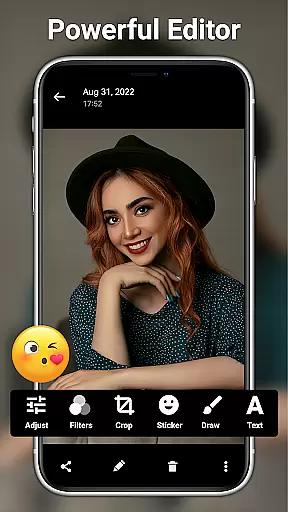
The integrated photo editing suite further enhances the app's value proposition. Offering over 20 photo filters and professional editing tools, users can adjust brightness, contrast, saturation, and exposure with ease. AI-powered features like one-click facial retouch and AI restore provide sophisticated editing capabilities. The app also includes creative elements such as text addition, stickers, markup tools, and mosaic effects, making it a comprehensive solution for both capturing and enhancing visual content.
Real-time capture and preview functionality is essential for ensuring that every photo or video taken meets the user's expectations immediately. HD Camera for Android excels in this area by providing a seamless experience where users can see exactly what the camera captures before taking a shot.
This application leverages 1080p full HD mode, allowing users to capture images with stunning clarity and vibrant colors. The real-time preview ensures that even the smallest details are visible, making it easier to adjust settings such as zoom, focus, and exposure on the fly.
With features like optical and digital zoom, tap to focus, and steady shooting, users can fine-tune their shots with precision. This level of control not only enhances the quality of photos and videos but also empowers users to unleash their creativity without any limitations.
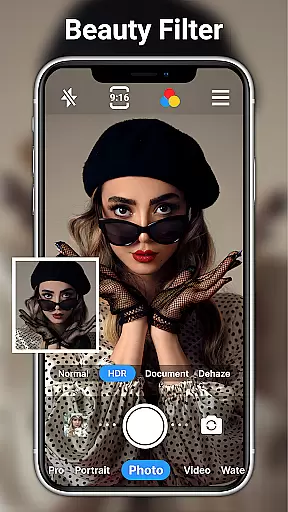
AI beauty and enhancement features have become a staple in modern photography apps, offering users the ability to enhance their photos naturally. HD Camera for Android stands out by integrating advanced AI algorithms that intelligently retouch facial features while maintaining authenticity.
The app provides one-click facial retouch options that smooth skin textures, brighten eyes, and whiten teeth without over-processing. This ensures that edited photos retain their natural look, preserving genuine expressions and emotions captured during the moment.
Additionally, the inclusion of AI palettes and restoration tools allows users to experiment with different styles and moods. Whether adding text, stickers, or applying filters, these enhancements elevate the overall aesthetic appeal of photos, making them more engaging and visually appealing without compromising on realism.
User-friendly interface
Professional-grade tools
Extensive filter options
Advanced editing features
Completely free
May drain battery quickly
Occasional crashes reported
Interface could be overwhelming
Limited customer support
Heavy storage usage

[3DSteroid Pro] is a stereoscopic application for Android.
 4.30
4.30
How old age camera Gender Swap App Face Shape Hairstyle App Hair Styler App fun!
4.00
Take videos and pictures with the popular TikTok TIME WARP SCAN filter.
4.60
The #1 app for B&W film developing featuring an advanced darkroom timer.
4.10
Photo Exif Editor allows to view, add and modify EXIF data of multiple photos
4.50
Professional quality photo edits with the new Snapseed.
4.00
Use AI Video Generator to turn your words to ai generated videos.
4.50
AI-powered video creator by MiniMax - Where ideas meet cinema
4.20
Unlock the full potential of your DJI drone with Litchi
4.50
Enhance, retouch & create your story - Share the moment with Photoshop Express.
4.60
AI photo enhancer with Sora 2! Enhance, descratch, and colorize your old photos.
4.50
Photo editor & gallery. Crop pictures & edit photos offline, no wifi!
4.50
Search, tag and rate your way to an organized image gallery
4.40
Future baby face generator: AI kids generator, kid face! What my baby look like?
4.40
Transform Photos: Edit, Beautify and Craft Memories & Make Collages!
4.10
Turn photos into cartoons & avatars! - Photo Editor, Cartoon Face!
3.90
Remote control of the phone camera from your Wear OS smartwatch
3.70
Pet Camera
3.70
Create amazing frames with up to five photos. Rounded corners, effects and more!
3.60


User Reviews