
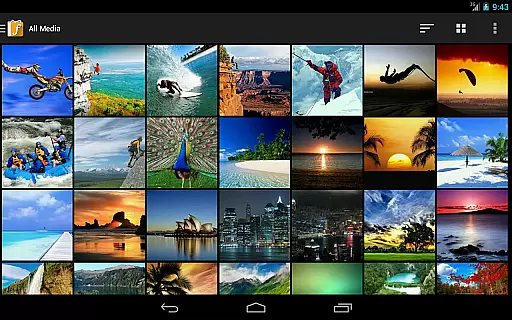
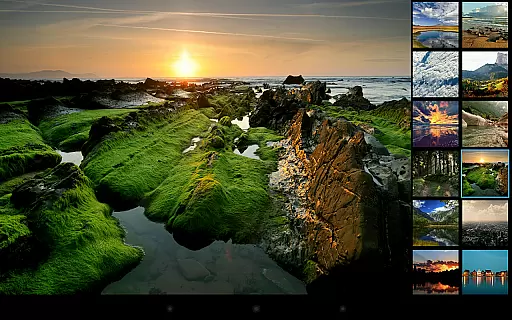
F-Stop Pro is a premium unlock key that enhances the free version of F-Stop Media Gallery, offering advanced photography management features. This app allows users to fully utilize tools like Google Maps integration for media location tracking and advanced search capabilities.
With F-Stop Pro, photographers can write metadata directly into JPG files or sidecar files, customize sorting and navigation, and create nested albums and bookmarks. The app also provides complete theme customization and smart album conditions, making it an indispensable tool for organizing and managing large photo collections.
Ideal for professional and amateur photographers alike, F-Stop Pro streamlines workflow by providing powerful organizational tools that save time and enhance productivity. Whether you need to manage tags, ratings, or specific file types, this app ensures your media library remains perfectly organized.
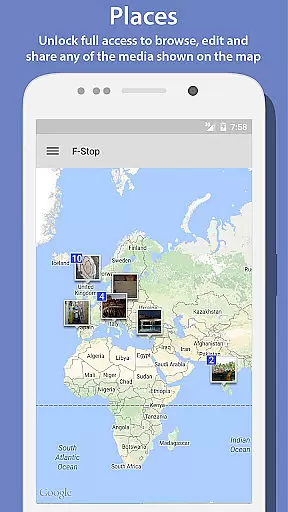
F-Stop Pro offers an array of sophisticated features designed specifically for photographers who demand more control over their digital assets. One standout feature is the Places functionality, which uses Google Maps to display media locations, allowing full access to browse, edit, and share geotagged photos.
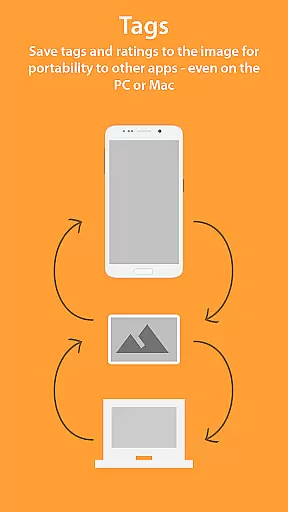
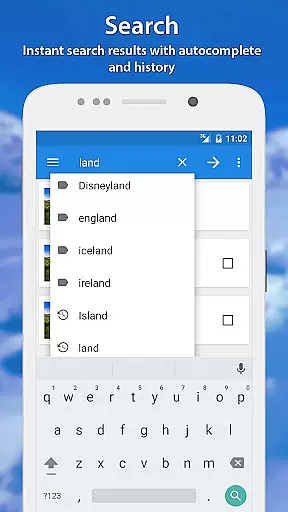
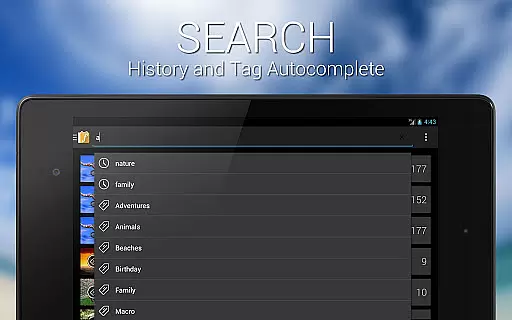
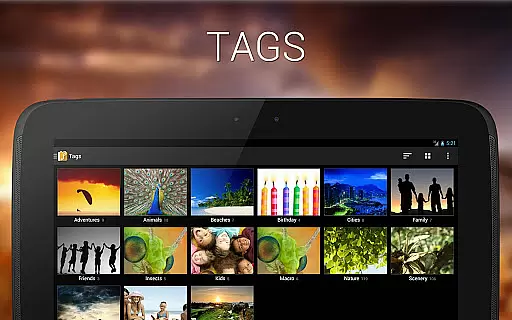
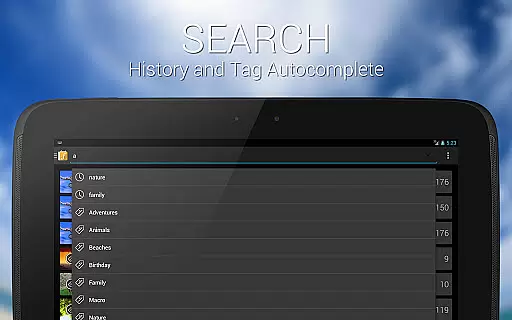
The app's Search function returns unlimited results based on user-defined criteria, unlike the limited results in the free version. Additionally, the Write Metadata feature supports saving tags and ratings directly into JPGs or creating sidecar files using the XMP standard, ensuring compatibility with major photo editing software like Adobe Lightroom and Apple Aperture.
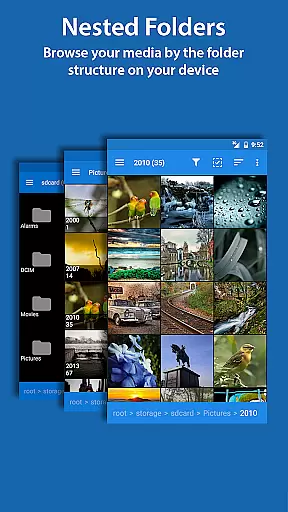
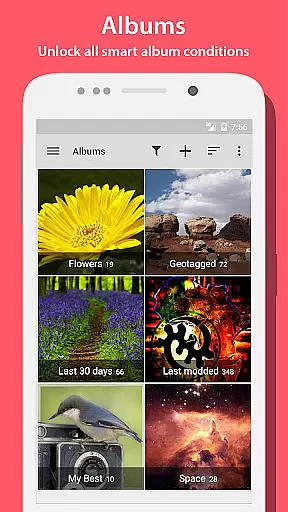
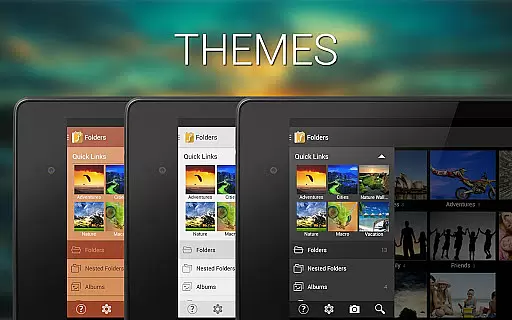
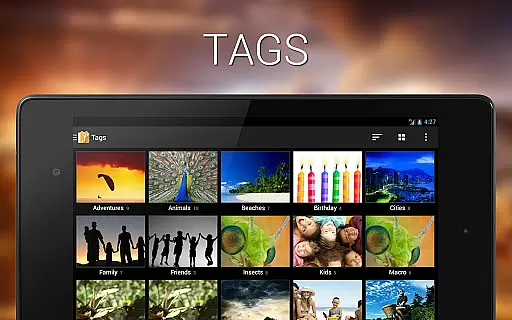
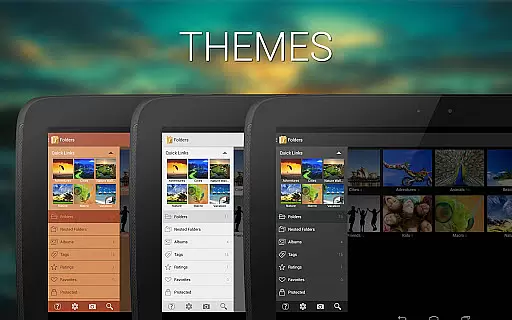
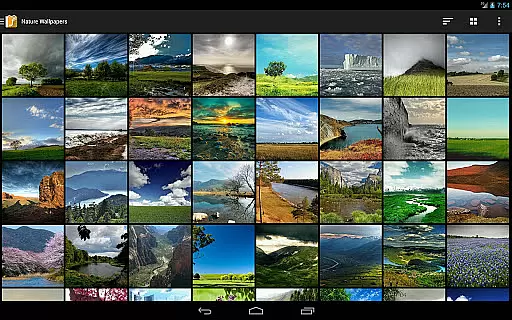
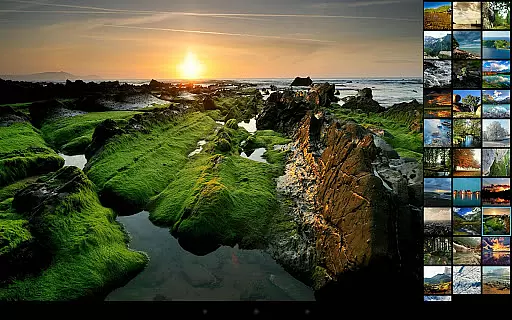
Custom Sorting lets users arrange media via drag-and-drop, while Custom Navigation Drawer and Bookmarks provide personalized access points within the app. Themes allow aesthetic customization, and Nested Folders/Albums help maintain complex folder structures. Smart Albums offer dynamic organization options based on various conditions, further enhancing usability.
Real-time capture and preview functionality is essential for ensuring that users can accurately frame and adjust their shots before taking a photo. In the case of Photo Album F-Stop Pro, this feature is implied through its advanced media handling capabilities.
The application provides powerful tools such as the Places feature, which allows users to browse, edit, and share media on a map interface. This interactive approach serves as a real-time preview of geotagged images, enhancing the user's ability to manage and curate their photo collection effectively.
Additionally, the app supports writing metadata using the XMP standard, enabling users to save tags and ratings directly into JPG images or sidecar files. This ensures that any adjustments or annotations are preserved and can be accessed in real time across different platforms and software, maintaining consistency and accuracy in media management.
Overall, the real-time capture and preview elements integrated into Photo Album F-Stop Pro empower users with precise control over their media, streamlining workflows and improving the quality of their photographic projects.
AI beauty and enhancement features have become increasingly popular in photography apps, allowing users to refine and perfect their images with minimal effort. Photo Album F-Stop Pro offers several functionalities that contribute to natural-looking enhancements.
One standout feature is the ability to write metadata directly into images using the XMP standard. This not only preserves the integrity of the original image but also allows for non-destructive editing, ensuring that enhancements look natural and do not compromise image quality.
Moreover, the Custom Sorting and Nested Albums features enable users to organize their media thoughtfully. By arranging photos in a personalized order or creating thematic albums, users can highlight the most aesthetically pleasing images, subtly enhancing the overall presentation without artificial alterations.
While Photo Album F-Stop Pro may not offer traditional AI-driven beautification tools, its robust organizational and metadata handling capabilities ensure that users can achieve naturally enhanced results, preserving the authenticity and artistic intent of their photographs.
Advanced photo management
Unlimited search results
Metadata writing support
Customizable interface
Nested albums and folders
Requires free version
No standalone use
KitKat write issues
Premium cost
Device-specific bugs

[3DSteroid Pro] is a stereoscopic application for Android.
 4.30
4.30
Photo prints, cards, & gifts at Walgreens. Easy ordering & fast local pickup !
4.80
Photo editor: AI filters, photo enhancer, pic collage maker, AI art generator.
4.80
USB Storage Access for Photos, Videos, Music and Documents
3.80
Professional photography on your mobile phone
4.20
Easily view, share, delete photos with Gallery.
4.70
Transform Photos: Edit, Beautify and Craft Memories & Make Collages!
4.10
Professional camera app that brings DSLR manual photography controls to Android.
4.20
Enhance, upscale, and transform your images — on your device, without limits
4.70
Find time and duration of different sunlight phases at any location
4.90
Gallery show photo, video, slideshow, is perfect 3D effect private photo albums.
4.80
Perfect body tune & face app - photo retouch, makeup, slim body & beautify face.
4.80
Automatically backup your photos and videos to computer, NAS and Cloud services
4.60
Add Watermark - Sign your pictures with a text or logo. Effective, quick, easy!
4.50
Photo editor & gallery. Crop pictures & edit photos offline, no wifi!
4.50
AI photo enhancer with Sora 2! Enhance, descratch, and colorize your old photos.
4.50
Luminar: Photo Editor - easy picture editing with AI
4.20
All-in-One Editor & AI Photo Enhancer, Collage, Cartoonify, Funny Stickers & BGS
4.10
Long exposure camera with computational photography
2.60


User Reviews