
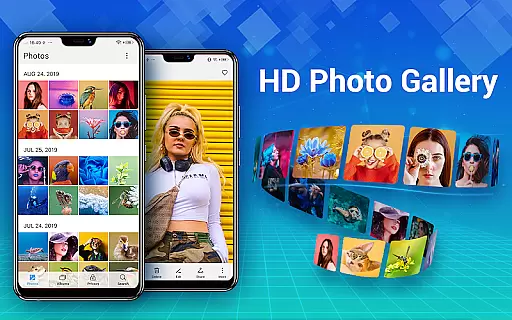
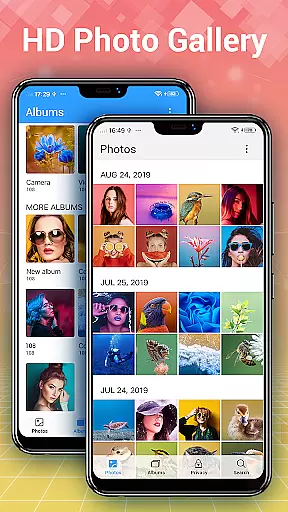
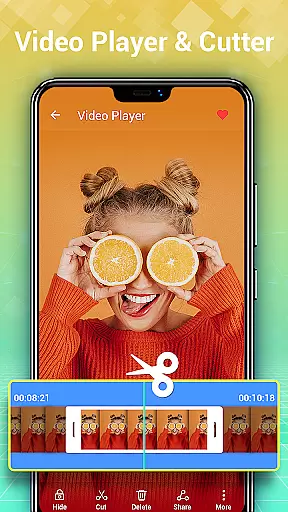
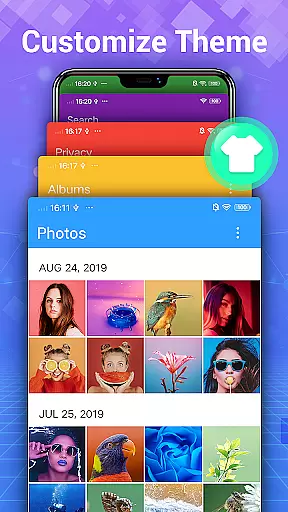
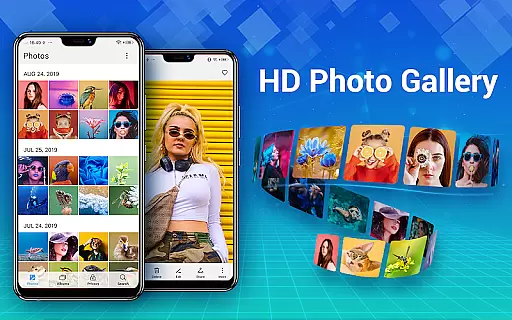
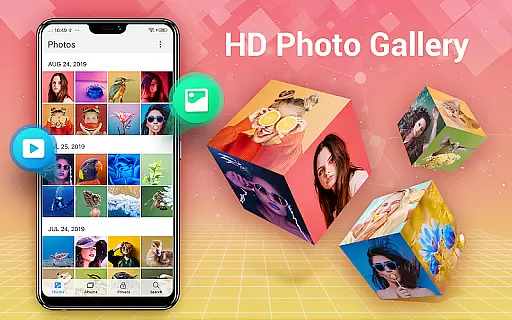
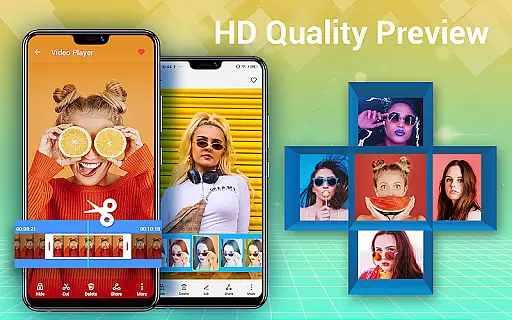
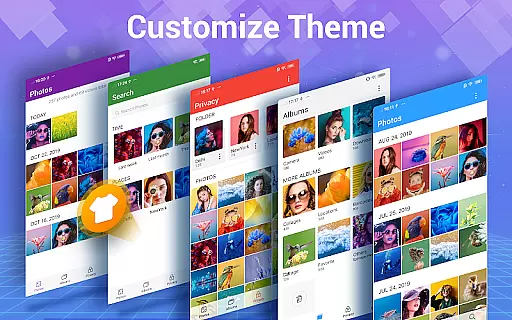
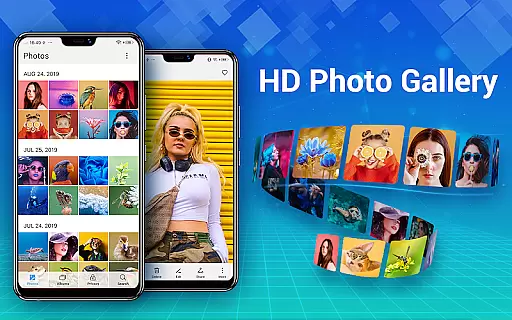
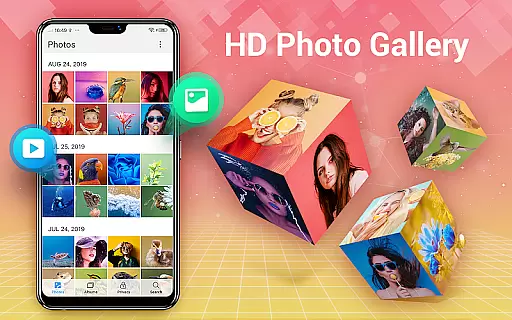
Photo Gallery is a comprehensive photography app designed to manage, organize, and enhance your photo and video collections. This app automatically organizes photos, videos, albums, and GIFs, making it easy to find and share your media. With features like album creation, favorite tagging, and HD browsing, users can efficiently manage their galleries. The app also supports folders and SD cards, allowing flexible organization and easy transfer of media files.
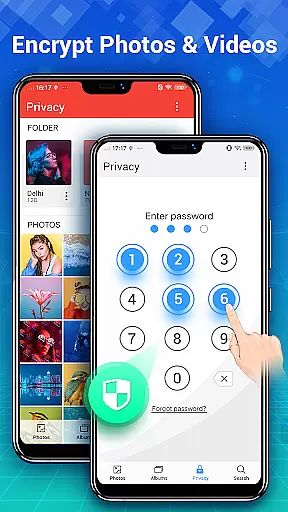
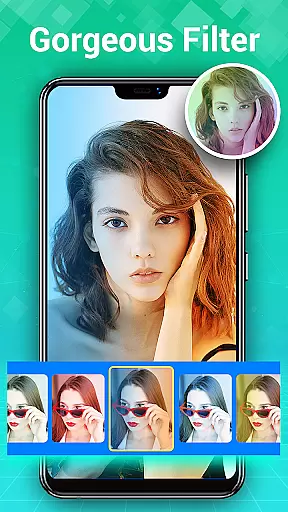
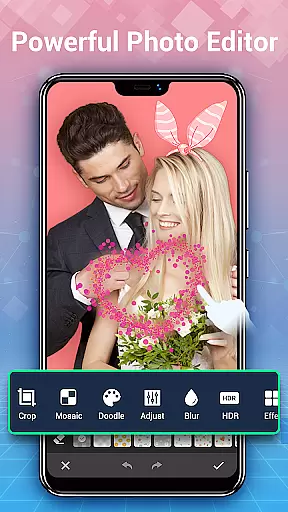
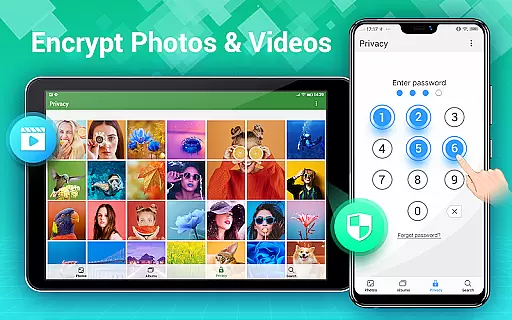
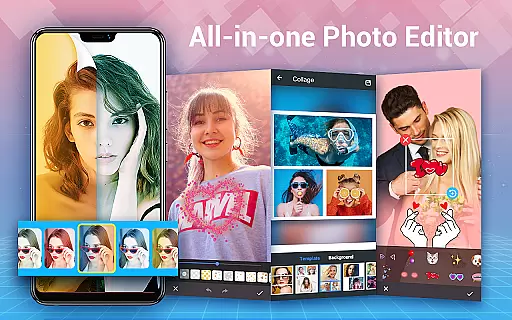
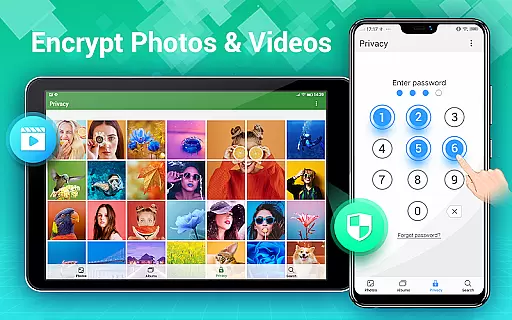
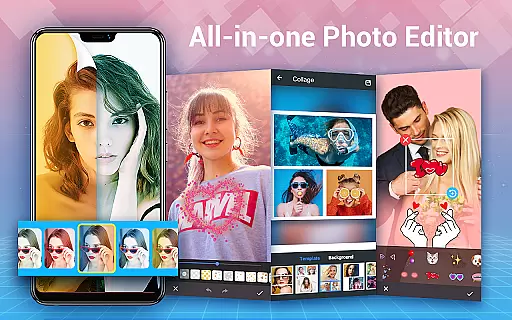
In addition to organization, Photo Gallery offers privacy protection by enabling users to hide and encrypt sensitive content within a secure vault. Only accessible via password, this feature ensures that private photos and videos remain confidential. Furthermore, the app includes powerful editing tools for enhancing images with filters, lighting adjustments, stickers, text, and more. Users can create stunning photo collages with various templates and styles, perfect for sharing on social media platforms.
Whether you're looking to manage your media library, protect your privacy, or edit and share creative content, Photo Gallery provides an all-in-one solution tailored for Android users.
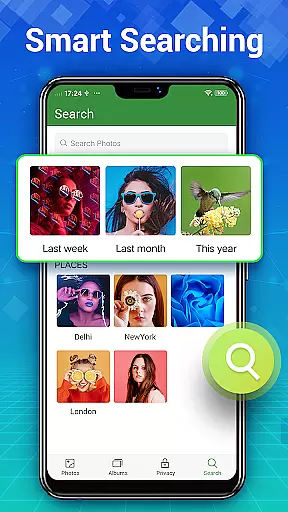
Photo Gallery stands out with its robust set of features designed to enhance user experience. One of its core functionalities is automatic organization, which allows users to quickly locate photos and videos through smart categorization. Users can create custom albums, tag favorites, and browse media in HD. The app's support for folders and SD cards adds another layer of flexibility, enabling users to organize their files as they see fit and easily transfer them between devices.
Privacy is a significant focus of Photo Gallery, offering a secure gallery lock feature. This functionality lets users hide and encrypt private photos and videos, ensuring they remain unseen in the system gallery and other apps. Accessible only through a password, this vault provides peace of mind for safeguarding sensitive content. Additionally, the app includes a powerful photo editor equipped with auto-enhance capabilities, intuitive adjustment tools, and creative options like stickers and text overlays.
For those who enjoy crafting visual stories, Photo Gallery includes a photo collage maker. This feature allows users to select multiple images and combine them into stylish collages using various templates and backgrounds. Whether you're managing your media library, protecting your privacy, or creating artistic content, Photo Gallery delivers a versatile and user-friendly experience.
Real-time capture and preview functionality is essential for photography apps as it allows users to frame and adjust their shots accurately before capturing. Photo Gallery - Album, Vault offers a seamless experience by providing instant feedback on the device's camera viewfinder.
This application ensures that what you see on the screen is exactly what you get in your photo, with accurate color representation and exposure settings. The app supports quick switching between front and rear cameras, flash settings, and HDR modes, giving photographers flexibility and control over their shooting environment.
Users benefit from real-time filters and effects that can be applied directly within the capture interface. This immediate visual enhancement lets users experiment with creative styles without needing to edit photos afterward, saving time and enhancing productivity.
The reliability of real-time previews also extends to video recording, where smooth playback and precise audio monitoring are crucial. With this feature, content creators can trust that their multimedia projects will meet professional standards right from the start.
AI-powered beauty and enhancement features have become a staple in modern photography applications, offering users the ability to refine and perfect their images effortlessly. Photo Gallery - Album, Vault leverages advanced algorithms to provide natural-looking enhancements that preserve the authenticity of each photo.
The AI beauty tools intelligently detect facial features and apply subtle adjustments to skin tone, blemishes, and lighting conditions. Unlike heavy-handed filters, these enhancements maintain the unique characteristics of the subject, ensuring that edited photos still look genuine and unaltered.
In addition to facial retouching, the app includes scene optimization capabilities that enhance landscapes, cityscapes, and other environments. By analyzing various elements within an image, the AI can boost colors, contrast, and sharpness while avoiding artificial appearances that detract from the original composition.
With customizable intensity levels, users have full control over how much enhancement they wish to apply. This flexibility caters to both amateur photographers looking for quick fixes and professionals seeking fine-tuned edits, making Photo Gallery - Album, Vault a versatile choice for all skill levels.
User-friendly interface
Powerful editing tools
Secure gallery lock
Flexible organization options
HD browsing and slideshow
Requires storage permission
May drain battery
Some features are premium
Occasional bugs
Ads in free version

Remote control of the phone camera from your Wear OS smartwatch
 3.70
3.70
All-in-One Editor & AI Photo Enhancer, Beautify & Retouch, Collage, Cartoonify
4.20
Shooting photos and records video easily and efficient with professional Camera
4.30
Find time and duration of different sunlight phases at any location
4.90
Application for remote controlling DSLR
3.00
How old age camera Gender Swap App Face Shape Hairstyle App Hair Styler App fun!
4.00
AI photo editor with hair editor, retouch tools, hair color changer & filters!
4.50
The #1 app for B&W film developing featuring an advanced darkroom timer.
4.10
Transform Photos: Edit, Beautify and Craft Memories & Make Collages!
4.10
A collection of tools and reference tables for DPs, ACs, DITs and Operators.
4.70
Android Native system HD camera app. Never been so simple and faster.
4.70
Easily view, share, delete photos with Gallery.
4.70
Your personal guide to the sun and moon. Plan ahead, visualize and predict!
4.70
Fit multiple photos on one post. Create carousels & scroll layouts for Instagram
4.50
Future baby face generator: AI kids generator, kid face! What my baby look like?
4.40
RAW video capture with advanced controls
4.40
Turn your phone into a professional camera - full DSLR manual photography
4.30
Catch sunlight, sunrise sunset times and sun phases with the AR sun tracker.
4.10
Raw Image Viewer. Gallery with support of raw images (.cr3, .cr2, .nef, .raf).
2.00


User Reviews