
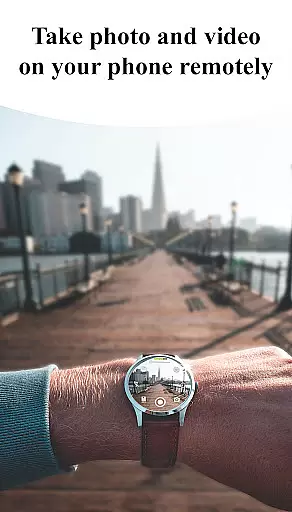
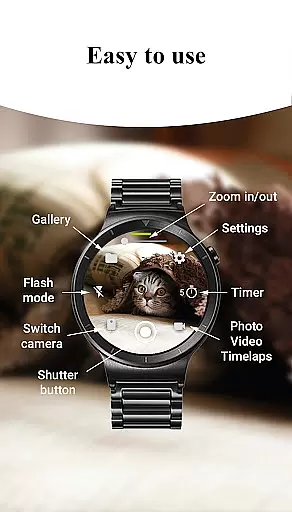
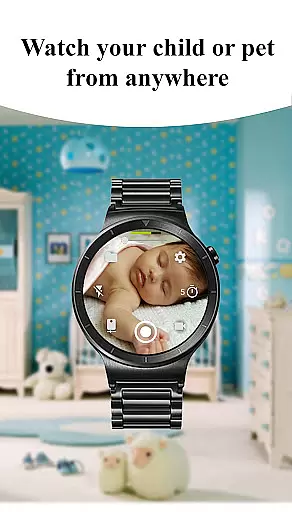
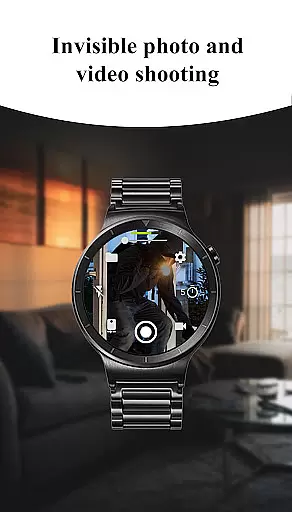
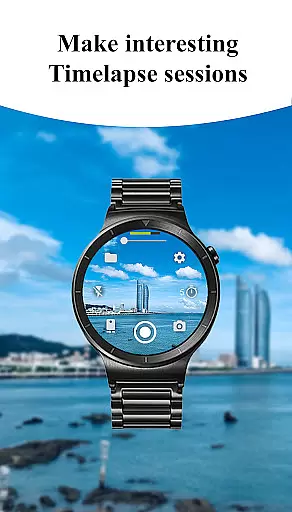
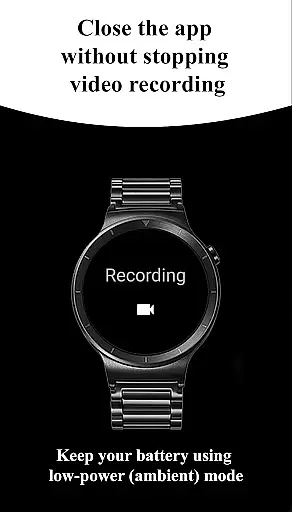
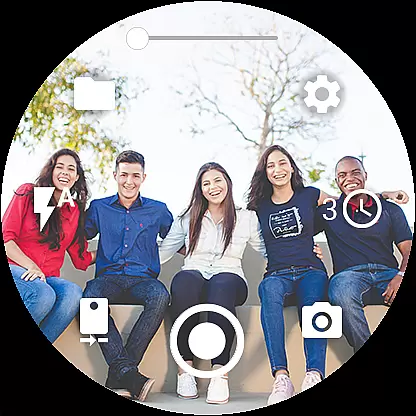
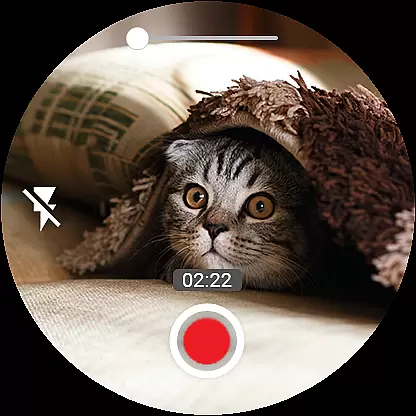

Camera Control for Wear OS is a powerful photography app that allows users to control their phone's camera directly from a Wear OS smartwatch. The app offers three shooting modes including photo capture, video recording, and timelapse creation, providing users with versatile options for capturing moments. With advanced camera modes such as Bokeh, HDR, Night, and Auto, the app ensures enhanced image quality tailored to different lighting conditions.
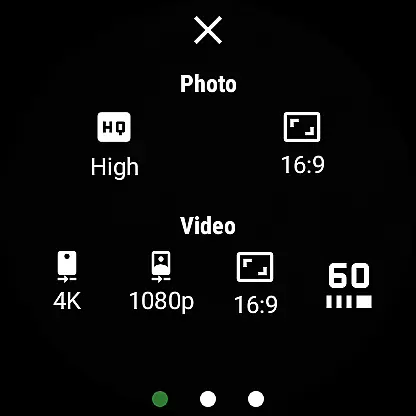
In addition to its core functionalities, Camera Control for Wear OS provides practical features like timer setup, flash and flashlight control, and quick camera switching between front and rear cameras. Users can adjust photo and video quality settings, control zoom, and choose from various aspect ratios directly from their smartwatch. This comprehensive suite of tools makes the app an invaluable companion for photographers seeking convenience and flexibility in their creative process.
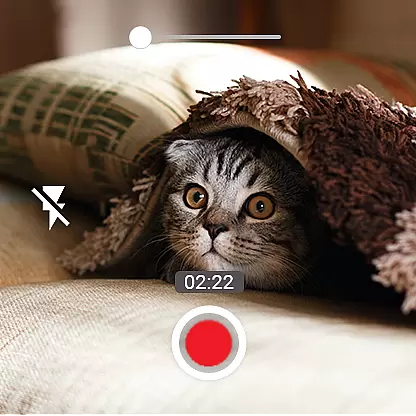
One of the standout features of Camera Control for Wear OS is its diverse shooting capabilities. The app supports three distinct shooting modes - photo, video, and timelapse - each designed to cater to specific user needs. For video enthusiasts, the app offers high-framerate recording at 30 or 60 frames per second, along with stunning 4K resolution support on compatible devices. These features ensure professional-grade footage quality while maintaining ease of use.
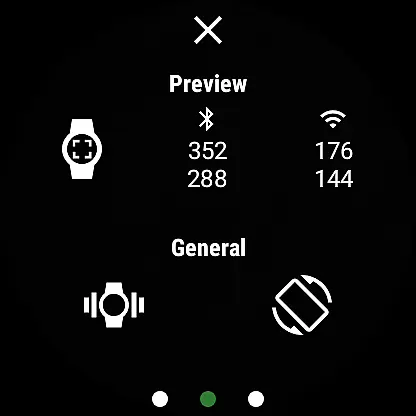
The app also excels in providing precise control over camera settings. Users can adjust photo and video quality, manage flash and flashlight modes, and switch between front and rear cameras effortlessly. Additional features include geotagging functionality, camera orientation lock, and wireless connectivity through Bluetooth and Wi-Fi. With its intuitive gesture and button controls, Camera Control for Wear OS delivers a seamless user experience that enhances the overall photography workflow.
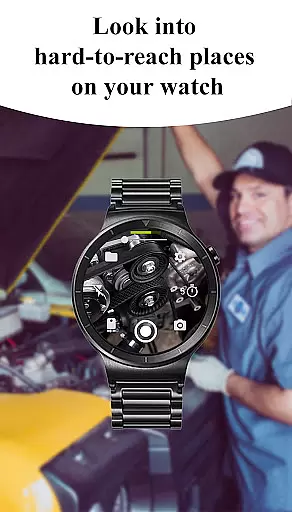
Real-time capture and preview functionality is essential for ensuring that users can take photos or record videos with precision and confidence. The Camera Control for Wear OS app excels in this area by providing a seamless connection between your smartwatch and phone, allowing you to control the camera directly from your wrist.
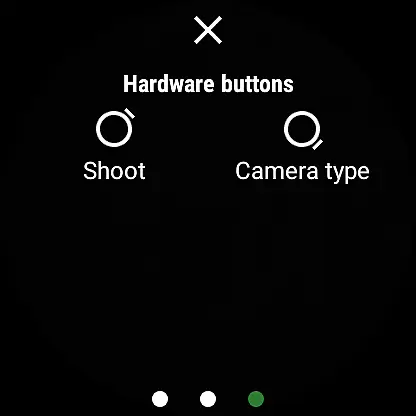
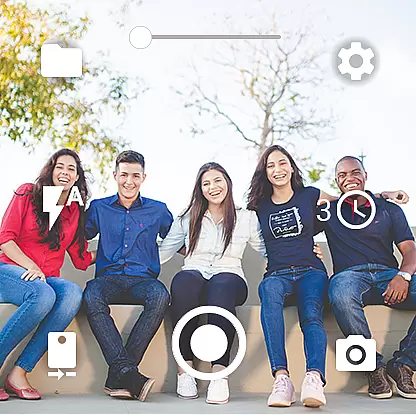
This application offers an intuitive interface on your Wear OS device, enabling you to switch between front and rear cameras, adjust zoom levels, set timers, and manage flash settings effortlessly. With real-time feedback displayed on your watch, you can frame shots perfectly without needing to hold or even look at your phone.
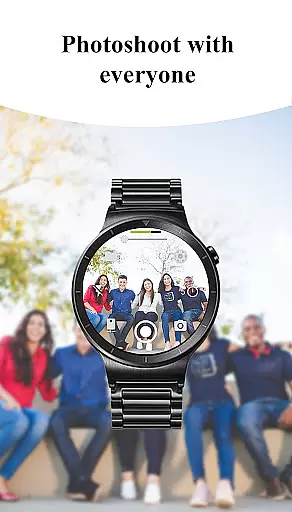
The benefits of using this feature are numerous. You gain the freedom to capture moments from unique angles and distances while enjoying enhanced mobility during shoots. Whether it's taking group selfies without awkward arm extensions or recording timelapse sessions hands-free, the ability to see what your phone sees right on your watch makes photography more versatile than ever before.
AI beauty and enhancement features have become increasingly popular among photography enthusiasts who seek natural-looking improvements in their images. While Camera Control for Wear OS does not explicitly market itself as an AI-powered beautification tool, its advanced camera modes such as Bokeh, HDR, Night mode contribute significantly towards capturing high-quality photos with minimal post-processing required.
These sophisticated modes work together to optimize image quality based on various shooting conditions. For instance, Bokeh mode creates professional-grade background blur effects that highlight subjects naturally; HDR enhances dynamic range resulting in balanced exposures across different lighting scenarios; Night mode captures stunning low-light photographs without excessive noise or graininess.
By leveraging these capabilities through your smartwatch interface, you ensure every shot taken benefits from cutting-edge technology designed to enhance visual appeal authentically. This approach allows users to focus on creativity rather than technical adjustments u2013 ultimately leading to more satisfying photographic experiences where each picture tells a story just as intended.
User-friendly interface
Comprehensive shooting modes
Advanced camera settings
Wireless connectivity options
Professional-grade features
Limited device compatibility
Requires Wear OS smartwatch
Some features may vary
Potential connectivity issues
Dependent on phone's camera

AI portrait generator and polaroid AI selfie, fun AI generated AI photo creator!
 4.30
4.30
[3DSteroid Pro] is a stereoscopic application for Android.
4.30
Take videos and pictures with the popular TikTok TIME WARP SCAN filter.
4.60
Gallery Slideshow is slideshow maker app for slideshow from your gallery photos.
3.90
Create AI photos & videos with Enhancer; restore, fix, beautify, enhance photos
4.50
Astrophotography with your smartphone, photo live stacking and much more!
3.90
A light meter for true photographers.
4.20
PhotoSync Bundle Add-On License. Enables all features and services in PhotoSync.
4.60
Photo & Video Gallery app to manage albums and save WA Status easily.
4.70
Photo editor: AI filters, photo enhancer, pic collage maker, AI art generator.
4.80
See your baby AI baby face generator AI baby maker Face generator babymaker fun!
4.70
Enhance, upscale, and transform your images — on your device, without limits
4.70
Viewfinder, Light meter, Reciprocity failure time, DOF & Bellows Extension
4.60
Use AI Video Generator to turn your words to ai generated videos.
4.50
Turn your phone into a professional camera - full DSLR manual photography
4.30
Luminar: Photo Editor - easy picture editing with AI
4.20
Transform Photos: Edit, Beautify and Craft Memories & Make Collages!
4.10
An interval timer to automate photo taking process for timelapse
2.90
Remote control the phone camera shutter from your smartwatch and take a picture
1.60


User Reviews