
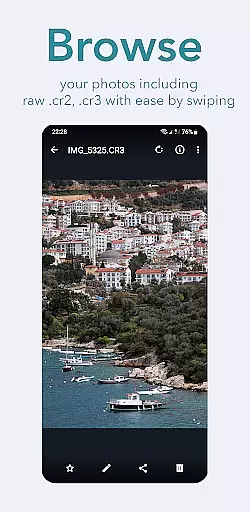
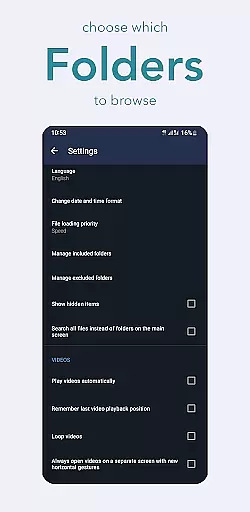
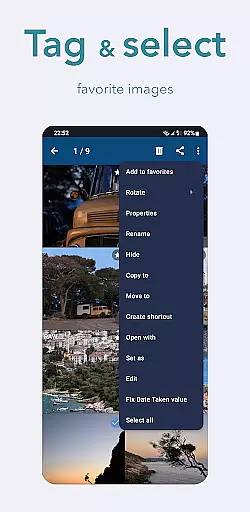
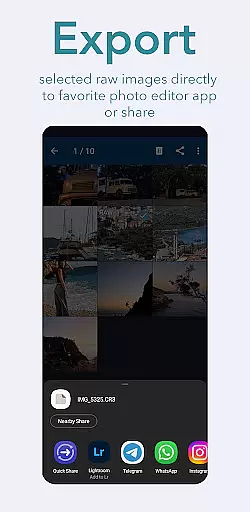
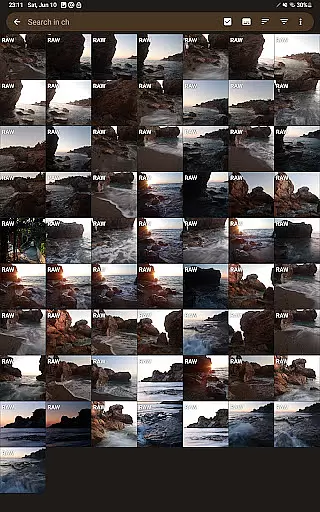
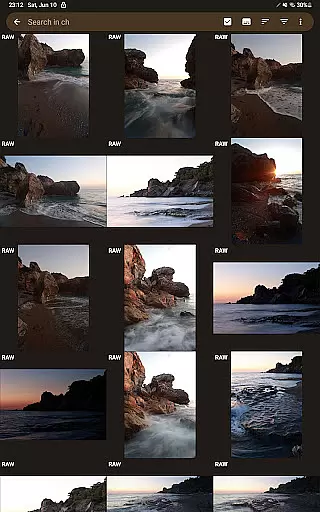
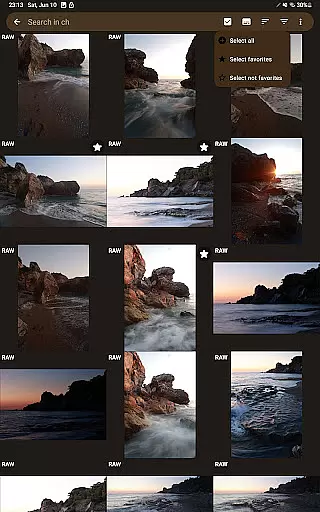
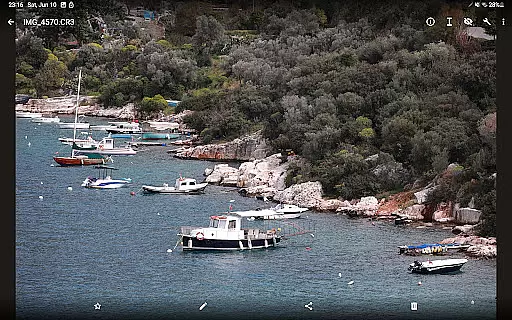
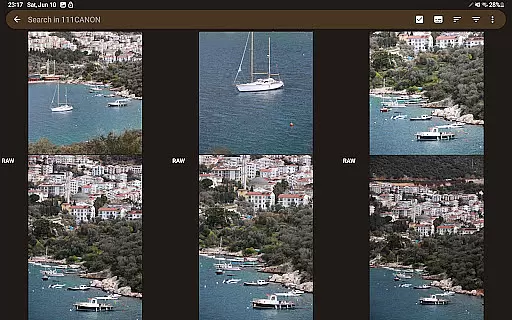
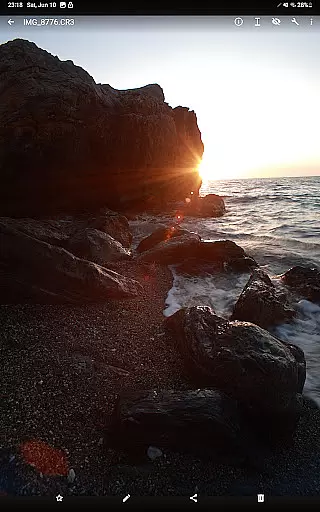
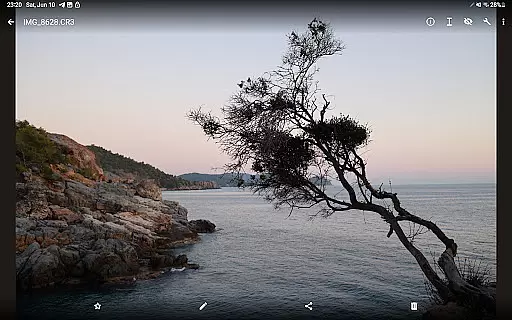

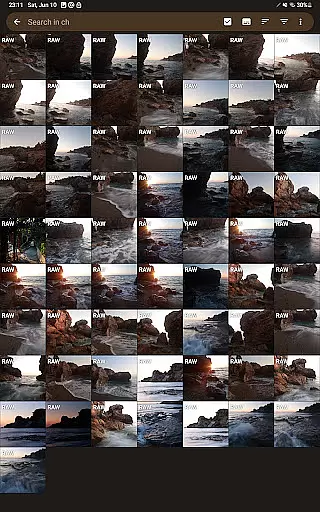
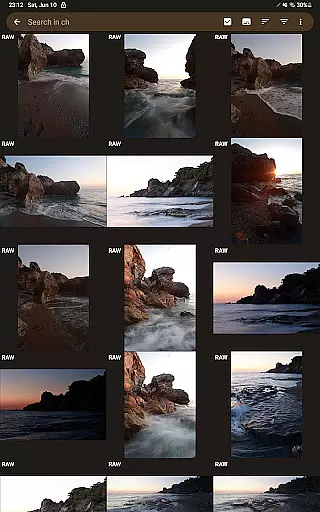
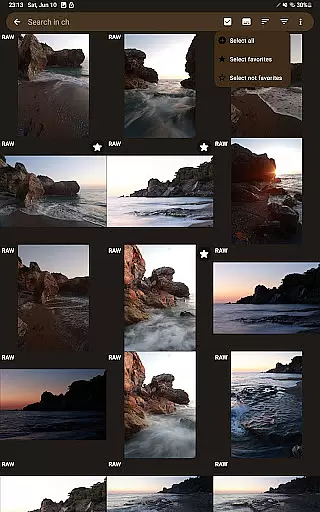
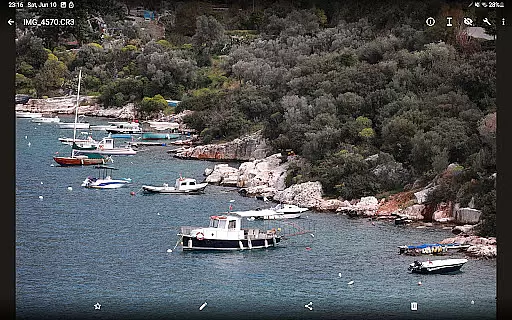
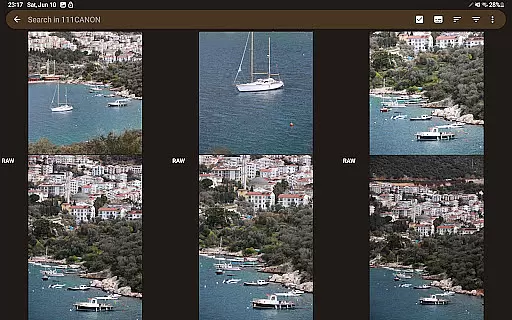
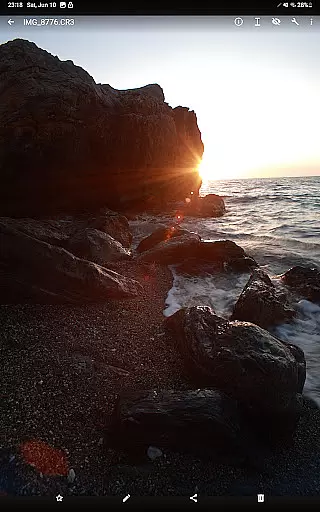
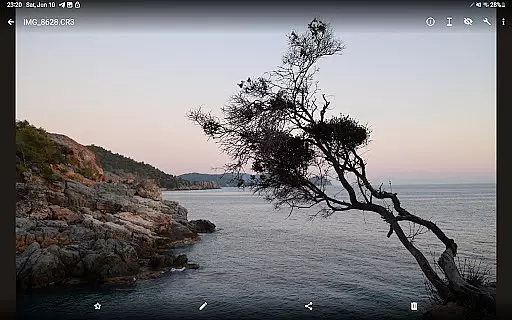

GalleryRAW is a specialized photography application designed for professional photographers and enthusiasts who need to manage and view raw image files on their Android devices. The app supports major raw formats including .cr2, .cr3, .nef, and .raf from leading camera brands like Canon, Nikon, Sony, and Fujifilm.
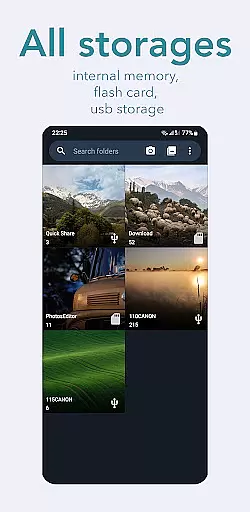
Beyond basic viewing, GalleryRAW functions as a comprehensive file manager that allows users to import, view, and transfer raw images between USB storage devices and their mobile device. This makes it particularly useful for photographers who need to quickly review and select photos from large batches stored on external drives or camera flash cards.
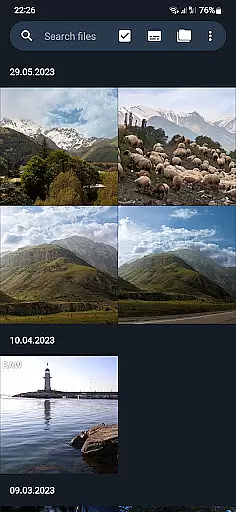
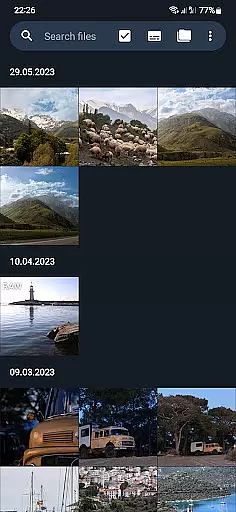
The app's standout feature is its ability to handle thousands of raw images efficiently. Users can swipe through full-screen previews, select desired photos, and copy them to the device's internal memory. This functionality streamlines the photo selection process while helping manage storage space by enabling deletion of unwanted images directly from external USB devices.
GalleryRAW distinguishes itself through several advanced features tailored for professional photography workflows. Its core capability lies in supporting multiple raw image formats (.cr2, .cr3, .nef, .raf) across different camera manufacturers, making it an indispensable tool for photographers working with various equipment.
The application's file management system is particularly robust. It enables seamless interaction with external USB storage devices, including HDD/SSD disks and camera flash drives connected via USB adapters. This functionality allows users to not only view but also transfer raw files between devices, creating a mobile workstation for photo management.
Additional features include full-screen mode with swipe navigation for efficient browsing through large image collections, batch selection tools for managing hundreds or thousands of photos, and integrated storage management capabilities. These tools help photographers optimize their workflow by enabling selective copying of preferred images to local storage while providing options to remove unwanted files from external devices.
GalleryRAW offers a unique real-time capture and preview feature that allows photographers to instantly view their raw images from professional cameras on their Android devices. This functionality is crucial for those who need to assess their shots immediately after capture without the need for a computer.
The application supports various raw image formats such as .cr2, .cr3, .nef, and .raf, ensuring compatibility with Canon, Nikon, Sony, and Fujifilm cameras. Users can conveniently swipe through hundreds or even thousands of photos in full-screen mode, making it easy to review large volumes of work efficiently.
With its intuitive interface, GalleryRAW simplifies the process of selecting only the best shots from a shoot. Photographers can choose specific images they wish to keep, copy them to their device's internal memory, and delete unwanted files directly from an external USB storage to free up space for new captures.
While GalleryRAW focuses primarily on raw image viewing and management, it also incorporates basic AI beauty and enhancement features that maintain the natural quality of photographs. These enhancements are subtle yet effective, providing users with tools to improve their images without compromising authenticity.
The app ensures that any adjustments made to photos retain the original details captured by high-end cameras. By avoiding heavy-handed filters or effects, GalleryRAW preserves the integrity of professional photography work while still offering options for minor touch-ups and corrections.
This balance between enhancement and naturalness makes GalleryRAW suitable for both amateur enthusiasts and seasoned professionals who demand precision and control over their photographic output. The ability to make these adjustments on-the-go adds significant value for users who require quick edits before sharing or further processing.
User-friendly interface
Wide format compatibility
Efficient file management
Batch processing capabilities
Professional-grade tools
Limited editing features
No cloud integration
Premium feature costs
Occasional performance issues
Steep learning curve

Effortlessly organize, view and share your photos & videos with Gallery app!
 4.40
4.40
Gallery show photo, video, slideshow, is perfect 3D effect private photo albums.
4.80
Superimpose one photo on top of another using the original Superimpose app!
3.20
Create amazing frames with up to five photos. Rounded corners, effects and more!
3.60
Add a dreamy vibe to your selfies and videos with soft style filters
4.4
Turn photos into cartoons & avatars! - Photo Editor, Cartoon Face!
3.90
Pro version: AR sun/moon tracker for any date. Tool for photographers & planners
4.90
Discover How to Plan any Sun, Moon and Milky Way Photo You Imagine in Seconds
4.70
Edit photos with the picture generator: PS2 & AI Clay filters, cartoon effects.
4.50
Create funny photos and videos with the popular Time Warp Scan filter.
4.90
Photo prints, cards, & gifts at Walgreens. Easy ordering & fast local pickup !
4.80
AI Photo Editor with 100+ Filters, Effects! Remove BG, Retouch & Photo Enhancer.
4.80
Amazing Photo Effects - The most fun you can have with your photos!
4.70
Cut and paste photo editor & eraser to customize photos easy and swap faces fun
4.50
AI photo editor with hair editor, retouch tools, hair color changer & filters!
4.50
A reflected light meter with spot metering and incident light metering.
4.40
Shooting photos and records video easily and efficient with professional Camera
4.30
The #1 app for B&W film developing featuring an advanced darkroom timer.
4.10
Hair color changer, AI haircut app, fun hair editor and buzz cut filter for all!
3.80


User Reviews