
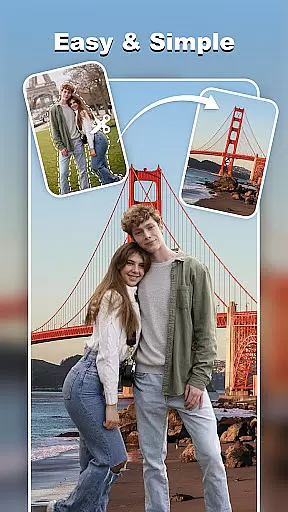
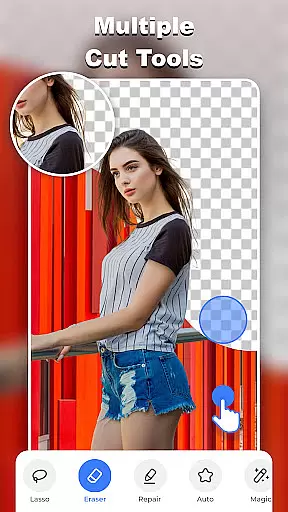
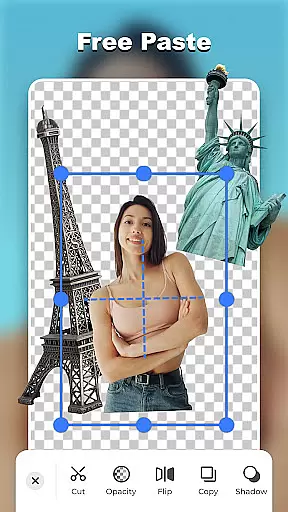
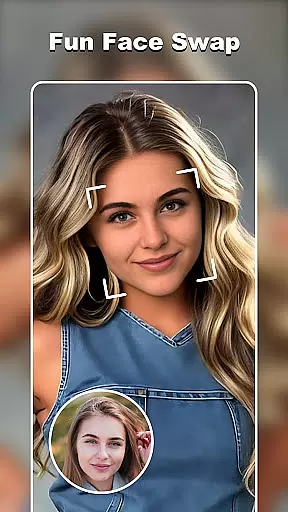

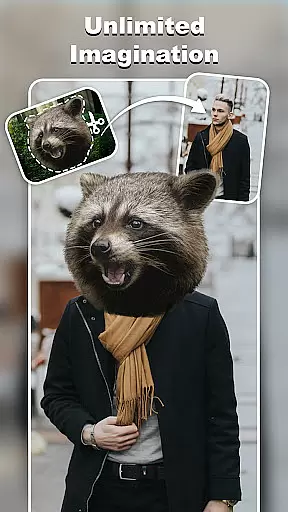
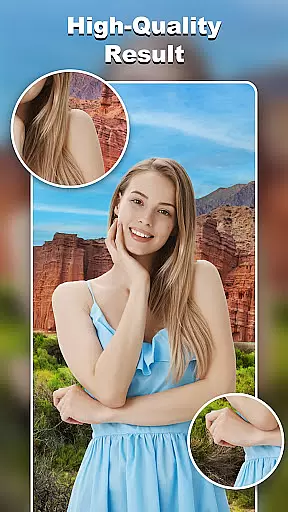
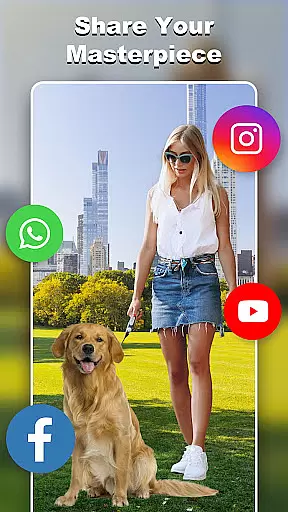
Cut and Paste Photo Editor is an innovative photography app that simplifies the process of cutting and pasting objects in photos. Powered by AI, it offers effortless editing with just two steps: cut what you need and paste where you want. This app allows users to create high-quality cutouts, perform face swaps, remove backgrounds, and more, all with precision and ease.
Whether you're looking to enhance your personal photos or prepare professional product images for e-commerce platforms like Amazon and Etsy, this app provides the tools necessary to produce stunning results. Its intuitive interface and powerful features make photo editing accessible to everyone, unleashing limitless creativity.
The Cut and Paste Photo Editor stands out with its comprehensive suite of editing tools. The magic cutting feature includes options such as background eraser, lasso, smooth, repair, auto-cut, and magic cut, enabling users to cut out any object with pixel-level accuracy. It also supports fun functionalities like face swap and AI art style transformations, allowing users to explore endless creative possibilities.
In addition to its cutting capabilities, the app offers a seamless pasting experience. Users can merge multiple elements to create imaginative compositions, adjust colors, add neon backgrounds, and utilize ready-to-use templates and decorations. With an online background library and text magic features, users can further personalize their creations, making each photo unique and eye-catching.
Real-time capture and preview functionality is essential for any photography app as it allows users to see exactly what they are capturing before taking the shot. Cut and Paste Photo Editor offers a seamless experience with its advanced AI-powered tools that ensure every detail is captured accurately.
The app provides users with an intuitive interface where they can leverage features like background eraser, lasso, smooth, repair, auto-cut, and magic cut in real time. This immediate feedback empowers users to make precise edits on the fly, ensuring their final image meets their expectations without any guesswork.
With real-time previews, users gain confidence in their editing choices, whether they're removing backgrounds, swapping faces, or applying artistic filters. The instant visualization of changes not only enhances user satisfaction but also streamlines the creative process by reducing the need for post-editing adjustments.
This feature's responsiveness and accuracy significantly enhance the overall user experience, making photo editing more accessible and enjoyable for both beginners and professionals alike.
AI beauty and enhancement features have become a staple in modern photo editing, allowing users to refine and perfect their images while maintaining a natural look. Cut and Paste Photo Editor excels in this area by offering sophisticated AI algorithms that intelligently enhance photos without over-processing them.
Users can take advantage of various tools such as face swap, background removal, and color adjustments that work harmoniously to create stunning yet believable results. These enhancements focus on preserving the authenticity of facial features and skin textures, ensuring that edited photos retain their original charm and character.
The app's AI-driven capabilities extend beyond basic retouching; it includes options for adding decorative elements, text captions, and ready-to-use templates that elevate the visual appeal of images. By providing these comprehensive editing solutions, Cut and Paste Photo Editor caters to diverse user needs, from casual editing to professional e-commerce photography.
Ultimately, the natural enhancement provided by this app ensures that users can achieve polished and attractive photos that still look genuine and unaltered, enhancing both personal and commercial projects effectively.
User-friendly interface
AI-powered editing tools
Versatile template options
High-quality results
Fun and creative features
Limited advanced tools
Occasional processing delays
Basic tutorial section
In-app purchases required
Ads may interrupt workflow

Effortlessly organize, view and share your photos & videos with Gallery app!
 4.40
4.40
[3DSteroid Pro] is a stereoscopic application for Android.
4.30
An interval timer to automate photo taking process for timelapse
2.90
Pet Camera
3.70
Cartoon and artistic effects for your photos and videos
4.70
The #1 app for B&W film developing featuring an advanced darkroom timer.
4.10
USB Storage Access for Photos, Videos, Music and Documents
3.80
Unblur, enhance & restore photos with powerful AI photo enhancer tools.
4.60
Professional camera app that brings DSLR manual photography controls to Android.
4.20
Gallery show photo, video, slideshow, is perfect 3D effect private photo albums.
4.80
Easily stitch panoramas from multiple photos or video.
4.40
AI portrait generator and polaroid AI selfie, fun AI generated AI photo creator!
4.30
Natural Beauty, Selfie Retouch
4.30
AI-powered video creator by MiniMax - Where ideas meet cinema
4.20
Create & Edit with AI: AI Remove, Enhance, Retouch, Filter
4.10
live datamoshing
4.00
Remote control of the phone camera from your Wear OS smartwatch
3.70
Application for remote controlling DSLR
3.00
Add a dreamy vibe to your selfies and videos with soft style filters
4.1


User Reviews