
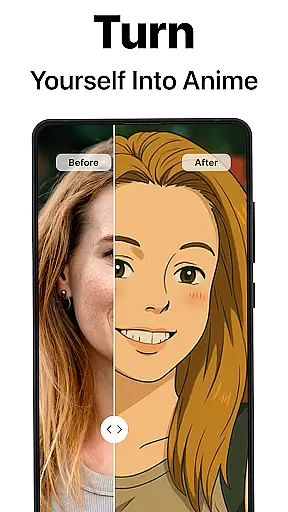
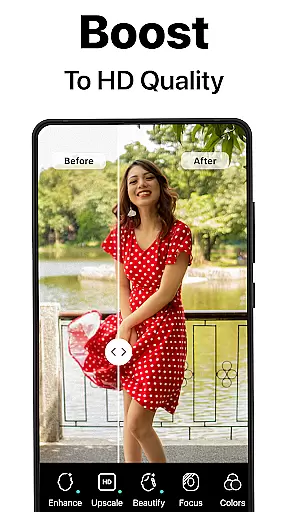
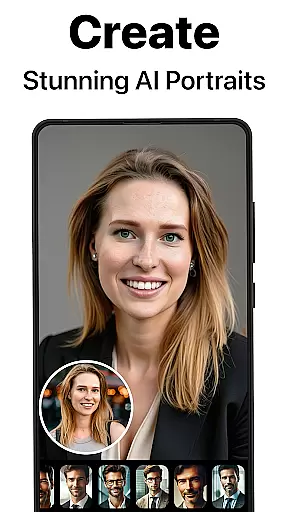
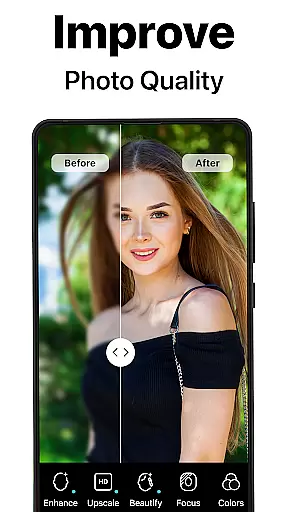
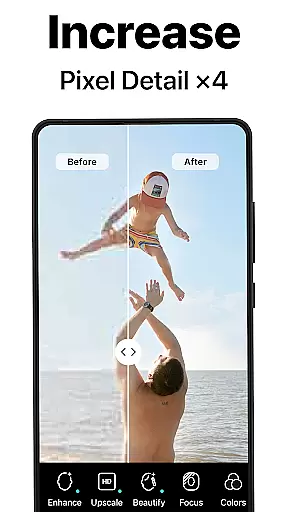
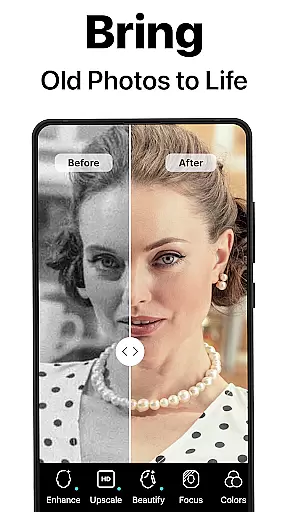
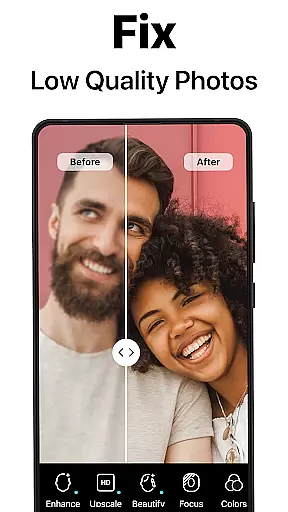
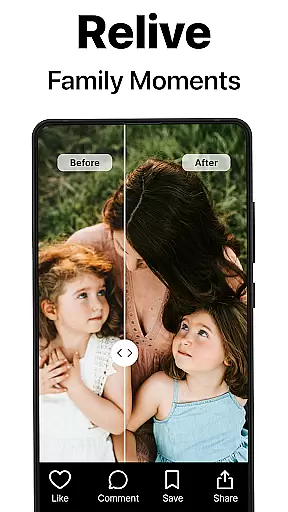
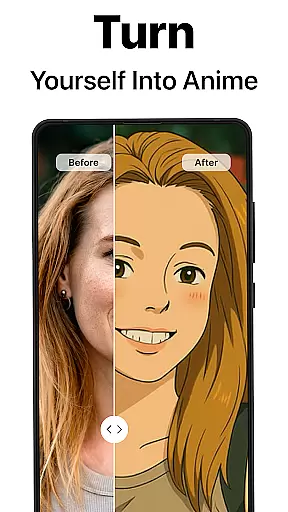
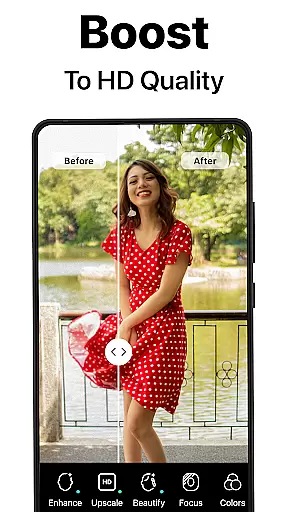
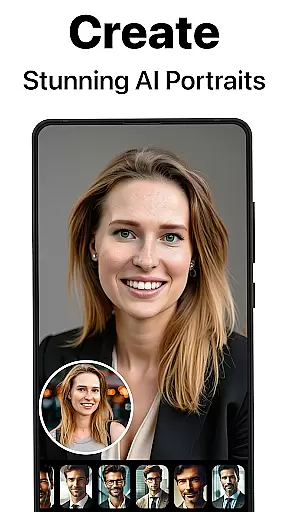
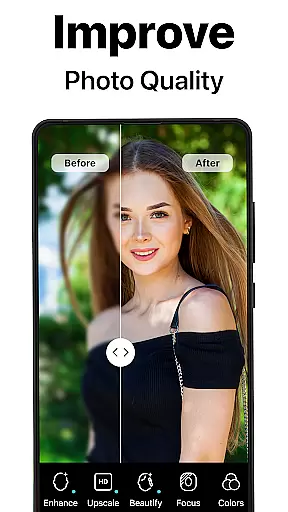
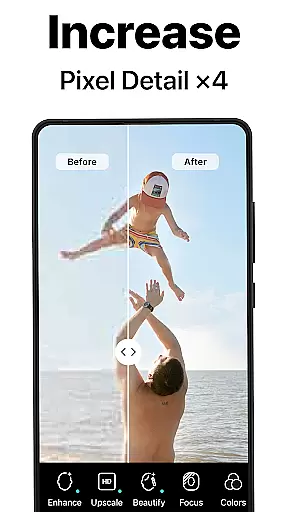
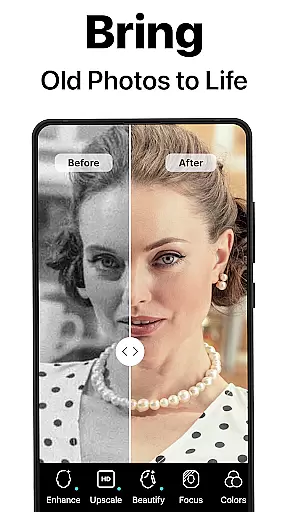
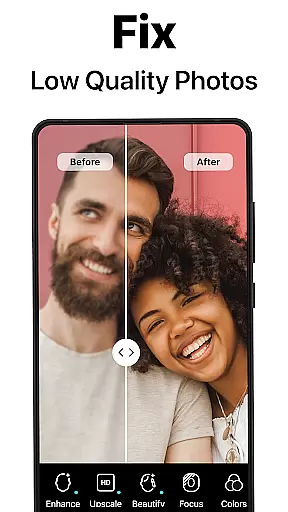
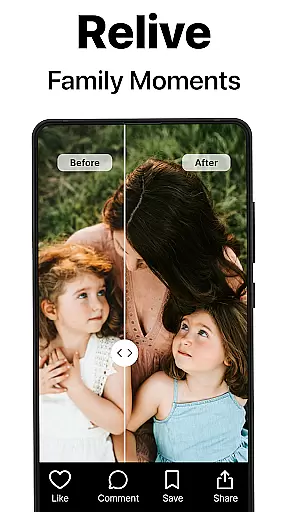
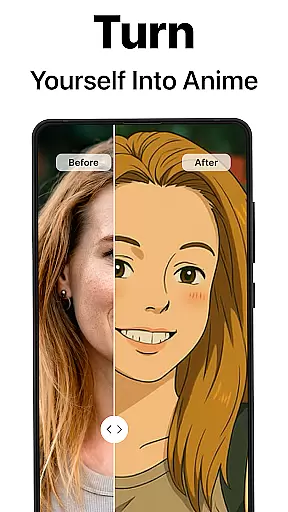
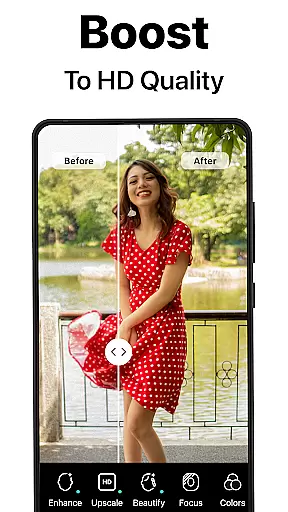
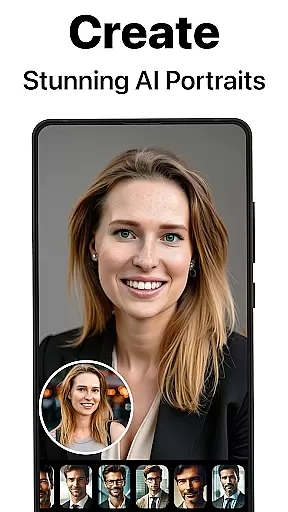
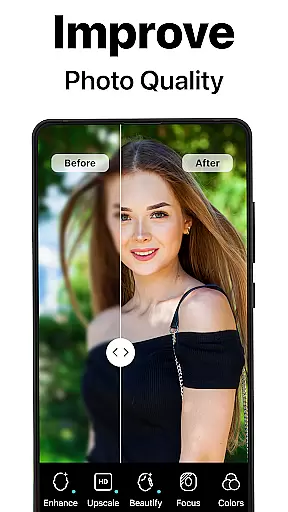
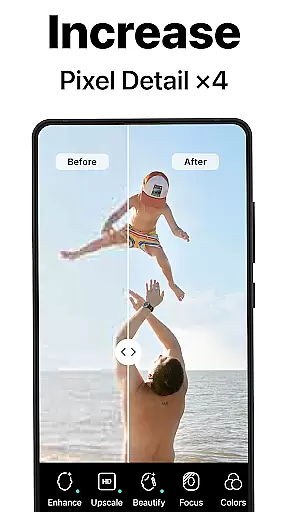
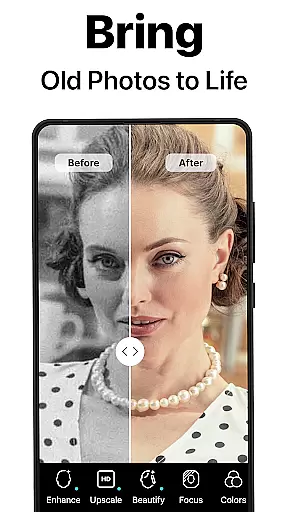
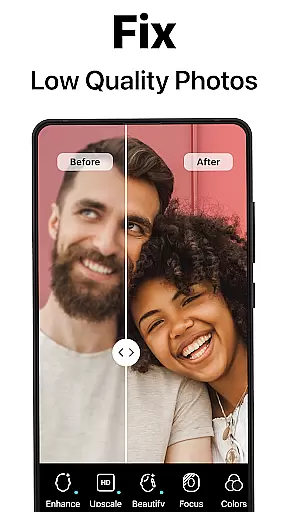
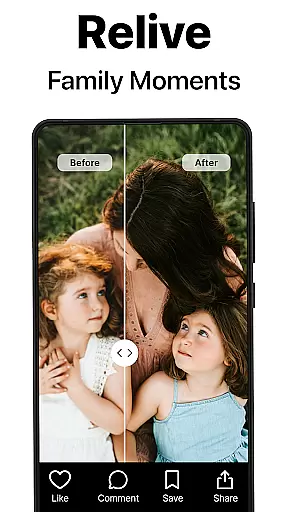
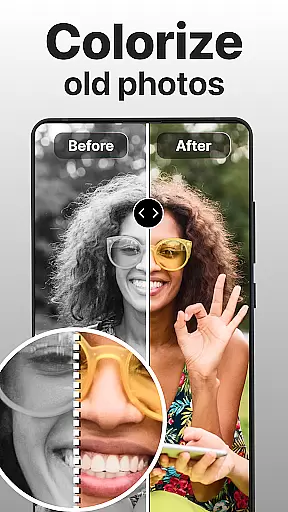
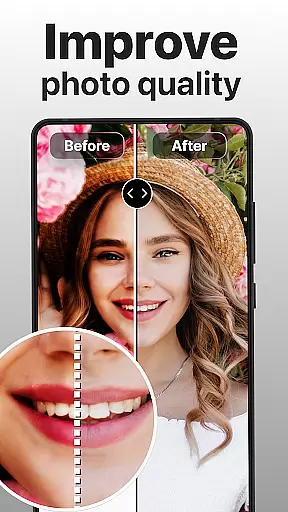
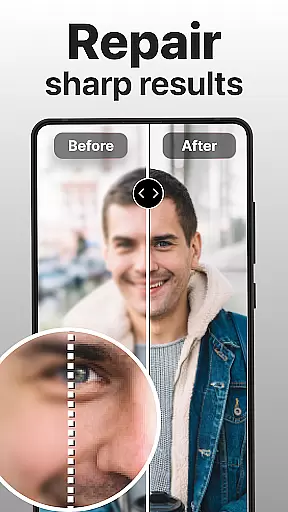
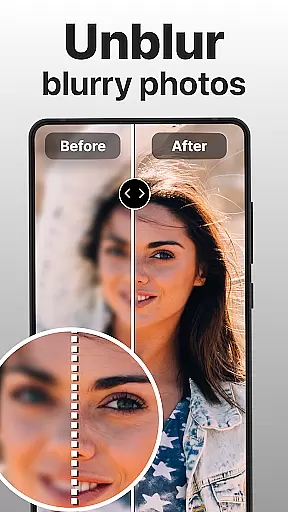
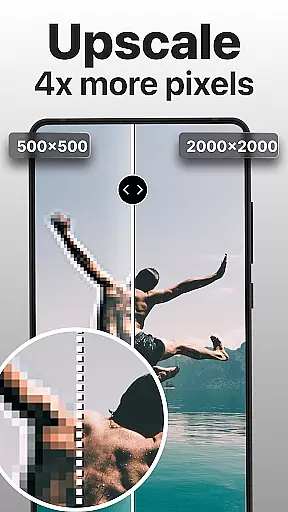
PhotoBoost is a cutting-edge photography app that uses advanced AI technology to enhance, restore, and transform your photos. The app specializes in sharpening blurry images, reviving pixelated photos, and restoring cherished memories with impressive colorization features. Additionally, PhotoBoost offers an innovative AI Avatars feature, allowing users to create stunning avatars in various artistic styles and themes.
Whether you're looking to repair old family photos or generate creative social media content, PhotoBoost provides versatile tools for all your photo editing needs. Its powerful AI ensures professional-quality results within seconds, making it the ideal choice for both casual users and photography enthusiasts.
PhotoBoost stands out with its comprehensive suite of photo editing features powered by state-of-the-art AI technology. One of its core functionalities is instant photo sharpening, which transforms low-resolution or blurry images into high-definition masterpieces. This makes it perfect for enhancing personal photos or preparing images for professional use.
Another key feature is the ability to restore old and damaged photos. Users can repair scratches, fix faded areas, and even add vibrant colors to black-and-white images. For those interested in creative expression, the AI Avatars tool offers endless possibilities, from festive holiday themes to fantasy-inspired designs. With frequent updates and one of the largest libraries of avatar styles on the market, PhotoBoost ensures fresh and engaging options for every user.
Real-time capture and preview functionality is essential for ensuring that every photo taken meets the highest quality standards. PhotoBoost excels in this area by providing users with instantaneous feedback on their images, allowing them to make necessary adjustments before finalizing a shot.
The app leverages advanced AI technology to analyze and enhance photos as they are being captured. This means that issues such as blurriness or poor lighting can be corrected on the fly, resulting in sharper and more vibrant images. Users no longer need to wait until after the photo is taken to see if it meets their expectations.
With real-time previews, PhotoBoost empowers photographers to experiment with different angles, compositions, and settings confidently. The ability to instantly view enhanced results encourages creative exploration and helps users capture the perfect moment without any guesswork.
This feature not only saves time but also significantly improves the overall photography experience. Whether you're shooting for social media or preserving precious memories, PhotoBoost ensures that every snapshot is optimized for maximum impact right from the start.
AI beauty and enhancement features have become a staple in modern photography apps, but PhotoBoost sets itself apart by prioritizing naturalness in its enhancements. Instead of applying heavy filters that distort reality, PhotoBoost uses sophisticated algorithms to subtly improve facial features while maintaining authenticity.
The app's AI-driven tools work to smooth skin textures, reduce blemishes, and enhance eye clarity without making the subject look overly processed. This approach ensures that edited photos retain their genuine charm and character, offering a polished yet realistic appearance.
PhotoBoost offers customizable enhancement options, allowing users to adjust the intensity of each modification. From subtle touch-ups to more noticeable improvements, the app caters to individual preferences while keeping the focus on enhancing natural beauty.
By emphasizing natural enhancement, PhotoBoost delivers professional-grade results suitable for various purposes, including social media posts, profile pictures, and family portraits. Users can trust that their edited photos will look stunning yet remain true to life, striking the perfect balance between enhancement and realism.
User-friendly interface
Advanced AI upscaling
Versatile editing tools
Fast processing speed
Unique AI Avatars
Subscription required
Limited free trial
Some features costly
Internet connection needed
Privacy concerns

Safe & smart flight with Go Fly drone controller for 40+ drone camera, zone map
 4.50
4.50
Create funny photos and videos with the popular Time Warp Scan filter.
4.90
Perfect body tune & face app - photo retouch, makeup, slim body & beautify face.
4.80
Over 800 film simulation recipes for Fujifilm. Black Friday Offer!
4.2
HD Camera Pro with HD Video shooting, Panorama, Photo editor , Beauty Camera.
4.50
Amazing Photo Effects - The most fun you can have with your photos!
4.70
Create AI photos & videos with Enhancer; restore, fix, beautify, enhance photos
4.50
AI Photo Editor with 100+ Filters, Effects! Remove BG, Retouch & Photo Enhancer.
4.80
Edit photos with the picture generator: PS2 & AI Clay filters, cartoon effects.
4.50
Collage your moments in one tap: 1000+ layouts, filters, stickers, and texts.
4.90
Enhance, retouch & create your story - Share the moment with Photoshop Express.
4.60
Effortlessly organize, view and share your photos & videos with Gallery app!
4.40
Edit like a pro with Hypic. Apply filters, AI effects, & magic touch.
4.40
[3DSteroid Pro] is a stereoscopic application for Android.
4.30
Turn your phone into a professional camera - full DSLR manual photography
4.30
AI-powered video creator by MiniMax - Where ideas meet cinema
4.20
Photobooth mini FULL app will allow you to add more fun to your parties
4.00
Superimpose one photo on top of another using the original Superimpose app!
3.20
Snap photos remotely using your Garmin watch as the camera trigger
4.1


User Reviews