
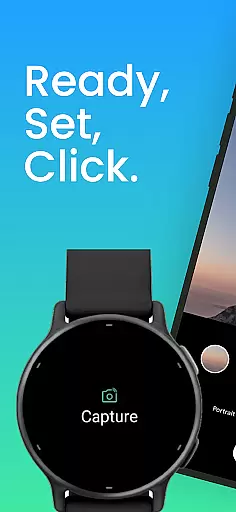
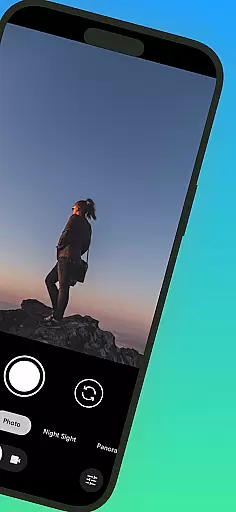
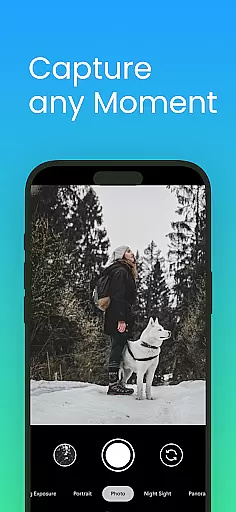
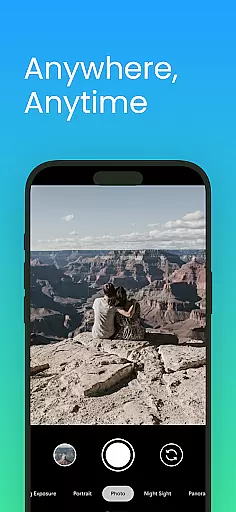
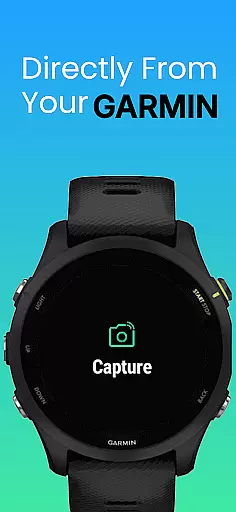
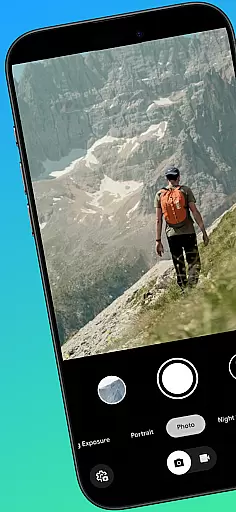
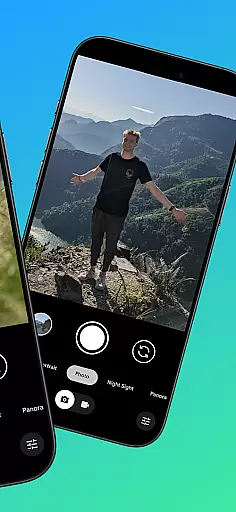
CameraClick is a powerful photography app that transforms your Garmin smartwatch into a wireless remote control for your Android phone's native camera. This seamless integration allows users to capture photos and videos effortlessly, whether shooting group portraits, solo adventures, or recording action footage from a distance.
The app works directly with your phone’s existing camera application, preserving all quality settings, lens preferences, and storage paths. By leveraging Android’s AccessibilityService, CameraClick ensures compatibility across a wide range of devices, including popular brands like Google, Samsung, and OnePlus. It’s perfect for creators, athletes, and everyday users seeking reliable remote camera functionality.
One of the standout features of CameraClick is its ability to integrate with your phone’s native camera app rather than relying on a custom viewer. This ensures that all your preferred camera settings—such as resolution, filters, and storage options—are preserved during use.
Additionally, the app supports a broad spectrum of Android devices thanks to its use of Android’s AccessibilityService. Whether you’re using a Google Pixel, Samsung Galaxy, or Xiaomi device, CameraClick provides consistent performance. The app also offers intuitive controls right on your Garmin smartwatch, making it easy to start and stop recordings or snap photos without needing to touch your phone.
CameraClick offers a seamless real-time capture experience by connecting your Garmin smartwatch with your Android phone. This integration allows users to take photos or record videos directly from their wrist, providing unmatched convenience for capturing moments without needing to physically interact with the phone.
The app leverages the native camera application on your phone, ensuring that all your preferred settings such as quality, lens choice, and storage paths are preserved. By using Androidu2019s AccessibilityService, CameraClick interacts directly with the camera's shutter button, maintaining compatibility across a wide range of devices and camera apps.
This functionality is particularly beneficial for content creators, athletes, and everyday users who need hands-free operation. Whether you're filming a workout, capturing nature scenes, or taking group shots, CameraClick ensures that you won't miss a moment due to its efficient wireless control.
While CameraClick does not focus heavily on AI beauty enhancements, it provides reliable and natural photo captures by utilizing your phoneu2019s existing camera app. The emphasis is on delivering authentic images without over-processing, which preserves the original quality and essence of each shot.
Users can expect consistent performance across various Android devices, including popular brands like Google, Samsung, and Xiaomi. This cross-device reliability ensures that whether you're capturing solo adventures or group photos, the resulting images maintain a high standard of natural enhancement.
By avoiding heavy reliance on AI-driven beautification, CameraClick caters to users who prefer genuine and unaltered photographs. This approach supports a more realistic representation of subjects while still benefiting from the advanced capabilities of modern smartphone cameras.
User-friendly interface
Wide device compatibility
Preserves native camera settings
Wireless convenience
Perfect for action shots
Requires Accessibility permissions
Limited to Android devices
Dependent on Garmin smartwatch
No iOS support
Setup may be complex

Photo editor: face & body editor, beauty cam, filters and quality enhancer.
 4.00
4.00
Virtual makeup, hair filters & body tuner—edit from face to full body!
4.20
Pet Camera
3.70
Create amazing frames with up to five photos. Rounded corners, effects and more!
3.60
Easily create custom gifts, cards, photo books & more on the Shutterfly app!
4.60
Turn photos into cartoons & avatars! - Photo Editor, Cartoon Face!
3.90
Professional camera app that brings DSLR manual photography controls to Android.
4.20
PhotoSync Bundle Add-On License. Enables all features and services in PhotoSync.
4.60
Welcome to ProShot, the most powerful camera app on Android.
4.20
Unblur, enhance & restore photos with powerful AI photo enhancer tools.
4.60
Viewfinder, Light meter, Reciprocity failure time, DOF & Bellows Extension
4.60
AI photo editor with hair editor, retouch tools, hair color changer & filters!
4.50
Create Business Headshots, Polaroid Filter, Retake Photos,Profile Pics,AI Photos
4.50
Trendy TikTok time warp scan funny filter app brings you unique photos & videos.
4.40
A reflected light meter with spot metering and incident light metering.
4.40
RAW video capture with advanced controls
4.40
Professional photography on your mobile phone
4.20
Luminar: Photo Editor - easy picture editing with AI
4.20
Remote control of the phone camera from your Wear OS smartwatch
3.70


User Reviews