
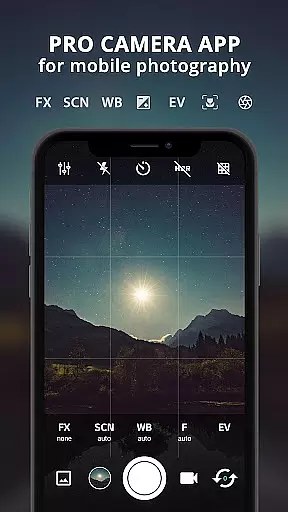
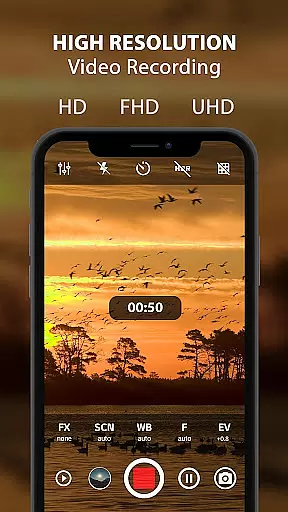
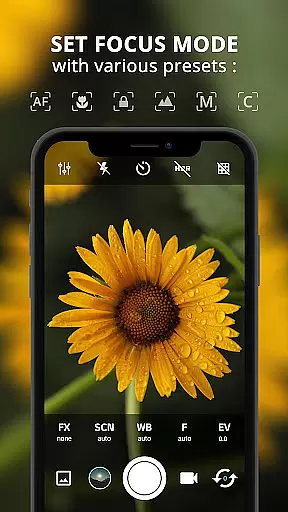
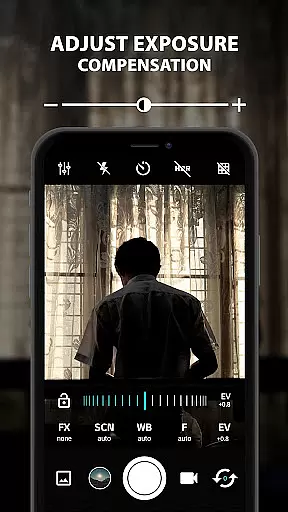
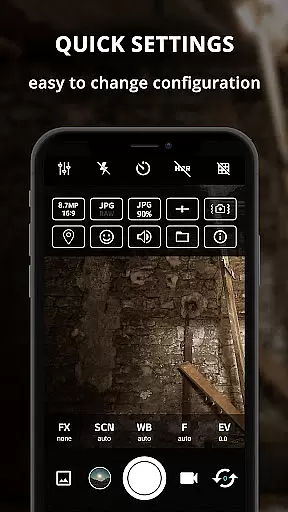
ProCam X transforms your smartphone into a professional-grade camera, offering full manual control over essential photography parameters. With features like exposure adjustment, white balance settings, and ISO control, this app empowers users to capture high-quality photos and videos. The app supports advanced functionalities such as manual shutter speed, focus control, and real-time filters, making it ideal for both amateur photographers and professionals seeking DSLR-like capabilities on their mobile devices.
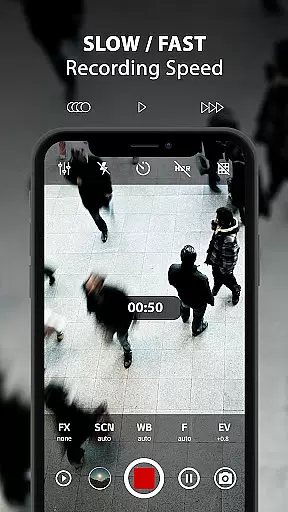
The application's versatility extends to its support for 4K video recording, geotagging, and various shooting modes including burst mode and time-lapse photography. These features, combined with an intuitive interface, allow users to explore creative possibilities while maintaining complete control over their photographic outcomes. Whether capturing fast-action scenes or creating cinematic video content, ProCam X provides the tools necessary to elevate mobile photography to new heights.
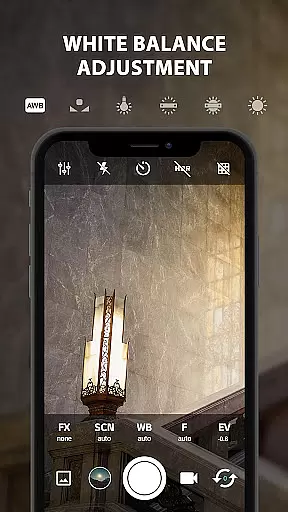
ProCam X stands out with its comprehensive suite of professional camera features packaged in an intuitive mobile application. The app allows precise control over critical photography elements such as manual ISO settings, shutter speed adjustment, and focus manipulation, enabling users to fine-tune their shots according to specific environmental conditions. Advanced functionalities like exposure lock and white balance customization provide photographers with the flexibility to create perfectly balanced images in various lighting scenarios.
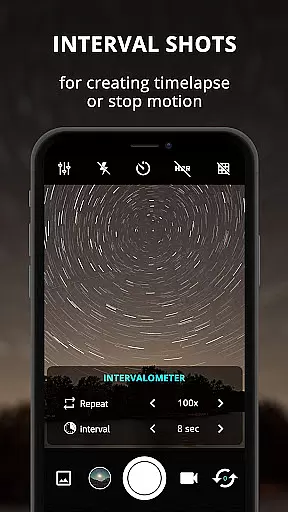
Beyond basic camera controls, ProCam X incorporates innovative features that enhance the overall photography experience. The intervalometer function facilitates time-lapse creation, while burst shooting mode enables capturing multiple frames per second. Real-time filters and color effects offer instant artistic enhancements, and the app's support for 4K video recording ensures professional-grade video quality. These sophisticated tools, combined with practical features like silent shutter and customizable volume key functions, make ProCam X a complete solution for mobile photography enthusiasts who demand DSLR-level control in their pocket-sized device.
Real-time capture and preview functionality is essential for ensuring that every photo or video taken with ProCam X meets professional standards. This feature allows users to see exactly what the camera sees, in real time, before capturing the moment.
ProCam X offers a live viewfinder experience that mirrors the real-world scene with minimal latency. Users can adjust settings such as exposure, ISO, and white balance while observing the immediate effect on the preview. This ensures that the final image or video accurately reflects the desired adjustments.
The app's ability to provide an instantaneous preview of effects and filters further enhances the photography process. Photographers can experiment with different creative options and see the results without committing to a shot, thus saving time and improving the quality of their work.
With its advanced camera controls and real-time feedback, ProCam X empowers users to take full control over their mobile photography, making it possible to achieve DSLR-like results from a smartphone camera.
AI beauty and enhancement features are increasingly popular in mobile photography, offering tools to improve the aesthetic quality of images naturally. ProCam X incorporates AI-driven enhancements that ensure edits look realistic and preserve the original character of the photo.
The application utilizes sophisticated algorithms to analyze facial features and apply subtle modifications that enhance natural beauty without appearing artificial. This includes skin smoothing, blemish reduction, and eye enhancement, all calibrated to maintain authenticity.
Users benefit from customizable enhancement levels, allowing them to tailor the intensity of AI enhancements to suit individual preferences. Whether aiming for a polished professional look or a more natural appearance, ProCam X delivers versatile options.
By focusing on natural-looking enhancements, ProCam X stands out among mobile photography apps, providing photographers with powerful tools to elevate their images while respecting the integrity of the original content.
Full manual controls
4K video recording
Real-time filters
Time-lapse function
Professional-grade features
Complex for beginners
Device compatibility issues
Advanced features locked
Interface not user-friendly
High battery consumption

Create funny photos and videos with the popular Time Warp Scan filter.
 4.90
4.90
Superimpose one photo on top of another using the original Superimpose app!
3.20
Gallery Slideshow is slideshow maker app for slideshow from your gallery photos.
3.90
Movie camera, supports pro recording settings for filming. Try it and be amazed!
4.50
Easily view, share, delete photos with Gallery.
4.70
RAW video capture with advanced controls
4.40
Snap photos remotely using your Garmin watch as the camera trigger
4.5
Remote control the phone camera shutter from your smartwatch and take a picture
1.60
A unique animation app. Powerful, easy to use, and lots of fun.
4.30
Gallery show photo, video, slideshow, is perfect 3D effect private photo albums.
4.80
Photo prints, cards, & gifts at Walgreens. Easy ordering & fast local pickup !
4.80
Cartoon and artistic effects for your photos and videos
4.70
Automatically backup your photos and videos to computer, NAS and Cloud services
4.60
HD Camera Pro with HD Video shooting, Panorama, Photo editor , Beauty Camera.
4.50
Trendy TikTok time warp scan funny filter app brings you unique photos & videos.
4.40
A reflected light meter with spot metering and incident light metering.
4.40
Perfect photos with body shaping, BG changer and object remover.
3.70
Raw Image Viewer. Gallery with support of raw images (.cr3, .cr2, .nef, .raf).
2.00
Add a dreamy vibe to your selfies and videos with soft style filters
4.4


User Reviews