
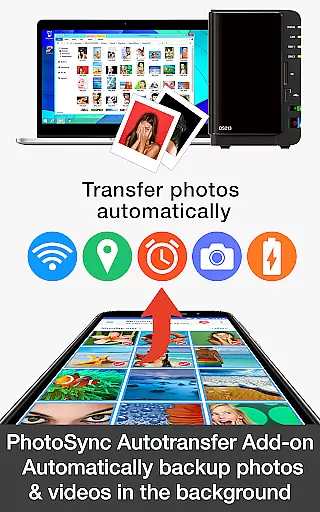

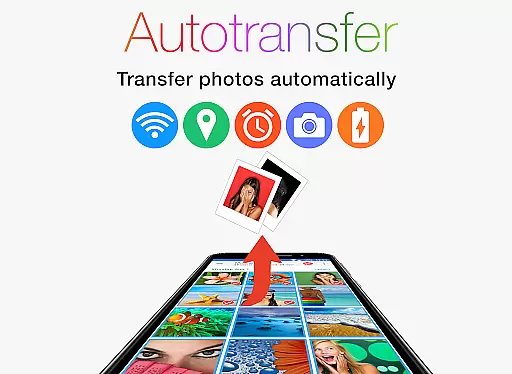
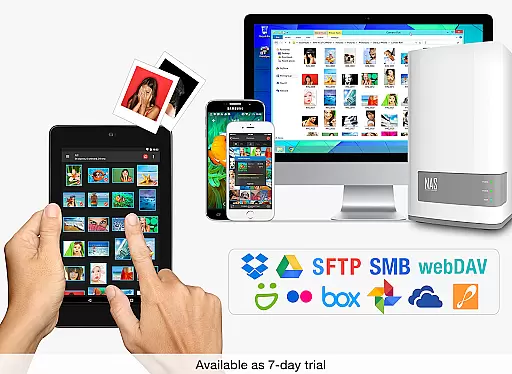
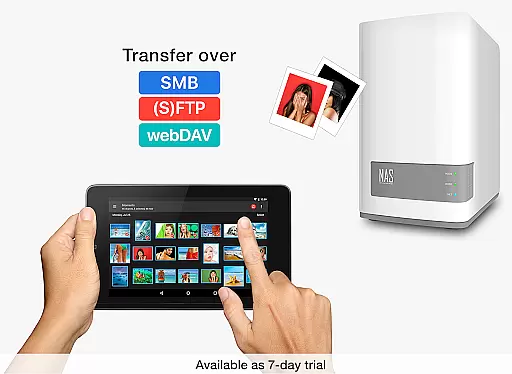
PhotoSync Autotransfer Add-On is an advanced photography tool designed to streamline photo and video management for Android users. This add-on enhances the free version of PhotoSync by enabling automatic wireless backup of media files to various destinations including computers, private clouds, and NAS systems. With five configurable triggers such as Wi-Fi access points and geolocation, it ensures your precious memories are backed up effortlessly in the background.
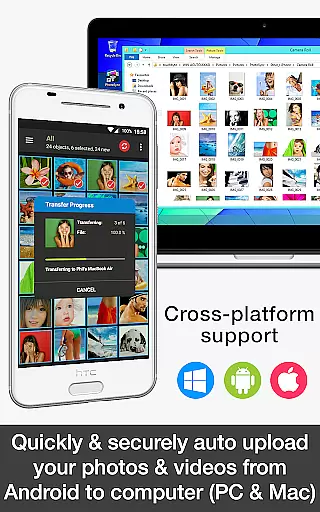
The application stands out with its cross-platform compatibility, supporting native apps across Android, iOS, Windows, and Mac. Having been on the market for a decade, it offers a reliable and secure solution that's continuously updated. Users benefit from total control over their data transfers, making it an ideal choice for those seeking customizable and automated backup solutions without interruptions from ads.
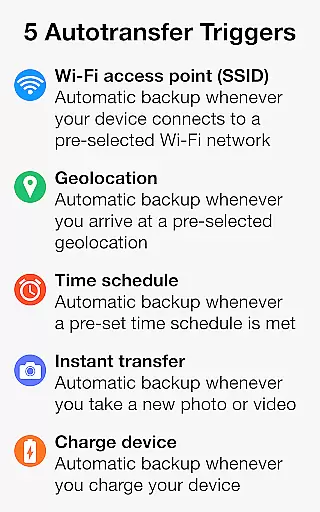
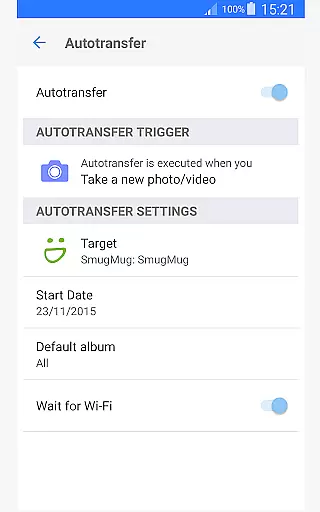
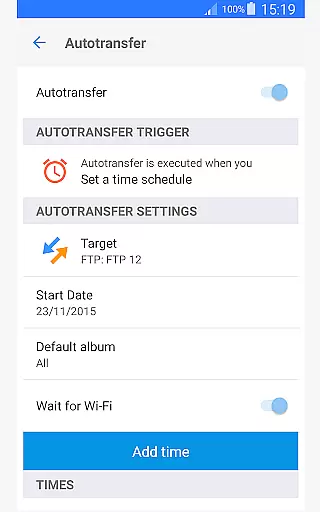
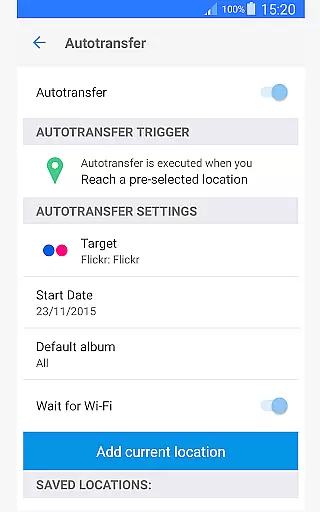
PhotoSync Autotransfer Add-On boasts a comprehensive set of features tailored for efficient media file management. The standout capability is its automatic background backup function, which supports transferring photos and videos to computers, NAS devices, and cloud services. It employs five distinct triggers: connecting to specific Wi-Fi networks, reaching certain locations, following a schedule, taking new photos, or charging the device.
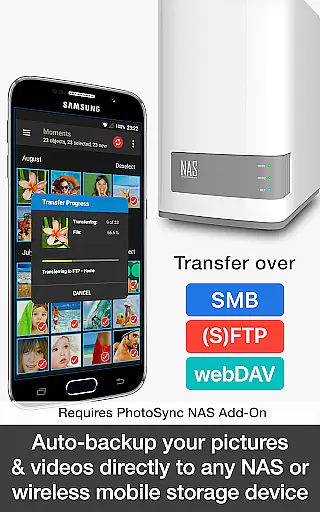
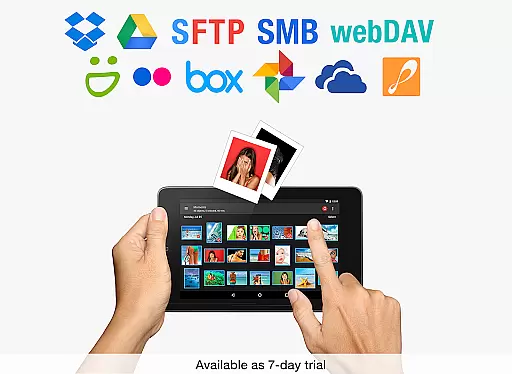
Security and versatility are at the core of this app's offerings. Media files can be securely uploaded via SMB, (S)FTP, WebDav protocols to any compatible NAS or server system. Additionally, integration with popular cloud services like Dropbox, Google Drive, and OneDrive is available through optional add-ons. This level of flexibility ensures users can tailor their backup strategy according to personal preferences while maintaining high standards of data protection and accessibility.
Real-time capture and preview functionality is essential for ensuring that every photo or video taken meets the user's expectations without delay. PhotoSync Autotransfer Add-On excels in this area by providing instant feedback on media captured, allowing users to make necessary adjustments before finalizing their shots.
This application supports automatic wireless backup of photos and videos in the background, which means users can continue capturing moments without interruption. The app ensures that all media files are transferred seamlessly to a computer, private cloud, NAS, or supported cloud services as soon as they are captured.
With five configurable autotransfer triggers including Wi-Fi access point (SSID), geolocation, time schedule, taking a photo, and charging the device, PhotoSync offers flexibility and convenience. Users benefit from the ability to customize their experience based on specific needs, ensuring that their media is always backed up and secure.
The real-time capabilities of PhotoSync not only enhance the photography experience but also provide peace of mind knowing that valuable memories are safely stored. This feature is particularly beneficial for photographers who require immediate access to their files across multiple devices.
While PhotoSync Autotransfer Add-On does not focus on AI beauty and enhancement features, it emphasizes the naturalness and authenticity of the captured media. The primary goal is to preserve the original quality and essence of photos and videos during the transfer process, ensuring that no detail is lost or altered.
By securely auto-backing up photos and videos directly from Android devices to computers, NAS, or cloud services, PhotoSync maintains the integrity of the original files. This approach allows users to retain full control over post-processing and editing, preserving the natural look and feel of their media.
Although the app does not apply AI enhancements, its reliable and secure software has been operating in the market for ten years, continuously updated to meet user demands. Thousands of happy users trust PhotoSync for their media transfer needs, appreciating the simplicity and effectiveness of its core functionalities.
In summary, while PhotoSync may not offer AI-driven beauty enhancements, its commitment to delivering a seamless and natural media transfer experience makes it an invaluable tool for anyone looking to protect and manage their digital assets efficiently.
User-friendly interface
Automatic backups
Cross-platform support
Customizable settings
Secure transfer options
Paid add-on required
Limited free features
Additional setup needed
Cloud service fees may apply
Complexity for beginners

Trendy TikTok time warp scan funny filter app brings you unique photos & videos.
 4.40
4.40
Perfect body tune & face app - photo retouch, makeup, slim body & beautify face.
4.80
Create collages easily! Nice pic collage maker & background eraser for Instagram
4.50
GCamera allows all GCam features on all phone models! Better photos with GCamera
3.30
Collage your moments in one tap: 1000+ layouts, filters, stickers, and texts.
4.90
Astrophotography with your smartphone, photo live stacking and much more!
3.90
A light meter for true photographers.
4.20
Unlock the full potential of your DJI drone with Litchi
4.50
Welcome to ProShot, the most powerful camera app on Android.
4.20
Gallery show photo, video, slideshow, is perfect 3D effect private photo albums.
4.80
1M influencer's special filter
4.60
Easily create custom gifts, cards, photo books & more on the Shutterfly app!
4.60
Cut and paste photo editor & eraser to customize photos easy and swap faces fun
4.50
Create AI photos & videos with Enhancer; restore, fix, beautify, enhance photos
4.50
AI photo enhancer with Sora 2! Enhance, descratch, and colorize your old photos.
4.50
Fit multiple photos on one post. Create carousels & scroll layouts for Instagram
4.50
Gallery Slideshow is slideshow maker app for slideshow from your gallery photos.
3.90
An interval timer to automate photo taking process for timelapse
2.90
Raw Image Viewer. Gallery with support of raw images (.cr3, .cr2, .nef, .raf).
2.00


User Reviews