
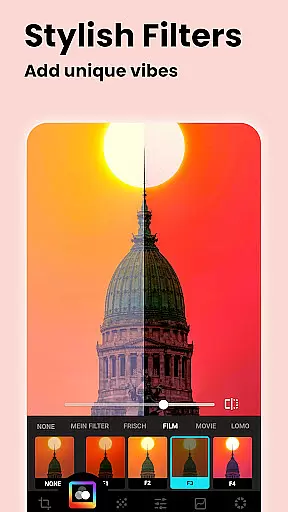
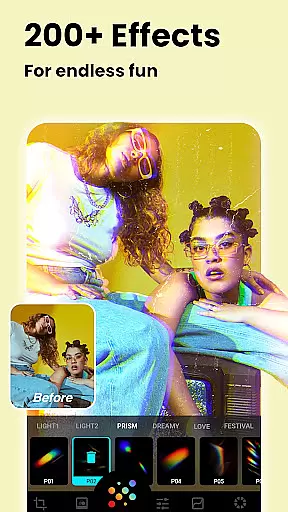
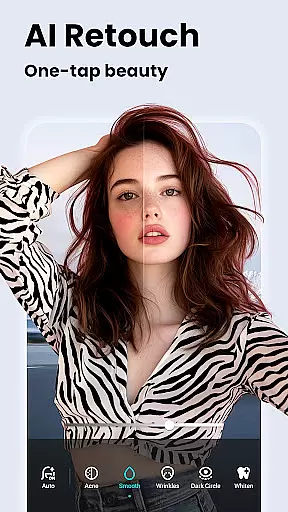
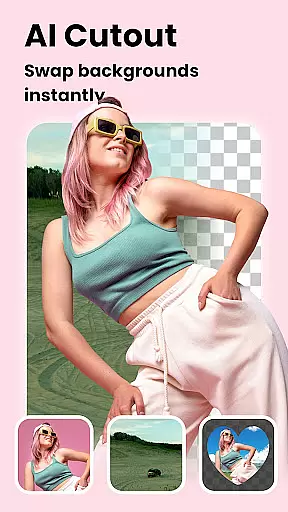

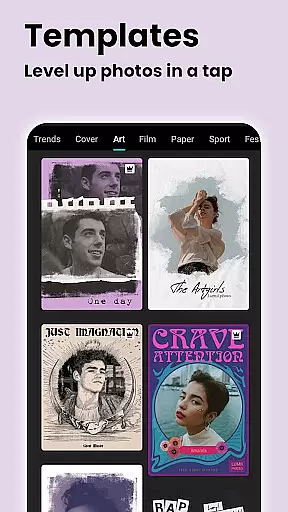
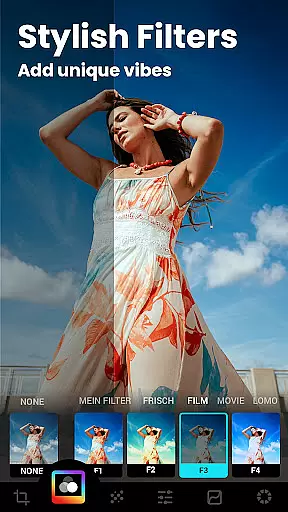
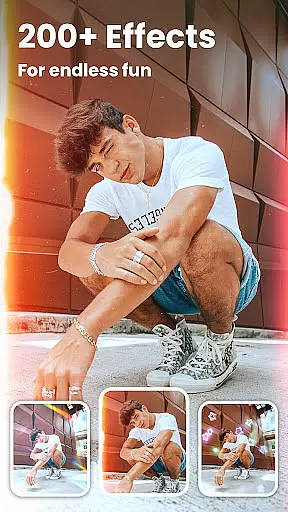
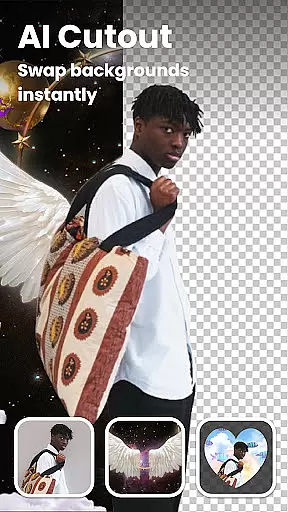
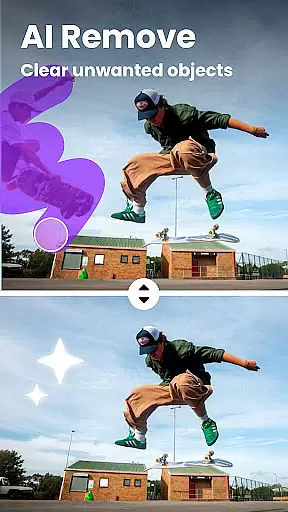

Lumii is a powerful AI Photo Editor that combines professional tools with smart AI editing features. Easily enhance photo quality, remove backgrounds, retouch selfies, and apply 100+ trendy photo filters and effects to edit photos.
Create artistic, high-quality photos effortlessly — no professional skills required. As one of the best photo maker and presets photography apps, Lumii makes photo editing simple, fast, and fun. No ads while editing.
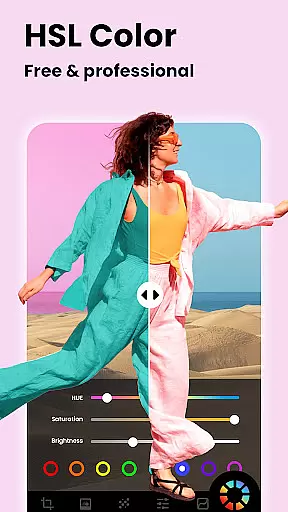
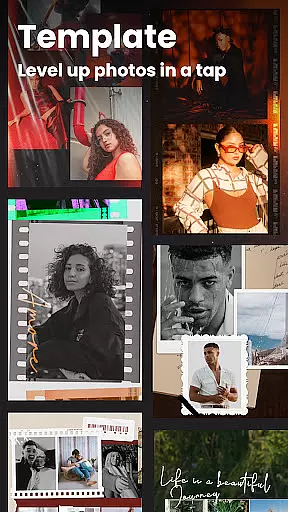
Lumii offers a wide range of features including customizable photo filters, 100+ photo effects, auto background eraser, useful & fun AI edits, BG blur, bokeh & mosaic, free HSL color, curves for photos, adding text to photos, double exposure, basic photo editing tools, glitch photo editor, trendy templates, and photo editing history & draft.
With these features, users can easily enhance their photos, apply various effects, remove unwanted objects, adjust colors, add texts, create double exposure effects, and more. The app also provides selective options for image enhancement and user-friendly interfaces for Android users.
Real-time capture and preview functionality is essential for ensuring that users can see the exact outcome of their photo edits as they apply various filters and effects. This feature allows photographers to make precise adjustments without any delay, enhancing the overall editing experience.
Lumii excels in this area by providing instantaneous feedback on all editing actions. Whether you're adjusting brightness, applying a retro filter, or using AI tools to enhance image quality, the changes are reflected immediately. This real-time interaction ensures that users can fine-tune every detail until they achieve the desired result.
The benefit of Lumii's real-time capture and preview is particularly evident when working with complex edits such as background removal or double exposure effects. Users can see exactly how these advanced features will look on their final image, allowing for more accurate and creative control over the editing process.
By offering a seamless and responsive real-time editing environment, Lumii empowers users to create professional-quality photos effortlessly. The ability to visualize edits instantly not only saves time but also enhances creativity, making photo editing accessible to everyone regardless of skill level.
AI beauty and enhancement features aim to improve the aesthetic quality of photos while maintaining a natural appearance. These tools are crucial for users who want to enhance their images without making them look overly processed or artificial.
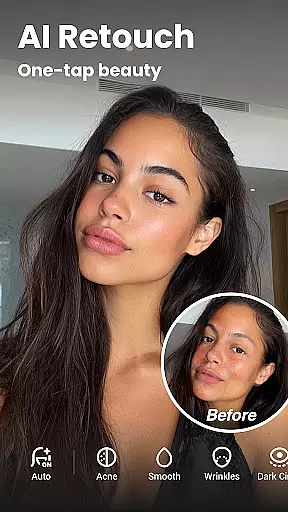
Lumii incorporates sophisticated AI algorithms that automatically detect facial features and apply enhancements that look genuine. From smoothing skin textures to whitening teeth, each adjustment is carefully calibrated to preserve the subject's natural look. This approach ensures that edited photos retain their authenticity while still benefiting from professional-grade touch-ups.
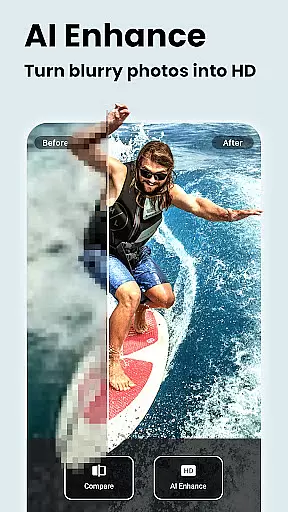
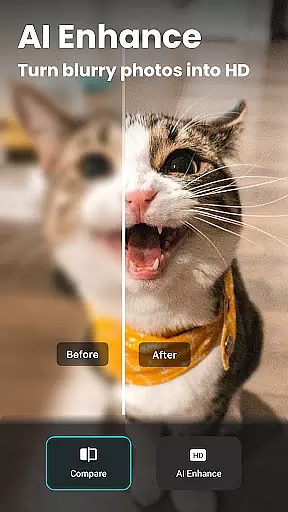
One of the standout features of Lumii's AI enhancement is its ability to unblur and sharpen images, turning even low-quality portraits into high-definition masterpieces. Additionally, the app offers options like AI avatars and anime art creation, which provide fun yet realistic transformations for users seeking something beyond traditional photo editing.
Ultimately, Lumii's commitment to natural-looking enhancements sets it apart from other photo editors. By prioritizing subtlety and realism, the app delivers polished results that enhance beauty without compromising the original essence of the photograph. This balance makes Lumii an ideal choice for anyone looking to elevate their photography with minimal effort.
Powerful AI editing
Wide range of effects
User-friendly interface
No ads while editing
Free to use
Some features may require in-app purchases
Advanced tools may be overwhelming for beginners
Occasional bugs reported
Limited customer support
Interface could be improved

Gallery show photo, video, slideshow, is perfect 3D effect private photo albums.
 4.80
4.80
Safe & smart flight with Go Fly drone controller for 40+ drone camera, zone map
4.50
Virtual makeup, hair filters & body tuner—edit from face to full body!
4.20
Create collages easily! Nice pic collage maker & background eraser for Instagram
4.50
Transform photos into videos! Create realistic or anime-style images easily!
4.50
Over 800 film simulation recipes for Fujifilm. Black Friday Offer!
4.0
Movie camera, supports pro recording settings for filming. Try it and be amazed!
4.50
Your personal guide to the sun and moon. Plan ahead, visualize and predict!
4.70
Solocator stamps photos you take with GPS location, Compass Direction, Date/Time
3.80
Amazing Photo Effects - The most fun you can have with your photos!
4.70
Viewfinder, Light meter, Reciprocity failure time, DOF & Bellows Extension
4.60
Light-weight Media Gallery app for Android made with Jetpack Compose
4.60
Add Watermark - Sign your pictures with a text or logo. Effective, quick, easy!
4.50
Search, tag and rate your way to an organized image gallery
4.40
[3DSteroid Pro] is a stereoscopic application for Android.
4.30
How old age camera Gender Swap App Face Shape Hairstyle App Hair Styler App fun!
4.00
Turn photos into cartoons & avatars! - Photo Editor, Cartoon Face!
3.90
Remote control the phone camera shutter from your smartwatch and take a picture
1.60
Snap photos remotely using your Garmin watch as the camera trigger
4.3


User Reviews