
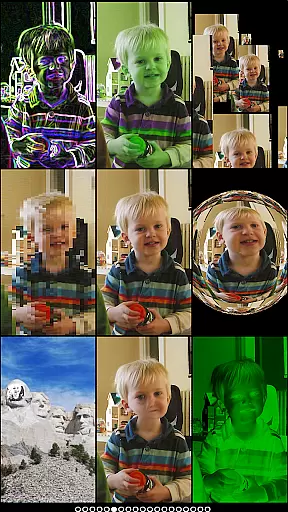
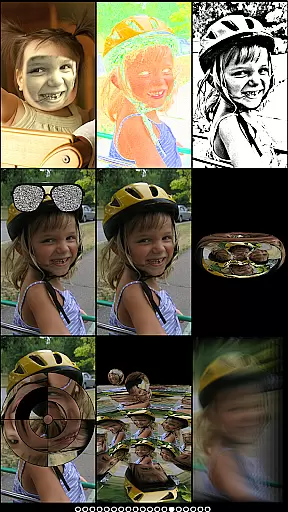
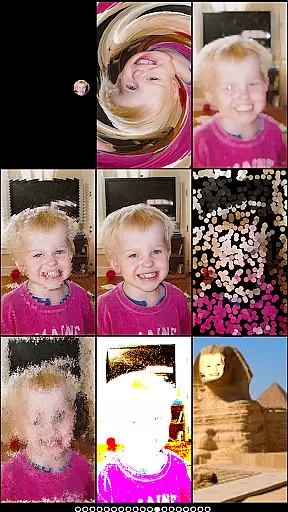
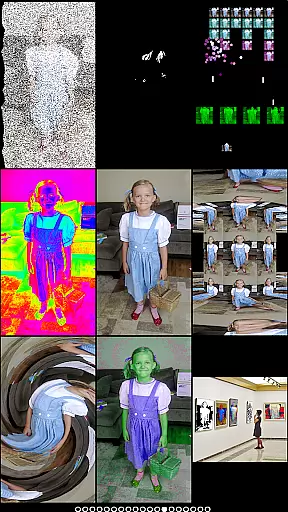
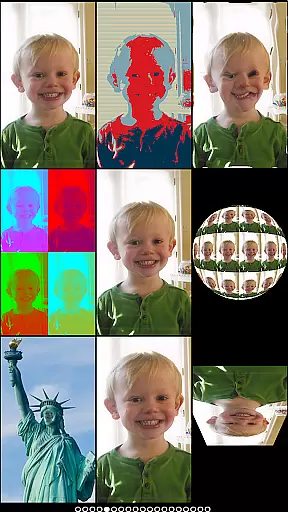
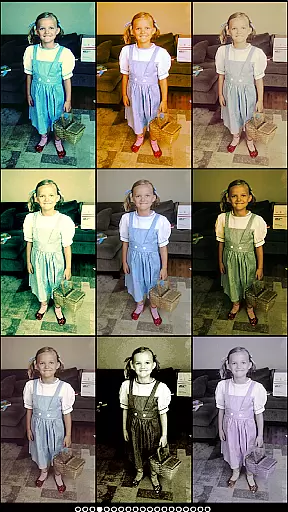
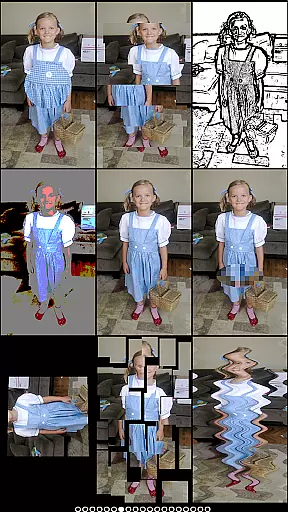
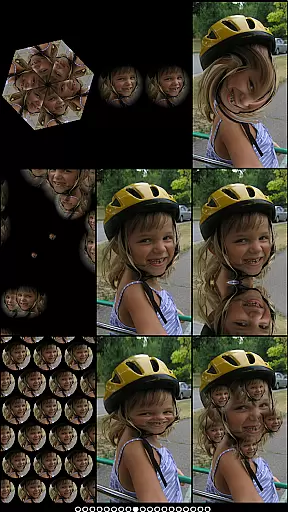
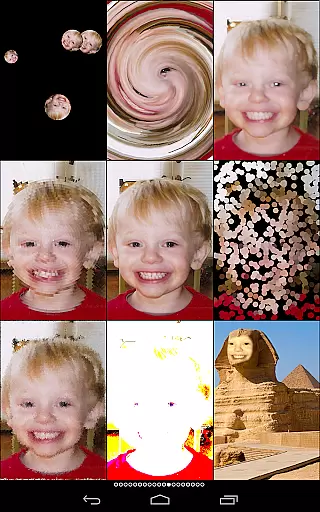
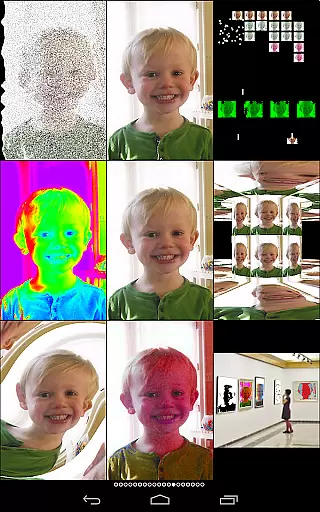
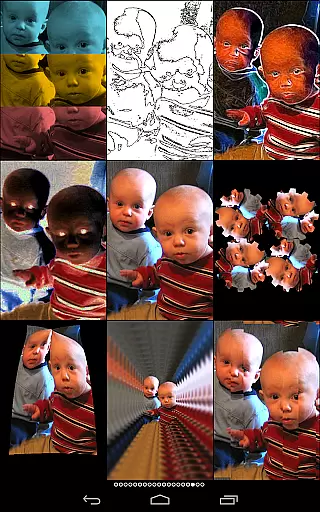
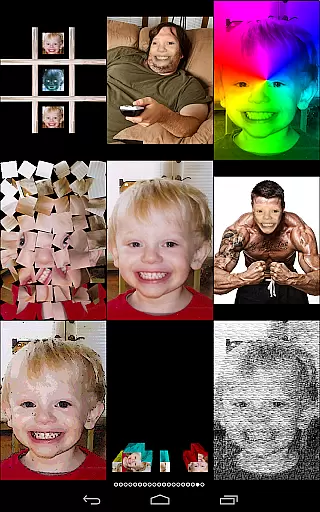
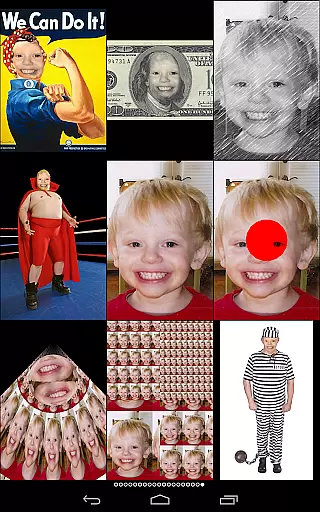
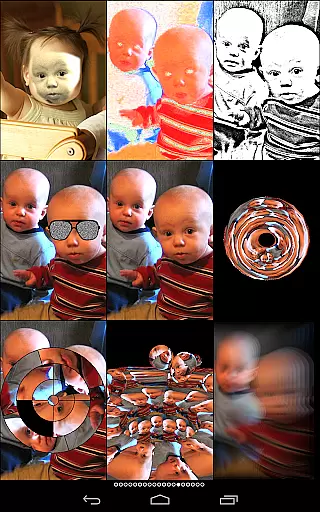
Mega Photo Pro is a feature-rich photography app that transforms your photos and videos into interactive works of art. With over 200 real-time effects, the app allows users to twist, morph, pinch, and warp their images into unique designs. The app also includes fun games like brick breaker, ninja slicer, and tile puzzles, making photo editing an engaging experience.
One standout feature is the ability to walk through a 3D maze of your photos or apply vintage camera effects for a retro feel. Whether you're applying motion blur, creating a mosaic, or experimenting with light tunnels, Mega Photo Pro offers endless creative possibilities. The app supports both front and rear cameras and lets you personalize effects by zooming, rotating, and dragging before capturing the image.
This app is perfect for creative professionals and hobbyists who want to add a unique touch to their photos while having fun in the process. Its innovative approach to photo editing sets it apart from traditional photography apps, making it a must-have for anyone looking to explore new artistic dimensions.
Mega Photo Pro stands out with its extensive range of features designed to enhance creativity. The app provides over 200 real-time effects such as engraving, waving flags, sketch filters, mosaics, and retro camera styles. These effects allow users to experiment with different visual aesthetics and create personalized images.
In addition to photo effects, the app includes interactive games like brick breaker and alien invaders, which use your photos as part of the gameplay. Users can also enjoy hands-on customization options by tapping, dragging, zooming, and rotating images during the editing process. The live camera feed integration adds another layer of interactivity, enabling users to preview changes instantly.
The app's versatility extends to its support for both front and rear cameras, making it suitable for selfies and group shots alike. With its intuitive interface and innovative tools, Mega Photo Pro empowers users to push the boundaries of traditional photo editing and unlock new levels of creativity.
Real-time capture and preview functionality is essential for photography apps as it allows users to see effects applied instantly. Mega Photo Pro excels in this area by offering over 200 real-time effects that transform your photos in unique ways.
The app provides an interactive experience where users can twist, morph, pinch, and warp their photos with immediate visual feedback. This instant preview capability ensures that users can experiment with different effects such as mazes, engravings, or vintage camera filters without any lag.
With the ability to switch between front and rear cameras seamlessly, Mega Photo Pro enhances user interaction. Users can personalize their images even before capturing them by tapping, dragging, zooming, and rotating. This feature empowers users to create truly customized content.
Ultimately, the real-time capture and preview feature of Mega Photo Pro not only makes photo editing more engaging but also saves time by allowing users to see their creative choices come to life instantly.
AI beauty and enhancement features are increasingly important in photography apps, focusing on improving image quality while maintaining a natural look. Mega Photo Pro offers a variety of effects that enhance photos without making them appear overly processed.
Among its extensive range of effects, Mega Photo Pro includes options like skin smoothing, light tunnel adjustments, and hue shifts that subtly improve the aesthetics of your photos. These enhancements ensure that edits are noticeable yet retain the original essence of the image.
The app's 40 vintage camera effects provide a retro feel while keeping the enhancements authentic. Whether you're applying motion blur or emboss effects, each adjustment is designed to enhance the photo naturally, avoiding the artificial appearance often associated with heavy editing.
By balancing advanced AI-driven enhancements with a commitment to natural-looking results, Mega Photo Pro ensures that users can elevate their photography while preserving the genuine qualities of their images.
Over 200 effects
Interactive games
Real-time previews
Vintage filters
Camera flexibility
Complex interface
High memory usage
Paid upgrades
Limited tutorials
Occasional bugs

Cut and paste photo editor & eraser to customize photos easy and swap faces fun
 4.50
4.50
Transform photos into videos! Create realistic or anime-style images easily!
4.50
HD Camera Pro with HD Video shooting, Panorama, Photo editor , Beauty Camera.
4.50
Fit multiple photos on one post. Create carousels & scroll layouts for Instagram
4.50
Use AI Video Generator to turn your words to ai generated videos.
4.50
Hair color changer, AI haircut app, fun hair editor and buzz cut filter for all!
3.80
Turn photos into cartoons & avatars! - Photo Editor, Cartoon Face!
3.90
Astrophotography with your smartphone, photo live stacking and much more!
3.90
Edit photos with the picture generator: PS2 & AI Clay filters, cartoon effects.
4.50
Easily view, share, delete photos with Gallery.
4.70
Photo Exif Editor allows to view, add and modify EXIF data of multiple photos
4.50
Safe & smart flight with Go Fly drone controller for 40+ drone camera, zone map
4.50
Movie camera, supports pro recording settings for filming. Try it and be amazed!
4.50
Trendy TikTok time warp scan funny filter app brings you unique photos & videos.
4.40
[3DSteroid Pro] is a stereoscopic application for Android.
4.30
Virtual makeup, hair filters & body tuner—edit from face to full body!
4.20
Professional photography on your mobile phone
4.20
Create & Edit with AI: AI Remove, Enhance, Retouch, Filter
4.10
Photobooth mini FULL app will allow you to add more fun to your parties
4.00


User Reviews