
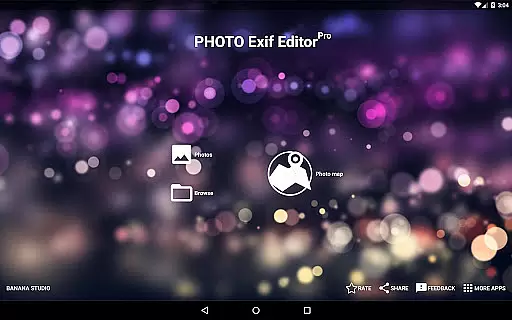
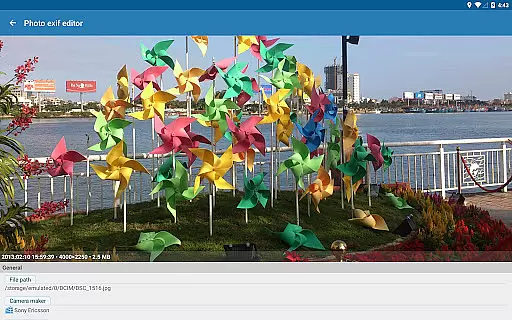
Photo Exif Editor Pro is a powerful tool for photographers and enthusiasts who need to manage the metadata of their images. This application allows users to view, add, and modify Exif data in photos, providing detailed information about camera settings, location data, and other important parameters.
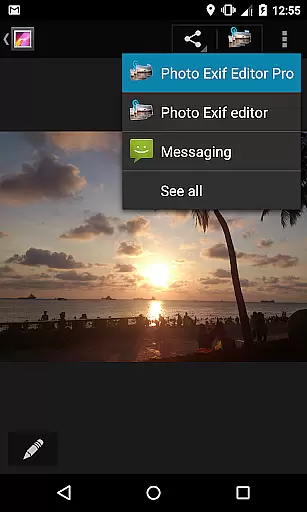
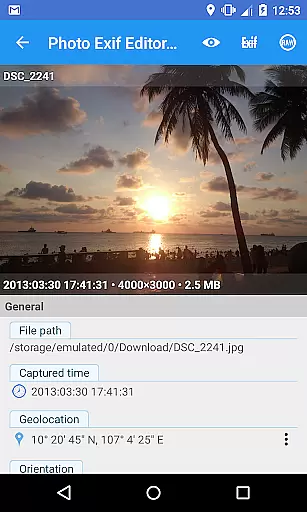
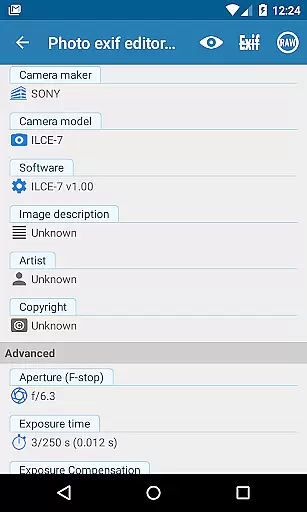
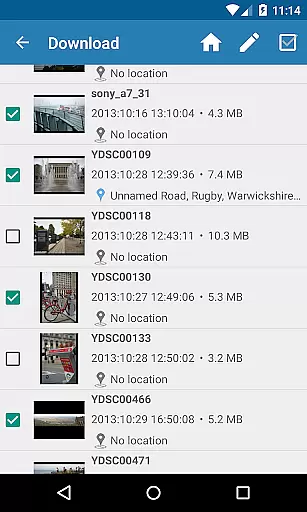
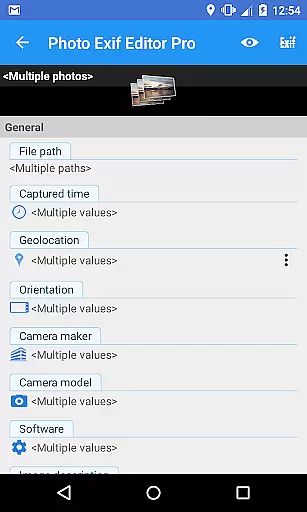
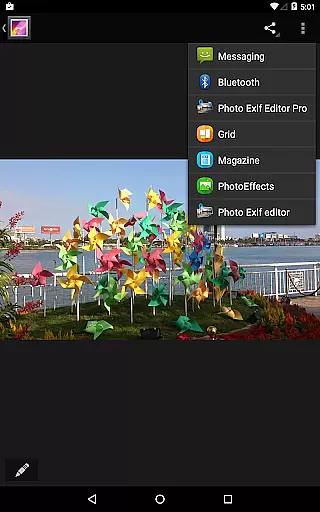
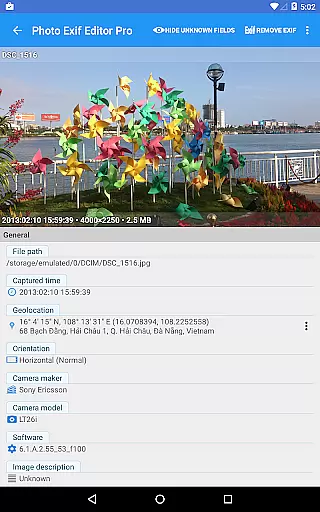
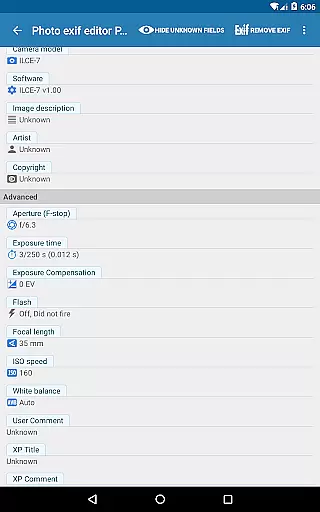
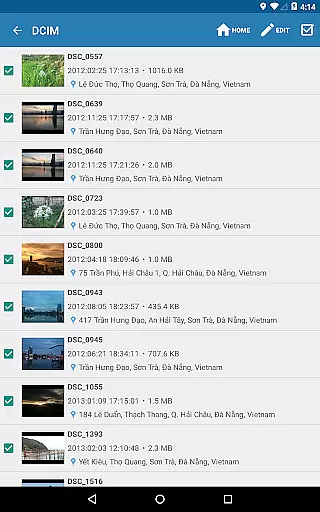
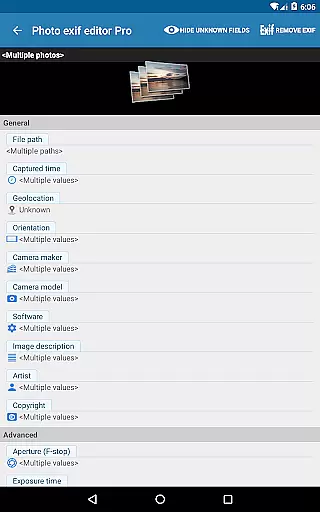
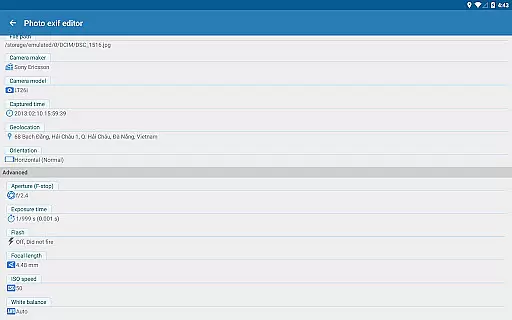
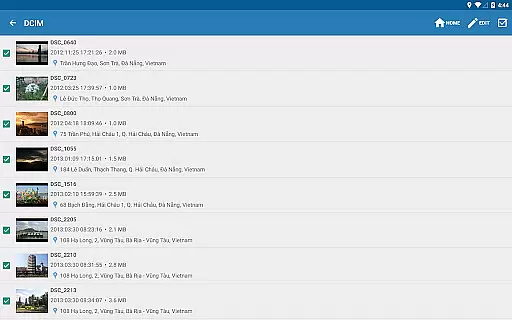
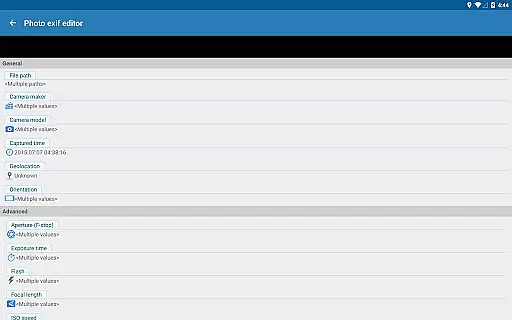
The app features an intuitive interface that makes it easy to browse Exif information from Android Gallery or its integrated photo browser. With advanced editing capabilities, users can batch edit multiple photos and make precise adjustments to various Exif tags such as camera model, captured time, orientation, aperture, shutter speed, focal length, ISO speed, and white balance.
Designed for professionals, Photo Exif Editor Pro also supports RAW image formats and provides the ability to show full raw data of pictures. The upcoming feature integration will further enhance its functionality by including audio and video file editing, making it an indispensable tool for comprehensive media management.
Photo Exif Editor Pro stands out with its comprehensive set of features tailored for managing Exif data. One of its key strengths is the ability to batch edit multiple photos, saving users significant time when processing large collections. The app allows modification of essential Exif tags including camera model, maker, captured time, orientation, aperture, shutter speed, focal length, ISO speed, and white balance.
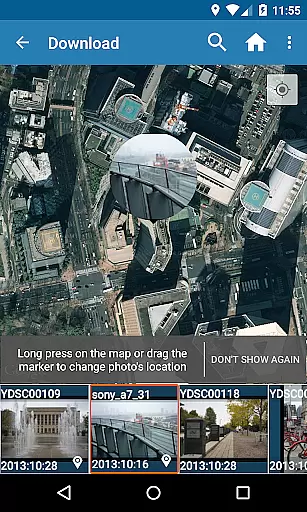
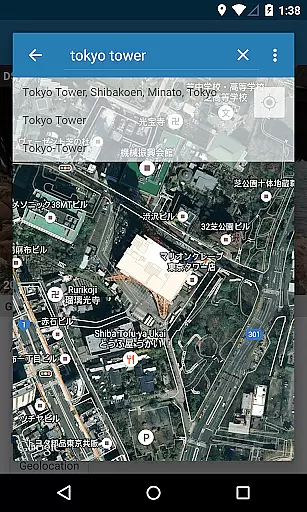
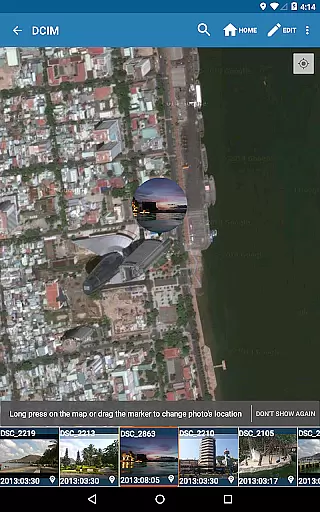
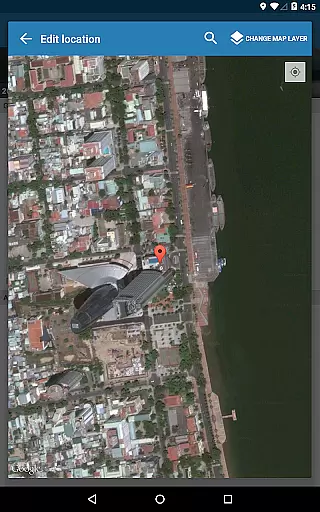
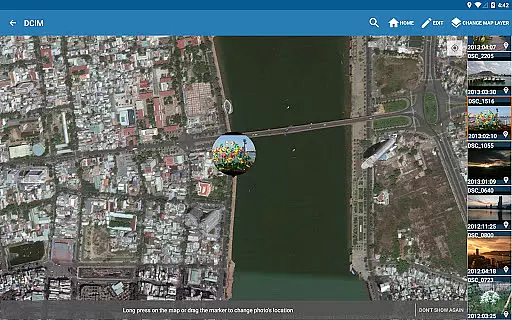
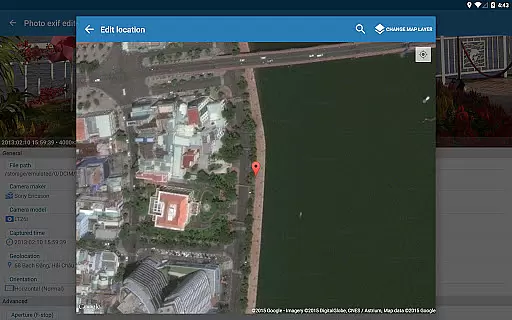
A standout feature is the integration with Google Maps, enabling users to add or correct the GPS location where a photo was taken. This functionality is particularly useful for travel photographers and geo-tagging enthusiasts. Additionally, the app's support for various image formats, including JPG, PNG, and RAW, ensures compatibility with professional workflows.
The Pro version offers an ad-free experience and includes the ability to display full raw data of images. Future updates promise even more functionality, with planned integrations for editing audio and video files, further solidifying its position as a complete multimedia metadata management solution.
Real-time capture and preview functionality is essential for ensuring that photographers can accurately assess their images while shooting. Photo Exif Editor Pro offers a seamless experience by allowing users to view Exif data instantly after capturing an image.
This application provides a clear user interface where photographers can immediately see critical camera settings such as aperture, shutter speed, focal length, and ISO speed. This instant feedback empowers users to make necessary adjustments on the fly, enhancing the overall quality of their photos.
Additionally, the app supports viewing GPS data, which is embedded in the Exif information. This feature allows photographers to track where each photo was taken, providing valuable context and aiding in organizing their photo library based on location.
By offering real-time access to comprehensive Exif data, Photo Exif Editor Pro ensures that photographers have all the tools they need to refine their craft and produce exceptional results every time they shoot.
AI beauty and enhancement features are becoming increasingly popular among photography enthusiasts who seek to improve their images without compromising natural aesthetics. Photo Exif Editor Pro incorporates advanced AI algorithms that intelligently enhance photos while maintaining their authenticity.
The application allows users to modify various Exif tags, including white balance, orientation, and captured time, ensuring that each photo's metadata aligns with its visual content. These modifications contribute to a more polished final product that retains its original essence.
Moreover, the app offers batch editing capabilities, enabling users to apply enhancements across multiple photos simultaneously. This feature saves time and effort, particularly when managing large photo collections, while ensuring consistency in aesthetic quality throughout the set.
With its focus on natural enhancement, Photo Exif Editor Pro stands out as a powerful tool for photographers aiming to elevate their work without sacrificing the genuine qualities that make each image unique.
User-friendly interface
Batch editing capability
Comprehensive Exif tag support
Google Maps integration
RAW format support
Limited to photography use
No iOS version available
Advanced features may overwhelm beginners
Some features still in development
Requires technical knowledge

Easily stitch panoramas from multiple photos or video.
 4.40
4.40
Superimpose one photo on top of another using the original Superimpose app!
3.20
Turn your phone into a professional camera - full DSLR manual photography
4.30
The #1 app for B&W film developing featuring an advanced darkroom timer.
4.10
A reflected light meter with spot metering and incident light metering.
4.40
GCamera allows all GCam features on all phone models! Better photos with GCamera
3.30
Hair color changer, AI haircut app, fun hair editor and buzz cut filter for all!
3.80
Pro version: AR sun/moon tracker for any date. Tool for photographers & planners
4.90
Edit photos with the picture generator: PS2 & AI Clay filters, cartoon effects.
4.50
AI Photo Editor with 100+ Filters, Effects! Remove BG, Retouch & Photo Enhancer.
4.80
Perfect body tune & face app - photo retouch, makeup, slim body & beautify face.
4.80
The original Rarevision VHS look seen everywhere!
4.70
Transform photos into videos! Create realistic or anime-style images easily!
4.50
Create AI photos & videos with Enhancer; restore, fix, beautify, enhance photos
4.50
AI photo enhancer with Sora 2! Enhance, descratch, and colorize your old photos.
4.50
Create AI Photos, Improve and restore quality of blurry, old or damaged pics.
4.20
A light meter for true photographers.
4.20
Photobooth mini FULL app will allow you to add more fun to your parties
4.00
Photo Album Watch Face shows your favorite pictures as a Watchface.
1.90


User Reviews