
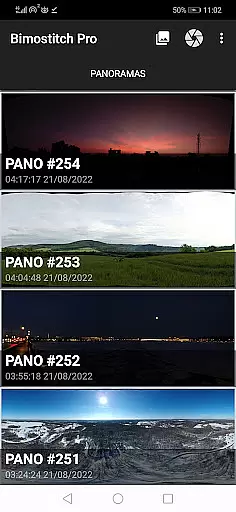
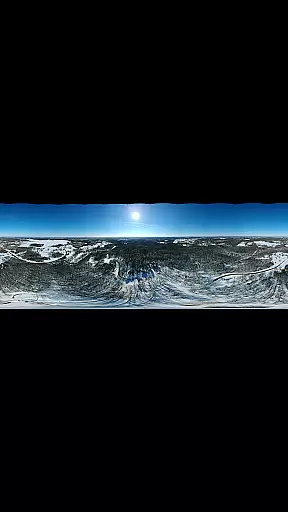
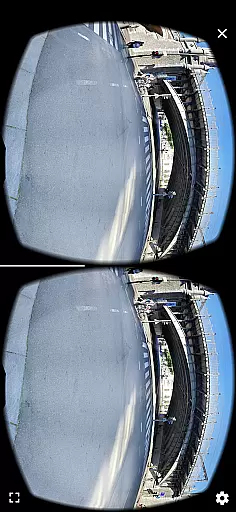
Bimostitch Panorama Pro is a powerful photography app designed for creating high-resolution panoramic images directly on your mobile device. The app utilizes advanced on-device stitching algorithms to automatically align and blend multiple overlapping photos into stunning panoramas. With support for various panorama types including single-row, multi-row, vertical, horizontal, 360° views, and photospheres, it caters to both amateur and professional photographers.
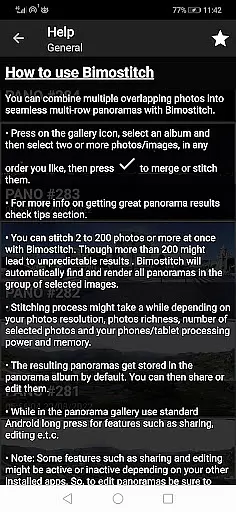
One of the standout features of Bimostitch Panorama Pro is its ability to handle anywhere from 2 to 200+ photos, producing ultra-high-resolution outputs of up to 1 Gigapixel. The app also includes pro-level tools such as auto-exposure balancing, automatic straightening, and lens distortion compensation, making it versatile for different photography styles and equipment. Whether you're using a DSLR, drone, or smartphone camera, this app ensures that your panoramas maintain the highest quality while offering convenient portability and offline functionality.
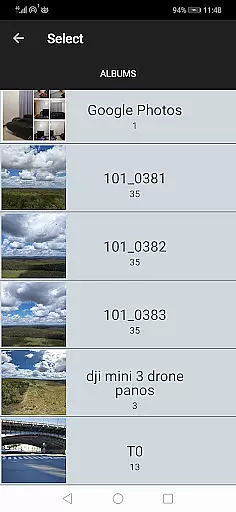
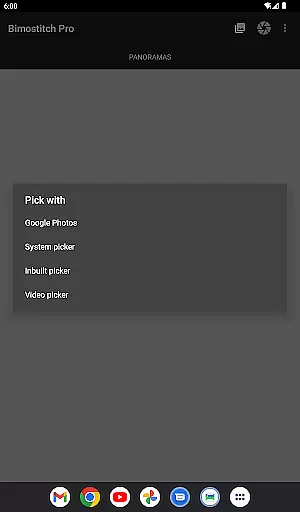
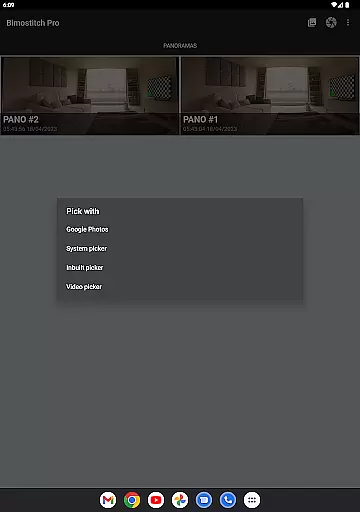
Bimostitch Panorama Pro offers an extensive range of features that set it apart in the photography category. First and foremost, the app provides users with intuitive yet powerful tools to stitch together panoramas seamlessly. It supports multiple photo input methods, including the built-in photo picker, third-party gallery apps, or even direct capture through the device's camera. This flexibility allows users to create panoramas regardless of their source material, whether it's from drones, DSLRs, or smartphone cameras.
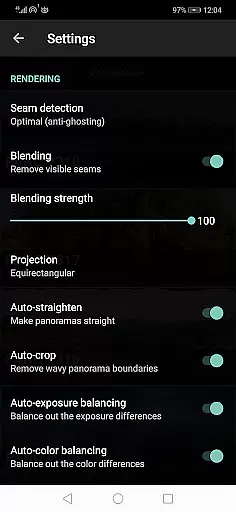
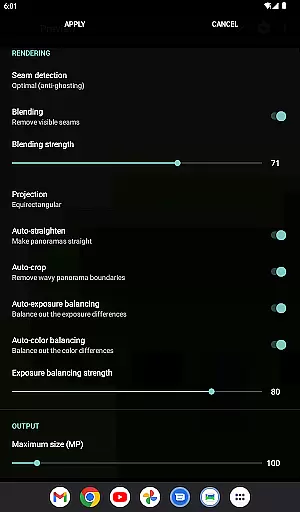
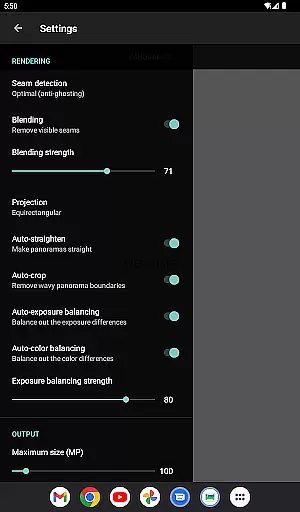
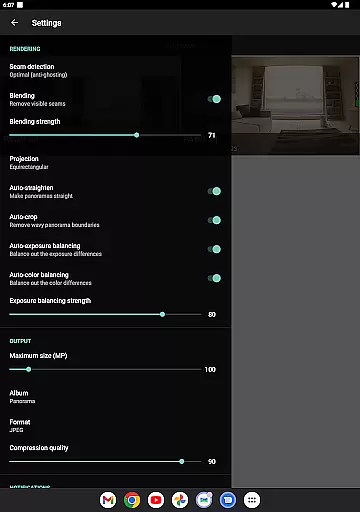
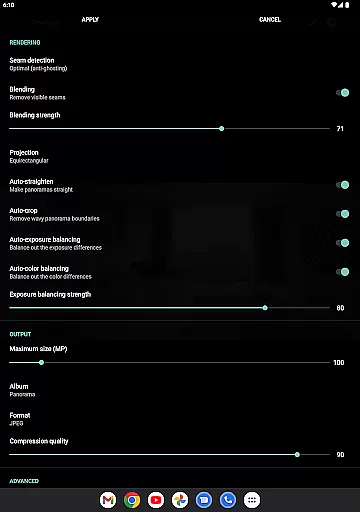
In addition to basic panorama stitching, the app includes several advanced functionalities. Users can take advantage of video-to-panorama conversion, which transforms panning motion videos into detailed panoramic images. The app also offers precise control over output settings, including JPEG or PNG formats, seam detection modes, blending intensity, and color balancing adjustments. These features ensure that each panorama maintains optimal quality while allowing users to customize the final result according to their preferences.
Furthermore, Bimostitch Panorama Pro is optimized for performance and convenience. Despite handling large files and complex computations, the app remains lightweight and fully functional offline. This makes it ideal for photographers who need immediate results without relying on internet connectivity or additional equipment. The inclusion of pro features like ultra-high-resolution output and auto-lens calibration further enhances its appeal to professionals seeking top-tier image quality.
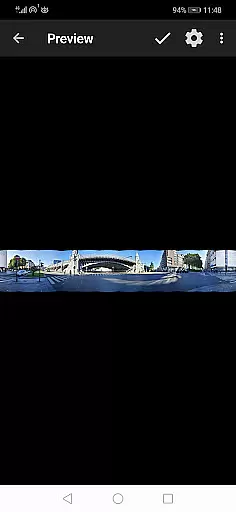
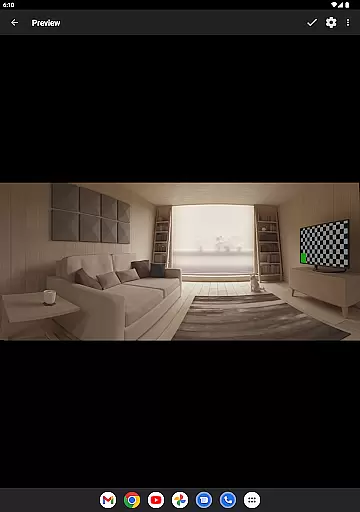
Real-time capture and preview functionality is essential for ensuring that every moment is perfectly captured without delay. Bimostitch Panorama Pro offers an intuitive interface where users can instantly see the results of their captures, allowing them to make necessary adjustments on the fly.
The app's advanced algorithms process images in real-time, providing immediate feedback on how the final panorama will look. This feature is particularly useful when capturing complex scenes with multiple overlapping photos, as it ensures accurate alignment and blending.
Users benefit from this instant preview capability by being able to retake shots if needed, thus guaranteeing high-quality output. The ability to visualize the end result before finalizing the stitch saves time and enhances the overall photography experience.
With real-time capture and preview, photographers can confidently shoot panoramas knowing they have full control over the outcome. This feature sets Bimostitch apart by offering professional-grade tools directly in the hands of both amateur and experienced users.
AI beauty and enhancement features are designed to improve image quality while maintaining a natural look. In Bimostitch Panorama Pro, AI-driven enhancements automatically balance exposure, straighten panoramas, and apply color corrections that enhance the visual appeal without appearing artificial.
The app uses sophisticated AI models to analyze each photo, detecting areas that need improvement such as lighting inconsistencies or color imbalances. By applying optimal cuts and seamless blending techniques, Bimostitch ensures that every panorama maintains its original essence while looking more polished.
Photographers appreciate the natural enhancement capabilities because it allows their work to shine through without heavy-handed edits. Whether creating vertical, horizontal, or 360u00b0 panoramas, the AI enhancements ensure that the final product reflects the true beauty of the scene.
This focus on natural enhancement not only improves the aesthetic quality of panoramas but also preserves the authenticity of the captured moments. Users can trust Bimostitch to deliver stunning yet genuine panoramic images every time.
High-quality stitching
Intuitive interface
Offline functionality
Wide compatibility
Advanced customization
Requires 4GB RAM
Premium cost
Complex for beginners
Limited free features
Heavy file sizes

Gallery show photo, video, slideshow, is perfect 3D effect private photo albums.
 4.80
4.80
Create funny photos and videos with the popular Time Warp Scan filter.
4.90
Photo editor: AI filters, photo enhancer, pic collage maker, AI art generator.
4.80
Take videos and pictures with the popular TikTok TIME WARP SCAN filter.
4.60
Transform photos into videos! Create realistic or anime-style images easily!
4.50
HD Camera Pro with HD Video shooting, Panorama, Photo editor , Beauty Camera.
4.50
Future baby face generator: AI kids generator, kid face! What my baby look like?
4.40
Professional quality photo edits with the new Snapseed.
4.00
Discover How to Plan any Sun, Moon and Milky Way Photo You Imagine in Seconds
4.70
Pro version: AR sun/moon tracker for any date. Tool for photographers & planners
4.90
Photo prints, cards, & gifts at Walgreens. Easy ordering & fast local pickup !
4.80
Easily view, share, delete photos with Gallery.
4.70
Enhance, retouch & create your story - Share the moment with Photoshop Express.
4.60
Easily create custom gifts, cards, photo books & more on the Shutterfly app!
4.60
PhotoSync Bundle Add-On License. Enables all features and services in PhotoSync.
4.60
Fit multiple photos on one post. Create carousels & scroll layouts for Instagram
4.50
Smart, light, and fast photo and video gallery
4.30
Professional camera app that brings DSLR manual photography controls to Android.
4.20
Long exposure camera with computational photography
2.60


User Reviews