
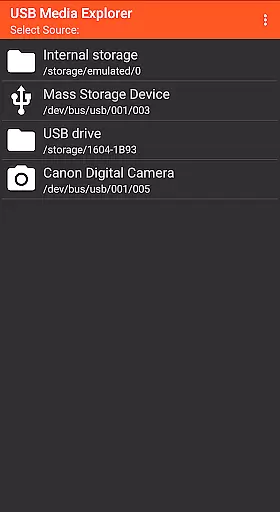
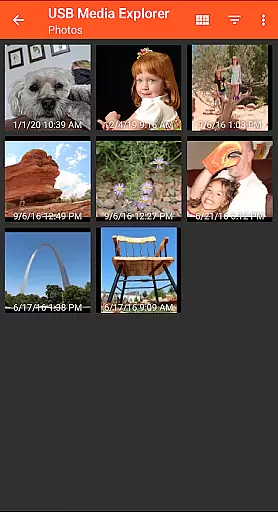
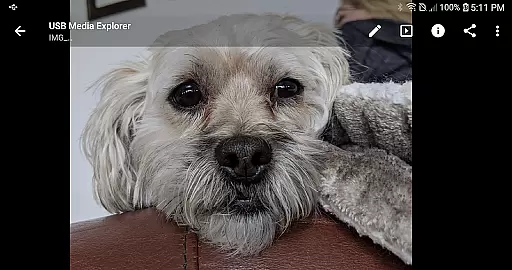
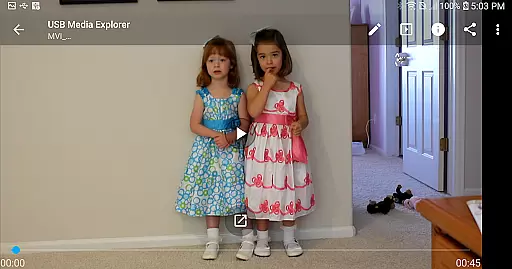
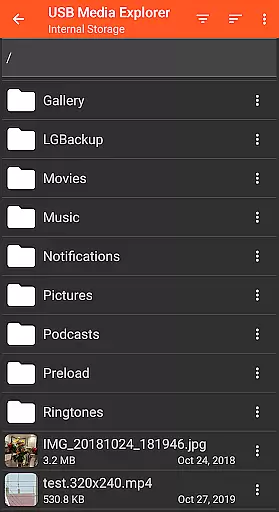
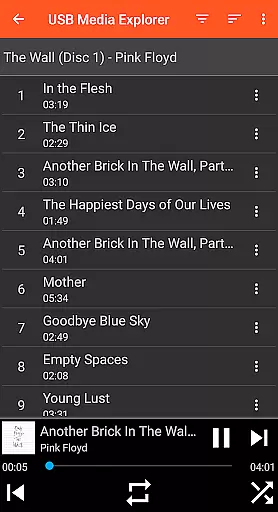
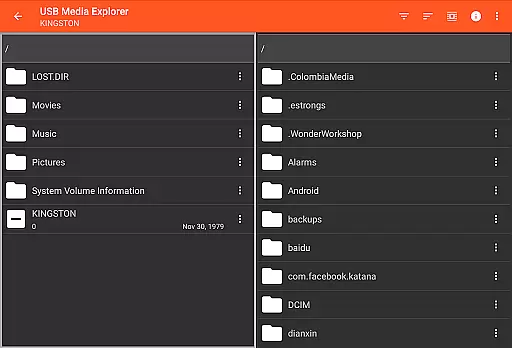
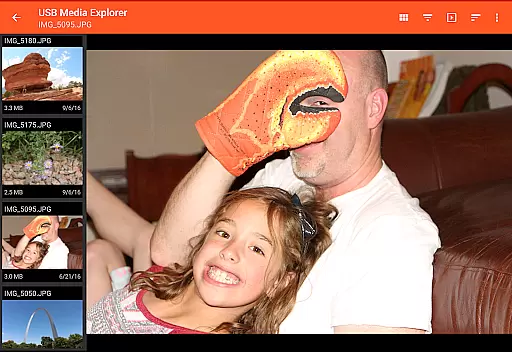
USB Media Explorer (UME) is a versatile photography app that allows users to view photos, stream videos, listen to music, and manage documents from various USB storage devices. The app supports multiple file formats including Jpeg, Raw, AVI, and more, making it an ideal tool for photographers and content creators who need to access their media files on the go.
The app features specialized viewing modes for different media types, enabling full-size photo and video viewing without the need for importing. With support for flash drives, card readers, hard drives, and even other Android devices, UME provides a comprehensive solution for managing and accessing media files directly from USB-connected devices.
This app is particularly useful for professionals who need to quickly review and share high-resolution images and videos in the field. By eliminating the need for file imports, it streamlines the workflow and saves valuable time during photo shoots or media production projects.
USB Media Explorer offers several notable features that enhance its functionality as a photography app. The app's specialized screens for photos, videos, music, and documents provide optimized viewing experiences for each media type. Users can copy files to and from USB devices, maintaining their original quality while enabling easy file management.
One of the key advantages of this app is its ability to display full-size photos and videos without requiring import. This feature is especially beneficial for photographers who need to quickly review RAW files and other large-format images. The app also supports various Android-compatible devices through MTP/File Transfer Mode, expanding its connectivity options.
While most basic functions work natively, the app recommends using third-party players like VLC for unsupported formats such as AVI, Dolby, DTS, and WMV. Additionally, the app provides comprehensive support for different storage devices, though some may require additional power sources or adapters, ensuring maximum compatibility with various photography equipment.
USB Media Explorer offers a unique real-time capture and preview feature that allows users to view photos, stream videos, and listen to music directly from USB storage devices without the need for importing files. This functionality is crucial for photographers and videographers who require immediate access to their media files on the go.
The application supports various file formats including JPEG, RAW for images, and multiple video and audio formats. It ensures that users can work with professional-grade content directly from their connected devices such as flash drives, card readers, and hard drives. The ability to view full-size photos and videos without importing them saves valuable time during critical projects.
By providing specialized screens for different media types, USB Media Explorer enhances workflow efficiency. Users can seamlessly switch between photo, video, music, and document viewing modes, making it an indispensable tool for creative professionals. This versatility ensures that all your media management needs are met within a single intuitive interface.
While USB Media Explorer does not focus on AI beauty enhancements, it excels in offering natural and authentic media presentation. The app's primary goal is to provide users with unaltered, high-quality views of their original content. This approach is vital for professionals who rely on accurate representations of their work for editing and sharing purposes.
For unsupported video and audio formats, the app recommends using third-party players like VLC. This ensures that even those formats not natively supported by Android can be managed effectively, maintaining the integrity and natural state of the media. Such compatibility extends the utility of USB Media Explorer across diverse multimedia environments.
Moreover, the app includes robust file management capabilities, allowing users to copy files to and from USB devices effortlessly. This feature supports a wide range of external hardware, ensuring that whether you're working with cameras, audio players, or other Android devices, your content remains pristine and true to its original form. These practical tools underscore the appu2019s commitment to delivering genuine, unmodified media experiences.
User-friendly interface
Wide device compatibility
Direct file viewing
Comprehensive format support
Efficient file management
Limited native format support
External power source needed
No live image support
Proprietary protocol issues
Commercial DVD restrictions

Shooting photos and records video easily and efficient with professional Camera
 4.30
4.30
Natural Beauty, Selfie Retouch
4.30
Amazing Photo Effects - The most fun you can have with your photos!
4.70
A reflected light meter with spot metering and incident light metering.
4.40
Turn photos into cartoons & avatars! - Photo Editor, Cartoon Face!
3.90
live datamoshing
4.00
Professional camera app that brings DSLR manual photography controls to Android.
4.20
Try an anime version, cartoon yourself, and generate AI hug or aging videos!
3.70
Photo & Video Gallery app to manage albums and save WA Status easily.
4.70
Create funny photos and videos with the popular Time Warp Scan filter.
4.90
Gallery show photo, video, slideshow, is perfect 3D effect private photo albums.
4.80
Cartoon and artistic effects for your photos and videos
4.70
1M influencer's special filter
4.60
Photo editor & gallery. Crop pictures & edit photos offline, no wifi!
4.50
RAW video capture with advanced controls
4.40
AI portrait generator and polaroid AI selfie, fun AI generated AI photo creator!
4.30
All-in-One Editor & AI Photo Enhancer, Beautify & Retouch, Collage, Cartoonify
4.20
Astrophotography with your smartphone, photo live stacking and much more!
3.90
Add a dreamy vibe to your selfies and videos with soft style filters
4.4


User Reviews