
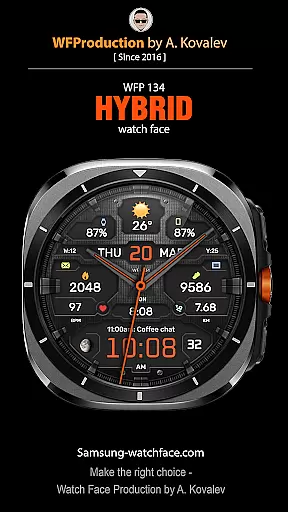
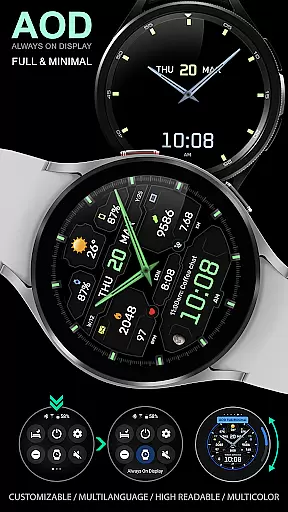
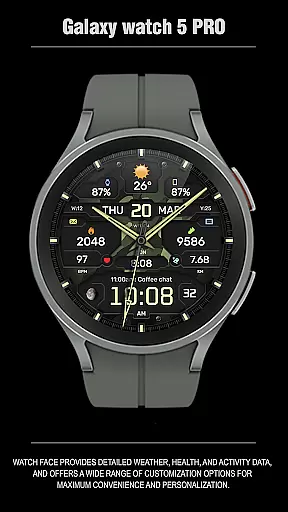
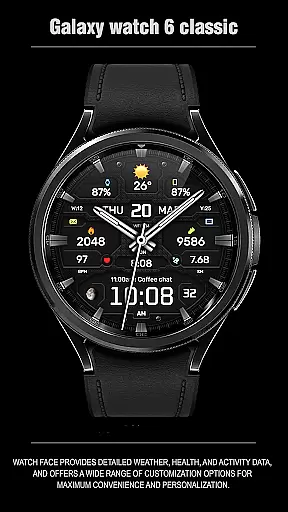
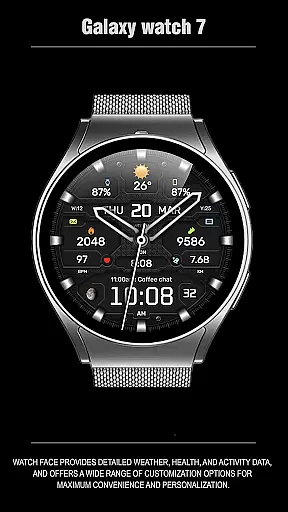
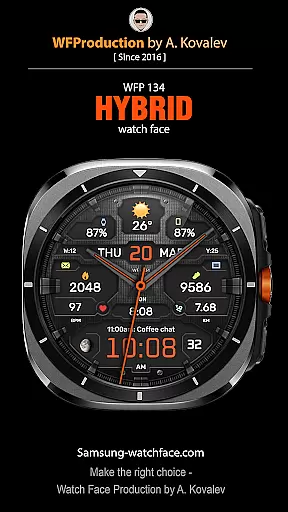
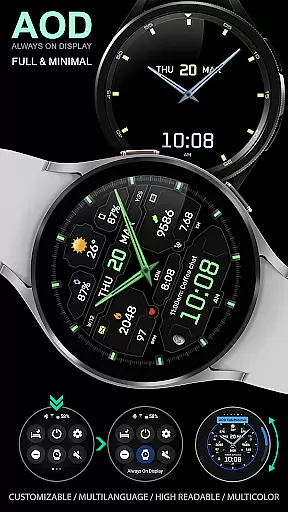
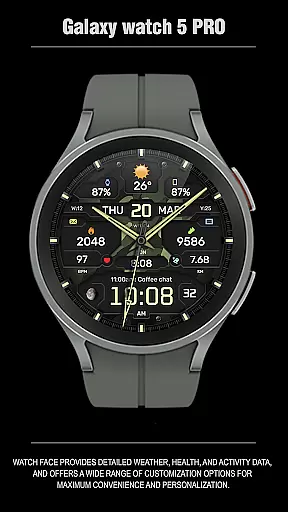
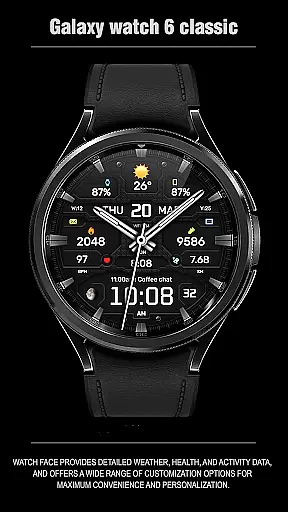
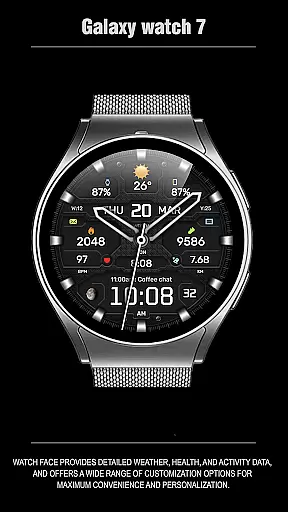
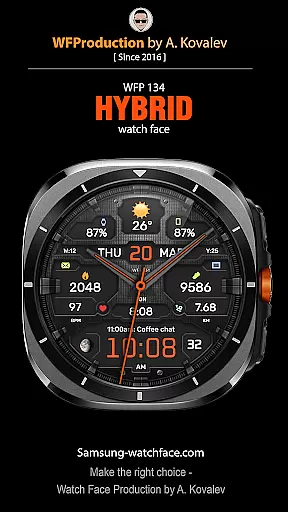
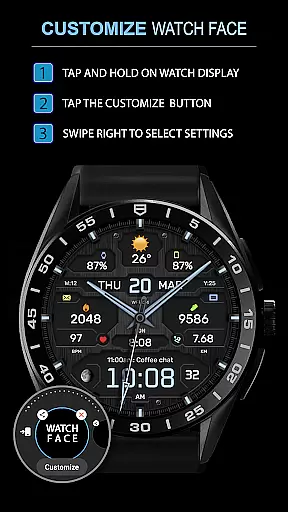
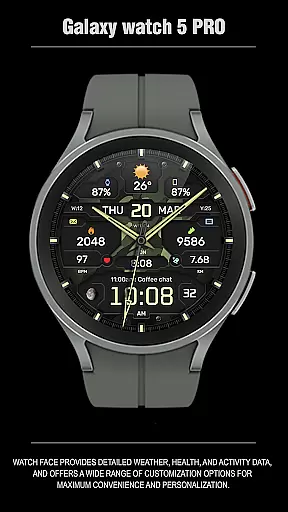
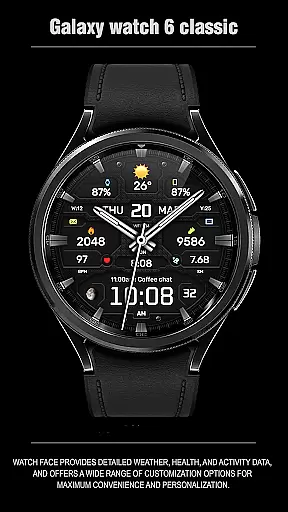
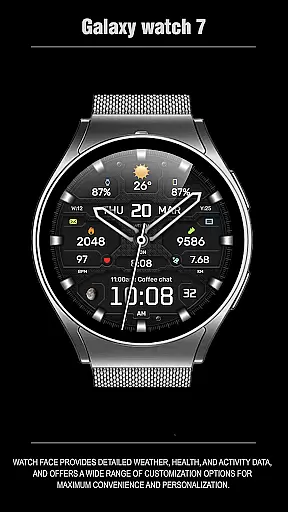
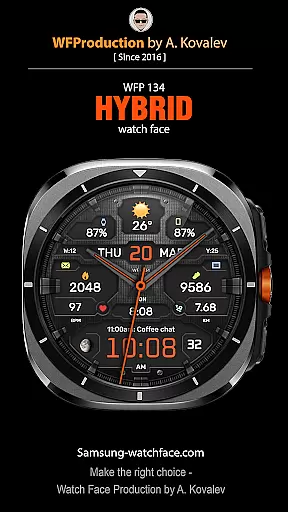
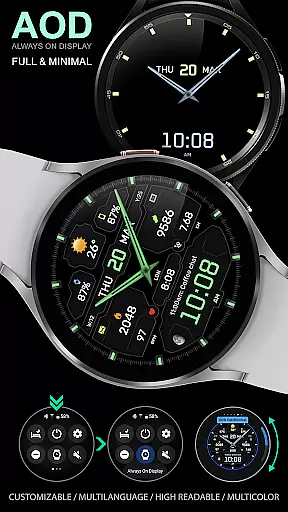
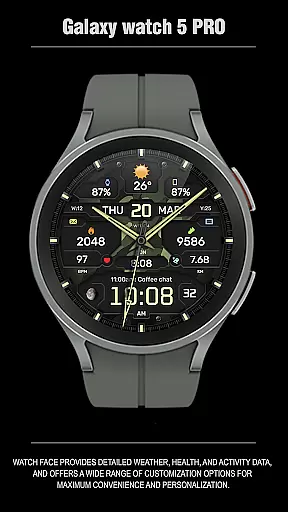
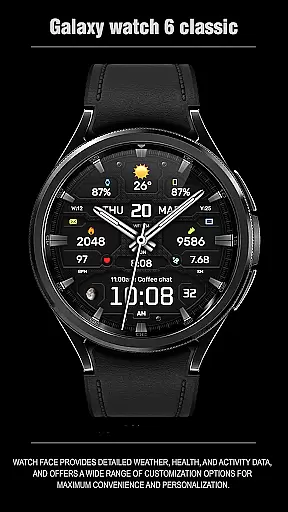
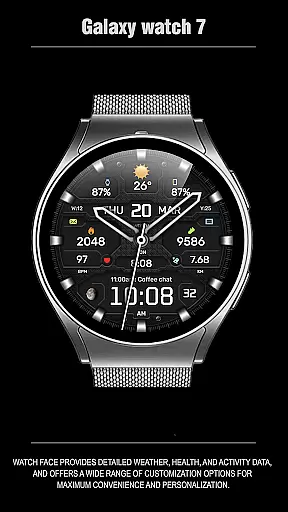
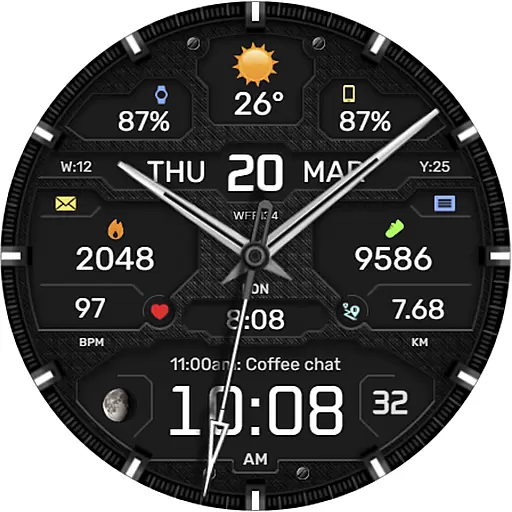
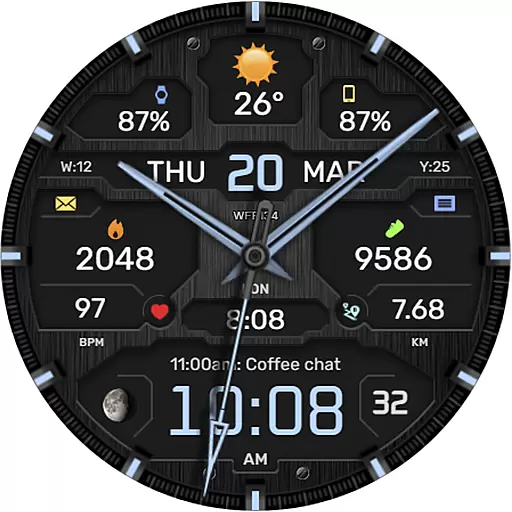
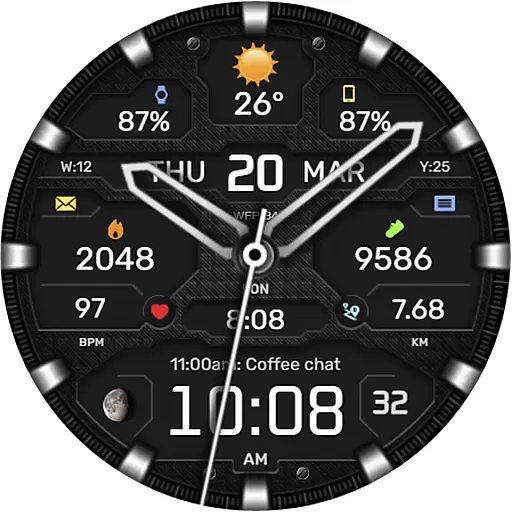
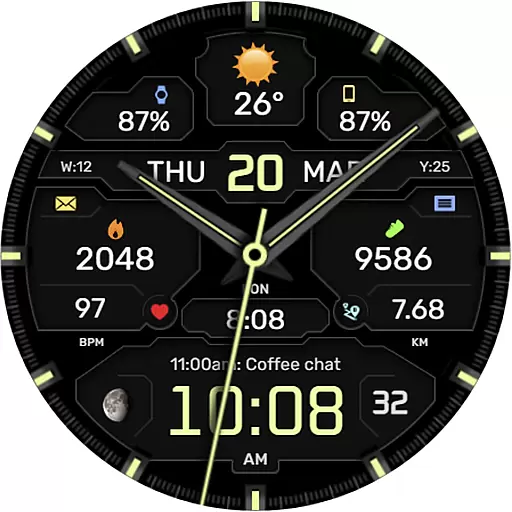
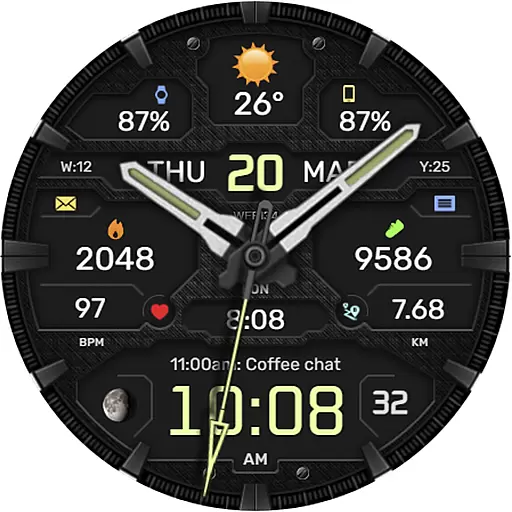
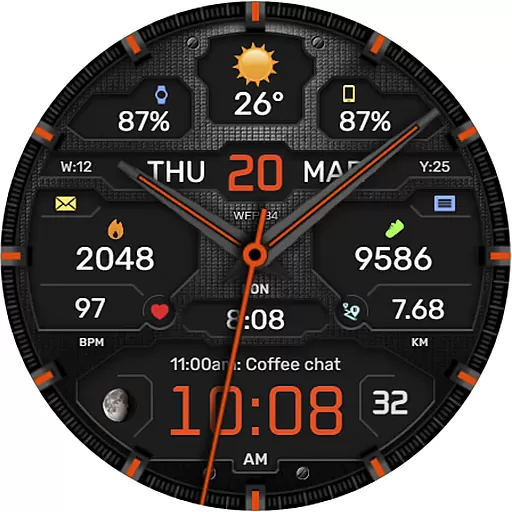
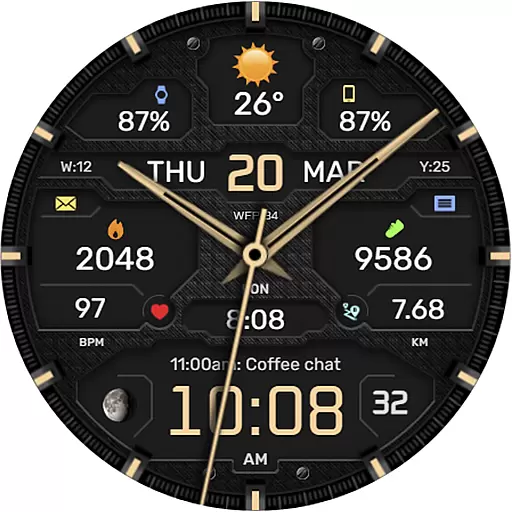
The WFP 134 Hybrid watch face is a stylish and functional timepiece designed for smartwatch users seeking both aesthetics and utility. This watch face offers detailed weather forecasts, health tracking, and activity data while providing extensive customization options to suit individual preferences.
With compatibility for devices running API 34+ and later, the WFP 134 supports a wide range of features including complications, color combinations, backgrounds, and bezel indexes. Users can personalize their experience with different types of hands, fonts, and AOD modes. The high-resolution display ensures clarity, while optimization techniques maintain low battery consumption.
Whether you're monitoring your fitness goals or staying updated on weather conditions, this watch face delivers a personalized and efficient user experience. Its multilingual support and Fahrenheit/Celsius options make it versatile for global users.
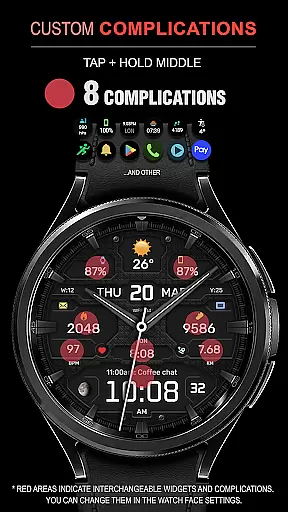
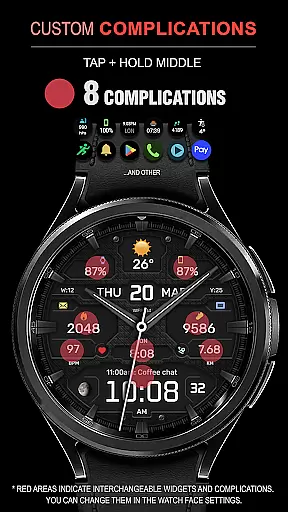
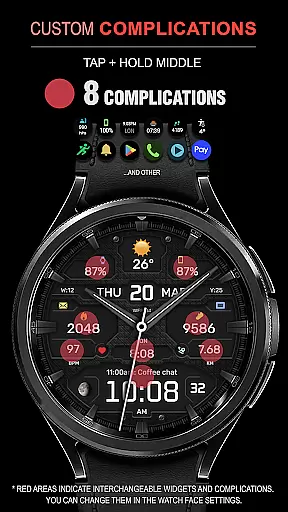
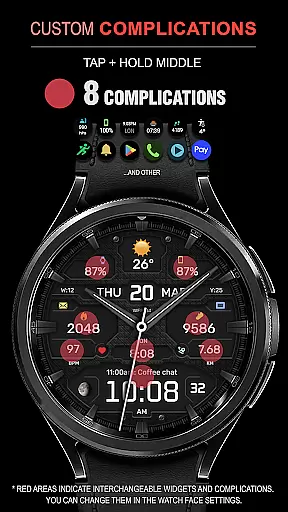
The WFP 134 Hybrid watch face stands out with its rich feature set tailored for maximum personalization and convenience. It includes eight complications that allow users to display various data points such as weather, health metrics, and more directly on their watch face.
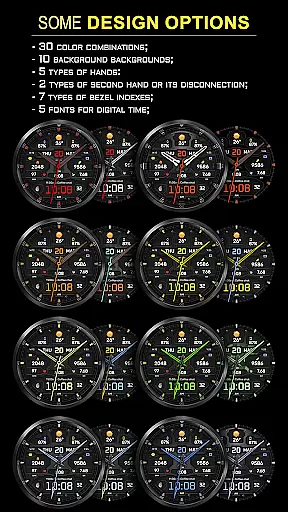
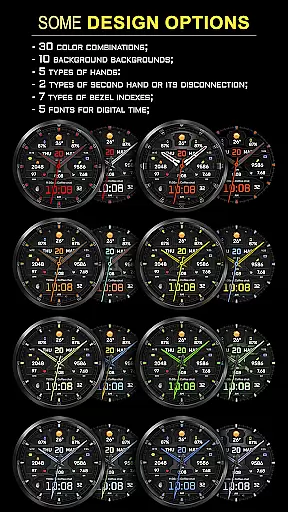
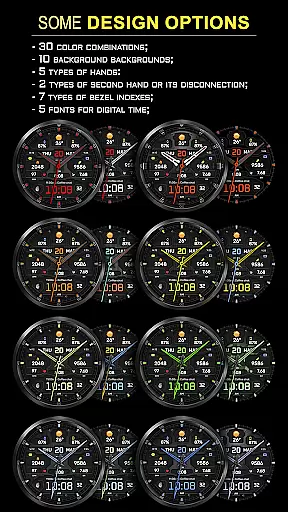
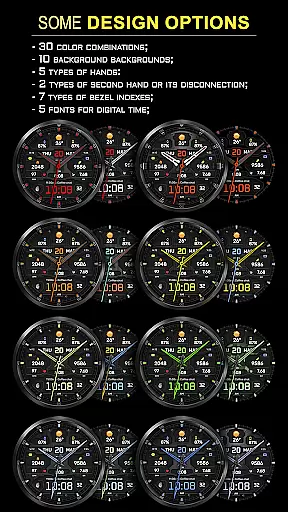
Customization is key with thirty color combinations, ten unique backgrounds, five hand types, and seven bezel index styles. Users can choose between two second-hand types or disable it entirely. Additionally, there are five digital time fonts available alongside black edition mode for a sleek appearance.
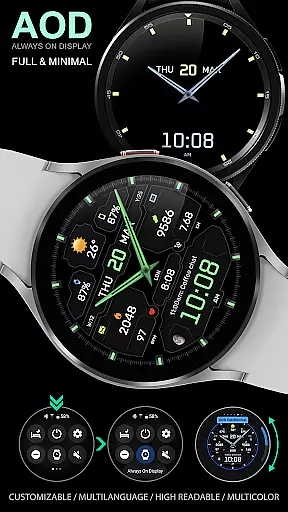
Advanced functionalities include weather forecasting, moon phase tracking, and customizable Always-On Display (AOD) modes in full or minimal settings. High optimization ensures smooth performance with low battery usage, making it an ideal choice for those who value both style and efficiency in their wearable technology.
Companion app integration is essential for a seamless experience between a smartphone and a wearable device. The WFP 134 Hybrid watch face excels in this area by offering users the ability to customize their watch face directly from their phone.
This application provides detailed weather, health, and activity data, which can be easily synced with the companion smartphone app. Users can access various customization options such as color combinations, backgrounds, and types of hands through an intuitive interface on their mobile device.
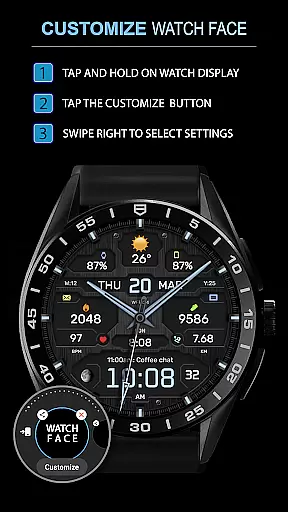
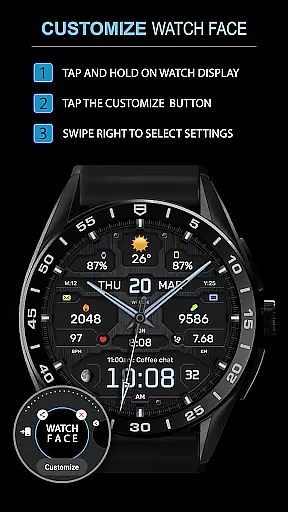
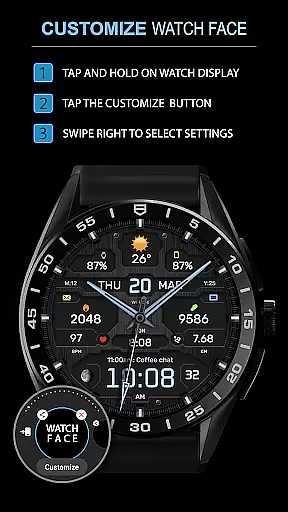
By following simple instructions available on samsung-watchface.com, users can effortlessly install and manage their watch face settings. This ensures that all personal preferences are preserved and can be modified without hassle, providing maximum convenience and personalization.
The synchronization between the WFP 134 Hybrid watch face and its companion app not only enhances user experience but also allows for efficient management of widgets related to phone charge, calories, floors climbed, and more, making daily use both practical and enjoyable.
Ensuring compatibility across various devices is crucial for any Wear OS application. The WFP 134 Hybrid watch face is designed to work seamlessly with devices running API 34+ and later, making it accessible to a wide range of users.
This compatibility extends to a multitude of features within the watch face itself. With support for high-resolution displays, multiple color schemes, and customizable AOD modes, users can enjoy a personalized experience tailored to their specific device capabilities.
In addition to aesthetic customizations, the watch face offers functional elements like weather forecasts, moon phases, and multilingual support. These features are optimized for performance, ensuring low battery consumption while maintaining high accuracy and responsiveness.
Whether you're using a Samsung device or another brand that supports Wear OS, the WFP 134 Hybrid watch face guarantees a consistent and reliable performance, enhancing your wearable technology experience regardless of your chosen hardware platform.
Highly customizable
Low battery consumption
Stylish design
Comprehensive weather data
Multilingual support
Complex setup process
Limited free features
Requires newer devices
No built-in social sharing
Premium cost for full access

Wear Os Watch Face - Animated Snow Effect & Christmas Lights
 4.0
4.0
Stunning modern digital watch face with 7 complications and strong contrast
4.3
Easy Voice Recorder is your everyday companion to record important moments.
4.70
Digital, flexibly customizable watch face. For Wear OS 5.0, API 34+ and later.
5.00
The most customizable minimal watch face. For Wear OS 5.0, API 34+ and later
4.70
Find EV charging stations
4.30
Hybrid watch face for Wear OS with customizable complications by Matteo Dini MD
4.70
Track airplanes and follow flights with our real-time flight tracker
4.50
Download full tracks, listen to music offline, make unlimited playlists.
4.80
Beautiful, colorful and practical watch face. For Wear OS devices.
5.00
Period, ovulation & pregnancy tracker. Fertility insights & menstrual calendar.
4.90
Be an elegant and classy secret agent, with this carefully detailed watch face
4.70
Highly customizable hybrid watch face for Wear OS, perfect for everyday use.
4.60
Monitor health with the stress test and pulse checker in the heart rate app.
4.60
A realistic hybrid watch face with many customization options.
4.60
Embrace the holiday spirit with this magical animated watch face!
4.40
Animated video-game inspired “secret agent” simulation, right on your wrist!
4.20
sleep, alarm, snoring, stress, healing, focus, sound therapy, circadian rhythm
4.10
Watch face designed for Thanksgiving Day. 7 Background Styles included.
3.20


User Reviews