
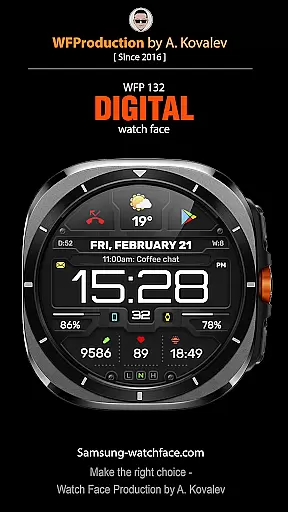
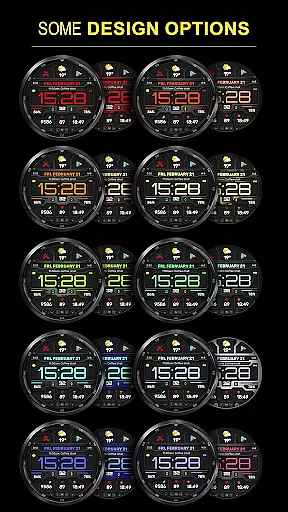
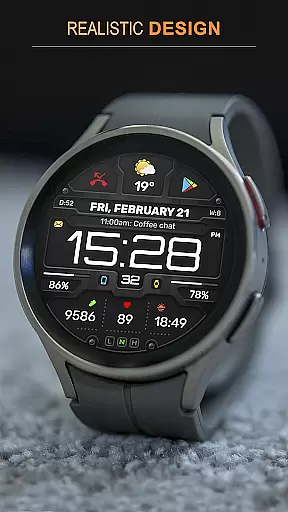
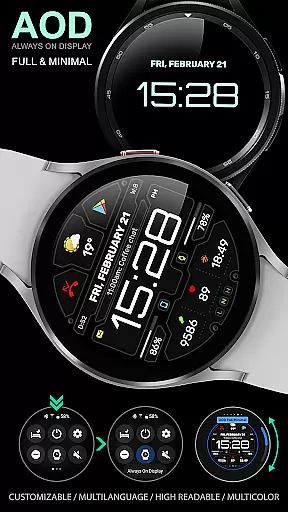
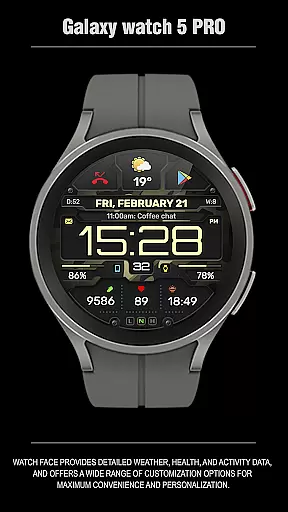
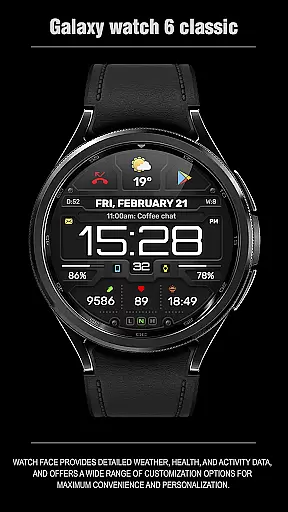
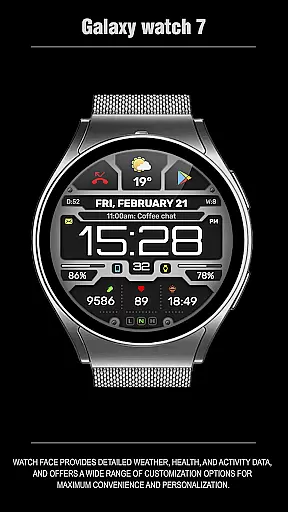
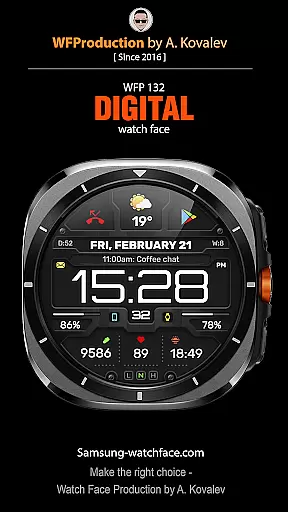
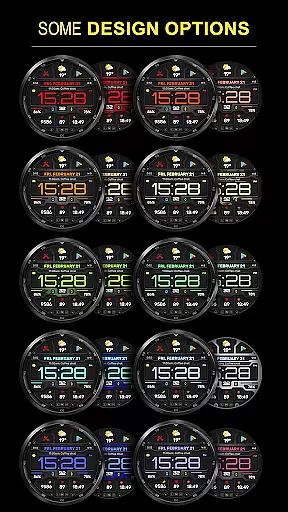
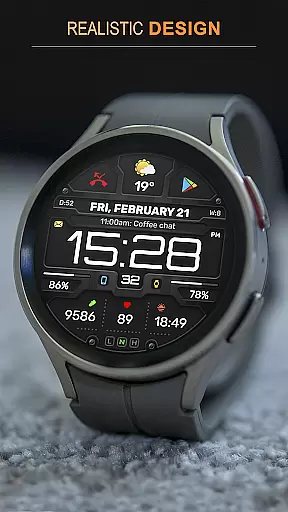
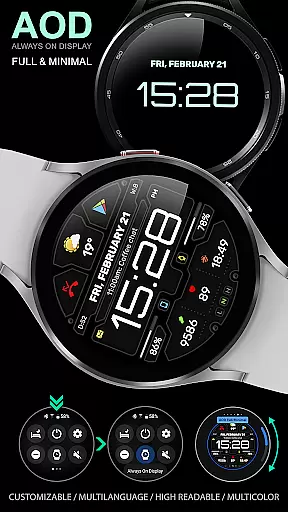
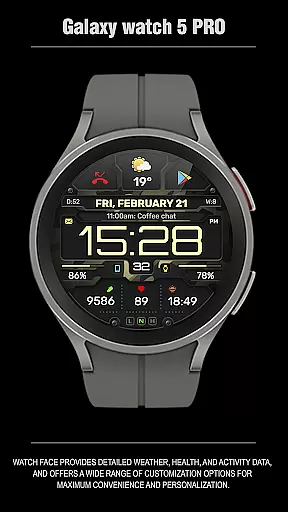
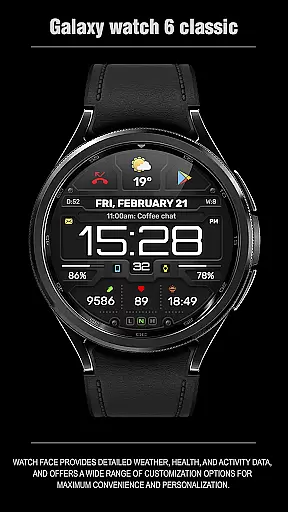
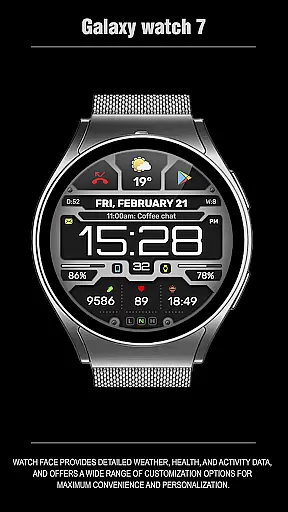
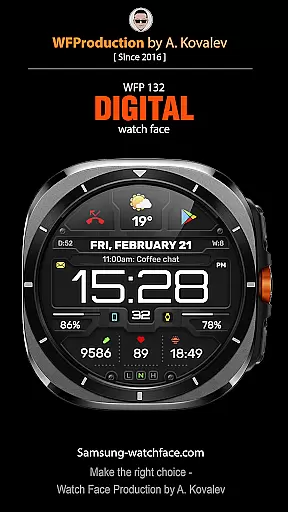
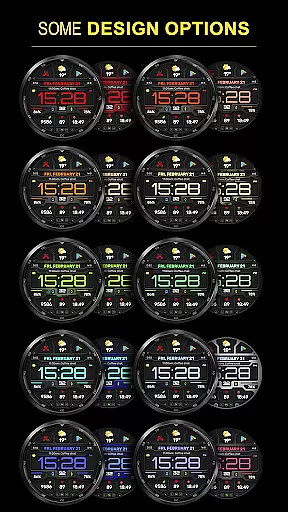
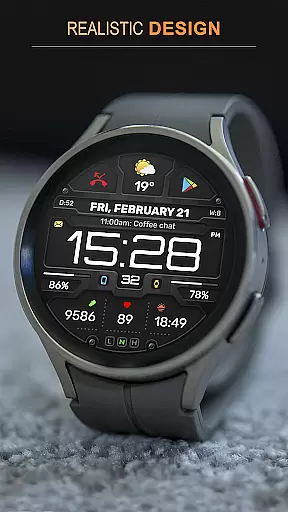
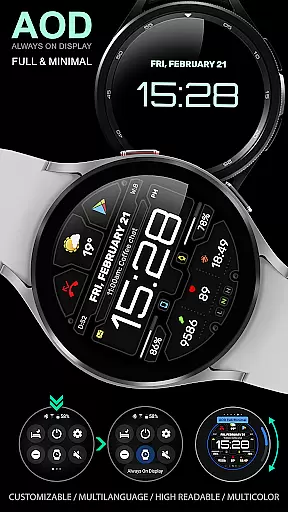
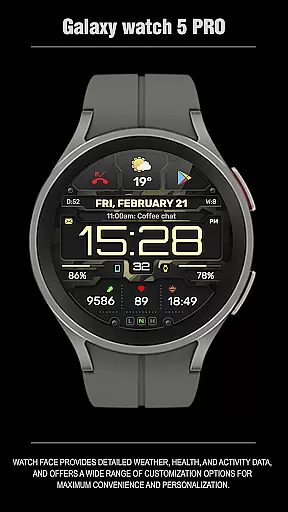
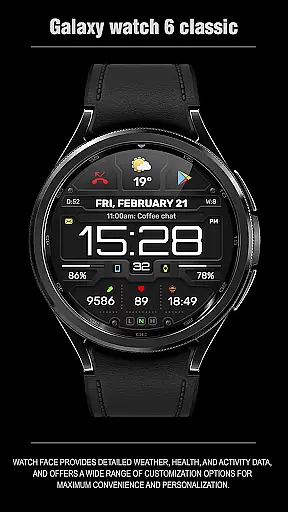
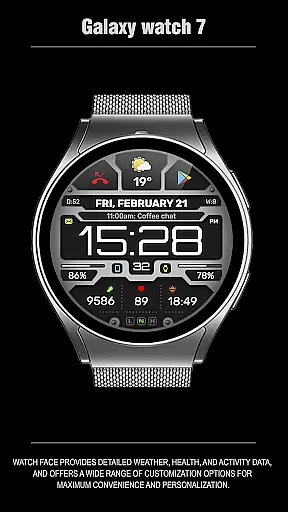
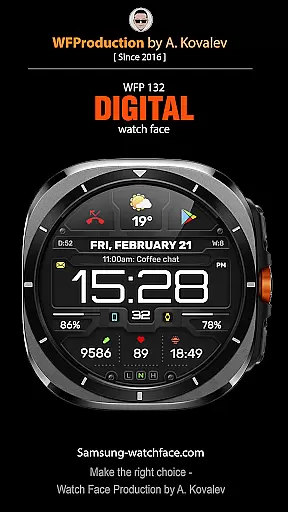
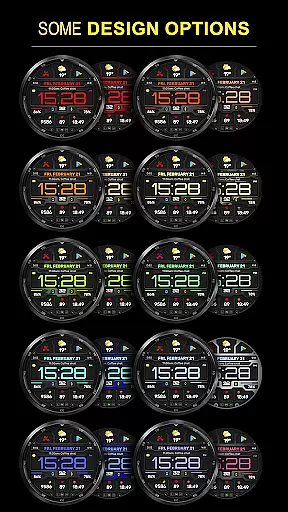
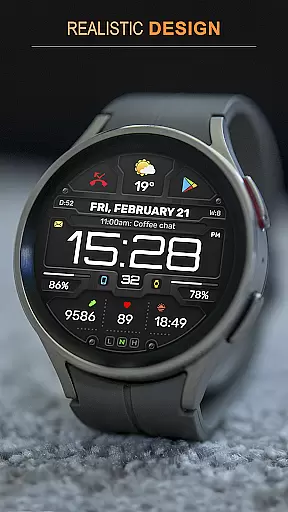
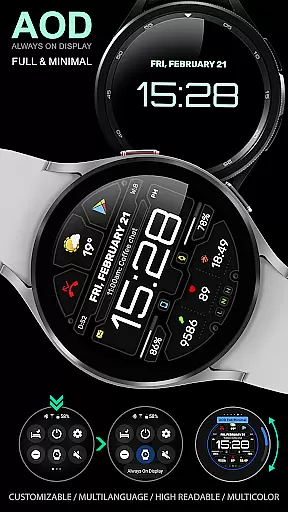
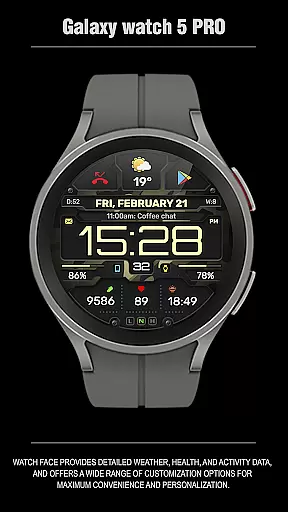
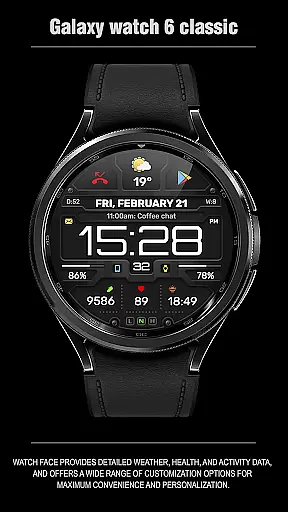
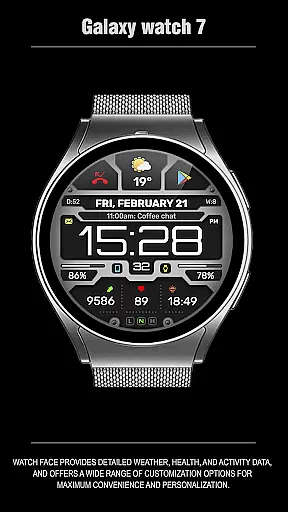
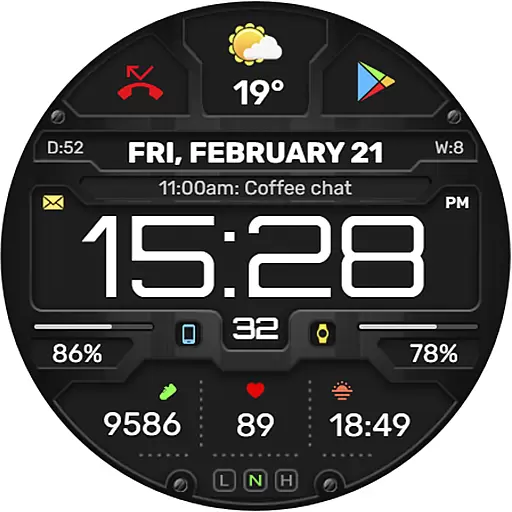
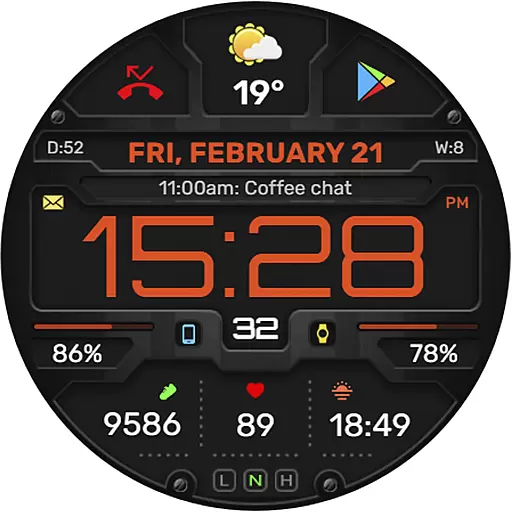
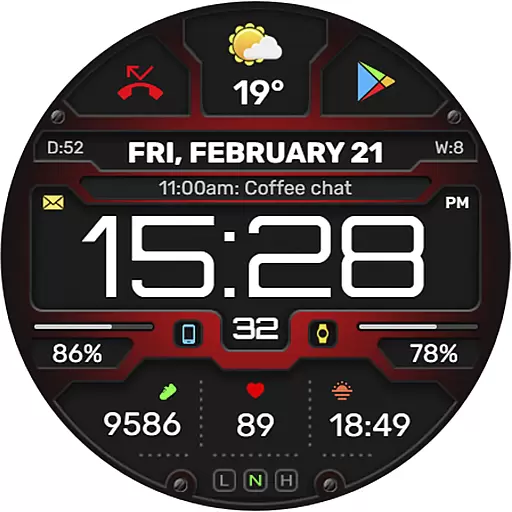
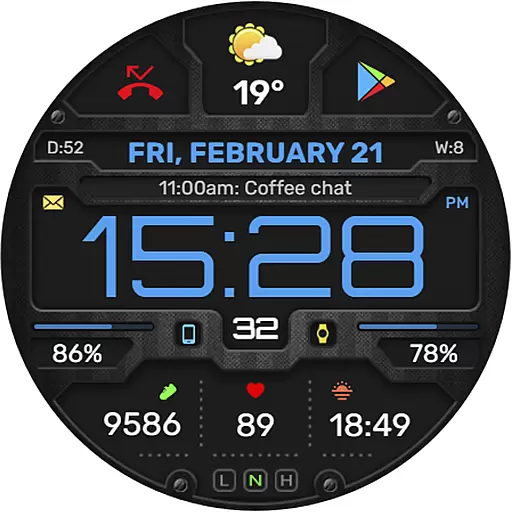
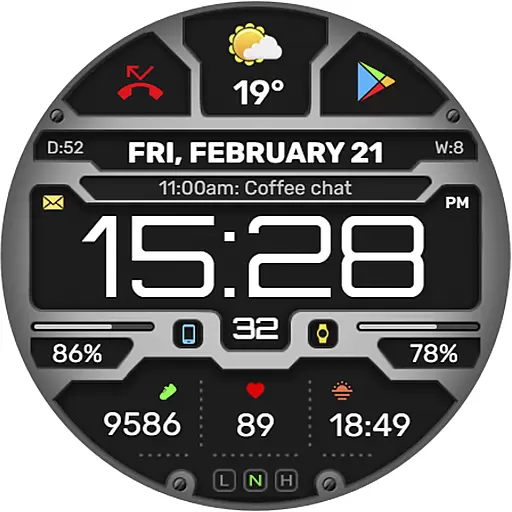
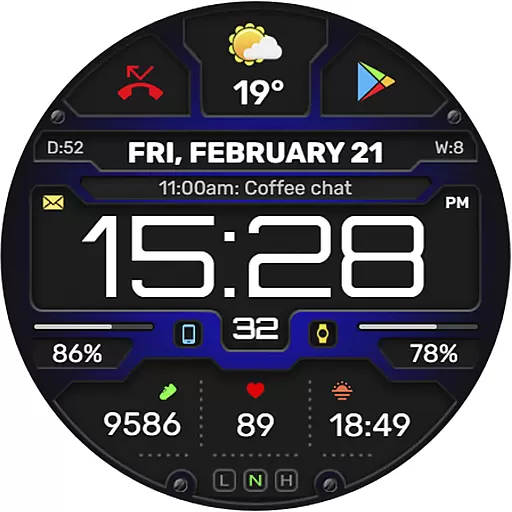
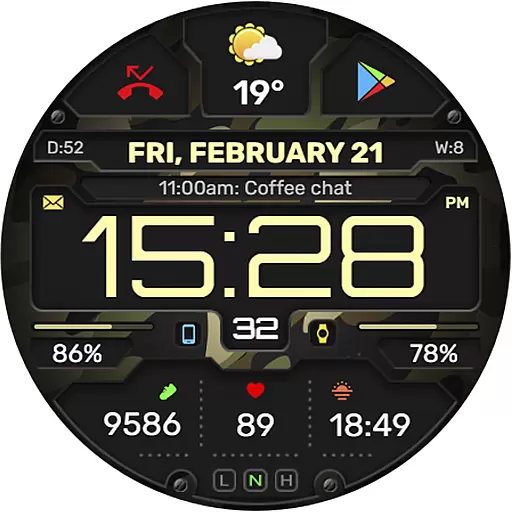
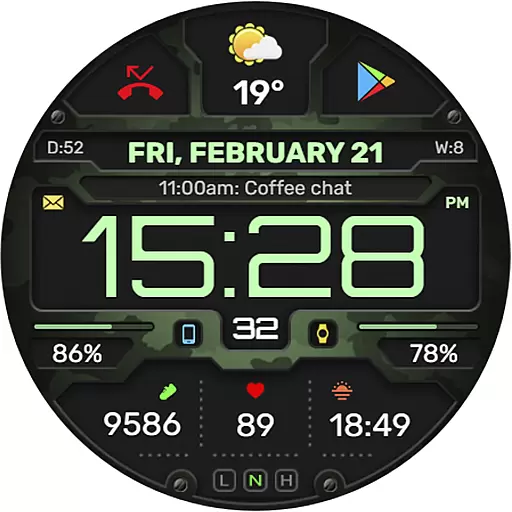
The WFP 132 Digital watch face is a stylish and functional accessory for your smartwatch, offering detailed weather forecasts, health tracking, and activity data. Compatible with devices running API 34+ (Wear OS 5.0 and later), it provides extensive customization options including color schemes, backgrounds, and widgets.
With its high resolution display, optimized performance, and low battery consumption, this digital watch face ensures both aesthetic appeal and practical usability. Users can personalize their experience through various settings, making it an ideal choice for those seeking both style and functionality on their wearable devices.
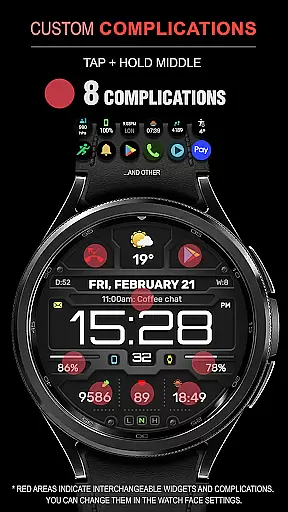
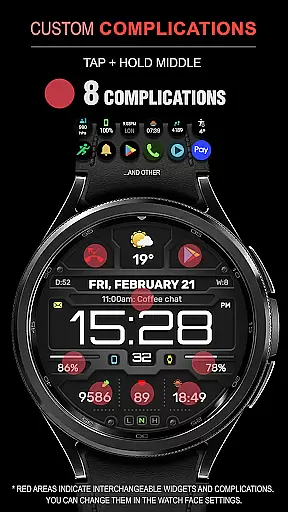
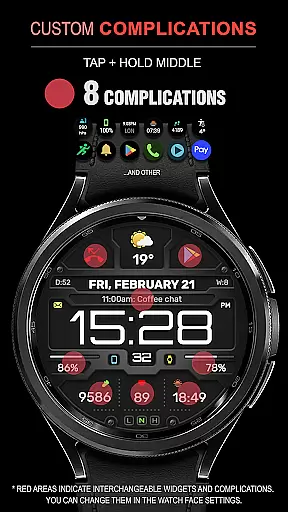
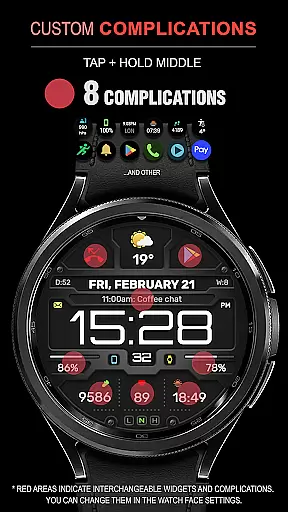
This digital watch face stands out with its comprehensive feature set designed to enhance user experience. It includes eight complications and widgets that provide essential information at a glance, such as weather forecasts in Fahrenheit or Celsius, customizable Always-On Display (AOD) modes, and multilingual support.
Users can choose from many color combinations and changeable backgrounds to match their personal style. The high optimization ensures smooth performance while maintaining low battery usage, making it a reliable companion for daily wear. Additionally, the watch face supports phone charge widgets and health metrics like calories and floors climbed.
Companion app integration is essential for a seamless wearable experience. The WFP 132 Digital watch face excels in this area by offering users the ability to sync and share data with their smartphones effortlessly.
This functionality allows users to receive detailed weather updates, health metrics, and activity tracking directly on their wrist. By connecting to the companion app, users can customize their watch face with various widgets and complications that suit their lifestyle.
The synchronization process is straightforward and reliable, ensuring that all personalization settings are accurately reflected on the wearable device. This includes color combinations, changeable backgrounds, and even multilingual support.
With high optimization and low battery consumption, the WFP 132 ensures that users enjoy a feature-rich experience without compromising on performance or convenience.
Device compatibility is crucial for ensuring that the WFP 132 Digital watch face functions optimally across various devices. This watch face is designed to be compatible with devices running API 34+ and later, making it accessible to a wide range of users.
By supporting high resolutions and offering extensive customization options, the WFP 132 caters to tech-savvy individuals who demand both style and functionality from their wearables. Users can choose from multiple color schemes and backgrounds to create a personalized look.
In addition to aesthetic customization, the watch face provides practical features such as weather forecasts in Fahrenheit or Celsius, customizable AOD modes, and phone charge widgets. These elements enhance user interaction and provide valuable information at a glance.
For those interested in promotions or further instructions on maximizing the potential of their smartwatch, resources are available through provided links, ensuring an engaging and informed user community.
Highly customizable
Low battery consumption
Wide compatibility
Comprehensive weather data
Optimized performance
Limited free features
Requires specific OS version
Complex setup process
Premium subscription needed
Occasional bugs reported

Christmas watch face. For Wear OS devices.
 4.30
4.30
Current temperature, weather hourly, weather radar by the weather forecast app
4.40
A full-featured Amazon Alexa voice assistant that can show you things.
3.70
Deck out your Wear OS Watch face with a beautifully decorated pine wreath!
4.50
Watch face for Wear OS.
4.20
Locate your family members by GPS phone location tracker everywhere and anytime
4.30
Hybrid Vibrant Health Watch Face for Wear OS
4.0
Start and succeed with PAP
4.10
Back up your contacts & access them anywhere
4.30
Gym Log & Workout Tracker | Fitness Journal, Training & Weight Lifting Planner
4.90
The most customizable minimal watch face. For Wear OS 5.0, API 34+ and later
4.70
Gym & home workout plans with strength training, exercise tracking, HIIT & more.
4.60
To-Do List: daily schedule planner, task organizer, to do reminder app, calendar
4.60
Real-time results, stats, schedules and player profiles for all leagues
4.60
A digital watch face that celebrates Christmas.
4.00
Animated Watch Face and Customizable with 24 Backgrounds. Perfect for Christmas!
3.90
an Analog Watch Face for winter season with freeze winter background for Wear OS
4.0
Christmas is near, let's count together the days left until Santa comes
4.0
Stunning modern digital watch face with 7 complications and strong contrast
4.3


User Reviews