
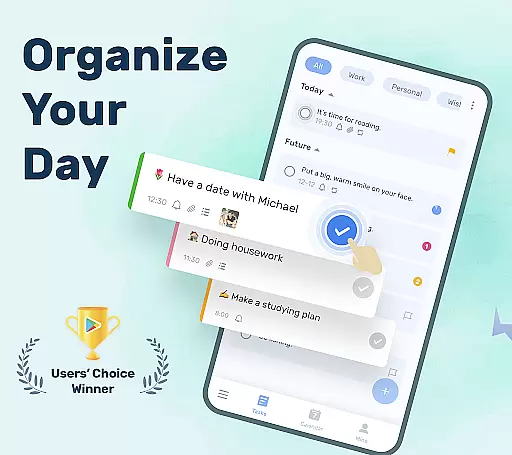
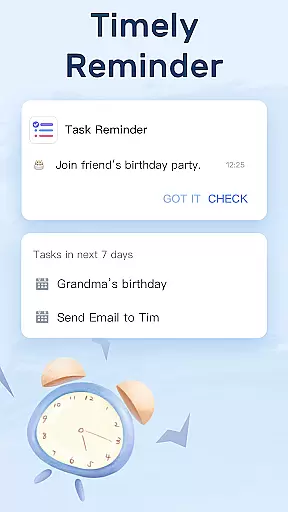
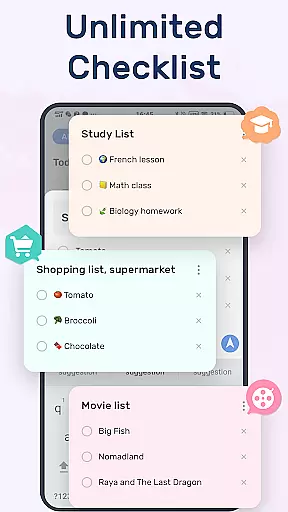
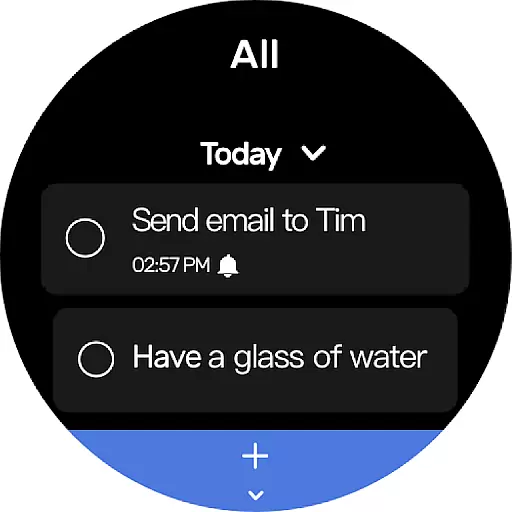
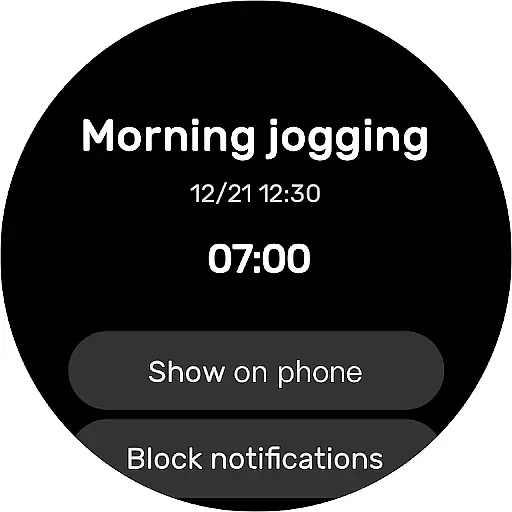
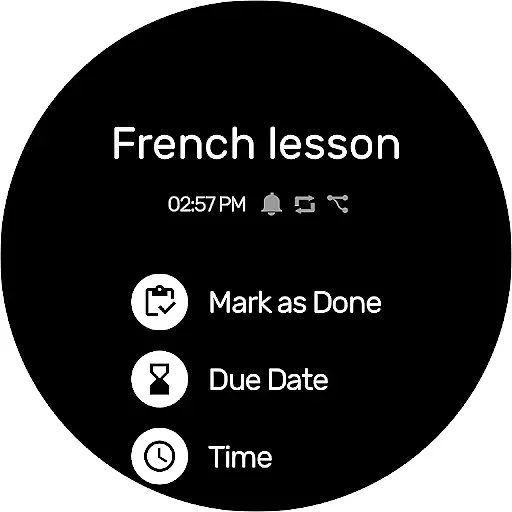
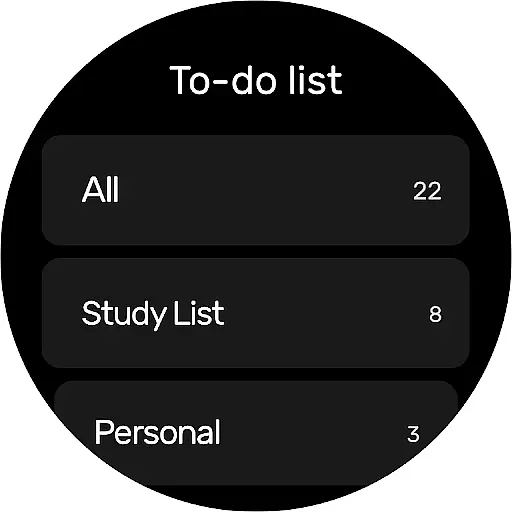
To-Do List is a comprehensive task management app designed specifically for Android Wear users. This free and intuitive to-do list manager allows you to efficiently organize your daily schedule, set important reminders, and track your tasks with ease. The app features a clean interface with beautiful themes, enabling users to create multiple task lists in just two simple steps.
One of the standout features is its robust reminder system that ensures you never miss crucial deadlines or personal events. Whether it's work-related tasks, fitness goals, or special anniversaries, this app helps you stay on top of everything. With support for cloud synchronization via Google Drive and compatibility with Wear OS, To-Do List provides seamless access across multiple devices, making it an essential tool for productivity enthusiasts.
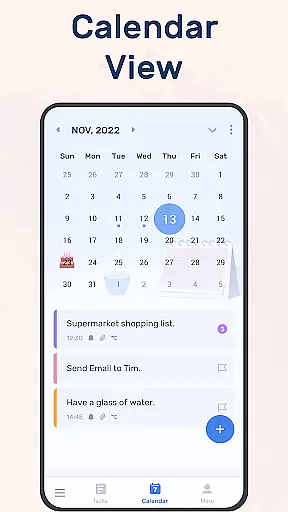
To-Do List offers an impressive array of features tailored for efficient task management. The app includes a calendar view that gives users a comprehensive overview of their daily, weekly, and monthly schedules. This feature is particularly useful for planning ahead and visualizing your workload over time. Additionally, the app supports categorization of tasks with priorities and stars, allowing for better organization and focus on what truly matters.
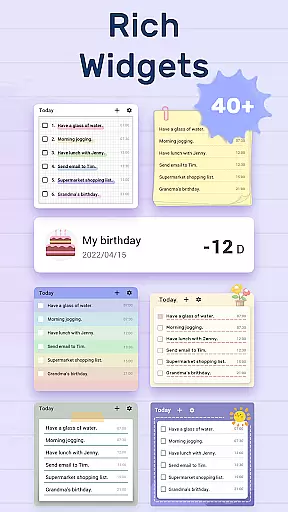
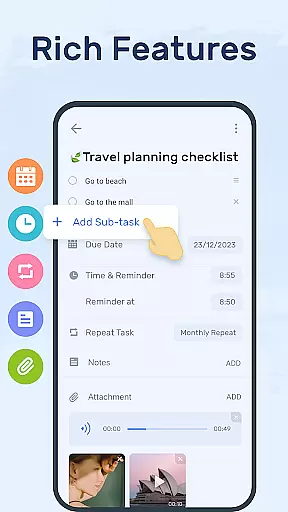
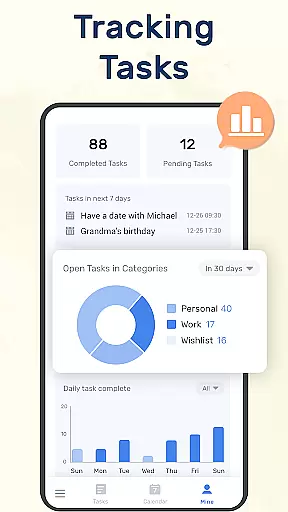
Another notable aspect is its widget functionality, which lets you add a to-do list directly to your phone's home screen. This makes checking and updating your tasks incredibly convenient. The app also tracks your task completion status, providing valuable insights into your productivity trends. With options for setting recurring reminders and managing sub-tasks, To-Do List ensures that all your responsibilities are well-coordinated and nothing falls through the cracks.
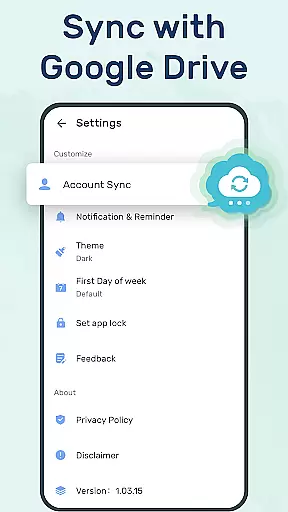
Companion app integration is essential for users who want seamless synchronization between their mobile devices and wearable technology. To-Do List - Schedule Planner & To Do List Task Manager offers a robust solution by allowing you to sync your daily planners and to-do lists across multiple devices via Google Drive.
This ensures that whether you're at home, in the office, or on the go with just your Wear OS watch, you can access, manage, and receive reminders for your tasks without missing a beat. The ability to track things to do, receive task notifications, and update your schedule from any device provides an uninterrupted and efficient planning experience.
By integrating companion apps, this application enhances productivity and reliability, ensuring that all your important tasks are backed up and accessible wherever you are. This feature not only adds convenience but also peace of mind knowing that your data is secure and up-to-date across all your devices.
For users invested in the Wear OS ecosystem, having an app that is fully compatible with their smartwatches is crucial. To-Do List - Schedule Planner & To Do List Task Manager shines in this aspect by offering full Wear OS support, enabling users to manage their daily schedules directly from their wrists.
This compatibility means you can receive real-time alerts, check off completed tasks, and even add new items to your to-do list without needing to pull out your phone. The immediacy and accessibility provided by Wear OS compatibility ensure that you never miss an important reminder or deadline.
Moreover, the app's optimization for wearable devices guarantees a smooth and intuitive user experience. With quick access to your daily planners and task lists right on your watch face, staying organized has never been easier or more efficient. This level of integration exemplifies how modern applications should function within the interconnected world of todayu2019s technology.
User-friendly interface
Customizable themes
Robust reminder system
Cloud sync via Google Drive
Wear OS compatibility
Limited advanced features
No team collaboration
Basic analytics
Few integrations
Occasional bugs

WTW M17 is a premium and luxurious hybrid watch face
 4.70
4.70
Analog watch face with 8 complications and expedition styling
4.4
Beautiful, colorful and practical watch face. For Wear OS devices.
5.00
Digital, flexibly customizable watch face. For Wear OS 5.0, API 34+ and later.
5.00
Let's celebrate Thanksgiving - Wear Os watch face
4.20
Period, ovulation & pregnancy tracker. Fertility insights & menstrual calendar.
4.90
The most customizable hybrid watch face. For Wear OS 5.0, API 34+ and later
4.70
Simple, helpful messaging by Google
4.60
Track your active life in one place and share the journey with friends.
4.40
Christmas - Festive - Christmas Village - Winter - Christmas lights
5.00
The Chevron App allows you to pay for fuel from the comfort of your car!
4.80
A modern hybrid informative watch face for Wear OS designed by BALLOZI
4.80
Diet tracker for weight loss - track calories, food and macros. Simple and easy!
4.70
Your second brain for organizing your life: to-do, calendar, reminder.
4.70
Fast and smart typing with Emojis, GIFs, and more
4.50
Digital watch face. For Wear OS devices.
4.40
Bold weather Digital watchface with forecast & optional animated background
4.40
A customizable Christmas watch face for Wear OS with a countdown.
4.20
Christmas and New Year - Themed Watchface
4.4


User Reviews