
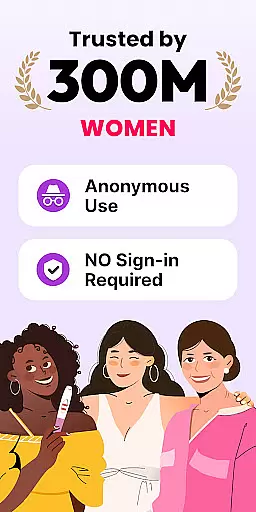
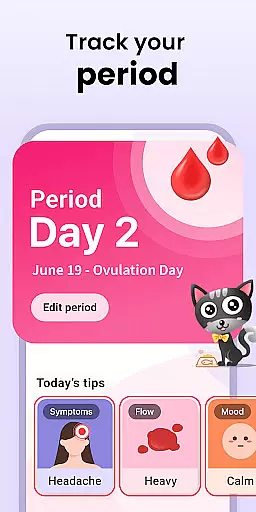
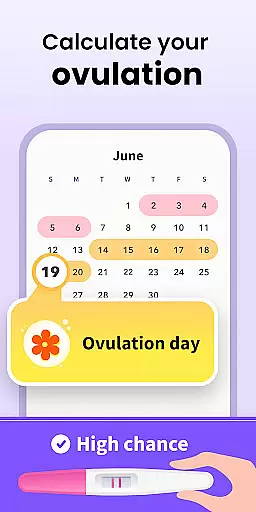
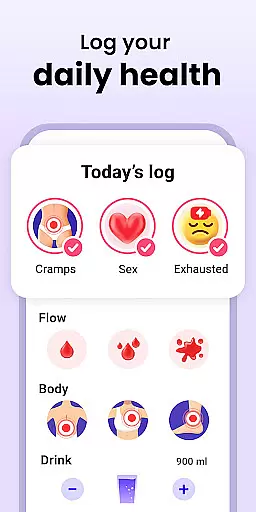
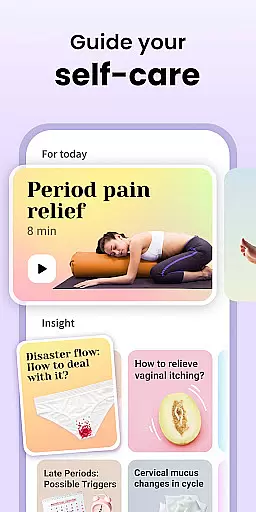
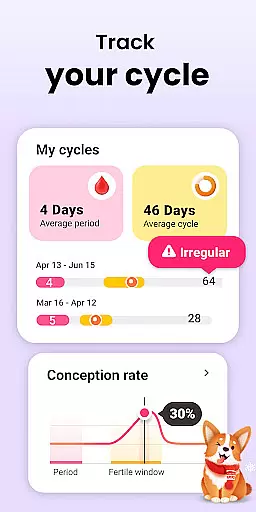
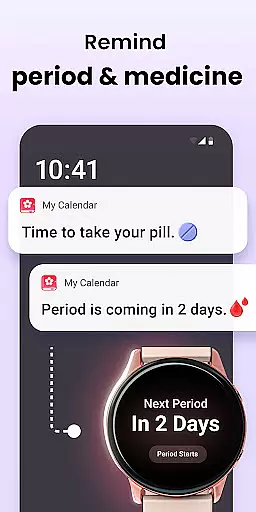
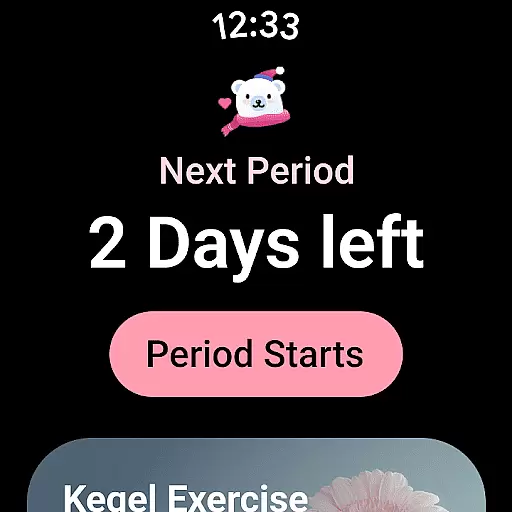
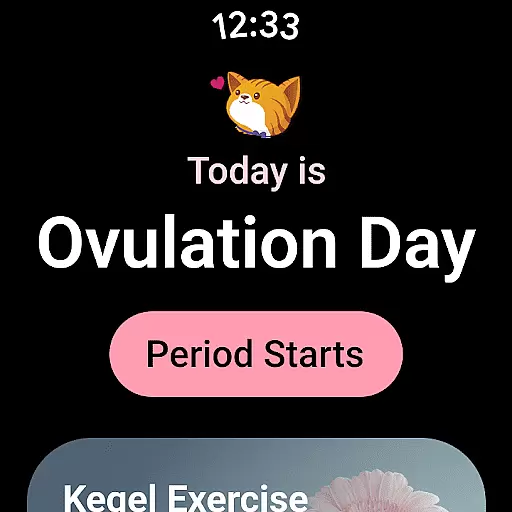
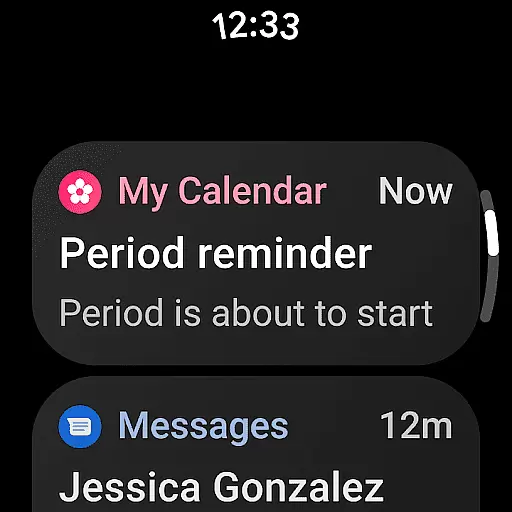
Period Calendar is a comprehensive menstrual cycle tracking application designed for Android Wear devices. This app allows users to monitor their periods, blood flow, cycles, ovulation, and conception chances with remarkable accuracy. Trusted by over 300 million users globally, it caters to both women planning to conceive and those practicing birth control. The app's advanced algorithms predict menstruation, fertility, and ovulation days while offering discreet reminders for period tracking and contraceptive pills.
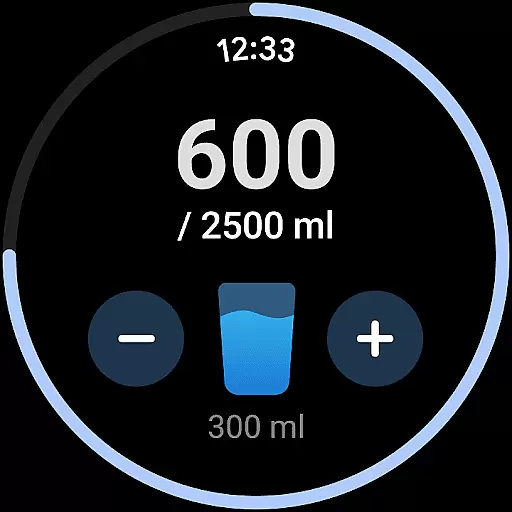
In addition to its core functionality, Period Calendar provides detailed health tracking features. Users can log various metrics such as cervical mucus, body temperature, symptoms, moods, and sexual activity. The integration with Google account ensures secure data backup and restoration, allowing seamless synchronization across devices. With support for Wear OS complications and tiles, users can conveniently access period predictions, water drinking reminders, and pill alerts directly from their smartwatches.
One of the standout features of Period Calendar is its robust tracking capabilities. The app goes beyond basic period tracking by incorporating fertility calculators, ovulation predictors, and intimate symptom logs. These tools empower users to make informed decisions about family planning and reproductive health. The customizable notification system ensures privacy, enabling discreet alerts that won't cause embarrassment in public settings.
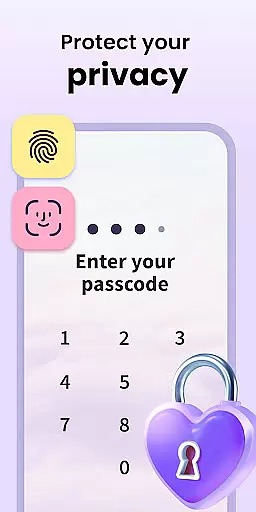
Security and data management are prioritized in Period Calendar's design. The app employs encrypted anonymous data syncing, giving users complete control over their personal information. Multi-account support with enhanced security protections allows users to maintain separate profiles while enjoying uninterrupted service. Furthermore, the absence of mandatory account creation or real-name registration demonstrates the developer's commitment to user privacy and data protection.
The inclusion of Wear OS complications and tiles enhances the overall user experience. By setting up these features on compatible devices, users gain quick access to essential information such as period predictions, ovulation alerts, and medication reminders. This seamless integration between mobile and wearable devices makes Period Calendar an indispensable tool for modern women seeking convenient and reliable menstrual cycle management.
Period Calendar Period Tracker offers seamless companion app integration, ensuring that your data is always in sync across devices. This feature allows users to effortlessly transfer their menstrual cycle data, ovulation predictions, and fertility tracking information between their mobile devices and Wear OS gadgets.
The synchronization process utilizes Google account data backup and restoration, providing a secure and reliable method for maintaining up-to-date records. Users can easily back up their period data to the cloud and restore it on other devices, ensuring they have access to critical information wherever they go.
This integration extends to support for Wear OS complications and tiles, allowing quick access to essential features like period and ovulation prediction directly from smartwatches. The convenience of having instant notifications and reminders on wearable devices enhances the overall user experience.
With multi-account support and robust security protections, users can maintain privacy while enjoying the benefits of cross-device functionality. This ensures that personal health data remains confidential while being readily accessible through the companion app ecosystem.
Designed with broad Wear OS and device compatibility in mind, Period Calendar Period Tracker ensures that users can access its comprehensive suite of features across various Android devices. Whether you're using a smartphone or a smartwatch, this application provides consistent performance and functionality.
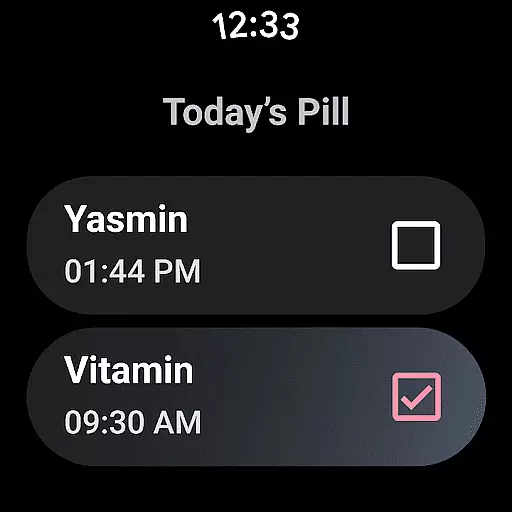
The app supports pill reminders, period tracking, and fertility monitoring through Wear OS complications and tiles. These features are optimized for wearable devices, delivering timely notifications about menstrual cycles, ovulation periods, and contraceptive medication schedules without requiring users to take out their phones.
Users benefit from water drinking reminders and discreet notification options that maintain privacy in public settings. The interface is designed to be intuitive on smaller screens, making it easy to navigate and adjust settings directly from compatible wearables.
By prioritizing compatibility with multiple devices and operating systems, Period Calendar Period Tracker guarantees that users can rely on its accurate predictions and detailed tracking capabilities regardless of their chosen platform. This flexibility makes it an indispensable tool for managing reproductive health effectively.
User-friendly interface
Accurate prediction algorithms
Comprehensive health tracking
Robust privacy protection
Seamless Wear OS integration
Limited third-party integrations
No web-based version available
Premium features require subscription
Occasional sync issues reported
Learning curve for new users

Calming & relaxing sounds for sleeping and stress relief. Stay focused all day!
 4.20
4.20
WTW M17 is a premium and luxurious hybrid watch face
4.70
Watch the sharpness of the sky on your wrist..
3.70
Current temperature, weather hourly, weather radar by the weather forecast app
4.40
Watch face designed for Thanksgiving Day. 7 Background Styles included.
3.20
Digital watch face with big numbers and many customization for Wear OS devices
4.40
Kia Access makes getting your vehicle information easier than ever
4.60
To-Do List: daily schedule planner, task organizer, to do reminder app, calendar
4.60
A digital watch face that celebrates Christmas.
4.00
Real-time results, stats, schedules and player profiles for all leagues
4.60
Simple, helpful messaging by Google
4.60
MyNISSAN® lets you remotely control your car from your phone.*
4.50
Find EV charging stations
4.30
A customizable Christmas watch face for Wear OS with a countdown.
4.20
Animated Watch Face and Customizable with 24 Backgrounds. Perfect for Christmas!
3.90
Get helpful reminders, take progress photos and find answers to your questions.
3.90
Your local weather forecast, storm tracker, radar maps & live weather news
3.40
Stylish digital watch face for Wear OS devices with customizable features
4.4
Fitness interactive virtual pet super fighter boy watch face
4.4


User Reviews