
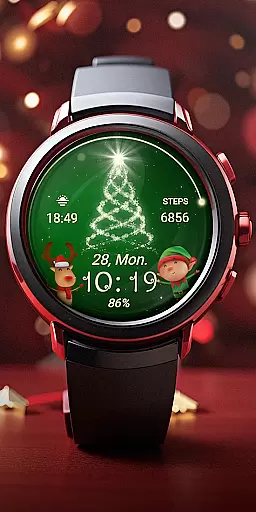
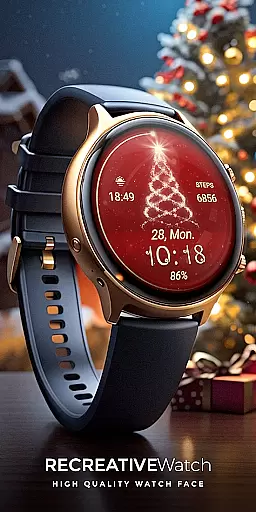
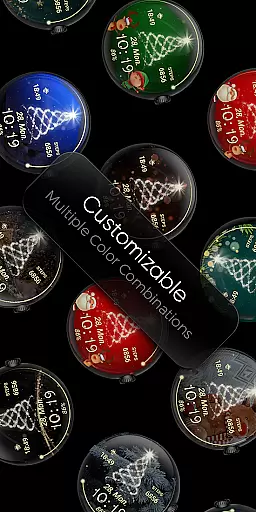
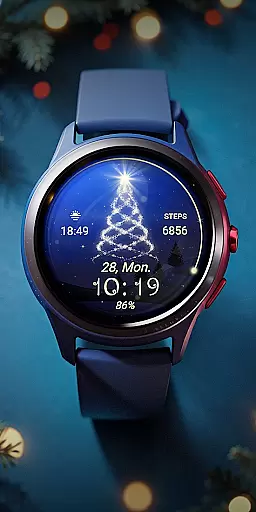
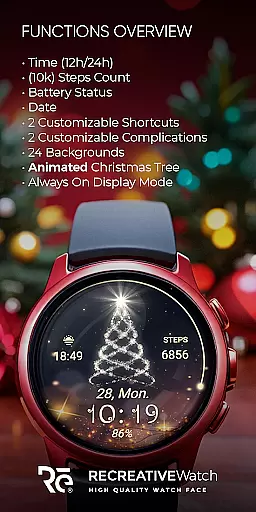
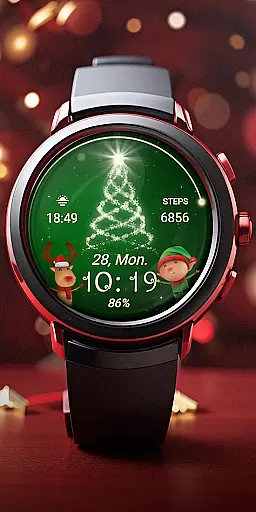
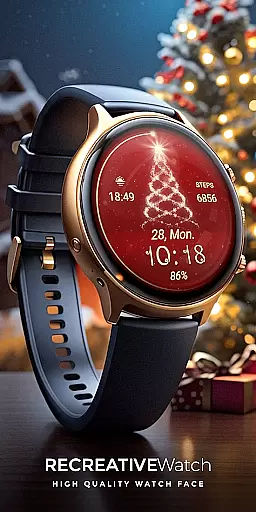
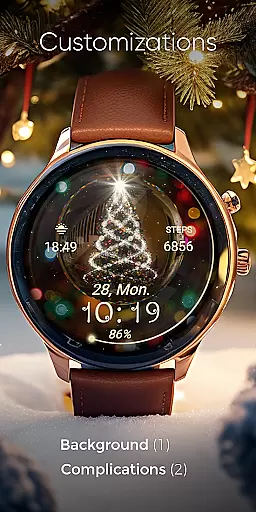
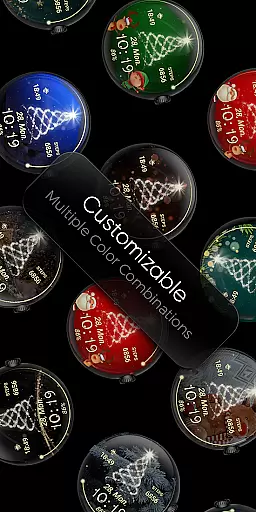
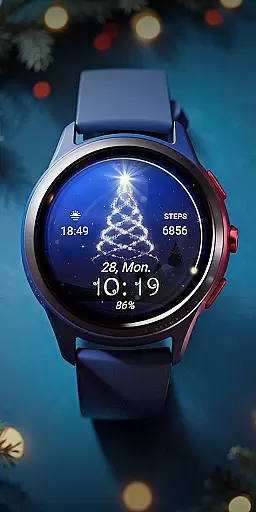
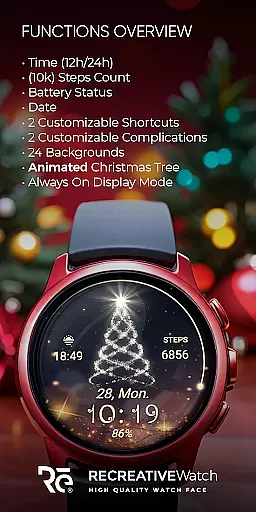
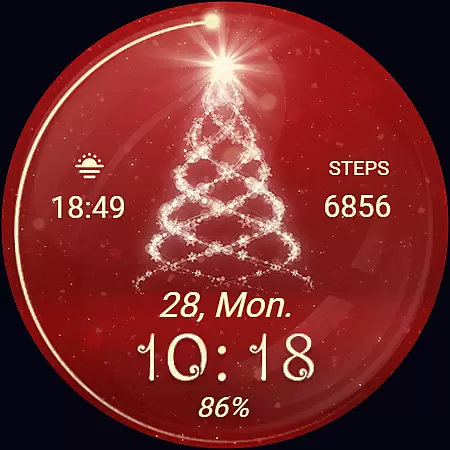
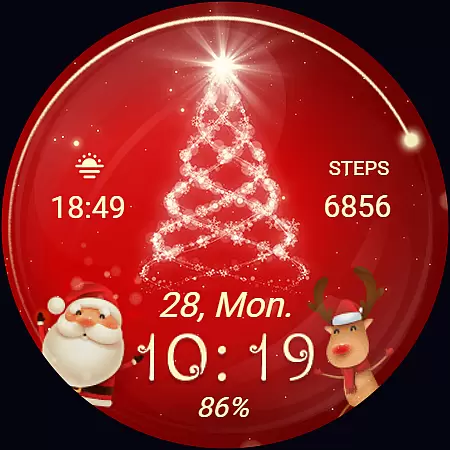
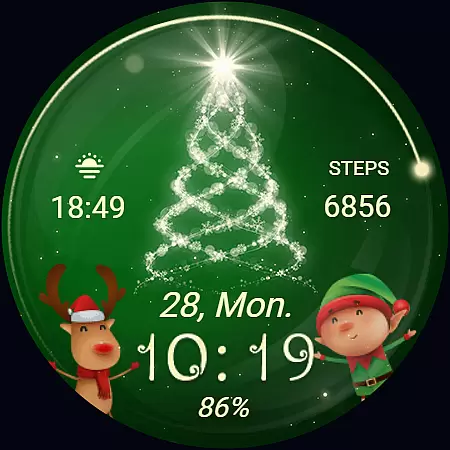
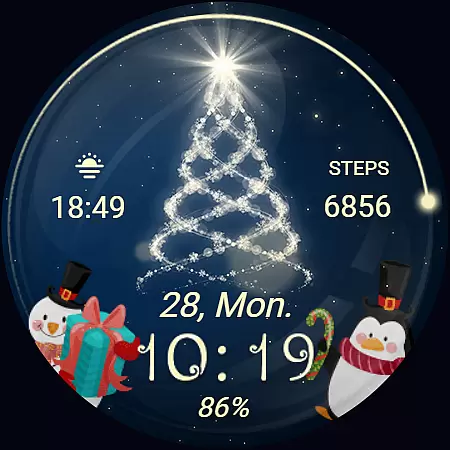
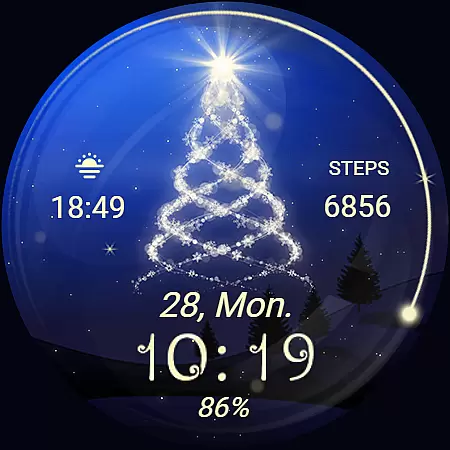
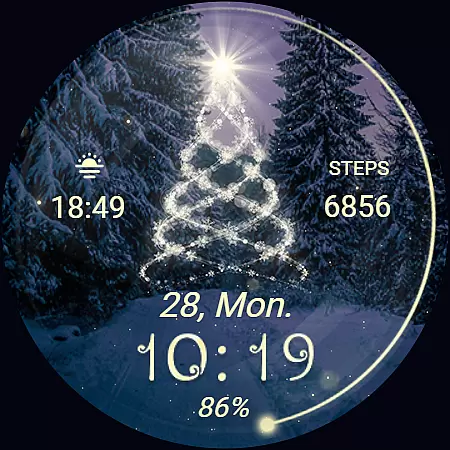
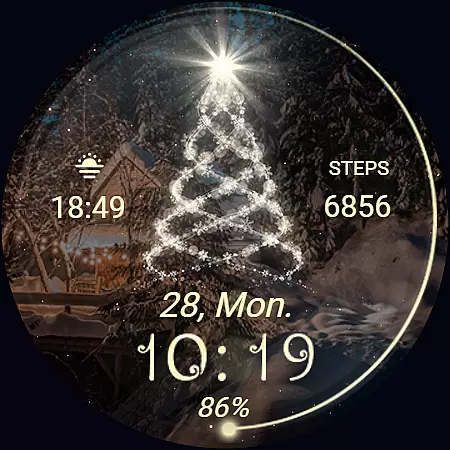
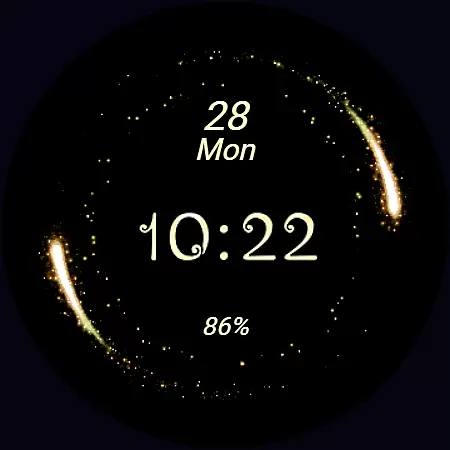
Christmas Spirit is a festive-themed watch face designed specifically for Wear OS devices. This application brings holiday cheer to your smartwatch by featuring customizable and colorful backgrounds complemented by an animated Christmas tree. Users can enjoy both aesthetic and functional elements, including digital time display, date, battery status, and step count.
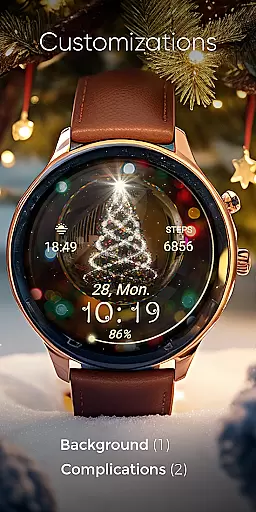
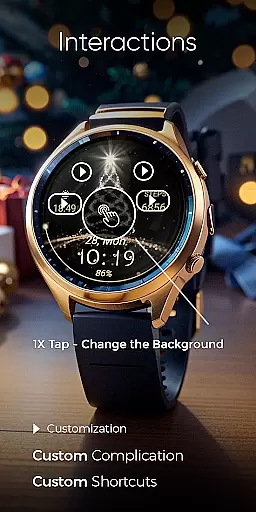
The watch face supports Always ON Display with changeable colors and offers 24 unique background options. With two customizable shortcuts and complications, it provides users the flexibility to tailor their watch interface according to personal preferences. Compatible with API level 33+ devices such as Google Pixel and Galaxy Watch series, this app ensures that your wearable device not only looks festive but also remains practical for everyday use.
Christmas Spirit stands out with its rich feature set tailored for the holiday season. The watch face includes both 12/24hr digital time formats, ensuring universal usability. Its vibrant design incorporates animated elements like a Christmas tree and snow, creating a lively and engaging user experience.
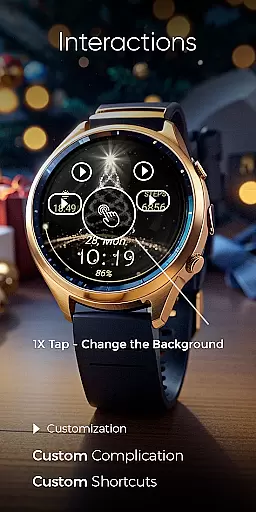
Functionality is not compromised for aesthetics, as the app provides essential features such as date, battery level, and step count tracking. Users can choose from 24 different backgrounds and customize two shortcuts and complications to display desired information. The Always ON Display feature, with adjustable colors, enhances accessibility while maintaining the festive theme. These comprehensive features make Christmas Spirit both visually appealing and highly practical for daily wear.
Companion app integration is essential for ensuring seamless functionality between a smartwatch and its paired mobile device. For Christmas Spirit, the companion app serves as a bridge to facilitate installation and customization of the watch face on Wear OS devices.
The phone app provides an intuitive interface where users can easily locate and install the Christmas Spirit watch face. It also includes helpful features such as ads, which are only present in the mobile app, ensuring an uninterrupted experience on the watch itself.
Through the companion app, users gain access to additional functionalities like customizable shortcuts and complications. This allows personalization of data fields on the watch face, enhancing user engagement and practicality.
By offering a streamlined installation process and customization options, the Christmas Spirit companion app ensures that users can effortlessly enjoy the festive design and features of their watch face, making it a vital component of the overall experience.
Device compatibility is a critical factor when selecting a Wear OS watch face. Christmas Spirit is designed to work seamlessly with a range of devices, including API level 33+ Google Pixel watches, Galaxy Watch 4, 5, 6, and other Wear OS models.
This compatibility ensures that users across various devices can enjoy the animated Christmas tree, colorful backgrounds, and customizable features without worrying about technical limitations.
For optimal performance, especially regarding battery life, it's recommended to disable the Always On Display mode. This setting helps maintain the watch's battery longevity while still enjoying the vibrant visuals and animations.
With broad device support and thoughtful recommendations for settings adjustments, Christmas Spirit offers a versatile and festive experience tailored to enhance the holiday season on your compatible Wear OS device.
Festive Design
Customizable Options
Animated Elements
Battery Indicator
Step Count Tracker
Limited to Wear OS
No iOS Support
Ads in Mobile App
High API Requirement
Complex Setup

Analog watch face with 8 complications and expedition styling
 4.4
4.4
Elegant animated Christmas tree with multiple customization options
4.20
Be an elegant and classy secret agent, with this carefully detailed watch face
4.70
Bold, Modern Hybrid Watch Face for Wear OS. 10 Colors, Rich Info Display.
4.30
Find EV charging stations
4.30
Reliable phone calls with spam protection, caller ID and more helpful features
4.40
Funny animated watch face for Thanksgiving
4.1
Fitbit is dedicated to helping people lead healthier, more active lives.
4.10
Start and succeed with PAP
4.10
Hyperlocal rain alerts by MyRadar using patent-pending technology, radar & more
4.80
Real-time results, stats, schedules and player profiles for all leagues
4.60
Digital watch face. For Wear OS devices.
4.40
Let's celebrate Thanksgiving - Wear Os watch face
4.20
"PER27 Galaxy Digital" is a digital Wear OS watch face designed by PERSONA
4.10
sleep, alarm, snoring, stress, healing, focus, sound therapy, circadian rhythm
4.10
Connect, create, and collaborate with Gmail, part of Google Workspace.
4.10
Precision analog watch face with 7 complications and style options
4.4
A watch face that fuses motorsport precision with contemporary smartwatch design
4.5
Sleek, highly customizable watch face inspired by Galaxy Watch Circle Dashboard.
4.3


User Reviews