
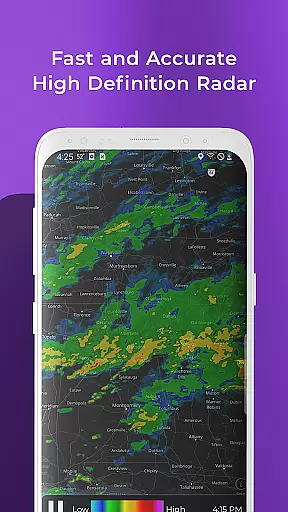
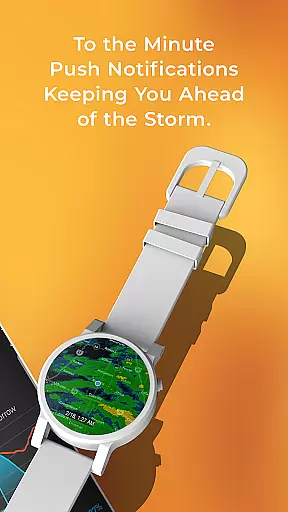
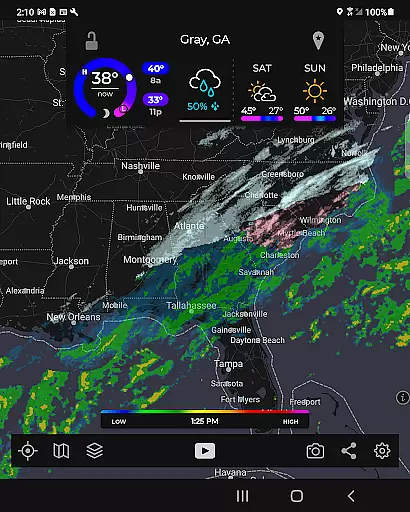
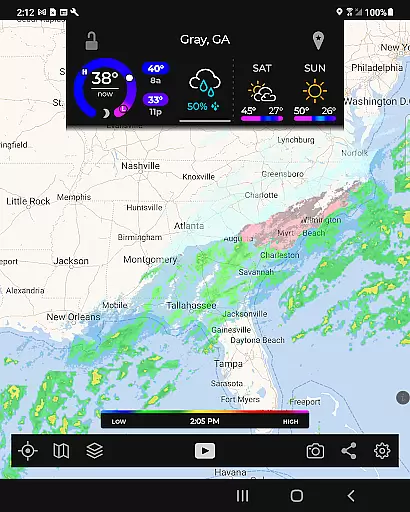
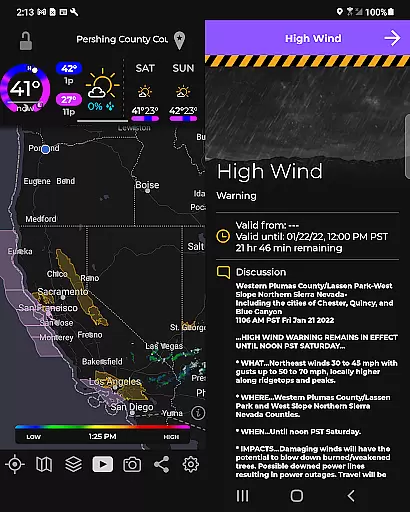
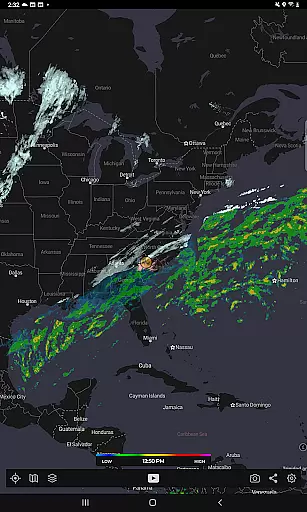
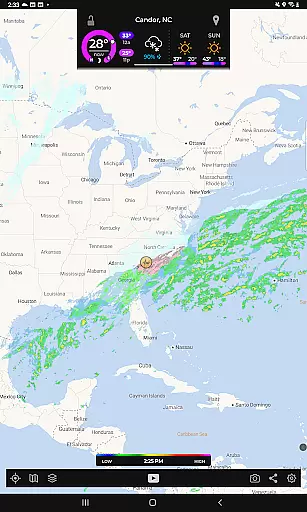
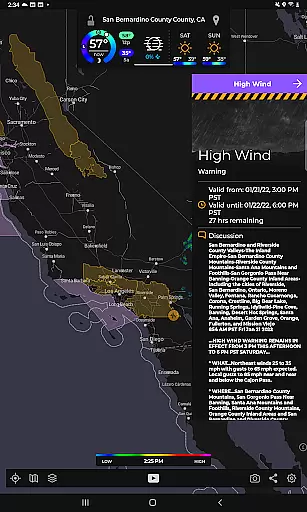
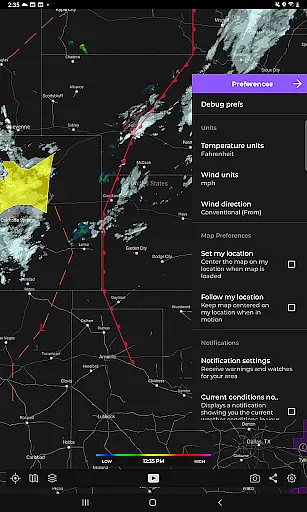
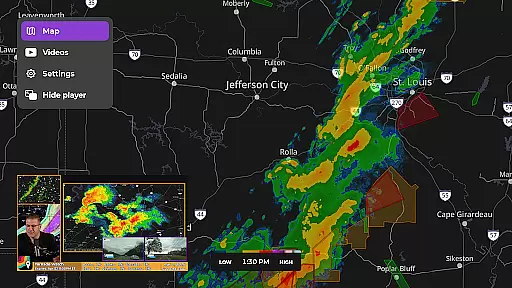
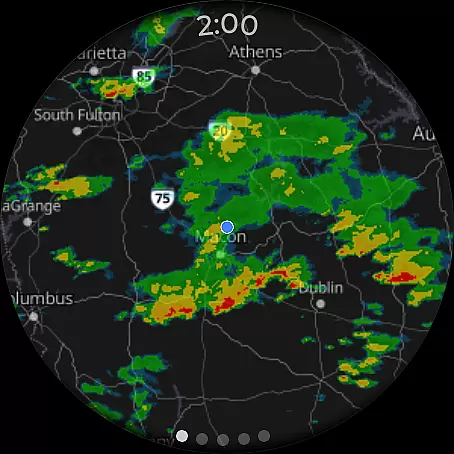
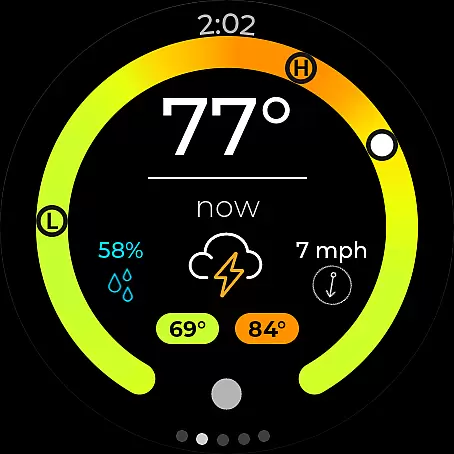
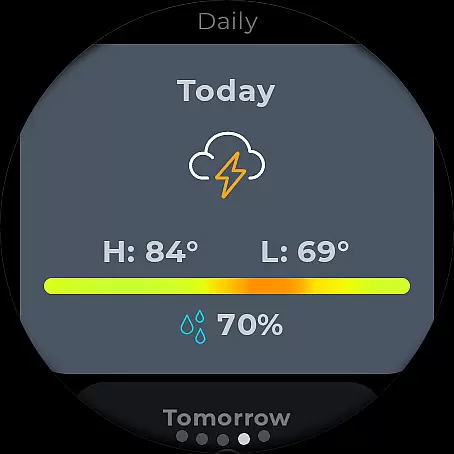
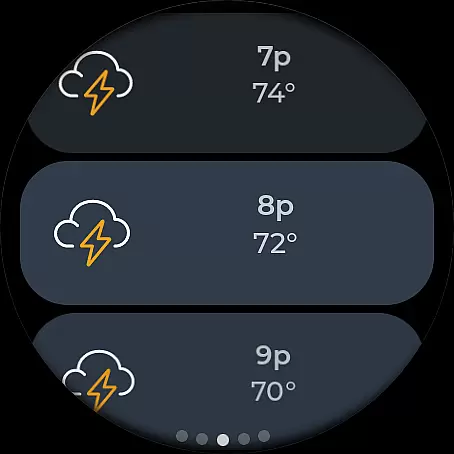
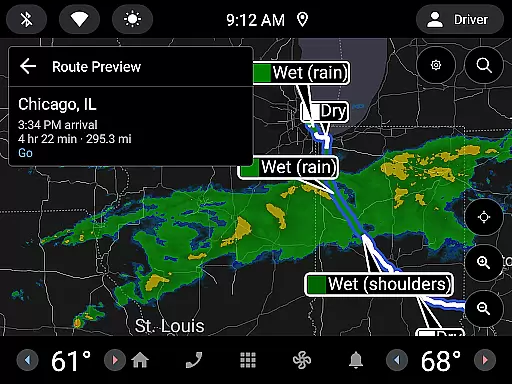
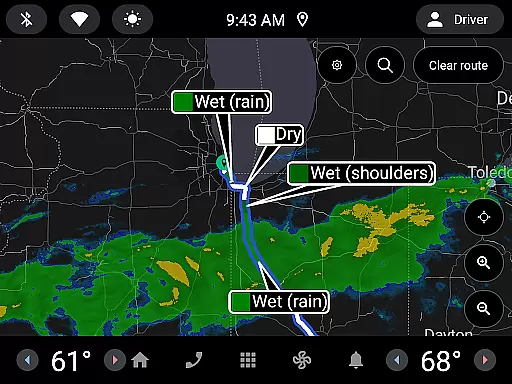
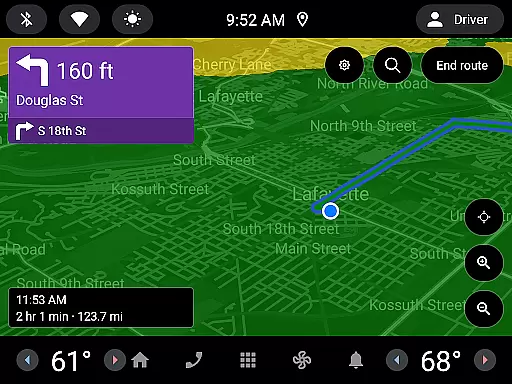
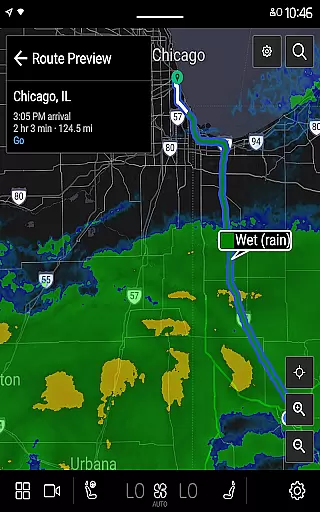
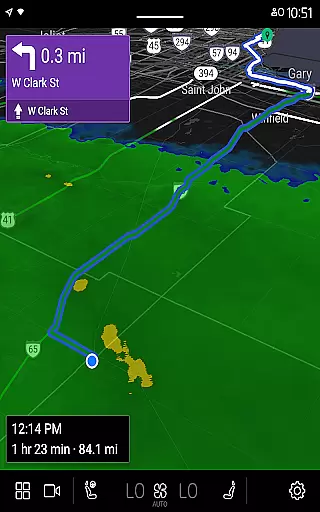
MyRadar Weather Radar is a powerful weather application designed specifically for Android Wear devices, providing users with instant access to crucial weather information directly from their smartwatches. The app's core functionality revolves around its animated live radar feature, which displays real-time weather patterns around the user's current location. This allows for quick assessment of approaching weather conditions, making it an invaluable tool for those on-the-go.
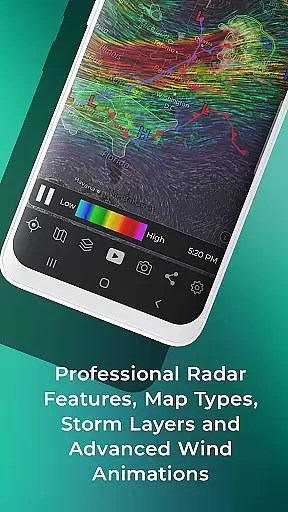
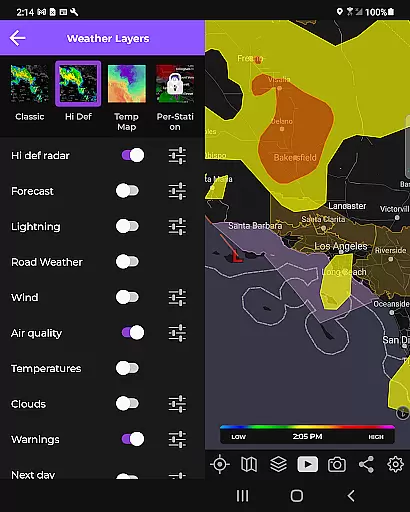
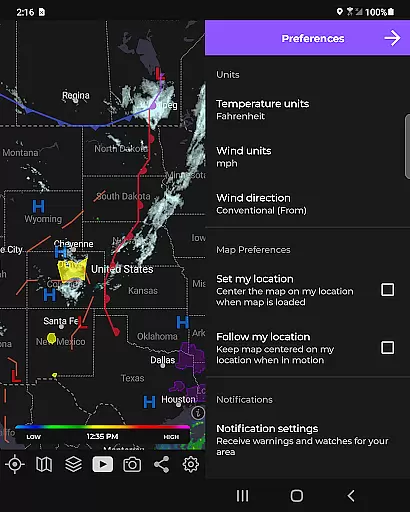
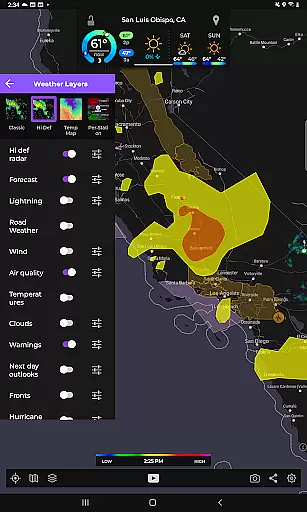
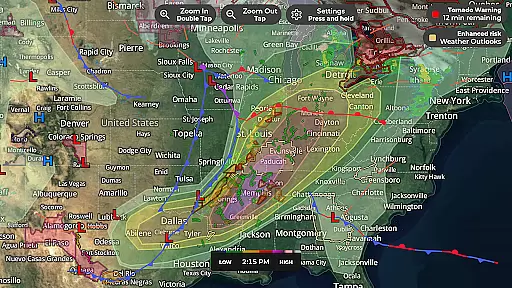
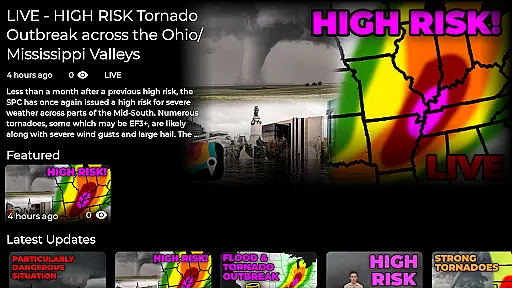
Beyond basic radar capabilities, MyRadar offers an extensive selection of specialized data layers that can be overlaid on interactive maps. These include visual representations of wind patterns, earthquake activity, hurricane tracking, and wildfire monitoring. The app also features advanced alert systems, notifying users of severe weather events such as tornadoes or tropical storms up to an hour in advance. With its custom mapping system optimized for device GPUs, MyRadar delivers smooth zooming and panning across global weather patterns.
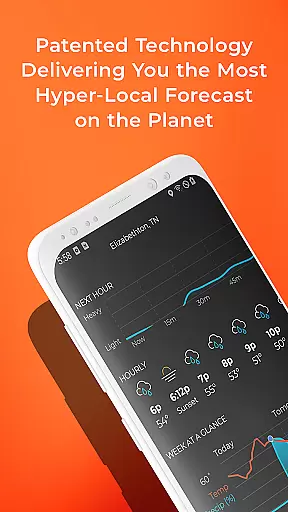
The application proves particularly useful during outdoor activities or travel, where immediate weather awareness is crucial. Its patent-pending rain prediction technology provides hyper-local forecasts down to the minute, while the premium upgrade offers professional-grade radar data and detailed hurricane tracking. Whether you're a casual user checking daily weather or a weather enthusiast seeking in-depth analysis, MyRadar's comprehensive feature set makes it an essential companion for smartwatch wearers.
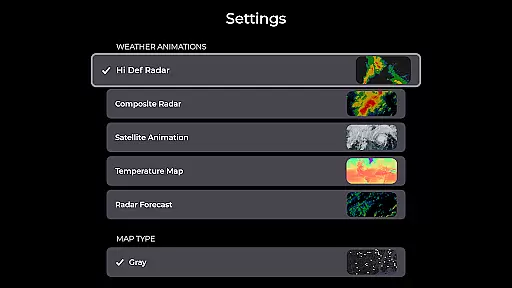
MyRadar distinguishes itself through its comprehensive feature set tailored for both casual users and weather enthusiasts. The app's signature capability lies in its advanced radar system, which combines real-time weather tracking with predictive analytics. Users can access animated radar loops spanning up to two hours, while the premium version offers detailed radar products including base reflectivity and wind velocity measurements from individual stations.
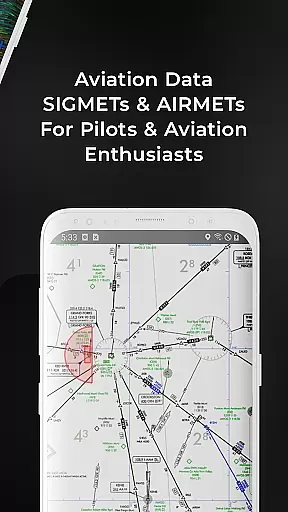
A key differentiator is the app's extensive collection of specialized data layers. These include breathtaking visualizations of surface and jetstream-level winds, real-time earthquake monitoring with customizable severity filters, and detailed hurricane tracking with probability cones. The aviation layer caters to pilots and enthusiasts alike, displaying AIRMETs, SIGMETs, and even IFR flight plans. The patent-pending rain alert system showcases the app's innovative approach to weather forecasting, providing hyper-local predictions with unprecedented accuracy.
What sets MyRadar apart is its optimization for wearable technology. The Android Wear version maintains full functionality while adapting seamlessly to smaller screens. Users can access both radar tiles and current condition summaries directly from their watch faces. The app's custom mapping system leverages device GPUs for optimal performance, ensuring smooth navigation across global weather patterns. This combination of advanced meteorological data and wearable convenience creates a unique value proposition in the weather application market.
Companion app integration is crucial for wearable devices as it ensures seamless data sharing and functionality between the main application and its wearable counterpart. MyRadar Weather Radar excels in this area by providing users with the ability to access weather information directly on their Wear OS devices.
The app offers dedicated tiles for radar and current conditions, which are specifically designed for smartwatches. This allows users to quickly check the weather without needing to take out their phones, ensuring that they stay informed about incoming weather changes at a glance.
By synchronizing data between the smartphone and Wear OS versions, MyRadar maintains consistent and up-to-date information across all devices. Users can receive alerts and view animated radar loops right from their wrists, making it easier than ever to stay prepared for changing weather conditions.
This level of integration not only enhances user convenience but also maximizes the utility of wearable technology, allowing users to harness the full potential of their devices while staying ahead of the weather.
Ensuring compatibility with Wear OS and various devices is essential for delivering a smooth user experience. MyRadar Weather Radar has been optimized to work seamlessly with Wear OS, offering tailored functionalities that cater to the unique interface of smartwatches.
The app supports a wide range of Wear OS devices, ensuring that users can access critical weather updates regardless of their specific device model. This broad compatibility means that whether you're using a newer or older model of smartwatch, you'll still benefit from MyRadar's comprehensive weather tracking features.
MyRadar takes advantage of the device's hardware capabilities, such as the GPU, to render maps and animations efficiently. This results in fast and responsive performance, even when navigating through detailed radar images or zooming in on specific locations.
By prioritizing Wear OS/device compatibility, MyRadar guarantees that users enjoy a reliable and high-quality weather monitoring experience, empowering them to make informed decisions based on accurate and timely weather data.
Real-time weather updates
Hyper-local rain alerts
Interactive map layers
Advanced radar options
Wearable optimization
Premium features costly
Complex for beginners
Battery consumption high
Occasional data delays
Limited free content

Calming & relaxing sounds for sleeping and stress relief. Stay focused all day!
 4.20
4.20
Christmas Theme Watch Face for Wear Os
5.00
Deck out your Wear OS Watch face with a beautifully decorated pine wreath!
4.50
Watch face designed for Thanksgiving Day. 7 Background Styles included.
3.20
Be an elegant and classy secret agent, with this carefully detailed watch face
4.70
Digital watch face. For Wear OS devices.
4.40
Connect to your Bluelink equipped Hyundai vehicle from your smartphone.
4.50
Stay in touch with your friends and family using LINE!
3.40
Spam call blocker and caller ID for automatic call protection!
4.40
Period, ovulation & pregnancy tracker. Fertility insights & menstrual calendar.
4.90
Your second brain for organizing your life: to-do, calendar, reminder.
4.70
Walking app for weight loss: walk & step tracker, pedometer, indoor treadmill
4.60
Nutrition, Macro tracker: Food, fitness & healthy diet tracking for weight loss
4.60
Beautiful artistic animated digital watch face, with a customizable layout!
4.40
A customizable Christmas watch face for Wear OS with a countdown.
4.20
Authentic military-tactical design with ZULU time! Realistic and functional!
3.80
A full-featured Amazon Alexa voice assistant that can show you things.
3.70
Christmas and New Year - Themed Watchface
4.0
3 Complications. All shadow on/off. 30 Themes color palette...
4.4


User Reviews