

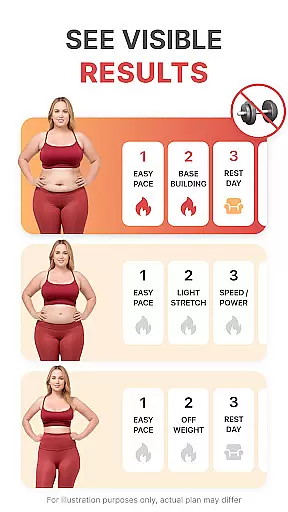
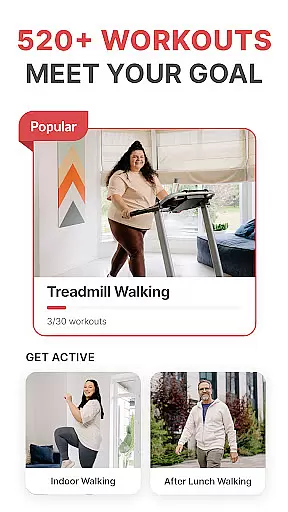
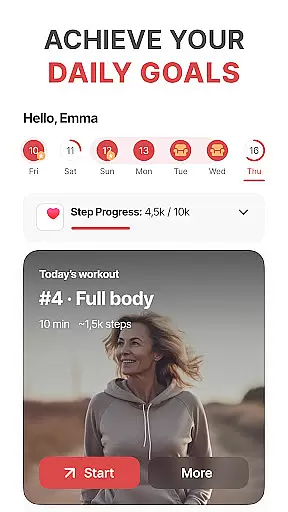
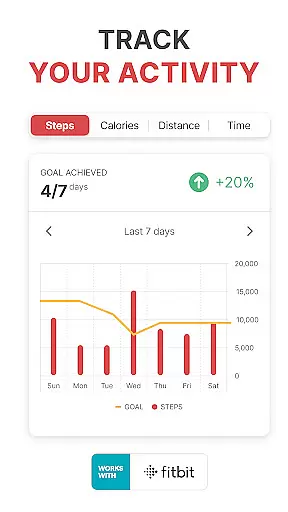
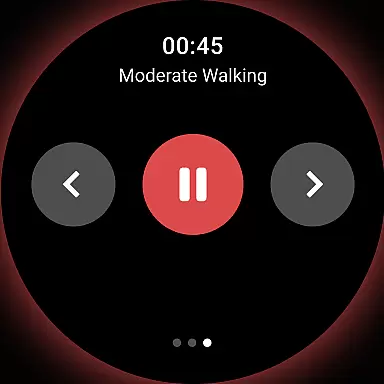
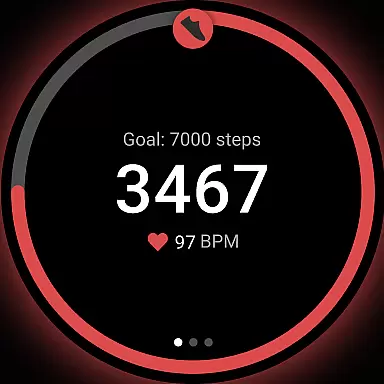
WalkFit is a comprehensive walking app designed specifically for weight loss, integrating a step counter, pedometer, and personal walk tracker into one convenient platform. The app offers personalized daily walking plans and indoor treadmill workouts to help users burn calories and achieve their fitness goals.
With features like progress tracking, goal setting, and motivational challenges, WalkFit ensures users stay committed to building healthier habits. Whether you're monitoring steps, distance, or calories burned, the app provides real-time stats and seamless integration with Wear OS devices, Fitbit, Google Fit, and Health Connect.
Perfect for those looking to slim down at their own pace, WalkFit combines expert-recommended walking routines with fun challenges and guided indoor workouts, making it an ideal choice for both outdoor and home-based fitness enthusiasts.
WalkFit stands out with its robust combination of features tailored for effective weight loss. The app includes a built-in step counter and pedometer that tracks steps, distance, and calories burned, ensuring users remain active throughout the day.
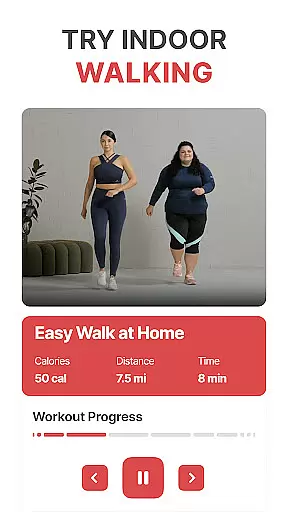
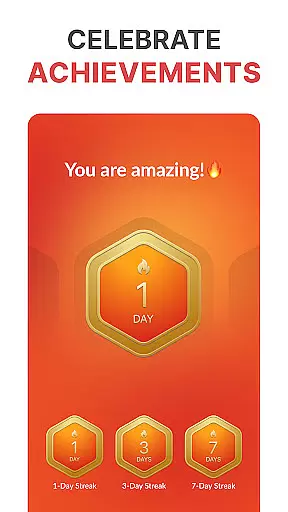
One of the key highlights is the availability of customized walking plans based on BMI and activity levels. Users can also participate in engaging walking challenges, earning achievements by hitting daily and weekly targets. For indoor fitness, the app offers guided treadmill workouts with video support, including cardio walks and low-impact options.
Additionally, WalkFit's compatibility with Wear OS, Fitbit, Google Fit, and Health Connect allows for accurate passive and active tracking. This versatility makes it easy to monitor all essential fitness metrics in one place, enhancing the overall user experience.
WalkFit offers seamless companion app integration, making it an ideal choice for Android Wear users. The app syncs effortlessly with platforms like Fitbit, Google Fit, Health Connect, and Wear OS devices. This ensures that all your fitness data is centralized in one location.
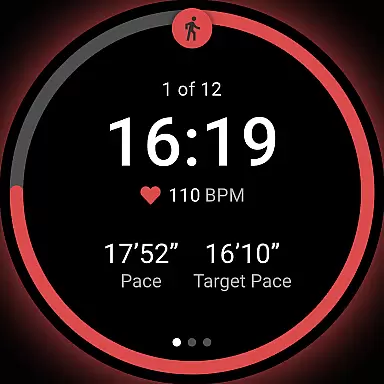
The synchronization feature allows for accurate tracking in both passive and active modes. Passive mode utilizes your device's sensors to monitor activity throughout the day. In contrast, active mode provides real-time statistics during walks and workouts. This dual functionality enhances the overall user experience.
By consolidating key metrics such as step count, calories burned, and walking distance, WalkFit simplifies health management. Users can easily monitor their progress without switching between multiple applications. This comprehensive approach to fitness tracking sets WalkFit apart from other apps in its category.
As a dedicated Wear OS-compatible application, WalkFit ensures optimal performance across various devices. Whether you're using a smartwatch or another wearable gadget, the app delivers consistent results. Its compatibility extends to different models, providing a reliable solution for fitness enthusiasts.
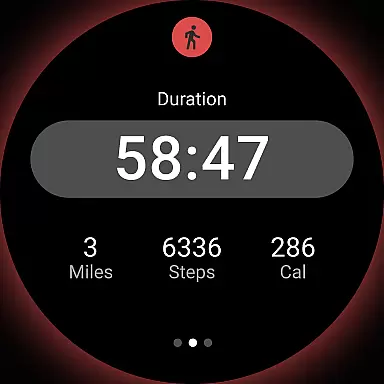
WalkFit takes advantage of Wear OS features to offer precise tracking capabilities. The built-in pedometer function accurately records steps, distance, and calories burned. These measurements are crucial for users following personalized weight loss plans or participating in walking challenges.
In addition to basic tracking, the app supports advanced functionalities like treadmill mode. This feature caters to indoor exercisers who prefer home-based workouts. By maintaining accuracy across diverse exercise scenarios, WalkFit demonstrates its commitment to serving the needs of all walkers, regardless of their preferred environment or device.
User-friendly interface
Customizable walking plans
Real-time progress tracking
Motivational walking challenges
Seamless device integration
Premium subscription required
Limited free features
Occasional syncing issues
Indoor workouts need equipment
High system requirements

Christmas Theme Watch Face for Wear Os
 5.00
5.00
Animated Watch Face and Customizable with 24 Backgrounds. Perfect for Christmas!
3.90
A watch face that fuses motorsport precision with contemporary smartwatch design
4.1
Simple Analog-Digital Watchface For Wear OS 3.0 and Up Smartwatches
4.0
Watch face designed for Thanksgiving Day. 7 Background Styles included.
3.20
Nutrition, Macro tracker: Food, fitness & healthy diet tracking for weight loss
4.60
Your music, your playlists, and more—offline and unlimited.
4.20
Back up your contacts & access them anywhere
4.30
Spam call blocker and caller ID for automatic call protection!
4.40
To-Do List: daily schedule planner, task organizer, to do reminder app, calendar
4.60
Rose gold watch face with festive lights & customizable features.
4.60
Connect to your Bluelink equipped Hyundai vehicle from your smartphone.
4.50
Calming & relaxing sounds for sleeping and stress relief. Stay focused all day!
4.20
Snowflake Rose Gold Watch Face - Digital, modern, & sleek with GYRO effect.
4.10
Get helpful reminders, take progress photos and find answers to your questions.
3.90
A full-featured Amazon Alexa voice assistant that can show you things.
3.70
Want to take charge of your health? Let Google Fit help you reach your goals.
3.50
an Analog Watch Face for winter season with freeze winter background for Wear OS
4.4
Funny animated watch face for Thanksgiving
4.3


User Reviews