
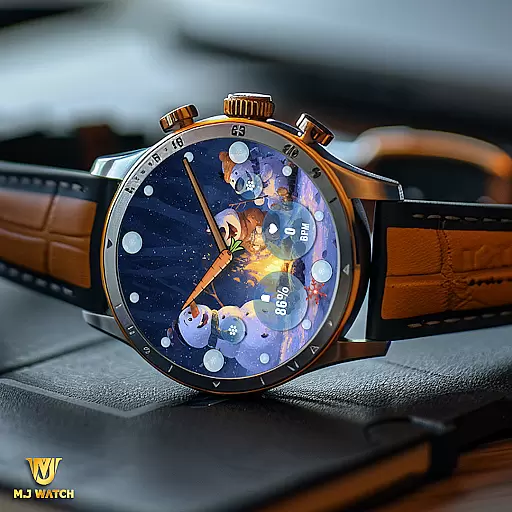
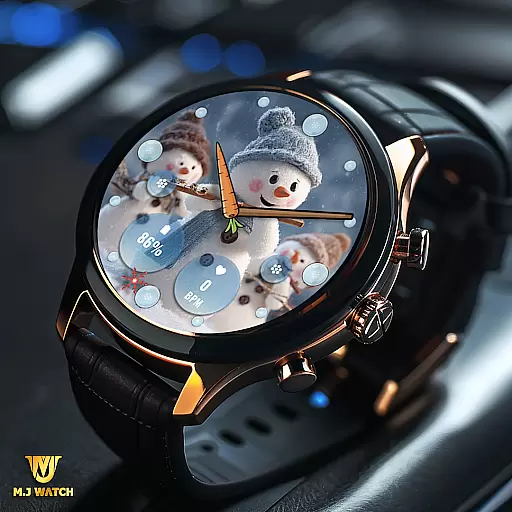
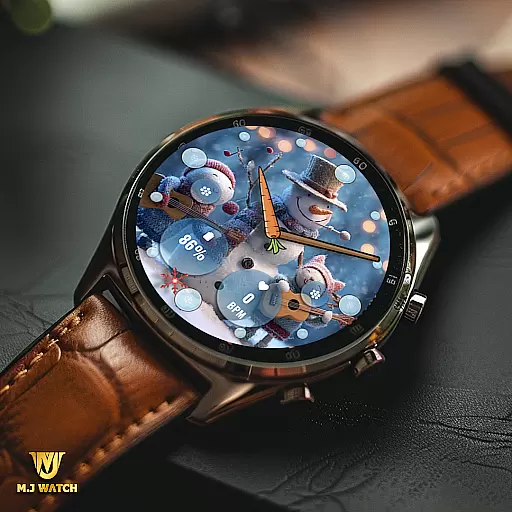
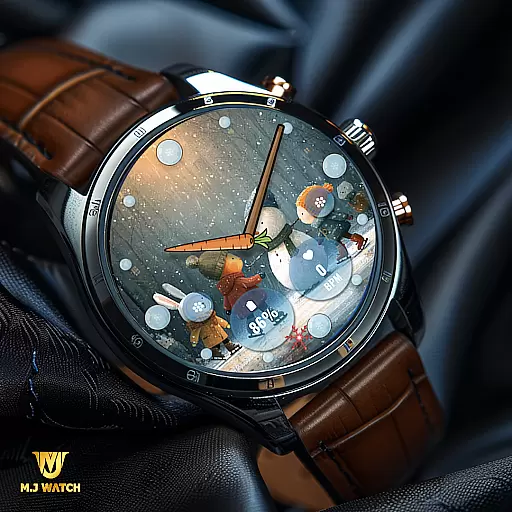
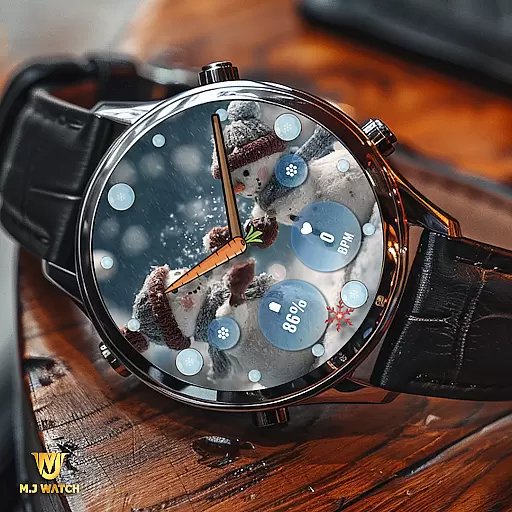
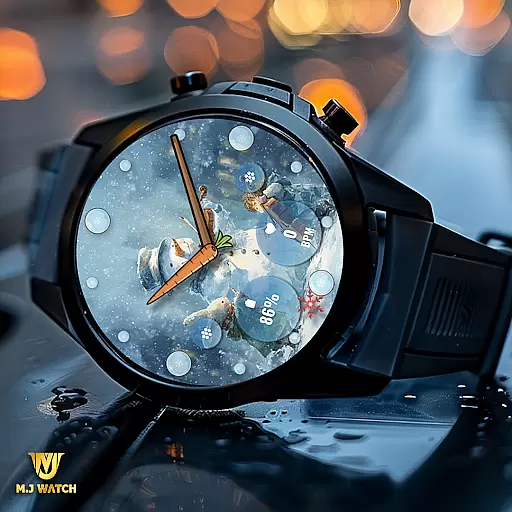
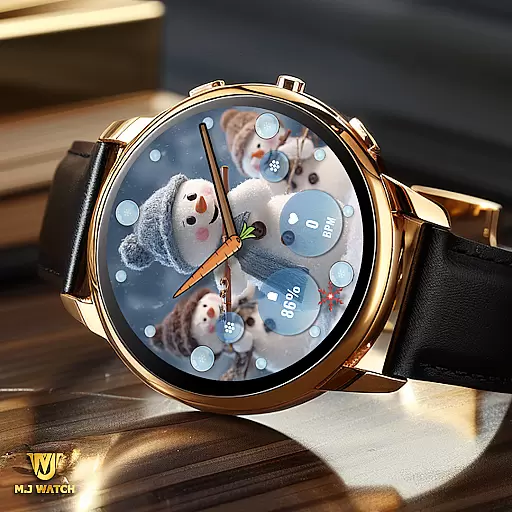
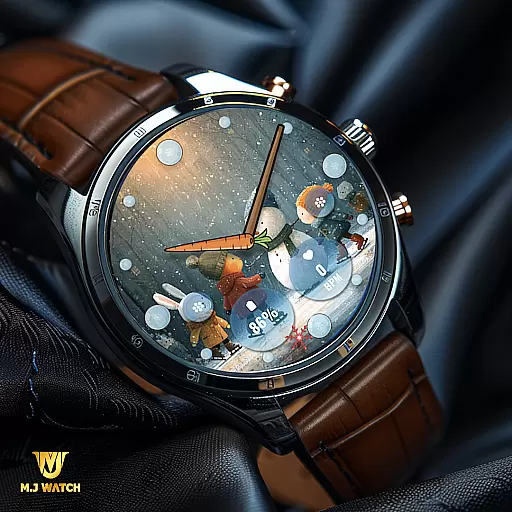
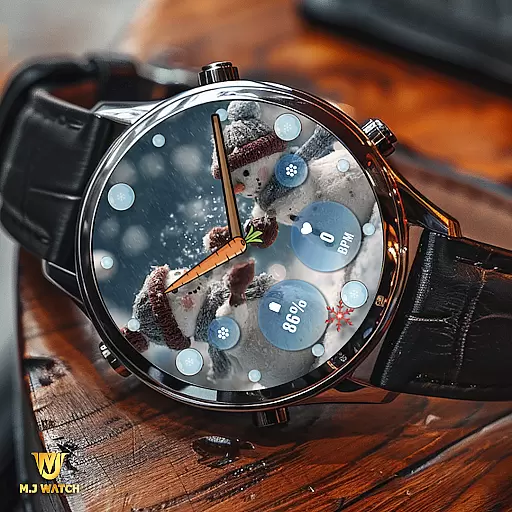
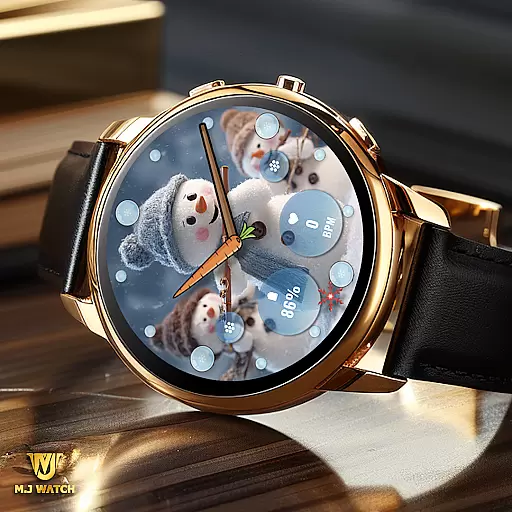
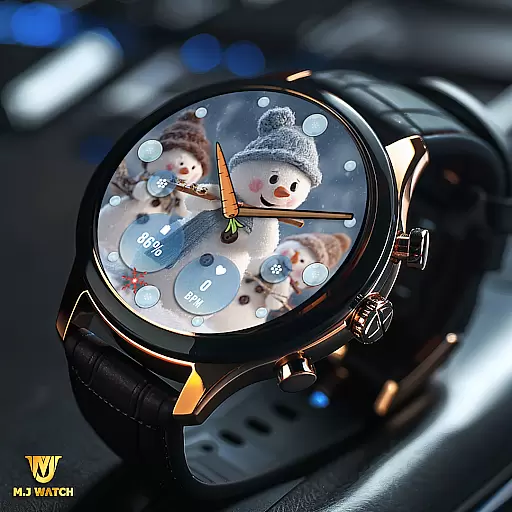
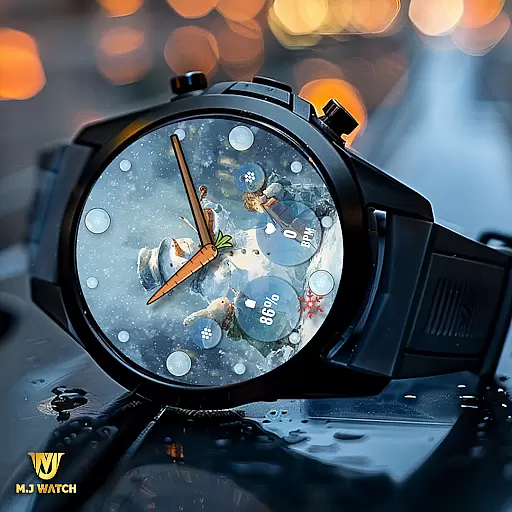
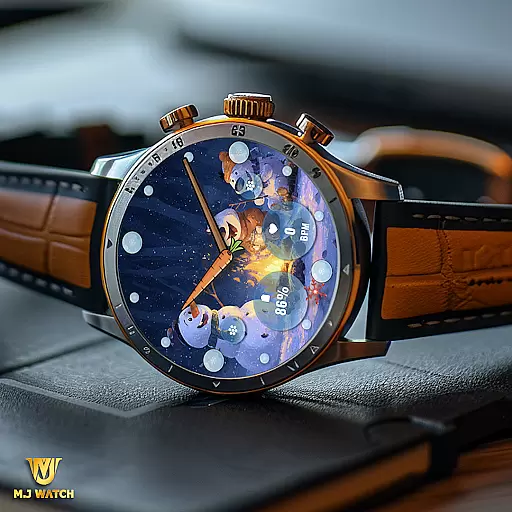
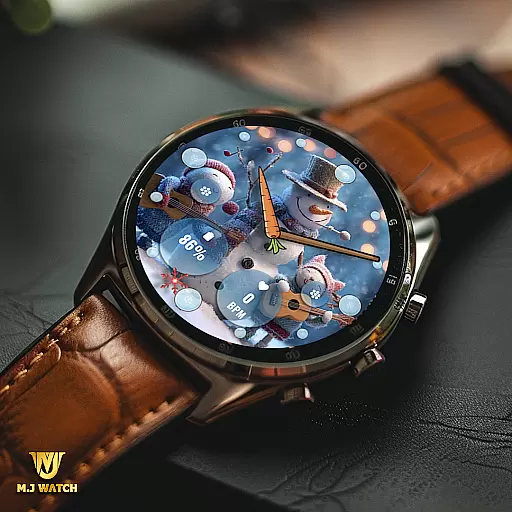
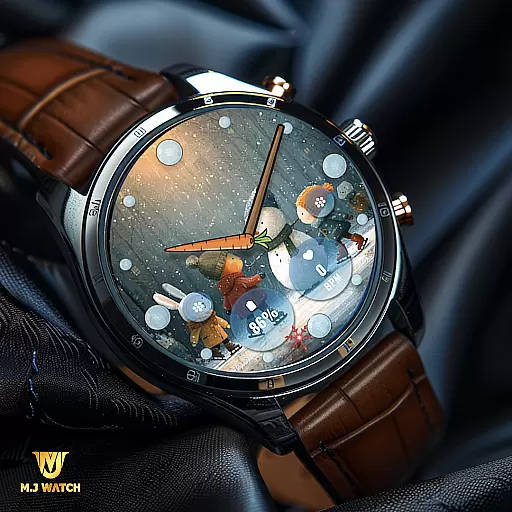
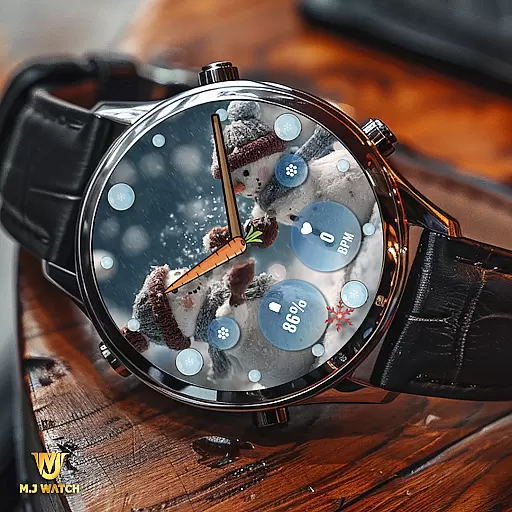
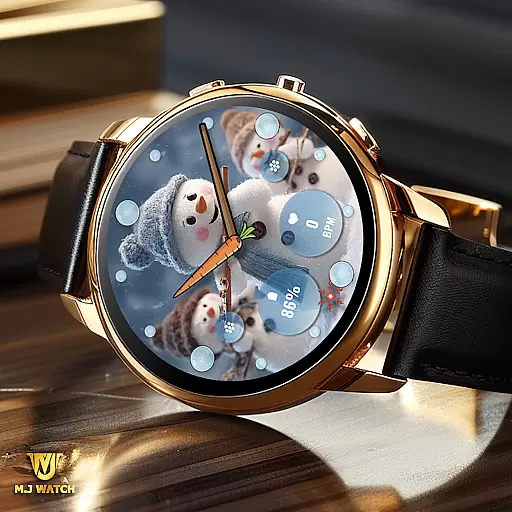
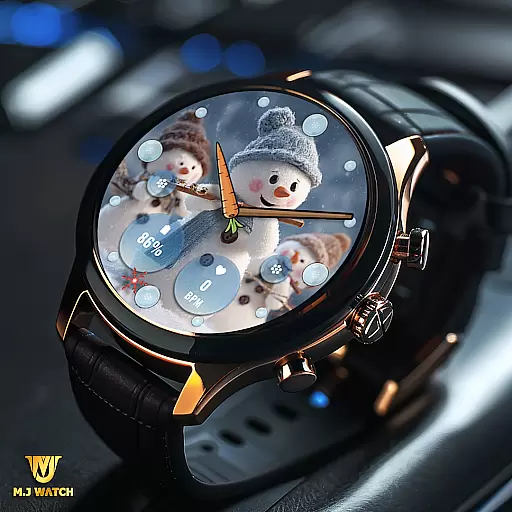
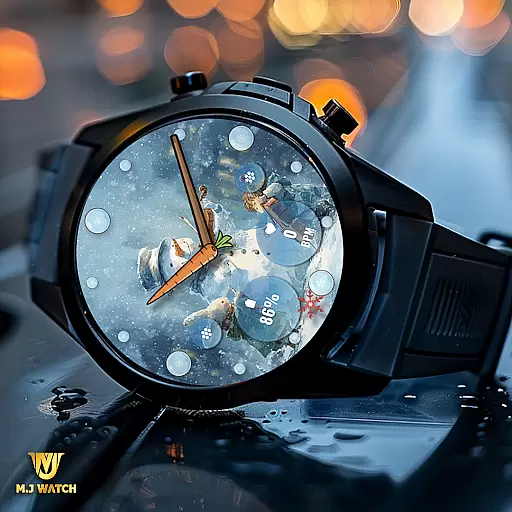
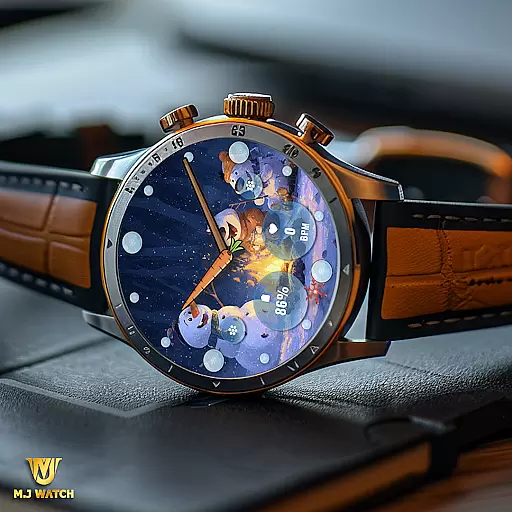
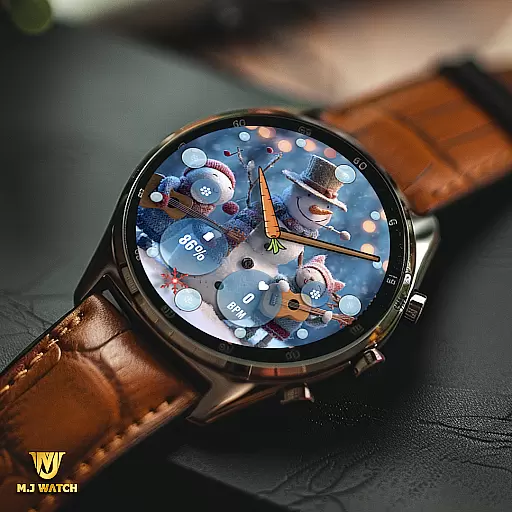
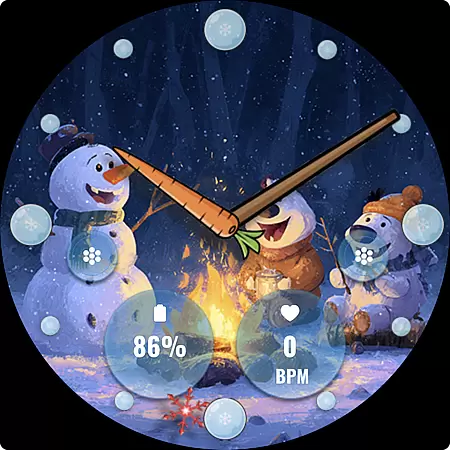
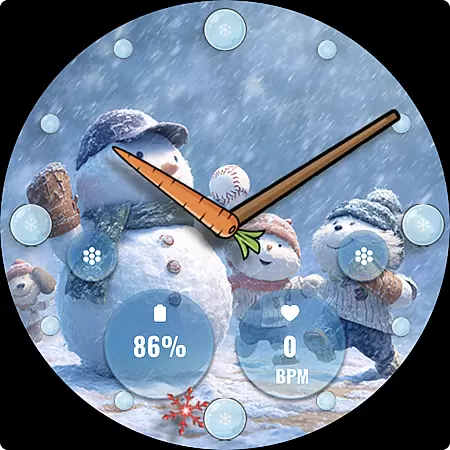
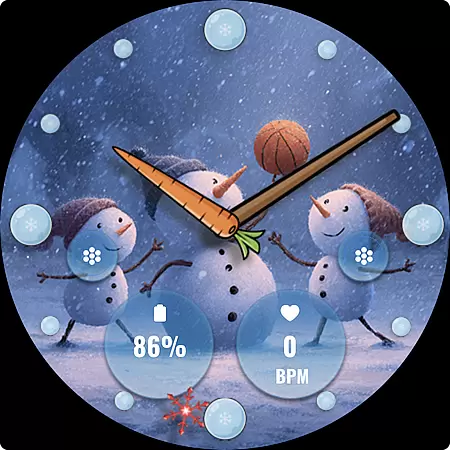
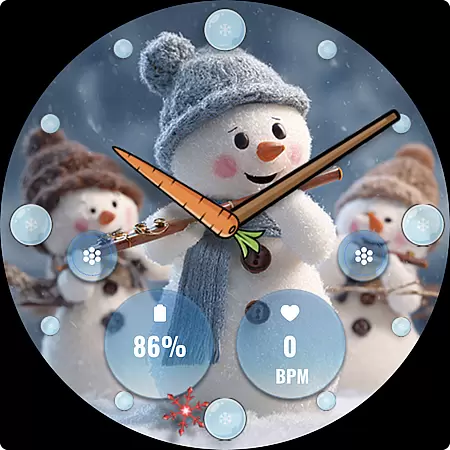
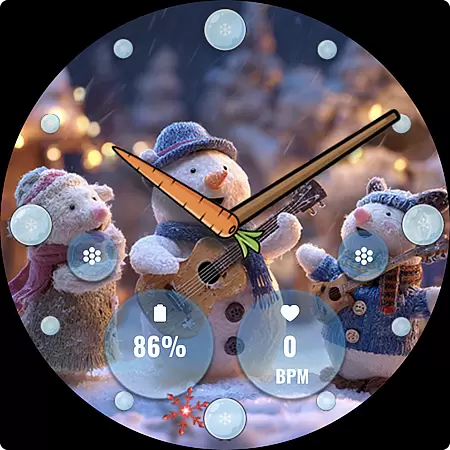
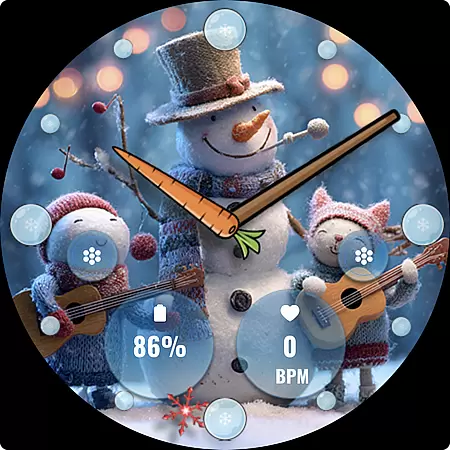
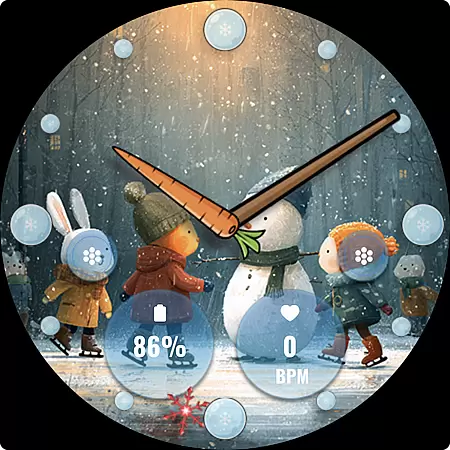
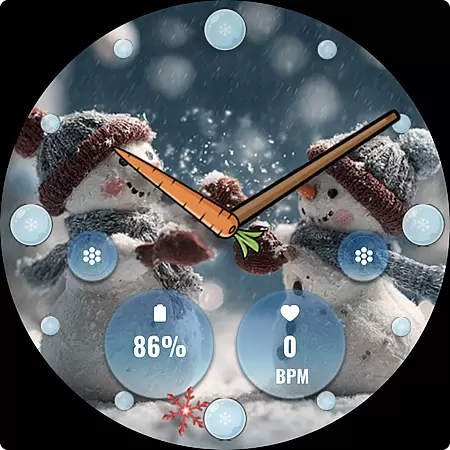
FLW105 Snowman Freeze Winter is a specially designed watch face for Wear OS devices, offering users an immersive winter-themed experience. The watch face features a stunning freeze ice background with 10 unique winter images that include charming snowman illustrations. It provides both aesthetic appeal and practical functionality through its customizable options.
The watch face displays time using traditional analog watch hands for hours, minutes, and seconds. Users can also take advantage of two custom complications to display their preferred information and utilize two customizable shortcuts for quick access to frequently used functions. With simple tap-and-hold customization options, FLW105 allows users to tailor the watch face to their personal preferences, making it a versatile choice for winter season wear.
FLW105 Snowman Freeze Winter stands out with its array of customizable features tailored for Wear OS users. One of its key features is the ability to personalize the watch face by changing the displayed image or complications. By simply pressing and holding on the watch face, users can access customization options to modify the appearance according to their liking.
In addition to its visually appealing freeze ice background and snowman illustrations, this watch face includes two custom complications that allow users to choose what information is displayed. Whether it's weather updates, calendar events, or fitness stats, users have the flexibility to tailor the information to their needs. Furthermore, two custom shortcuts enable quick access to frequently used apps or functions, enhancing the overall user experience.
The combination of aesthetic design and functional versatility makes FLW105 Snowman Freeze Winter a standout choice for those looking to add a touch of seasonal charm to their smartwatch while maintaining practical utility.
For FLW105 Snowman Freeze Winter, seamless companion app integration is crucial for an enhanced user experience. This watch face connects effortlessly with its companion app on your smartphone, allowing users to customize and manage settings directly from their handheld device.
The integration enables users to change the displayed complications and shortcuts easily through the companion app interface. By pressing and holding the watch face, then pressing Customize, users can access a variety of winter-themed images and settings, all synchronized with the companion app.
This synchronization ensures that any changes made in the companion app are immediately reflected on the wearable device, providing a cohesive and streamlined experience. Users benefit from real-time updates and can enjoy a personalized touch to their smartwatch aesthetics without hassle.
FLW105 Snowman Freeze Winter is designed specifically for Wear OS, ensuring broad compatibility with a range of devices running this operating system. The watch face takes full advantage of Wear OS features, offering users a reliable and visually appealing experience during the winter season.
With support for analog watch hands, custom complications, and shortcuts, this watch face provides versatile functionality across different Wear OS devices. Whether you want to display specific information or create convenient shortcuts, FLW105 adapts seamlessly to various screen sizes and resolutions.
Moreover, the inclusion of ten unique freeze winter images with snowman motifs guarantees visual delight without compromising performance. Users can enjoy a smooth and engaging experience, knowing that FLW105 is optimized for compatibility and performance on their Wear OS devices.
Visually appealing winter theme
Customizable complications
Quick-access shortcuts
Easy customization process
Compatible with Wear OS
Limited to Wear OS devices
Only seasonal relevance
Requires manual updates
No digital time option
Premium features may cost extra

"PER27 Galaxy Digital" is a digital Wear OS watch face designed by PERSONA
 4.10
4.10
Animated Watch Face and Customizable with 24 Backgrounds. Perfect for Christmas!
3.90
Artistic Digital Watchface
4.0
Simple Analog-Digital Watchface For Wear OS 3.0 and Up Smartwatches
4.2
Bold, Modern Hybrid Watch Face for Wear OS. 10 Colors, Rich Info Display.
4.30
Structured watch face with seven complications and modular UI elements
3.90
Nutrition, Macro tracker: Food, fitness & healthy diet tracking for weight loss
4.60
Connect to your Bluelink equipped Hyundai vehicle from your smartphone.
4.50
Simple, helpful messaging by Google
4.60
Period, ovulation & pregnancy tracker. Fertility insights & menstrual calendar.
4.90
Diet tracker for weight loss - track calories, food and macros. Simple and easy!
4.70
A modern premium sporty hybrid watch face for Wear OS by Ballozi
4.70
Fast and smart typing with Emojis, GIFs, and more
4.50
Embrace the festive spirit with our Christmas Countdown watchface for Wear OS
4.10
Viewer for Wyze/Yi/Eufy/Arlo/ONVIF/RTSP/P2P IP cams w/ adv. features & DIY DVR
4.00
Your local weather forecast, storm tracker, radar maps & live weather news
3.40
Watch face designed for Thanksgiving Day. 7 Background Styles included.
3.20
Wear Os Watch Face - Animated Snow Effect & Christmas Lights
4.2
Precision analog watch face with 7 complications and style options
4.5


User Reviews