
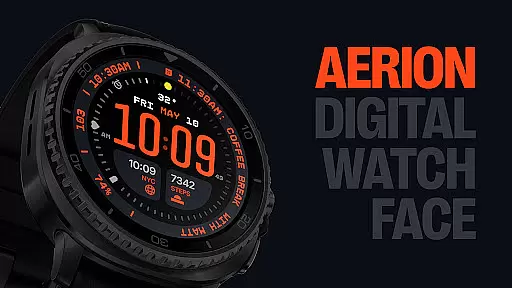
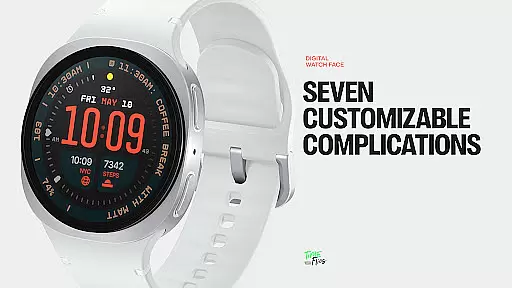
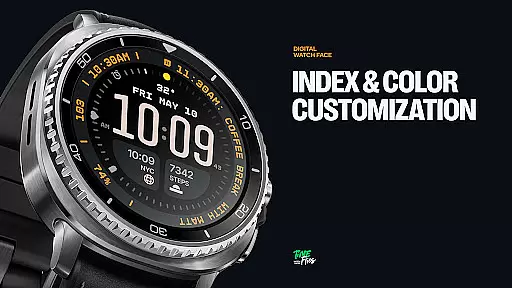
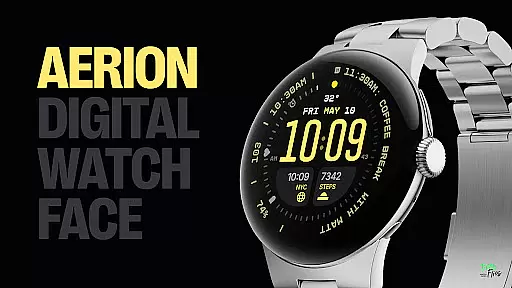
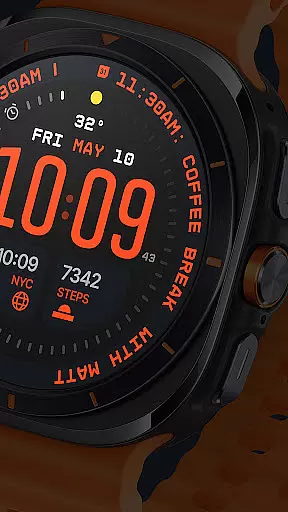
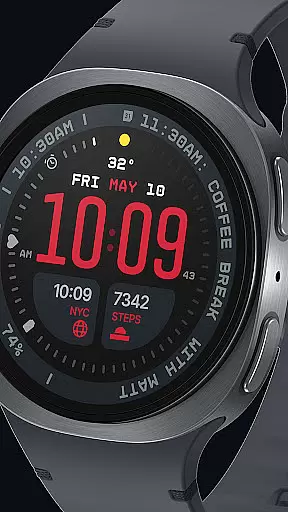
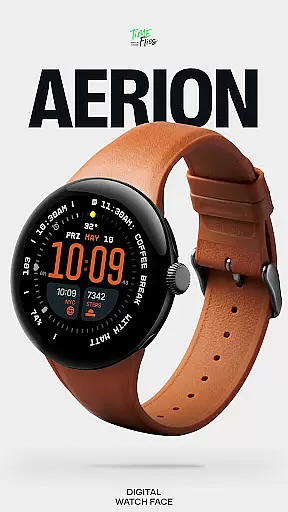
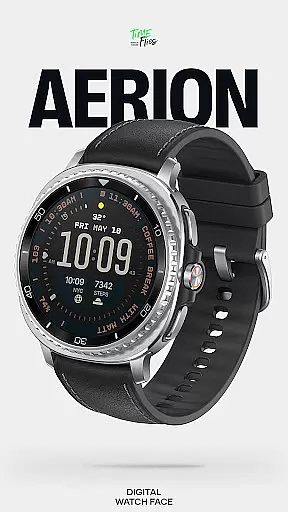
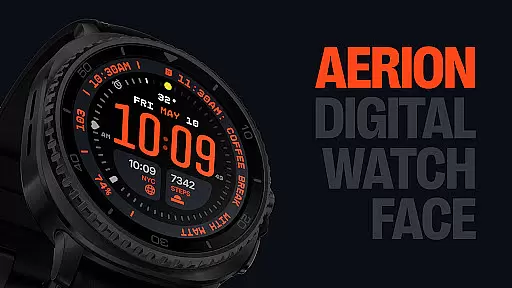
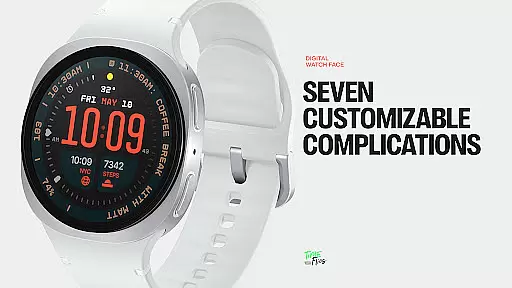
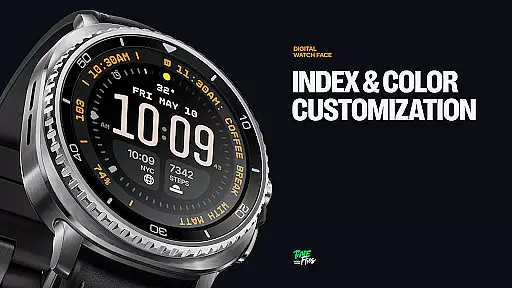
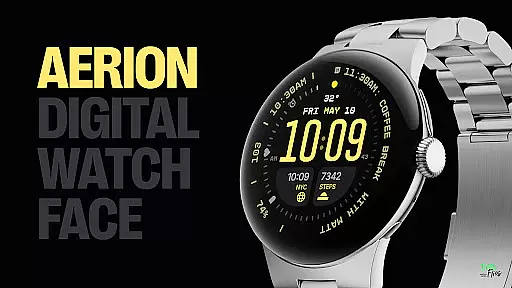
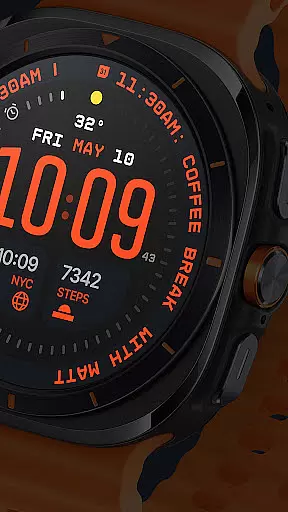
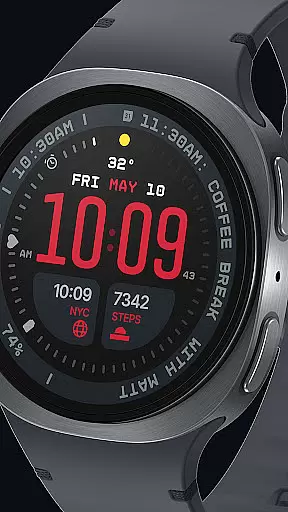
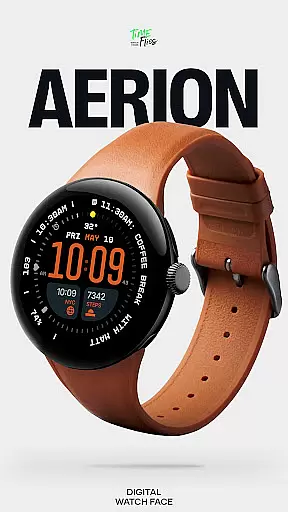
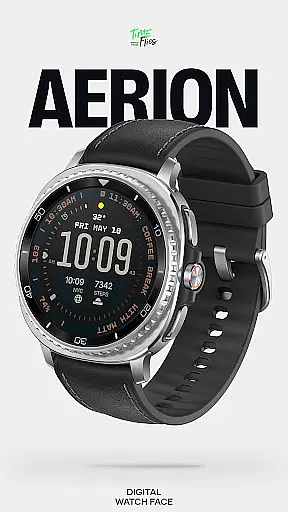
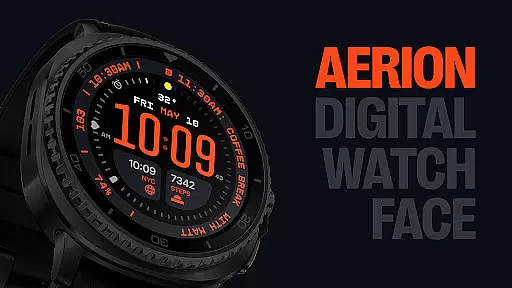
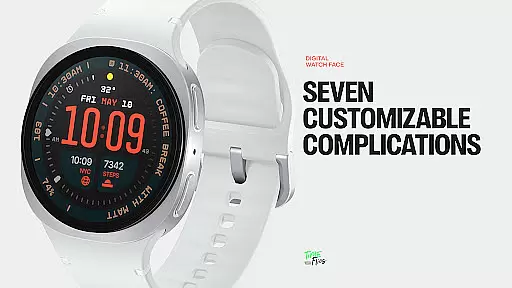
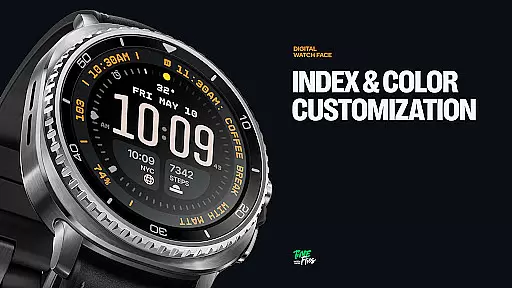
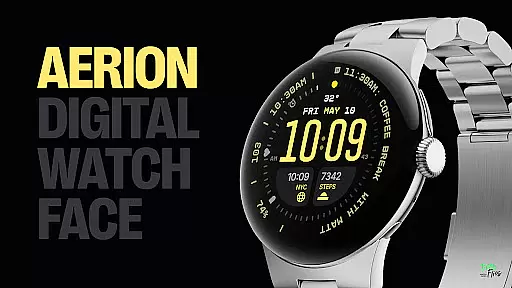
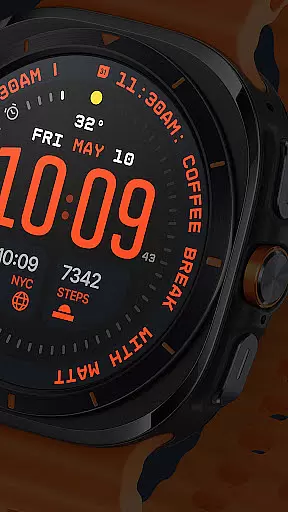
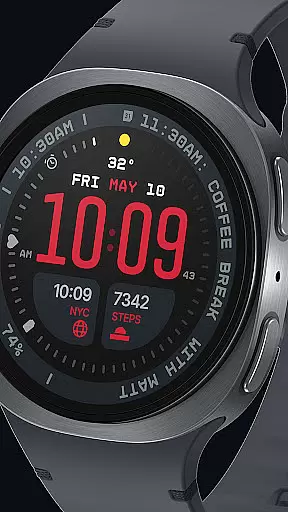
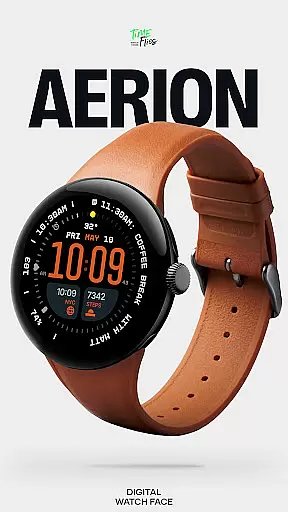
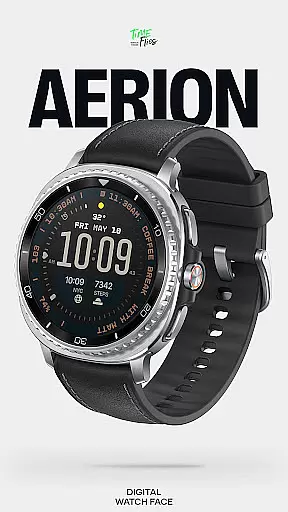
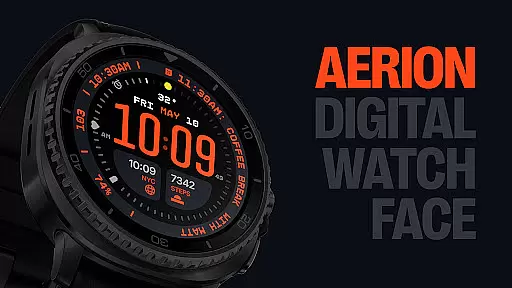
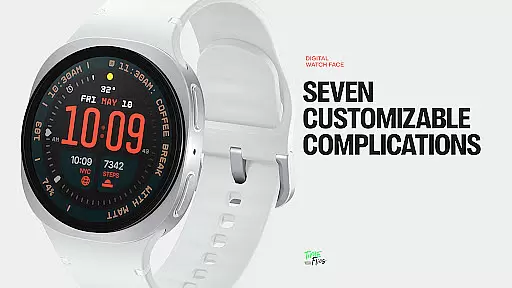
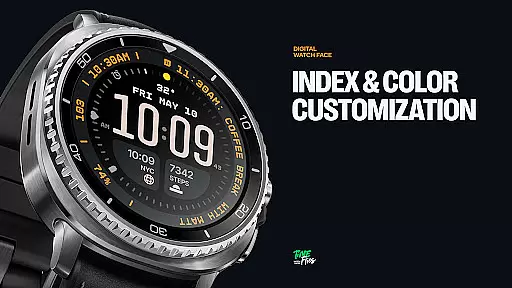
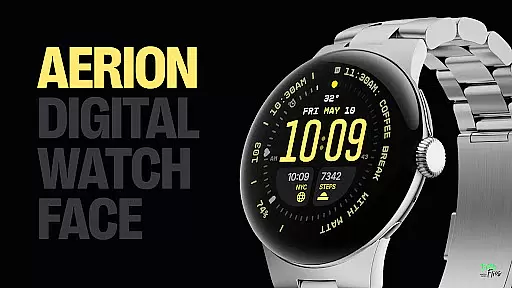
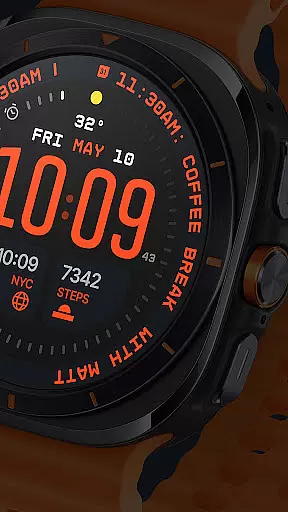
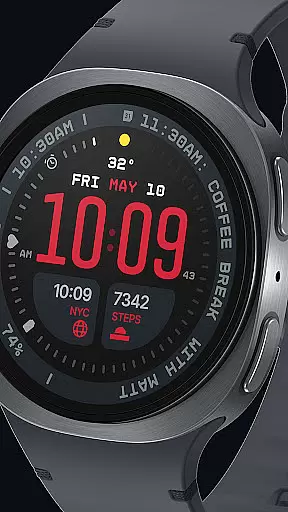
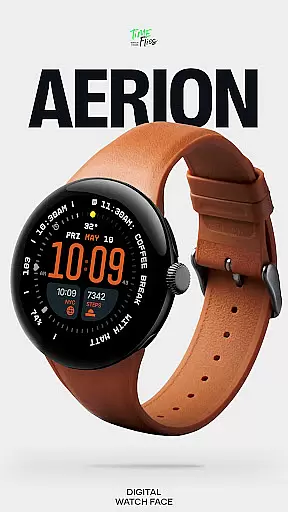
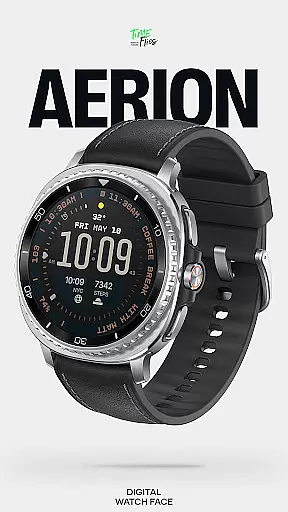
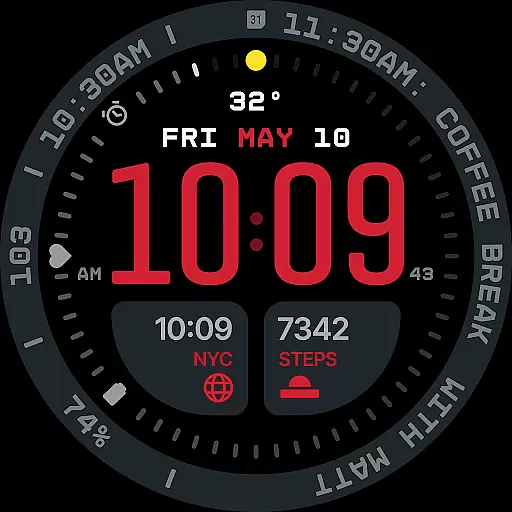
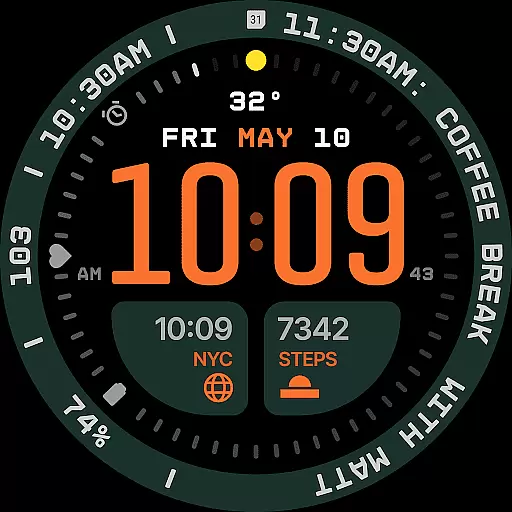
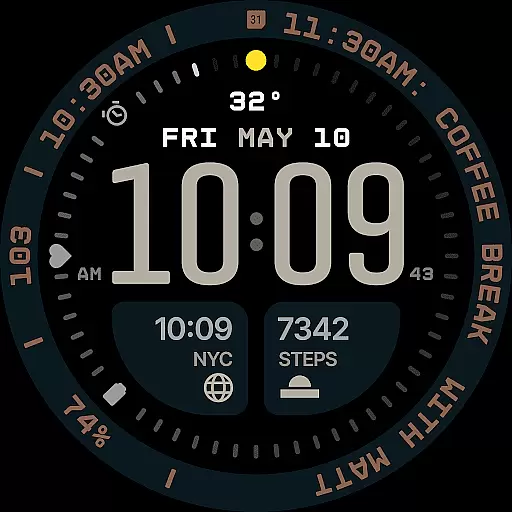
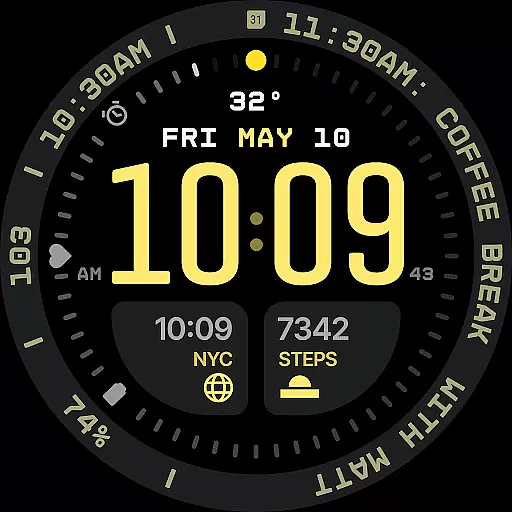
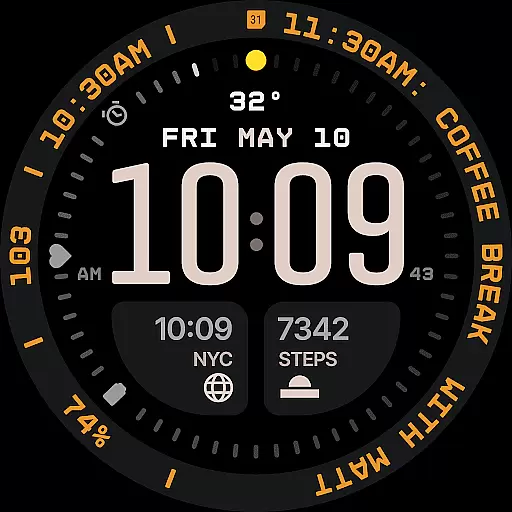
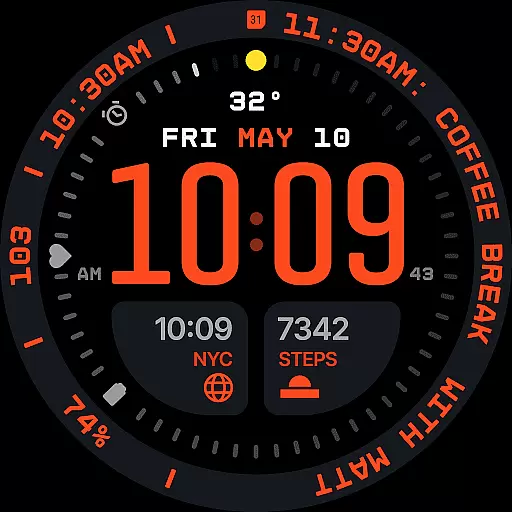
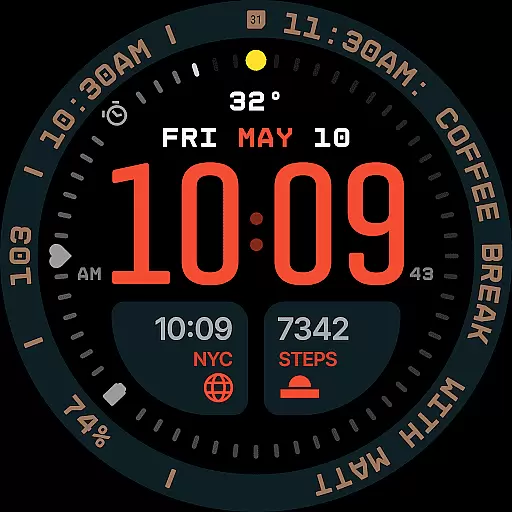
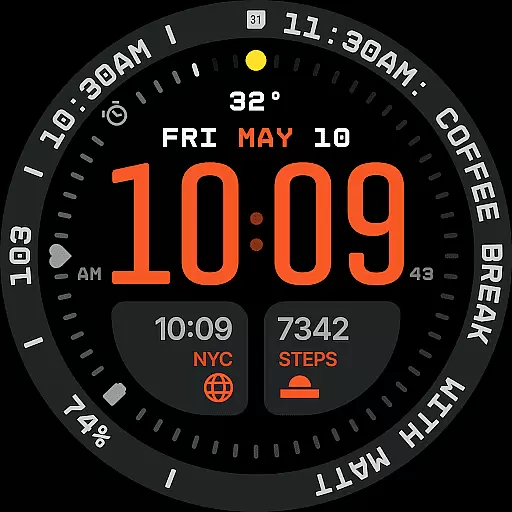
Aerion Digital Watch Face redefines digital timekeeping for Wear OS with its modern, structured design. The watch face features precision spacing, integrated complication zones, and balanced typography that ensures clarity and readability. At its core, the time is displayed prominently in a weighted font, complemented by customizable complications and an integrated day-date display.
With support for up to 7 complications, users can personalize their data presentation, including options for short and long text slots ideal for contextual information like calendar events or voice assistant updates. The interface also offers 30 curated color schemes, optional bezel and background layers, and 4 Always-on Display (AoD) modes that balance style with battery efficiency. Designed using the advanced Watch Face File format, Aerion delivers smooth performance while optimizing energy consumption.
This watch face is perfect for users seeking intelligent design combined with customization flexibility. Whether you prioritize functionality or aesthetics, Aerion provides a cohesive visual system where every element serves both form and function, making it ideal for those who value a clean, modern aesthetic on their smartwatch.
Aerion Digital Watch Face stands out with its meticulously crafted features designed for both utility and personalization. One of its key highlights is the inclusion of 7 fully customizable complication slots, offering unparalleled flexibility. These include two universal slots, one short-text slot above the time, three positioned around the dial, and a long-text slot optimized for detailed information such as calendar entries or voice assistant content.
The built-in day and date display is seamlessly integrated into the layout, maintaining logical alignment without disrupting the overall structure. For users seeking variety, Aerion provides 30 carefully curated color schemes, ensuring optimal readability while allowing for extensive personalization. Additionally, the optional bezel and background layer add stylistic depth, enabling users to switch between different visual themes effortlessly.
Performance optimization is another hallmark of this watch face. Built using the modern Watch Face File format, Aerion ensures smooth system operation and enhanced battery efficiency. Its 4 Always-on Display (AoD) modes—full, dimmed, and two minimal configurations—retain the watch face's character while conserving power. This combination of technical precision and thoughtful design makes Aerion a top choice for smartwatch users who demand both functionality and style.
Companion app integration is crucial for enhancing the functionality of wearable devices like smartwatches. For Aerion Digital Watch Face, this means seamless synchronization with its optional Android companion app.
This integration allows users to conveniently access and manage other watch faces from Time Flies directly from their smartphone. The companion app serves as a control center where users can switch between different watch faces, customize settings, and receive updates without interrupting their smartwatch experience.
By using the companion app, users benefit from an extended range of customization options that go beyond what's available directly on the watch. This includes additional color schemes, complication configurations, and layout adjustments tailored to personal preferences or specific occasions.
The value of such integration lies in providing a comprehensive ecosystem where both the wearable device and its companion app work in harmony. Users enjoy not only enhanced convenience but also greater flexibility in personalizing their digital timekeeping experience while maintaining optimal performance and battery efficiency.
Ensuring broad Wear OS and device compatibility is essential for any digital watch face. Aerion Digital Watch Face has been engineered to support a wide range of Wear OS devices, guaranteeing that users can enjoy its contemporary design regardless of their specific smartwatch model.
This compatibility is achieved through meticulous development using the modern Watch Face File format, which ensures smooth system performance across different devices. By adhering to this standardized format, Aerion maintains consistent visual quality and functional reliability whether it's running on newer models or older generations of Wear OS watches.
Users benefit from this compatibility by experiencing optimized battery efficiency without compromising on style or features. The watch face supports four Always-on Display styles, including full, dimmed, and minimal configurations, all designed to conserve power while preserving aesthetic appeal.
The true innovation lies in how Aerion balances technical precision with stylistic control across various devices. Every data point is treated as part of a cohesive visual system, ensuring that users who value readability, customization options, and a clean modern aesthetic receive the same high-quality experience regardless of their specific Wear OS device.
Modern design
Customizable complications
Battery efficient
Wide color options
Always-on display
Limited analog appeal
Complex setup
Premium cost
Few animations
Companion app needed

Highly customizable hybrid watch face for Wear OS, perfect for everyday use.
 4.60
4.60
Animated Watch Face and Customizable with 24 Backgrounds. Perfect for Christmas!
3.90
Wear Os Watch Face - Animated Snow - Sesonal for Christmas & Winter
4.5
Real-time results, stats, schedules and player profiles for all leagues
4.60
Funny animated watch face for Thanksgiving
4.3
Retro digital watch face with customizable colors and a unique lighting effect
4.60
Simple, helpful messaging by Google
4.60
Track your active life in one place and share the journey with friends.
4.40
From periods to pregnancy & perimenopause, Flo helps you track it all. Try now.
4.70
Rose gold watch face with festive lights & customizable features.
4.60
Monitor health with the stress test and pulse checker in the heart rate app.
4.60
Locate your family members by GPS phone location tracker everywhere and anytime
4.30
The #1 source of faces for your smartwatch!
4.00
Professional weather radar and more
3.90
Want to take charge of your health? Let Google Fit help you reach your goals.
3.50
Precision analog watch face with 7 complications and style options
4.5
A heartwarming Christmas scene featuring a cute image of Santa and Rudolf
4.5
A watch face that fuses motorsport precision with contemporary smartwatch design
4.3
Minimalistic design modern digital watch face.
4.3


User Reviews