
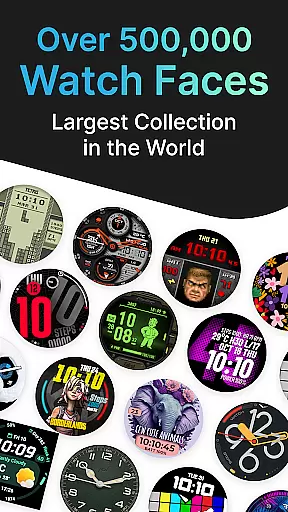
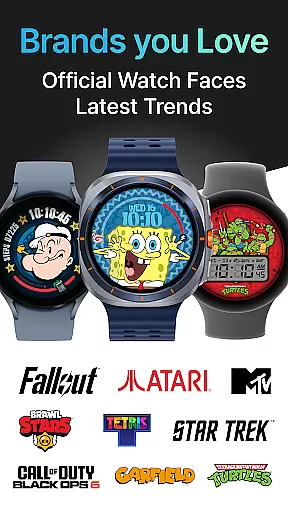
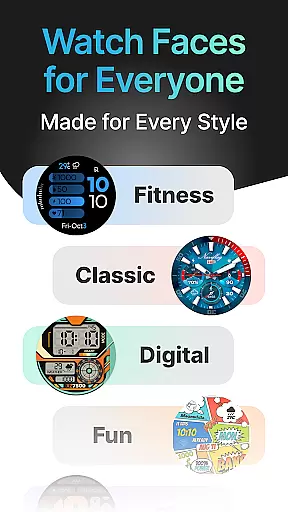
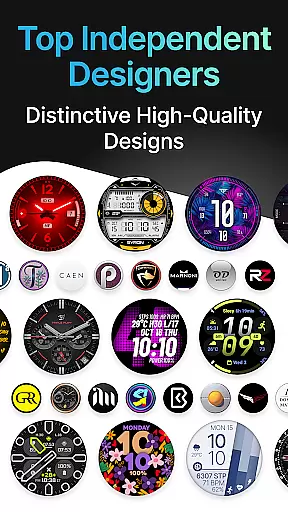
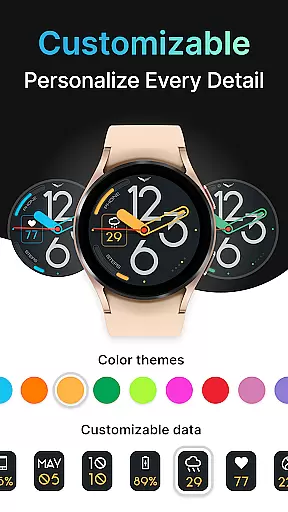
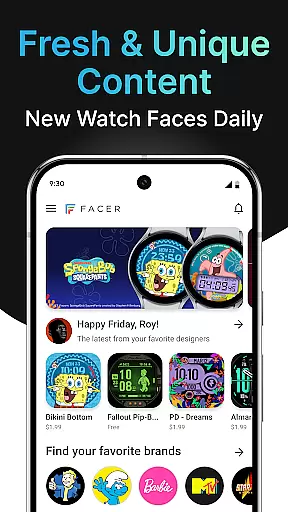
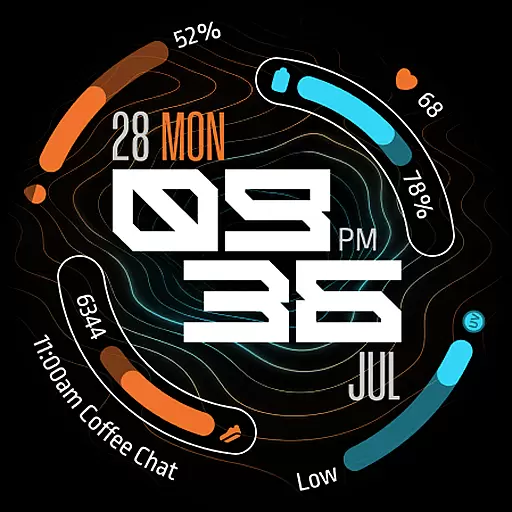
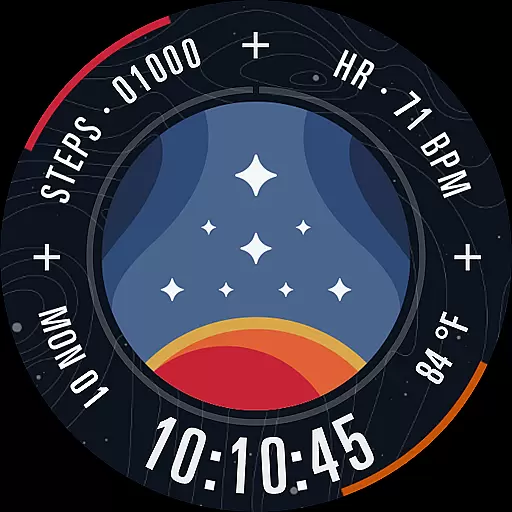
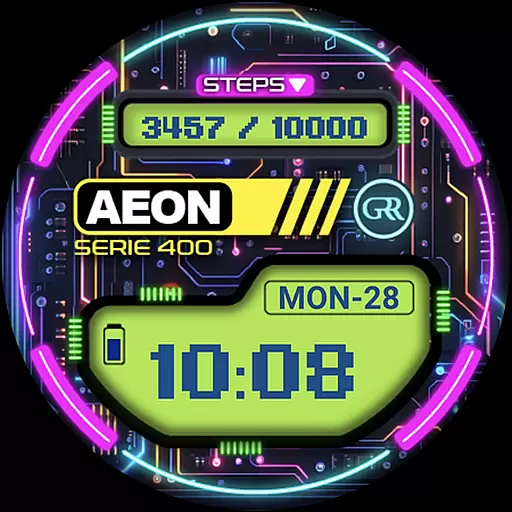
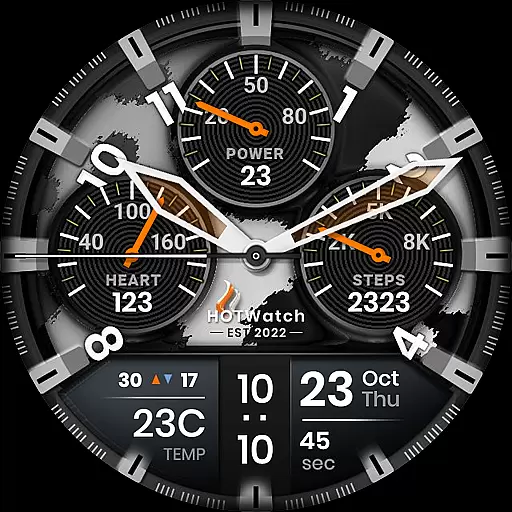
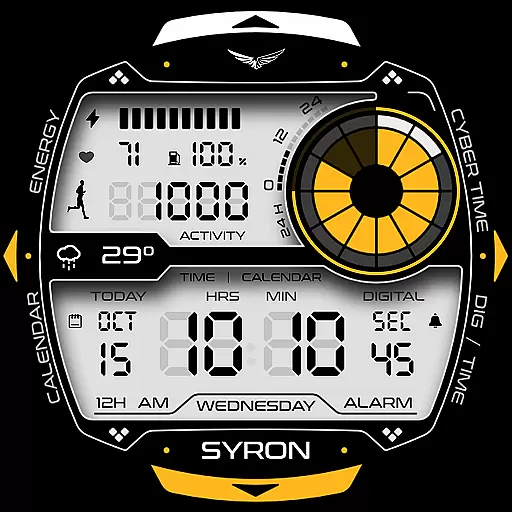
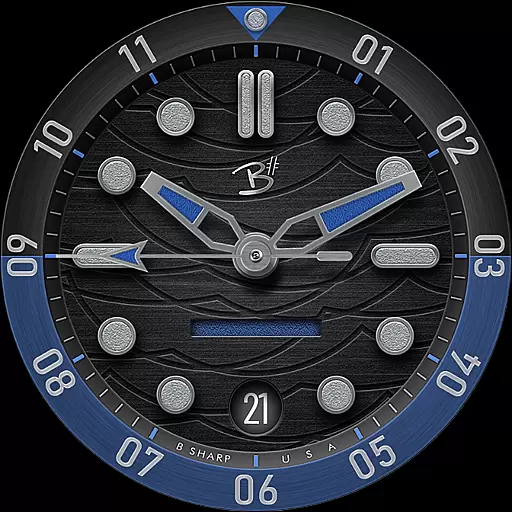
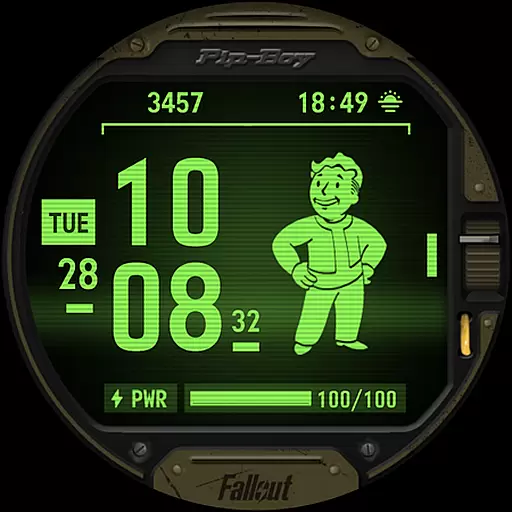
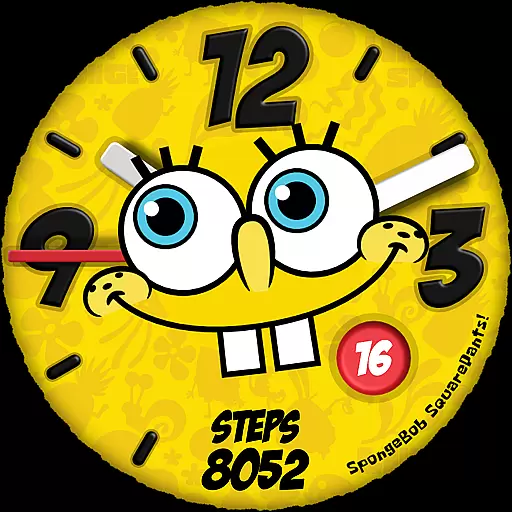
Facer Watch Faces is the ultimate customization tool for your smartwatch, offering over 500,000 free and premium watch faces from top brands and independent artists. Whether you're looking to personalize your style or explore creative designs, Facer provides unlimited options for Wear OS, Tizen, Apple Watch, and more.
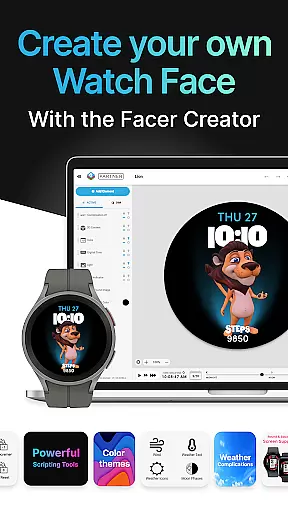
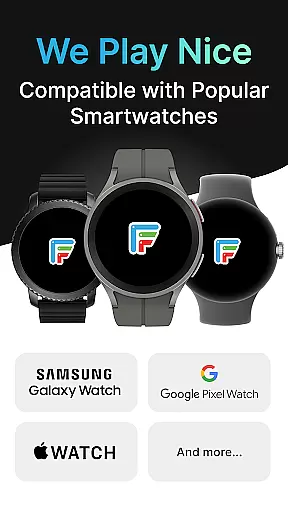
With support for leading smartwatches like Samsung Galaxy Watches, Google Pixel Watches, and other Wear OS devices, Facer ensures compatibility across all major platforms. The app also features Facer Creator, a powerful web-based editor that lets users design and share their own watch faces with the world.
Perfect for tech enthusiasts and fashion-conscious users alike, Facer Watch Faces transforms your smartwatch into a personalized accessory while delivering dynamic and functional designs tailored to your lifestyle.
Facer Watch Faces stands out with its extensive library of customizable watch faces, including exclusive designs from renowned brands like Tetris™, Star Trek, and Ghostbusters. Each face is crafted to bring unique aesthetics and functionality to your smartwatch, ensuring there's something for everyone.
The app's Facer Creator tool empowers users to design original watch faces using a robust web-based editor. This feature allows creators to publish their designs to a global audience, fostering a vibrant community of artists and designers. Additionally, Facer integrates seamlessly with fitness and health data, displaying metrics such as step counters and heart rates directly on your watch face.
With cross-platform support for Wear OS, Tizen, and Apple Watch, Facer ensures a consistent experience regardless of your device. Its intuitive setup process makes it easy to sync and enjoy new watch faces, while regular updates introduce fresh content and improved compatibility.
Companion app integration is essential for a seamless smartwatch experience. Facer ensures that your watch face preferences are perfectly synced between your phone and wearable device. This synchronization allows users to browse, select, and customize watch faces on their phone, while the changes are instantly reflected on the paired smartwatch.
The app supports major platforms like Wear OS, Tizen, and Apple Watch, making it versatile for a wide range of devices. By installing Facer on both your smartphone and smartwatch, you can effortlessly manage your watch faces. This dual-installation approach guarantees that all selected designs function optimally and maintain consistent performance across devices.
Users benefit from an intuitive setup process that enhances usability. After installing Facer on both devices, simply set the desired watch face on your smartwatch through the phone application. This streamlined process saves time and eliminates technical hassles, allowing users to focus on personalizing their smartwatch style.
The companion app integration also enables access to a massive catalog of 500,000+ watch faces from leading brands and independent artists. Whether you're looking for free options or premium designs, Facer's extensive library ensures you'll find the perfect match for your personal style. This comprehensive selection, combined with effortless synchronization, creates a superior user experience.
Device compatibility is crucial when selecting a smartwatch customization app. Facer stands out by supporting a wide range of Wear OS devices, including the latest Samsung Galaxy Watches, Google Pixel Watches, and models from Fossil Group brands. This extensive compatibility ensures that regardless of your smartwatch model, you can enjoy Facer's vast collection of watch faces.
The application maintains backward compatibility with older Wear OS versions while embracing new updates. For instance, Facer fully supports Wear OS 6 while continuing to provide excellent service for devices running Wear OS 3 and 4. This commitment to compatibility guarantees uninterrupted service even as operating systems evolve, protecting your investment in custom watch faces.
Facer's compatibility extends beyond basic functionality. The app optimizes watch faces for specific devices, ensuring proper display and performance across different screen sizes and resolutions. This optimization includes support for various features like step counters, heart rate monitors, and weather data, which vary between smartwatch models.
With support for multiple platforms including Wear OS, Tizen, and Apple Watch, Facer demonstrates its dedication to universal accessibility. Whether you own a Samsung Galaxy Watch4 or a Mobvoi Ticwatch, you can trust that Facer will deliver a consistent and high-quality experience. This broad compatibility makes Facer an ideal choice for smartwatch users seeking reliable and versatile customization options.
User-friendly interface
Extensive watch face library
Cross-platform compatibility
Active artist community
Regular content updates
Premium faces require payment
Setup can be complex
Limited offline functionality
Health data integration varies
Occasional syncing issues

Calming & relaxing sounds for sleeping and stress relief. Stay focused all day!
 4.20
4.20
Christmas and New Year - Themed Watchface
4.0
A full-featured Amazon Alexa voice assistant that can show you things.
3.70
A heartwarming Christmas scene featuring a cute image of Santa and Rudolf
4.1
The most customizable minimal watch face. For Wear OS 5.0, API 34+ and later
4.70
Funny animated watch face for Thanksgiving
4.0
Fitbit is dedicated to helping people lead healthier, more active lives.
4.10
Start and succeed with PAP
4.10
Download full tracks, listen to music offline, make unlimited playlists.
4.80
WTW M17 is a premium and luxurious hybrid watch face
4.70
Rose gold watch face with festive lights & customizable features.
4.60
Kia Access makes getting your vehicle information easier than ever
4.60
A realistic hybrid watch face with many customization options.
4.60
Digital watch face with big numbers and many customization for Wear OS devices
4.40
Bold, Modern Hybrid Watch Face for Wear OS. 10 Colors, Rich Info Display.
4.30
Structured watch face with seven complications and modular UI elements
3.90
Watch the sharpness of the sky on your wrist..
3.70
Your local weather forecast, storm tracker, radar maps & live weather news
3.40
Minimalistic design modern digital watch face.
4.3


User Reviews