
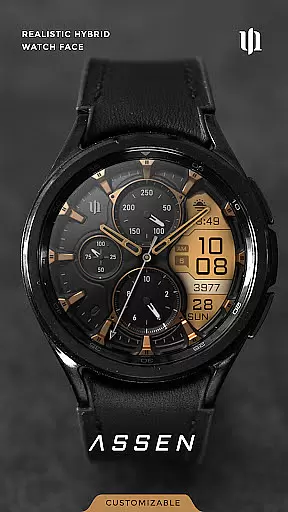
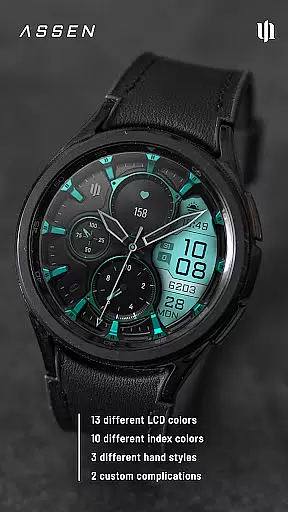
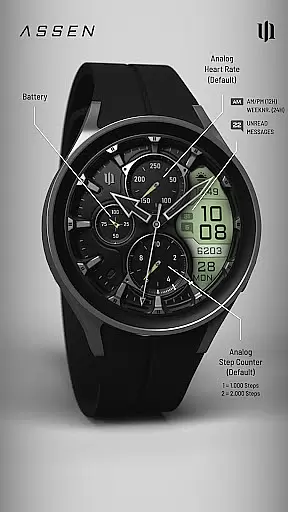
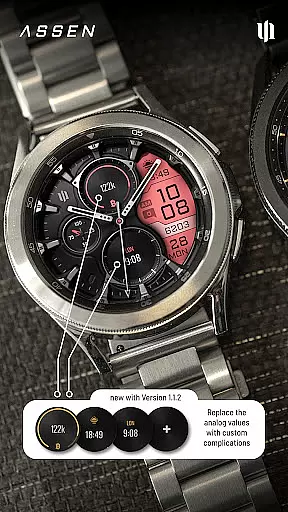
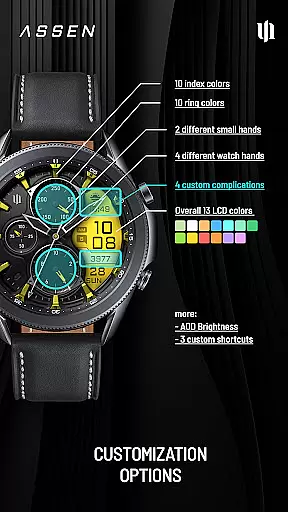
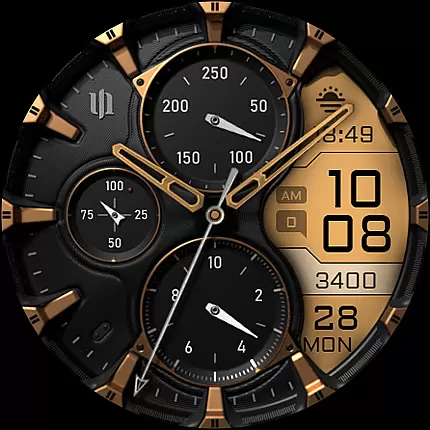
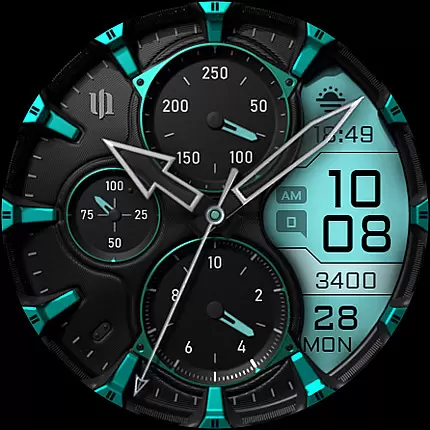
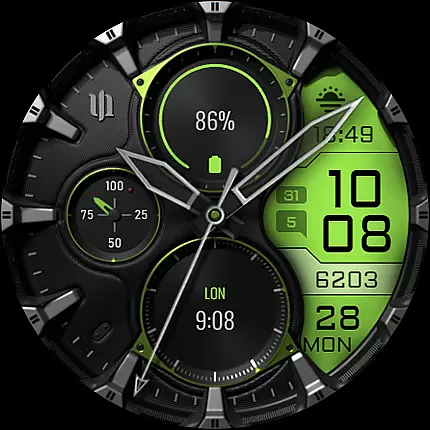
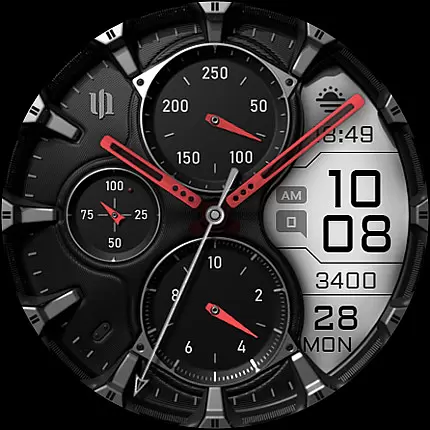
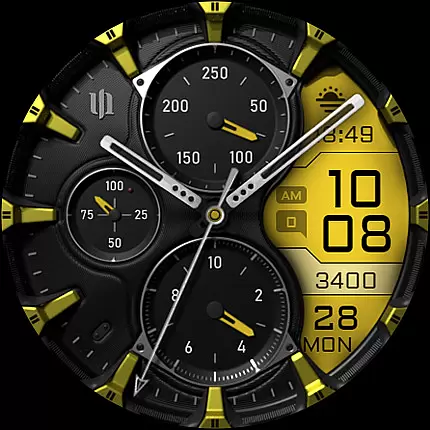
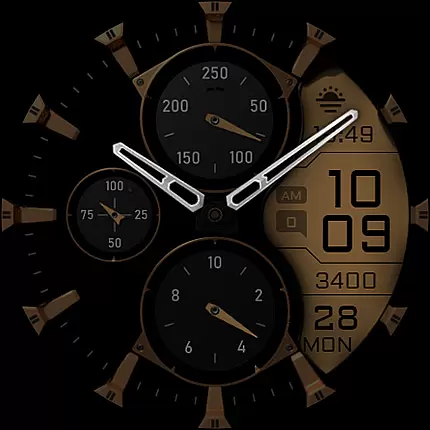
S4U Assen is a premium Wear OS watch face that combines realistic analog design with practical digital elements. Featuring a hybrid dial, it displays time, steps, heart rate, calendar details, unread messages, and customizable complications. With 13 LCD colors, 10 index colors, and multiple hand styles, users can personalize the appearance to match their preferences.
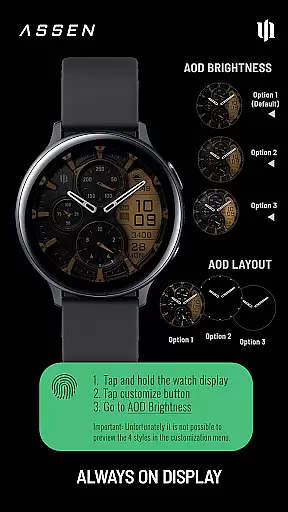
This app supports smartwatches running Wear OS 4 or higher, including Samsung Galaxy Watch series and Google Pixel Watch models. Its Always-On Display (AOD) offers three brightness levels and a minimal layout option, ensuring both functionality and battery efficiency. The intuitive customization menu makes setup easy, while additional features like tap-to-open battery details enhance usability.
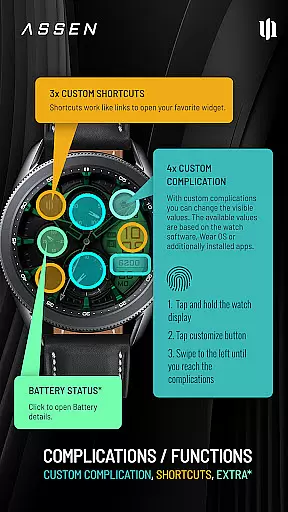
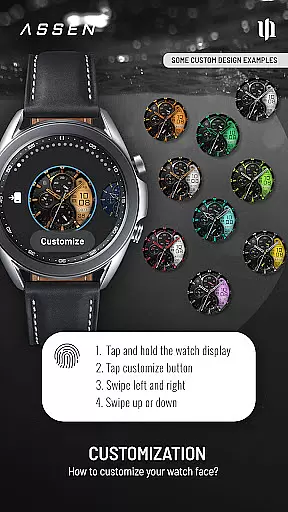
The S4U Assen stands out with its extensive customization options. Users can choose from 30 themes, adjust LCD and index colors, and select from four clock hand styles and two small hand designs. The app provides four custom complications and three shortcuts, allowing users to display personalized data and access favorite widgets quickly.
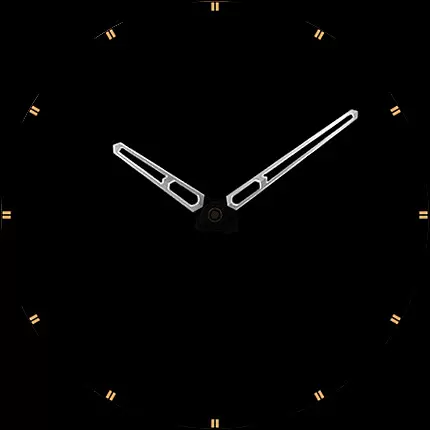
Its Always-On Display (AOD) is highly functional yet adjustable, synchronizing colors with the main view and offering a minimal layout mode. The app also ensures compatibility with Wear OS 4+ devices, maintaining performance across Samsung Galaxy Watches and Google Pixel Watches. Additional touches, such as the tap-to-open battery indicator, demonstrate attention to detail and user convenience.
Companion app integration is essential for a seamless Wear OS experience. The S4U Assen watch face offers a dedicated companion app that simplifies the setup and customization process. This ensures users can easily access all available features without hassle.
The companion app provides clear instructions for installation and troubleshooting. If users encounter issues, they can follow detailed steps in the Install/Issues section. This guarantees a smooth experience even for those new to Wear OS devices.
Through the companion app, users gain access to advanced customization options. These include color schemes, complications, and shortcuts. Such comprehensive control enhances user satisfaction and device functionality.
For additional support, users can directly email wear@s4u-watches.com. This direct line to customer service ensures any remaining questions or issues are promptly addressed. Overall, the companion app significantly boosts the usability of the S4U Assen watch face.
Ensuring broad device compatibility is crucial for any Wear OS application. The S4U Assen watch face supports smartwatches running Wear OS 4 or higher (Wear OS API 33+). This includes popular models like Samsung Galaxy Watch 4, 5, 6, 7, 7 Ultra, and Google Pixel Watch 1u20133.
Compatibility with a wide range of devices ensures that more users can enjoy the realistic analog design. By supporting the latest Wear OS versions, the S4U Assen leverages advanced features and optimizations available in these updates.
Users should verify their device's compatibility before installation. Clear guidelines within the companion app help identify and resolve potential issues. This proactive approach minimizes installation problems and enhances user experience.
Overall, focusing on Wear OS/device compatibility allows the S4U Assen to deliver a consistent and high-quality performance across various smartwatch models. Users benefit from a versatile and reliable watch face that meets their needs.
Highly customizable
Realistic analog design
Supports Wear OS 4+
Always-On Display
User-friendly interface
Wear OS 4+ only
Battery consumption
Limited AOD support
Premium cost
Device-specific issues

"PER27 Galaxy Digital" is a digital Wear OS watch face designed by PERSONA
 4.10
4.10
Christmas and New Year - Themed Watchface
4.3
Precision analog watch face with 7 complications and style options
4.0
Easy Voice Recorder is your everyday companion to record important moments.
4.70
Stylish digital watch face for Wear OS devices with customizable features
4.0
Monitor health with the stress test and pulse checker in the heart rate app.
4.60
Period, ovulation & pregnancy tracker. Fertility insights & menstrual calendar.
4.90
Stylish, Energizing and Modern Watch Face crafted by Dominus Mathias.
4.50
A modern hybrid informative watch face for Wear OS designed by BALLOZI
4.80
Real-time results, stats, schedules and player profiles for all leagues
4.60
Embrace the holiday spirit with this magical animated watch face!
4.40
Digital watch face with big numbers and many customization for Wear OS devices
4.40
Bold weather Digital watchface with forecast & optional animated background
4.40
Bold, Modern Hybrid Watch Face for Wear OS. 10 Colors, Rich Info Display.
4.30
Find EV charging stations
4.30
sleep, alarm, snoring, stress, healing, focus, sound therapy, circadian rhythm
4.10
Daily Weather forecast with 15 weather images for Day & Night plus Big Bold time
4.10
A digital watch face that celebrates Christmas.
4.00
Artistic Digital Watchface
4.0


User Reviews