
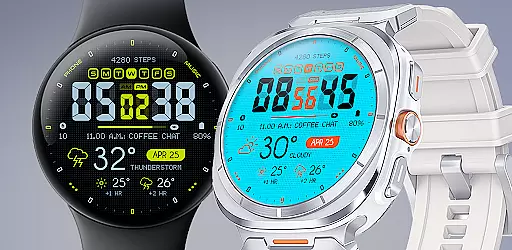
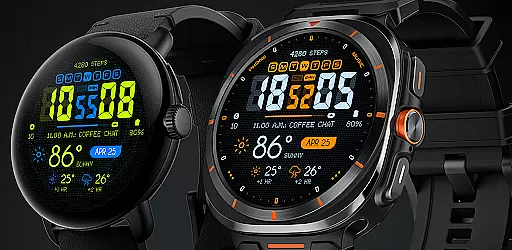
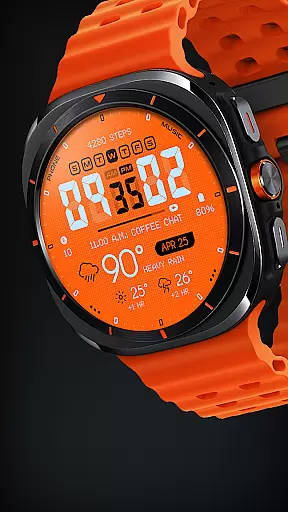
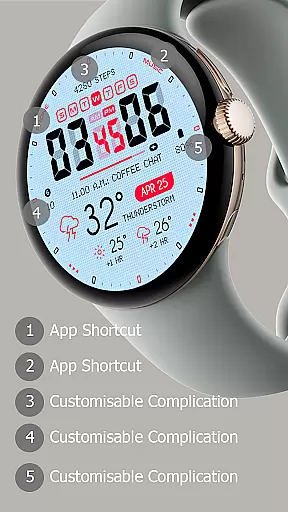
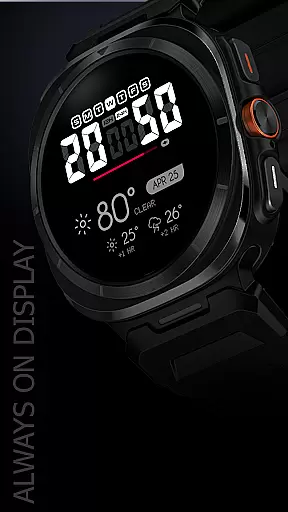
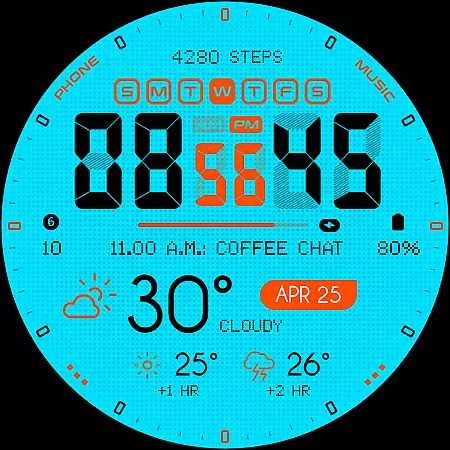
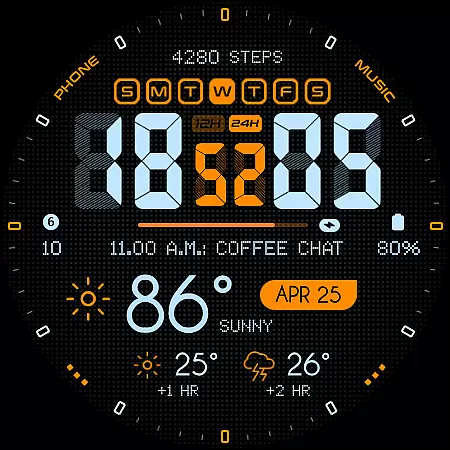
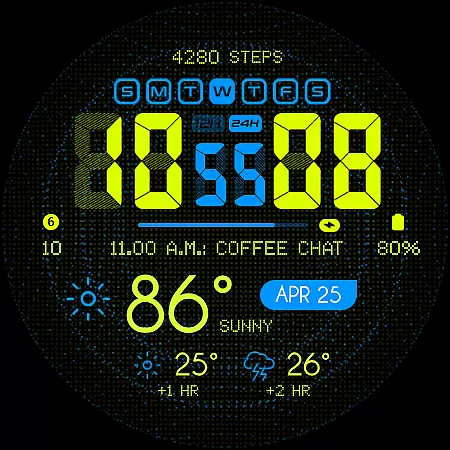
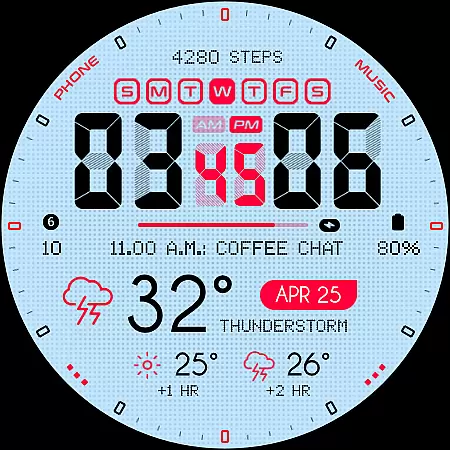
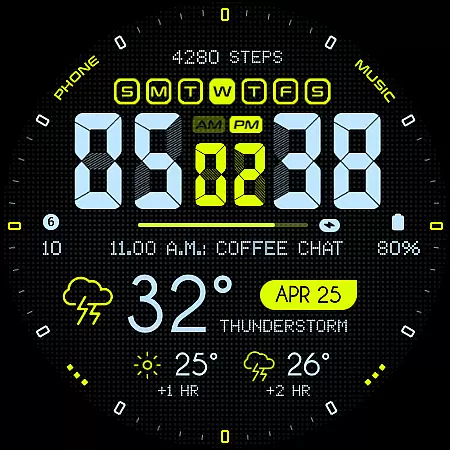
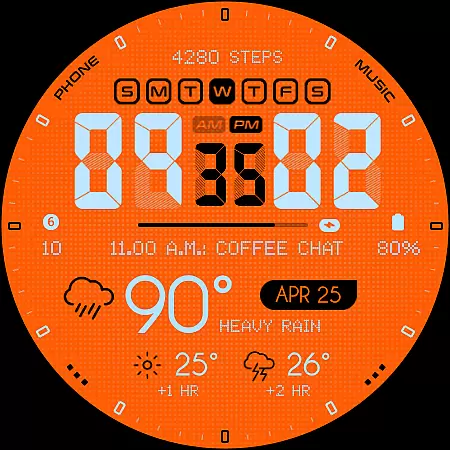
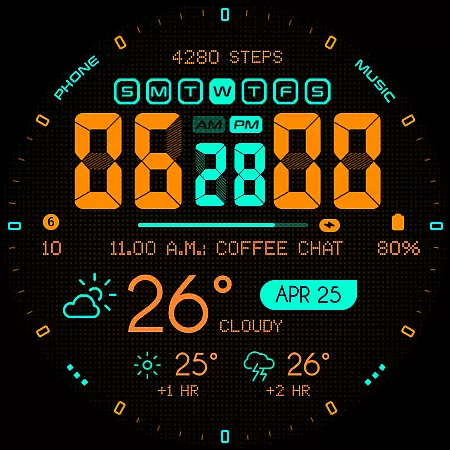
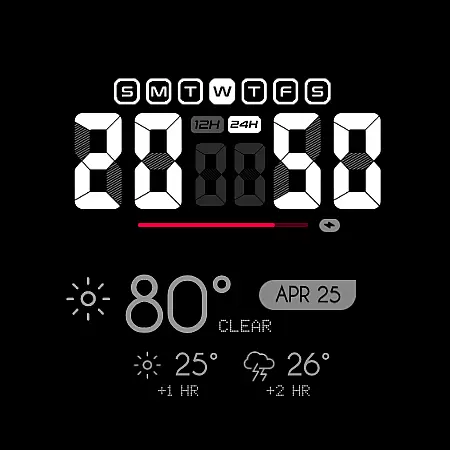
Oogly Atmos is a dynamic weather-themed watch face designed for Wear OS devices. It combines vivid colors with a clean layout to display current weather conditions and a 2-hour forecast directly on your wrist. The watch face offers both style and functionality, featuring real-time visuals that keep you informed while providing inspiration through its bold design.
With customizable options like animated backgrounds, 12/24 hour format, and an always-on display, Oogly Atmos caters to both aesthetic preferences and practical needs. Whether you're looking for movement in design or a focused, minimal interface, this watch face adapts to your lifestyle while offering essential weather information at a glance.
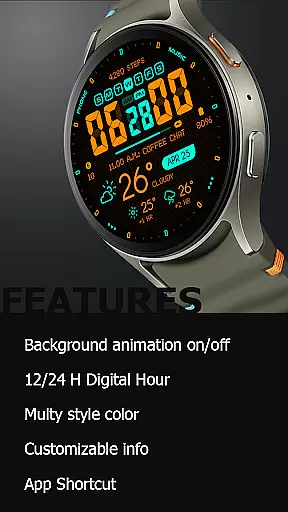
Oogly Atmos stands out with its range of innovative features tailored for Wear OS users. The watch face supports both 12-hour and 24-hour formats, catering to different user preferences worldwide. Its most distinctive feature is the optional background animation, which adds a layer of visual interest — perfect for those who appreciate movement in their wearable tech.
Functionality meets customization with options like Index On/Off for a cleaner layout, app shortcuts for quick access, and an always-on display mode. Users can personalize the displayed information to suit their needs, ensuring they have access to the most relevant data. These features make Oogly Atmos not just a stylish accessory but also a highly functional tool for staying updated on weather conditions.
Companion app integration is essential for a seamless wearable experience. Oogly Atmos ensures that your watch face settings are easily manageable through its intuitive companion app.
The app allows users to customize various aspects of the watch face, such as toggling the background animation or adjusting the layout for a cleaner look. This level of control enhances personalization and user satisfaction.
With real-time synchronization, any changes made in the companion app are instantly reflected on the wearable device. This responsiveness provides a dynamic and engaging user experience.
Furthermore, the companion app serves as a hub for additional features like weather updates and app shortcuts, consolidating functionality and making Oogly Atmos not just a watch face but a comprehensive wearable solution.
Ensuring broad device compatibility is crucial for reaching more users. Oogly Atmos is designed for Wear OS API 34+, supporting devices like Galaxy Watch 5, Pixel Watch, Fossil, and other Wear OS gadgets with a minimum API of 30.
This compatibility means that whether you're using a Samsung or a Google device, you can enjoy the vivid colors and functional design of Oogly Atmos without compromise.
By focusing on a wide range of supported devices, Oogly Atmos guarantees an optimal experience across different hardware, providing consistent performance and visual appeal.
Users benefit from the assurance that their investment in a high-quality watch face will work seamlessly with their existing tech ecosystem, enhancing both style and utility on their preferred platforms.
Visually appealing design
Customizable features
Real-time weather updates
Compatible with multiple devices
User-friendly interface
Limited to Wear OS
Animation may drain battery
Requires API 30+
No iOS support
Premium feel may come at cost

Snowflake Rose Gold Watch Face - Digital, modern, & sleek with GYRO effect.
 4.10
4.10
Stunning modern digital watch face with 7 complications and strong contrast
4.0
Funny animated watch face for Thanksgiving
4.0
Stylish, Energizing and Modern Watch Face crafted by Dominus Mathias.
4.50
A digital watch face that celebrates Christmas.
4.00
Hybrid watch face for Wear OS with customizable complications by Matteo Dini MD
4.70
Your local weather forecast, storm tracker, radar maps & live weather news
3.40
Fitbit is dedicated to helping people lead healthier, more active lives.
4.10
Download full tracks, listen to music offline, make unlimited playlists.
4.80
Christmas - Festive - Christmas Village - Winter - Christmas lights
5.00
The Chevron App allows you to pay for fuel from the comfort of your car!
4.80
WTW M17 is a premium and luxurious hybrid watch face
4.70
Monitor health with the stress test and pulse checker in the heart rate app.
4.60
A realistic hybrid watch face with many customization options.
4.60
Find EV charging stations
4.30
Watch face for Wear OS.
4.20
Hyper-Realistic Airplane Dashboard Watch Face With 10 Skins and Custom AOD
4.00
Animated Watch Face and Customizable with 24 Backgrounds. Perfect for Christmas!
3.90
A heartwarming Christmas scene featuring a cute image of Santa and Rudolf
4.3


User Reviews