
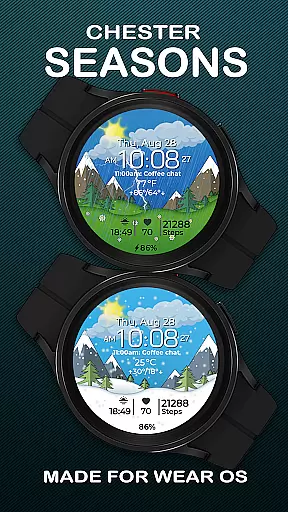
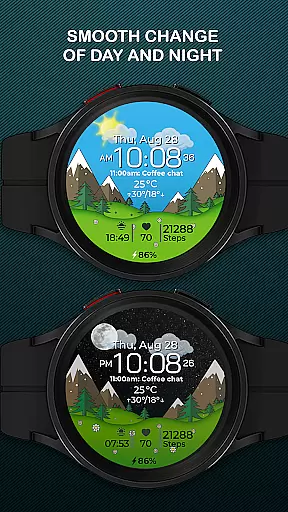
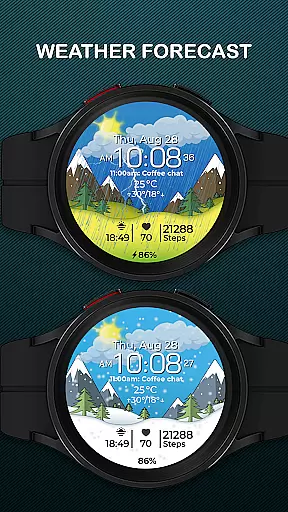
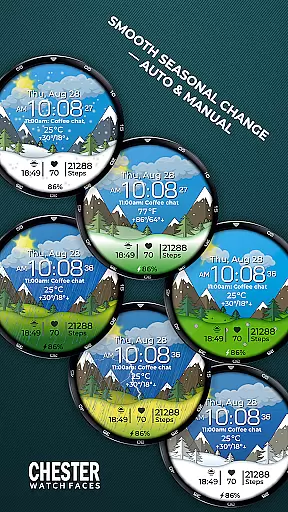
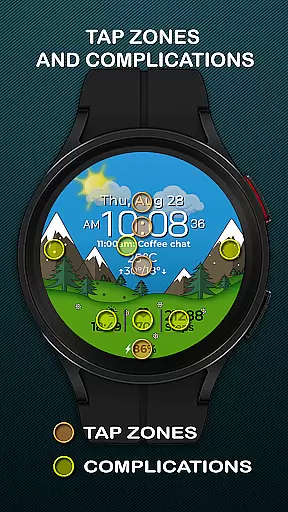
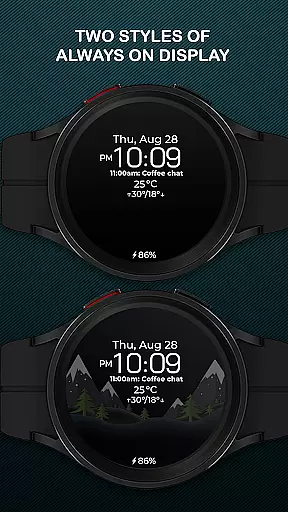
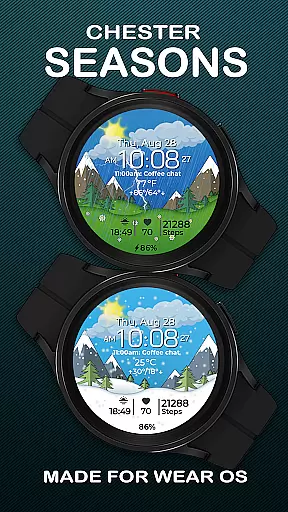
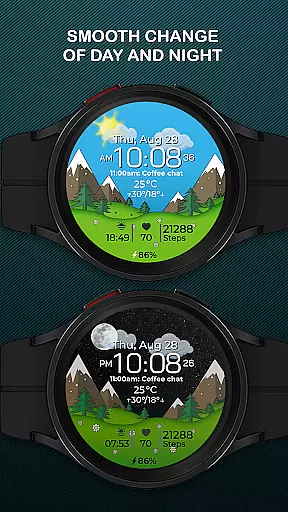
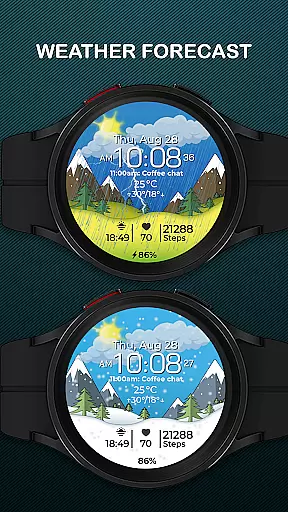
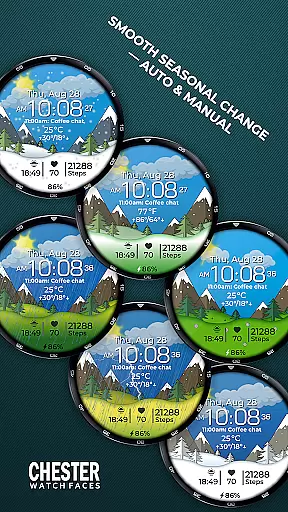
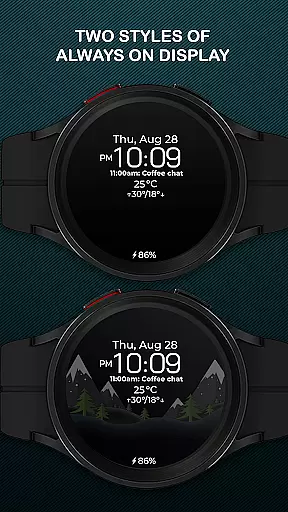
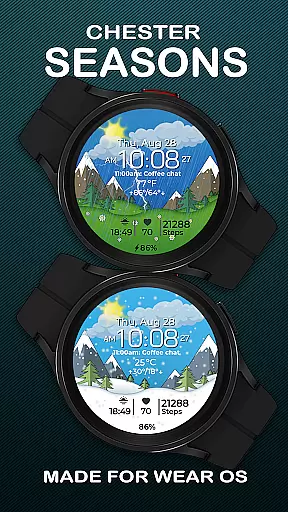
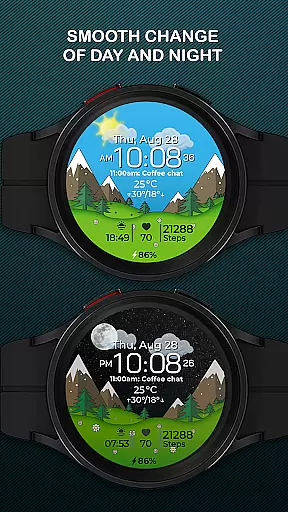
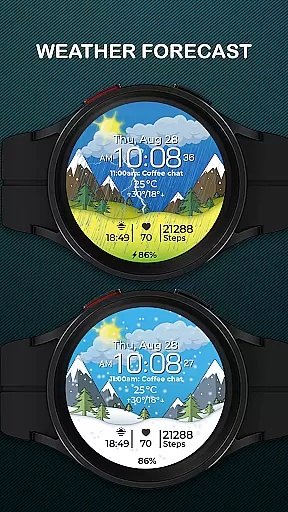
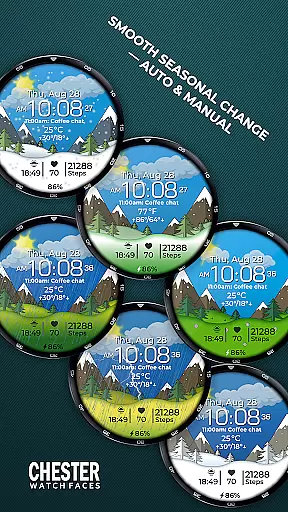
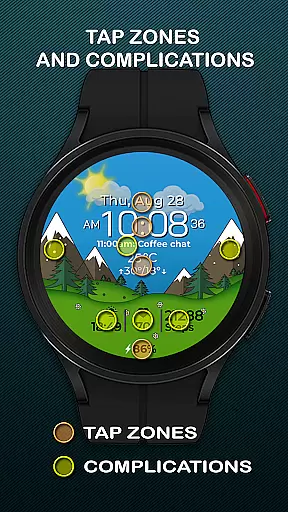
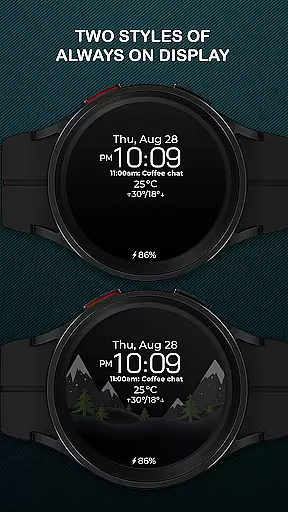
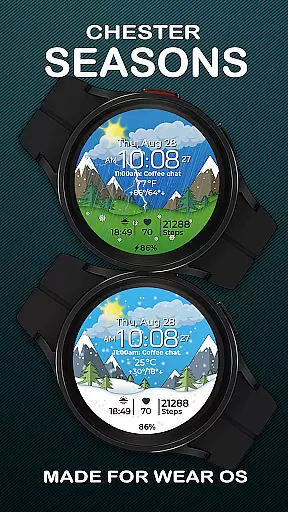
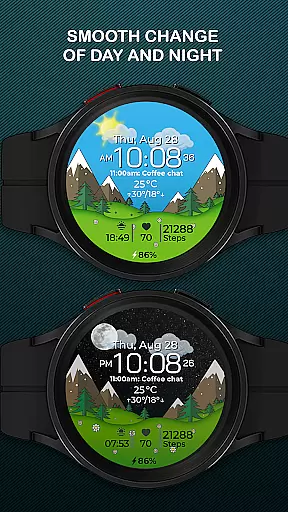
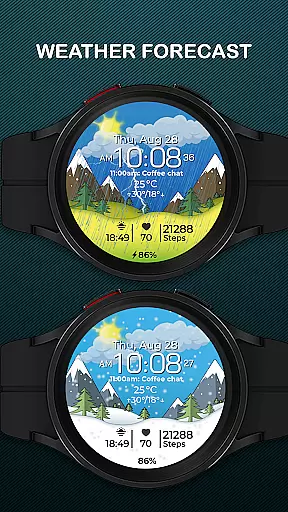
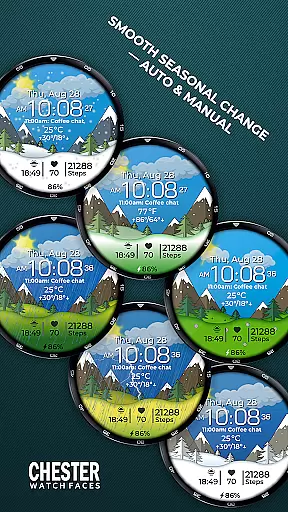
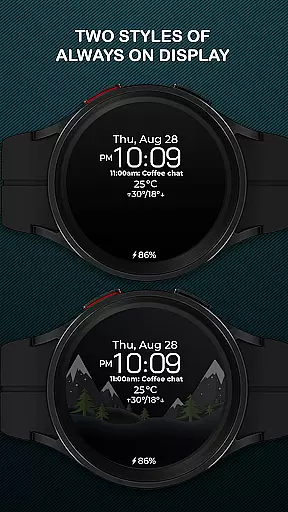
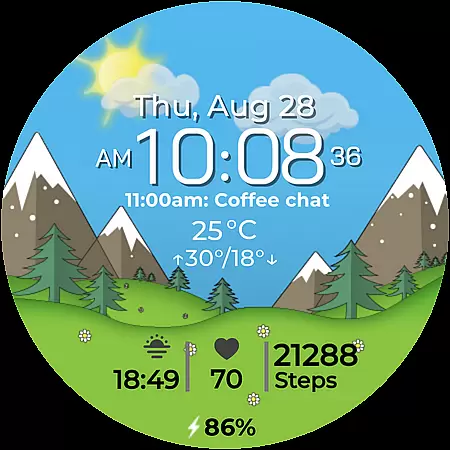
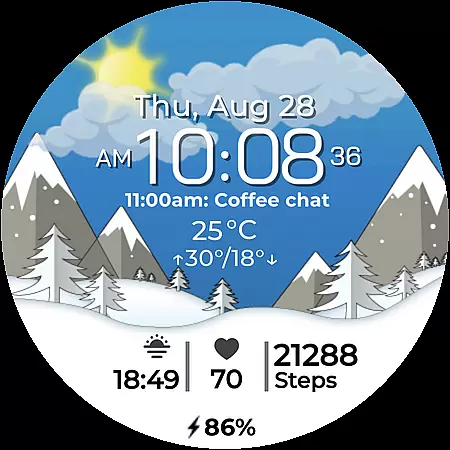
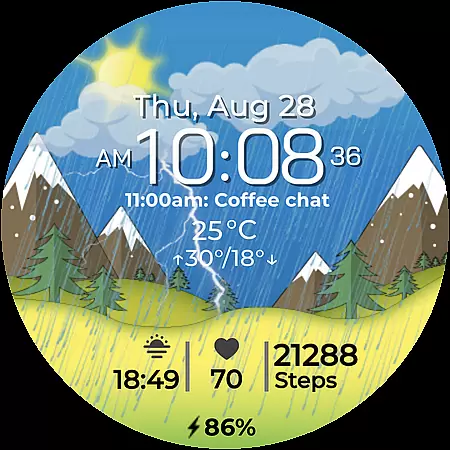
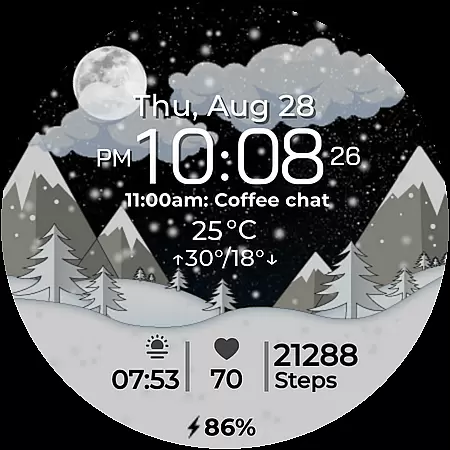
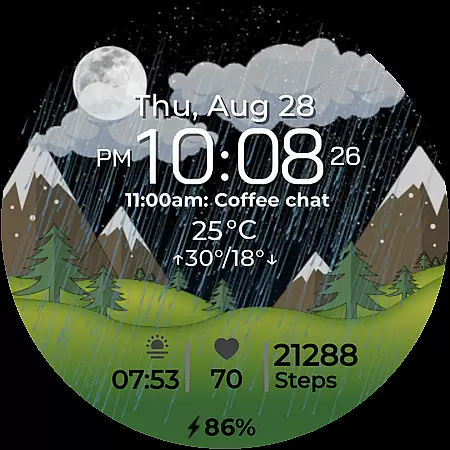
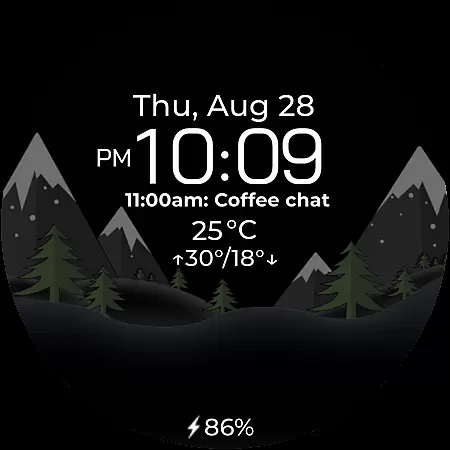
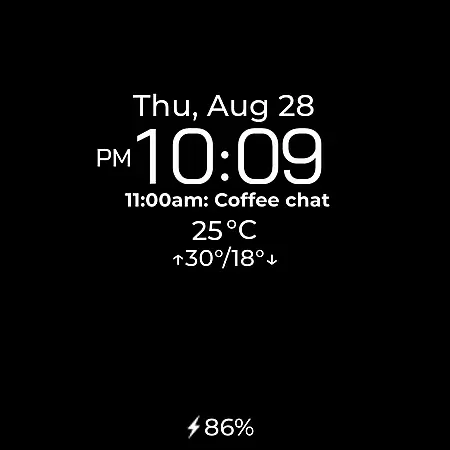
Chester Seasons is a dynamic and stylish watch face for Wear OS devices, designed to bring both functionality and aesthetic appeal to your smartwatch. This application offers users more than just the time of day, featuring rich customization options, complications, and beautiful seasonal animations that adapt to your lifestyle.
With its unique combination of practical features and visually pleasing design, Chester Seasons transforms your smartwatch into an interactive accessory. The smooth transitions between day and night, as well as seasonal changes, make it not only a useful tool but also a fashionable statement on your wrist.
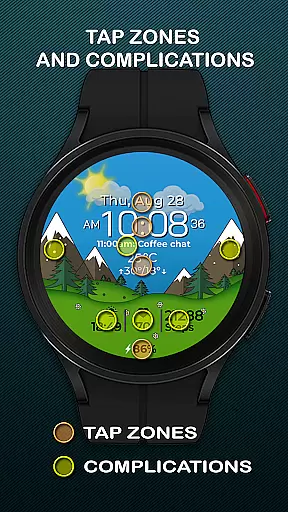
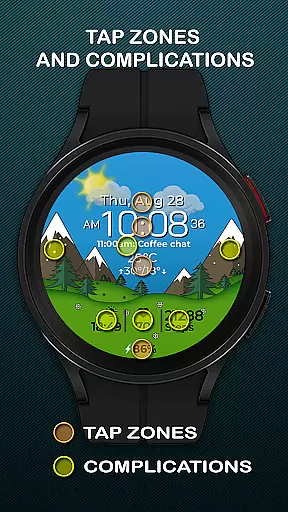
The Chester Seasons watch face stands out with its comprehensive feature set tailored for Wear OS users. It includes essential elements such as time, date, and battery level indicators, alongside four customizable complications that allow you to choose what information is displayed.
One of the key highlights is its interactive tap zones and three quick access zones for apps and workouts, enhancing user engagement. Additionally, the automatic seasonal changes and weather display with current conditions provide both convenience and personalization, making this watch face a versatile companion for your daily activities.
Companion app integration is essential for a seamless smartwatch experience. Chester Seasons watch face offers robust connectivity with its companion app, ensuring that all your preferences and settings are perfectly synchronized.
This synchronization allows users to customize their watch face effortlessly. Whether it's adjusting the complications or changing the seasonal backgrounds manually, the process is smooth and intuitive through the companion app.
Additionally, the companion app provides real-time updates and notifications directly to your wrist. This feature ensures that you never miss important information, making your Wear OS device not just a stylish accessory but also a functional tool.
The seamless integration between the Chester Seasons watch face and its companion app enhances user engagement by providing a cohesive and dynamic experience that adapts to both lifestyle and seasons.
Ensuring broad device compatibility is crucial for any Wear OS application. Chester Seasons watch face is designed to work seamlessly with all Wear OS API 30+ devices, including popular models like Google Pixel Watch and Samsung Galaxy Watch series.
This compatibility guarantees that users can enjoy the beautiful dynamic animations and rich customization options regardless of their specific device, as long as it meets the API requirements. The only exception is rectangular watches, which are not supported to maintain visual integrity.
For devices running below Wear OS API 34, some advanced features such as weather display and manual background changes for seasons are not available. However, core functionalities like time, date, and battery indicators remain accessible.
By focusing on wide-ranging compatibility, Chester Seasons ensures that more users can transform their smartwatches into dynamic accessories that truly adapt to their lifestyles and environments.
Stylish Design
Rich Customization
Interactive Features
Seasonal Adaptation
Comprehensive Compatibility
No Rectangular Support
Limited Weather Functionality
Manual Season Change
Battery Consumption
Device-Specific Limitations

Wear Os Watch Face - Animated Snow Effect & Christmas Lights
 4.5
4.5
Highly customizable hybrid watch face for Wear OS, perfect for everyday use.
4.60
Christmas watch face. For Wear OS devices.
4.30
Snowflake Rose Gold Watch Face - Digital, modern, & sleek with GYRO effect.
4.10
Watch face designed for Thanksgiving Day. 7 Background Styles included.
3.20
Monitor health with the stress test and pulse checker in the heart rate app.
4.60
Hybrid Vibrant Health Watch Face for Wear OS
4.0
Want to take charge of your health? Let Google Fit help you reach your goals.
3.50
Control your Samsung Smart TVs, appliances, and SmartThings-compatible devices
4.60
Beautiful, colorful and practical watch face. For Wear OS devices.
5.00
Gym Log & Workout Tracker | Fitness Journal, Training & Weight Lifting Planner
4.90
WTW M17 is a premium and luxurious hybrid watch face
4.70
Kia Access makes getting your vehicle information easier than ever
4.60
MyNISSAN® lets you remotely control your car from your phone.*
4.50
"PER27 Galaxy Digital" is a digital Wear OS watch face designed by PERSONA
4.10
Wear Os Watch Face - Animated Snow Effect & Magic Spark - 6 Scenes
4.10
sleep, alarm, snoring, stress, healing, focus, sound therapy, circadian rhythm
4.10
Your local weather forecast, storm tracker, radar maps & live weather news
3.40
A watch face that fuses motorsport precision with contemporary smartwatch design
4.2


User Reviews