
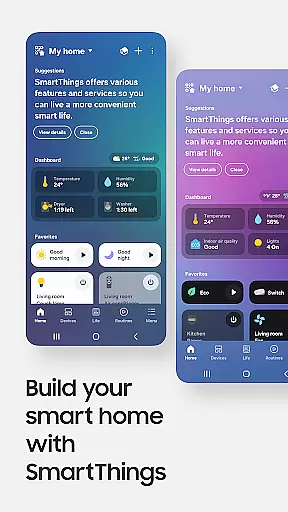
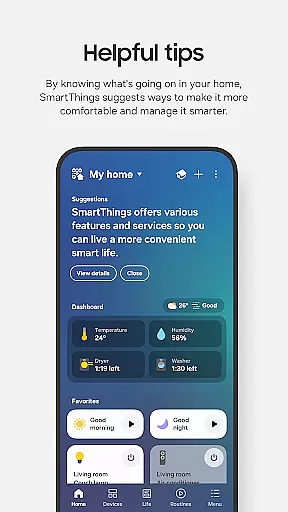
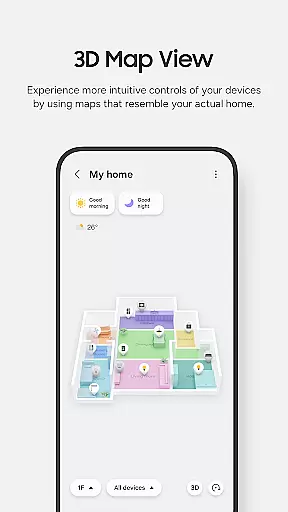
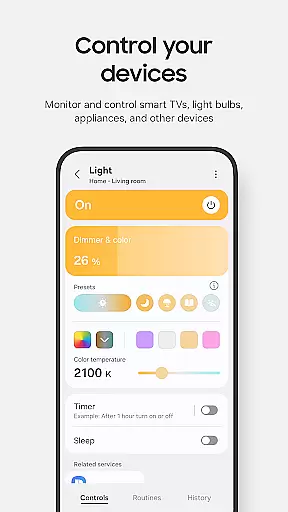
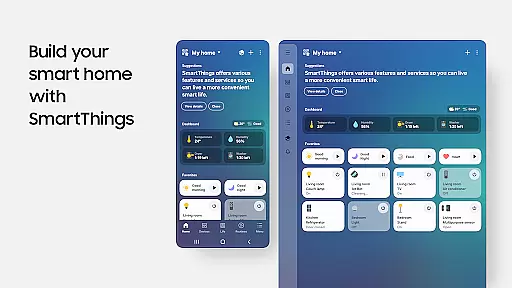
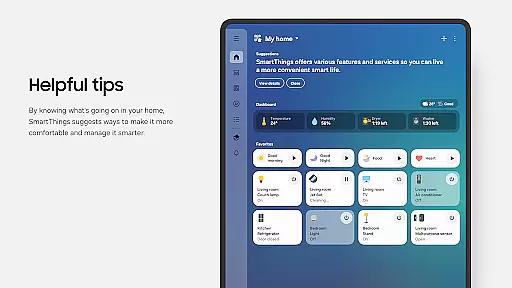
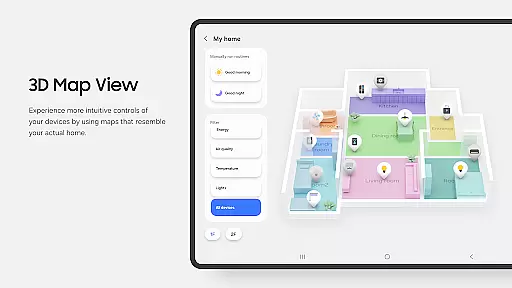
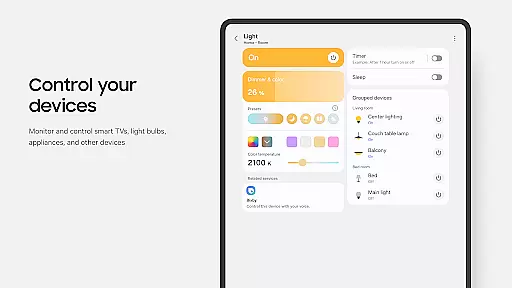
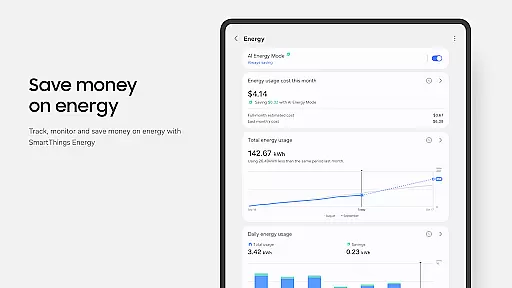
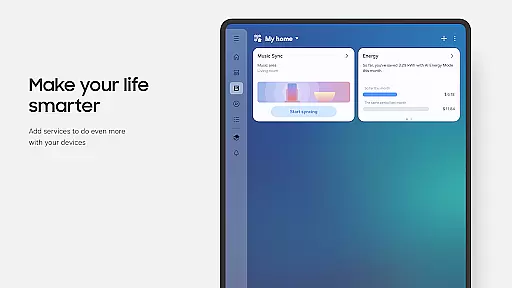
SmartThings is a comprehensive smart home management application that allows users to connect, monitor, and control multiple smart devices from various brands in one place. The app supports Samsung Smart TVs, smart appliances, and integrates with popular brands like Ring, Nest, and Philips Hue.
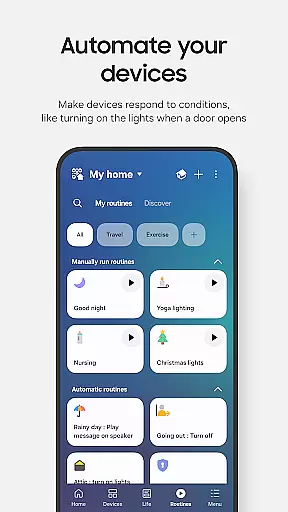
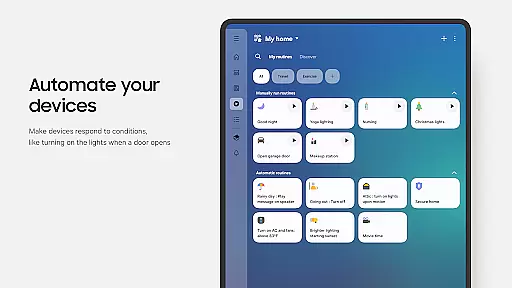
With its intuitive interface, SmartThings enables users to create automated routines based on time, weather, or device status, ensuring smooth operation of their smart home environment. The app also provides voice control compatibility with Alexa, Bixby, and Google Assistant, offering flexible control options for enhanced convenience.
This application is particularly beneficial for homeowners who want centralized control over their smart home ecosystem, allowing them to manage security systems, lighting, entertainment devices, and appliances from their mobile device or Wear OS-based watches.
SmartThings stands out through its extensive compatibility with hundreds of smart home brands and its ability to unify device management in a single platform. The app's routine-building feature allows users to automate complex home scenarios based on specific triggers such as time of day or weather conditions.
The application's notification system keeps users informed about device statuses and important events in real-time. Its shared access functionality enables multiple users to control the same devices, making it ideal for family settings or shared living spaces.
Advanced features include QR code scanning for easy device pairing, location-based automation, and integration with wearable devices through SmartThings complications. These capabilities demonstrate the app's commitment to providing a seamless and customizable smart home experience.
SmartThings offers seamless companion app integration, ensuring that your smart home devices work in harmony across all your connected gadgets. This feature is crucial for users who want to control their smart home ecosystem from multiple access points.
The app allows you to connect and control hundreds of smart home brands from one central location. Whether it's your Samsung Smart TV, smart appliances, or third-party devices like Ring, Nest, and Philips Hue, SmartThings ensures they are all accessible through a single interface.
Users benefit from the ability to manage their smart devices using voice assistants such as Alexa, Bixby, and Google Assistant. This means you can issue commands and check statuses without needing to physically interact with each device, providing convenience and saving time.
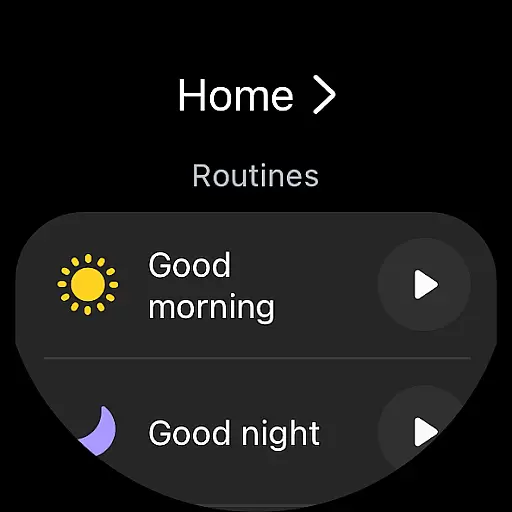
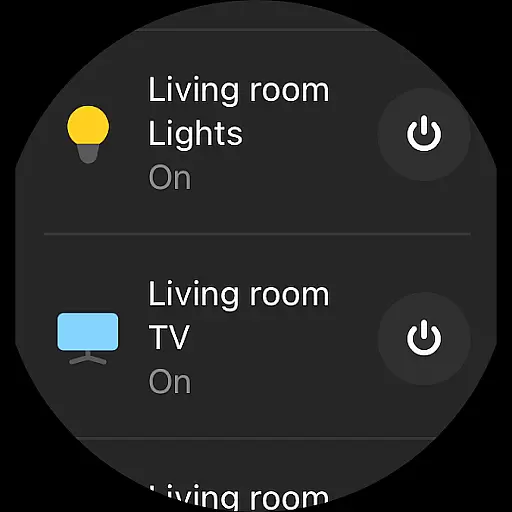
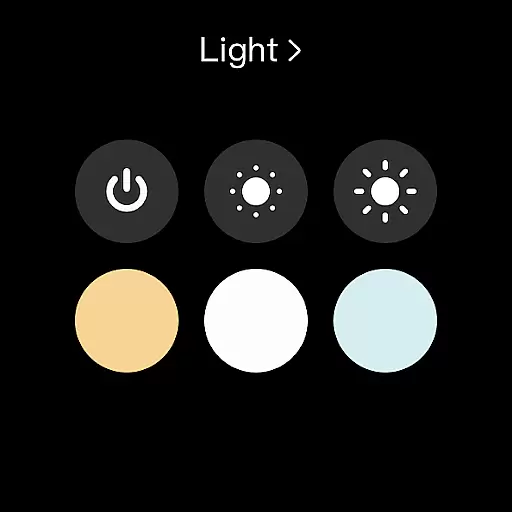
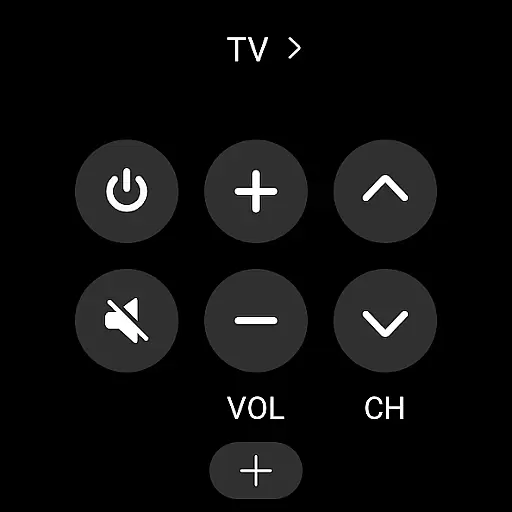
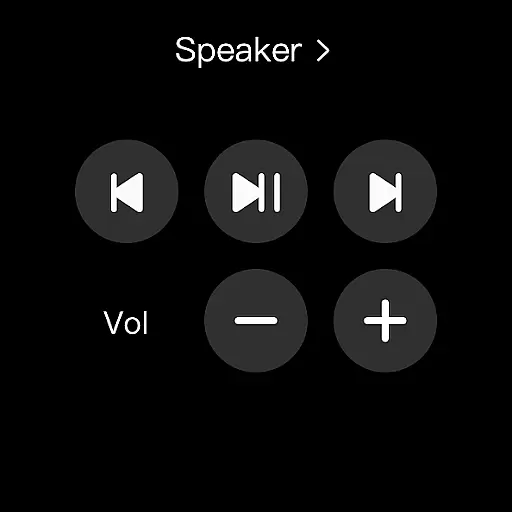
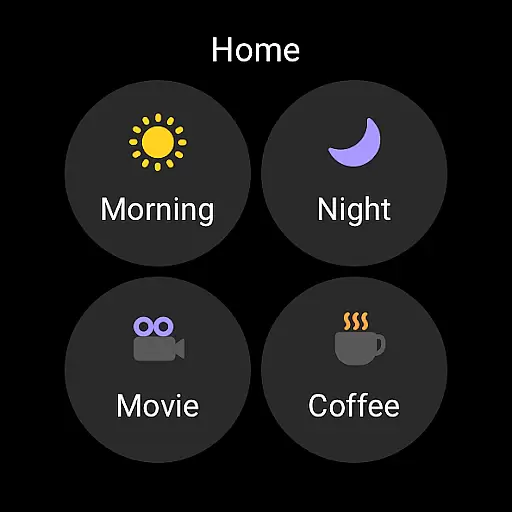
This integration extends to Wear OS-based watches, where you can add SmartThings tiles for quick access to routines and device controls directly from your watch face. This ensures that whether you're at home or on the go, your smart home remains at your fingertips.
SmartThings provides extensive compatibility with Wear OS devices, allowing users to enjoy smart home management directly from their wrists. This compatibility is essential for those who prefer wearable technology for their daily tasks.
The app supports various functionalities when used with a Wear OS watch. You can run routines, control devices, and receive notifications about your smart home, all while being mobile. The requirement is that the watch must be connected to a mobile phone to enable these features.
For users, this means enhanced accessibility and convenience. By adding SmartThings complications to your watch face, you gain direct entry to app services without needing to navigate through menus, making smart home management quicker and more intuitive.
While optimized for Samsung smartphones, SmartThings ensures that core functionalities remain available even when used with other vendors' devices. However, some advanced features might be limited, depending on the hardware specifications and regional availability.
User-friendly interface
Wide device compatibility
Robust automation features
Voice assistant integration
Real-time notifications
Limited third-party support
Feature restrictions by region
High memory requirements
Complex setup process
Occasional connectivity issues

Highly customizable hybrid watch face for Wear OS, perfect for everyday use.
 4.60
4.60
an Analog Watch Face for winter season with freeze winter background for Wear OS
4.3
Christmas is near, let's count together the days left until Santa comes
4.5
Beautiful artistic animated digital watch face, with a customizable layout!
4.40
Wear Os Watch Face - Animated Snow Effect & Magic Spark - 6 Scenes
4.10
The #1 source of faces for your smartwatch!
4.00
Premium hybrid watch face with many customizations for Wear OS devices.
4.40
Hybrid watch face for Wear OS with customizable complications by Matteo Dini MD
4.70
Start and succeed with PAP
4.10
Be an elegant and classy secret agent, with this carefully detailed watch face
4.70
Calming & relaxing sounds for sleeping and stress relief. Stay focused all day!
4.20
Elegant animated Christmas tree with multiple customization options
4.20
Animated video-game inspired “secret agent” simulation, right on your wrist!
4.20
Viewer for Wyze/Yi/Eufy/Arlo/ONVIF/RTSP/P2P IP cams w/ adv. features & DIY DVR
4.00
Get helpful reminders, take progress photos and find answers to your questions.
3.90
Stay in touch with your friends and family using LINE!
3.40
Wear Os Watch Face - Animated Snow Effect & Christmas Lights
4.3
Simple Analog-Digital Watchface For Wear OS 3.0 and Up Smartwatches
4.2
Stylish digital watch face for Wear OS devices with customizable features
4.1


User Reviews