
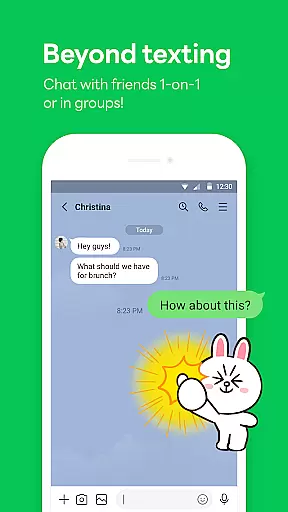
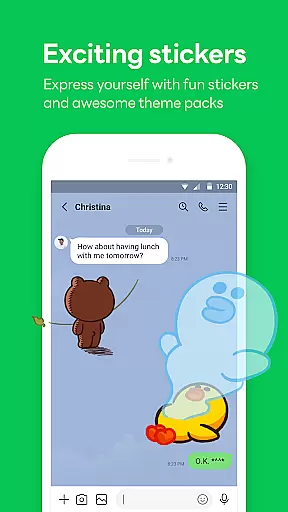

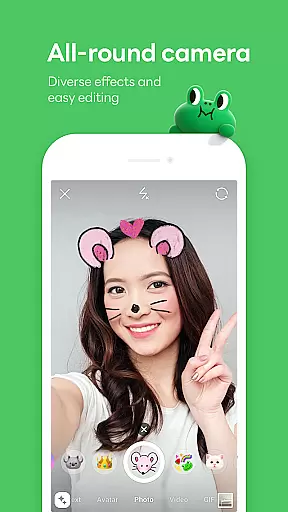
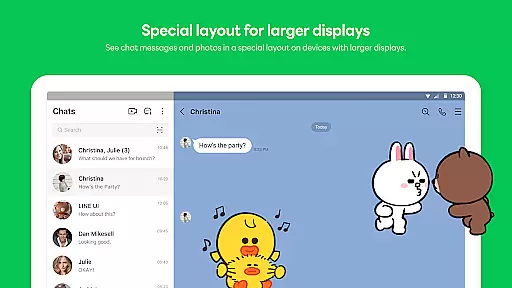
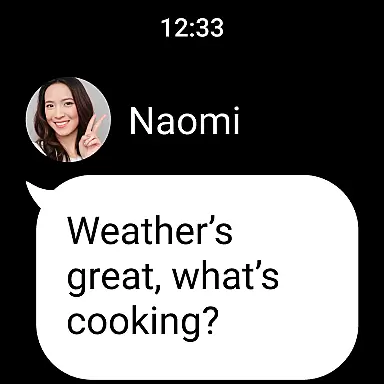
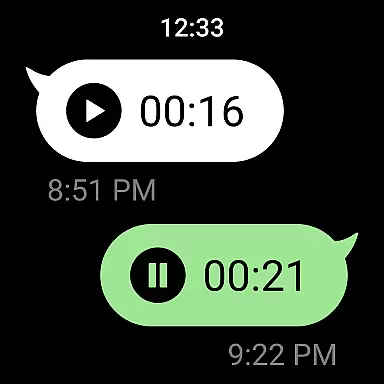
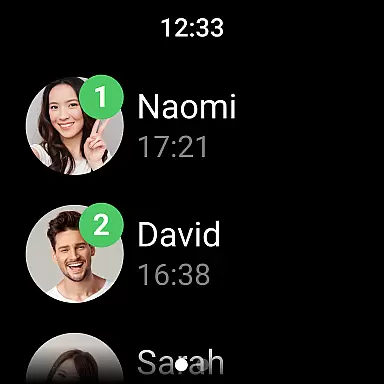
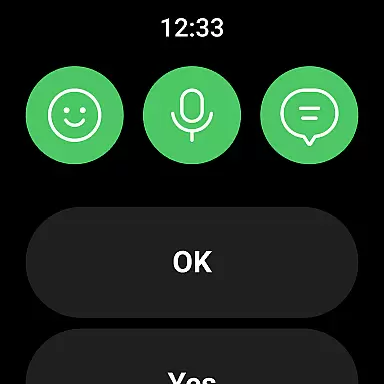
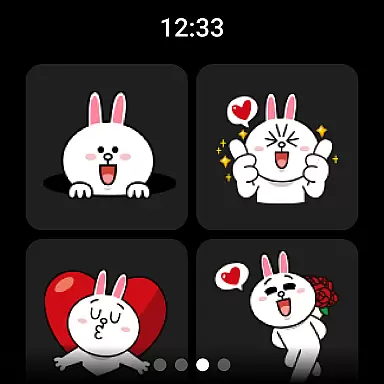


LINE is a versatile communication app that bridges the gap between family, friends, and loved ones through free voice and video calls, messages, and an extensive range of expressive stickers. Available globally on mobile, desktop, and Wear OS, LINE offers a comprehensive platform for staying connected. With features like Home for easy access to services, Keep Memo for personal storage, and Letter Sealing for enhanced privacy, LINE ensures both convenience and security in your communications.
The app also supports seamless connectivity across devices, allowing users to chat anytime and anywhere. Whether you're on the go or working remotely, LINE keeps you connected via smartphone, Wear OS, or desktop. Additionally, with customizable themes and emojis, users can personalize their experience while enjoying the diverse services and content provided by LINE.
LINE stands out with its rich array of communication tools including voice and video calls, text messaging, and a vast selection of engaging stickers. The Home feature provides quick access to friends lists, birthdays, sticker shops, and various services, enhancing user engagement. Furthermore, the Keep Memo function serves as a personal chatroom for temporarily storing messages, photos, and videos, ensuring important content is always at hand.
Privacy is prioritized with Letter Sealing, which encrypts messages, call history, and location data, offering peace of mind. For smartwatch users, LINE integrates with Wear OS, enabling message checks and adding complications to watch faces. This cross-platform compatibility ensures that whether you're using a smartphone, tablet, or desktop, LINE delivers a consistent and reliable communication experience tailored to modern lifestyles.
Companion app integration is essential for users who want a seamless experience across multiple devices. LINE ensures that its mobile, desktop, and Wear OS versions are perfectly synchronized, allowing users to transition effortlessly between platforms.
The app achieves this by providing consistent features such as chat history, notifications, and sticker synchronization across all connected devices. This means you can start a conversation on your smartphone and continue it on your desktop or smartwatch without missing a beat.
For professionals and casual users alike, this level of integration offers unparalleled convenience. You can stay connected with friends, family, and colleagues no matter where you are or what device you're using.
Ultimately, LINE's companion app integration enhances productivity and keeps you in touch with the people who matter most, making communication more fluid and efficient than ever before.
LINE's compatibility with Wear OS and various devices ensures that users can enjoy a versatile communication experience. The app supports a wide range of devices, including smartphones, tablets, smartwatches, and desktops, offering flexibility and accessibility.
With Wear OS integration, users can receive notifications, check messages, and even respond directly from their smartwatches. This feature is particularly useful for those who are always on the go and need quick access to their communications without having to pull out their phone.
Moreover, LINE's cross-device functionality is designed to be intuitive and user-friendly. Whether you're switching from a mobile device to a desktop or using a combination of both, the transition is smooth and hassle-free.
This broad compatibility not only enhances user convenience but also expands the ways in which people can connect, ensuring that LINE remains a top choice for versatile and reliable communication.
User-friendly interface
Free voice and video calls
Extensive sticker collection
Strong privacy protection
Cross-platform support
Requires significant storage space
May drain battery quickly
Limited offline functionality
Some features need Wi-Fi
Occasional connectivity issues

Embrace the festive spirit with our Christmas Countdown watchface for Wear OS
 4.10
4.10
Kia Access makes getting your vehicle information easier than ever
4.60
To-Do List: daily schedule planner, task organizer, to do reminder app, calendar
4.60
Bold weather Digital watchface with forecast & optional animated background
4.40
Retro digital watch face with customizable colors and a unique lighting effect
4.60
Hybrid watch face for Wear OS with customizable complications by Matteo Dini MD
4.70
A white realistic classic analog watch face with many customization options.
4.40
Fitbit is dedicated to helping people lead healthier, more active lives.
4.10
Start and succeed with PAP
4.10
Deck out your Wear OS Watch face with a beautifully decorated pine wreath!
4.50
Digital watch face with big numbers and many customization for Wear OS devices
4.40
A customizable Christmas watch face for Wear OS with a countdown.
4.20
Elegant animated Christmas tree with multiple customization options
4.20
"PER27 Galaxy Digital" is a digital Wear OS watch face designed by PERSONA
4.10
Authentic military-tactical design with ZULU time! Realistic and functional!
3.80
Wear Os Watch Face - Animated Snow Effect & Christmas Lights
4.0
Precision analog watch face with 7 complications and style options
4.1
Christmas is near, let's count together the days left until Santa comes
4.2
3 Complications. All shadow on/off. 30 Themes color palette...
4.3


User Reviews