
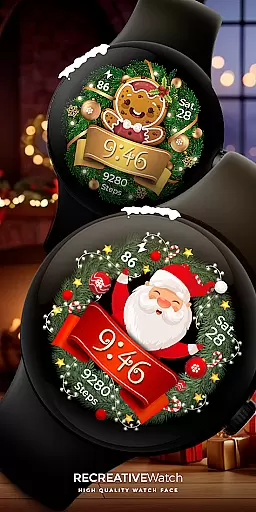
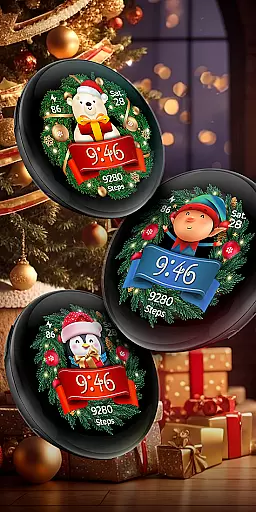
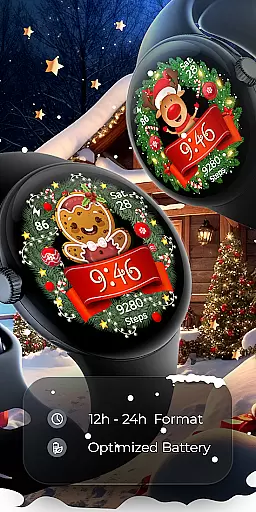

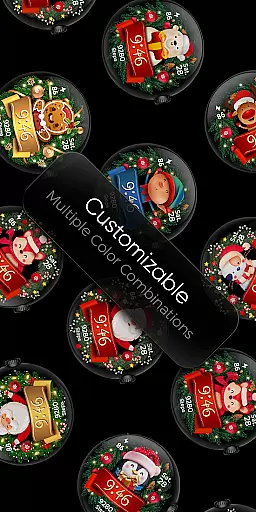
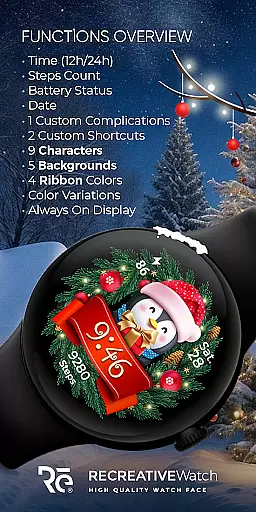
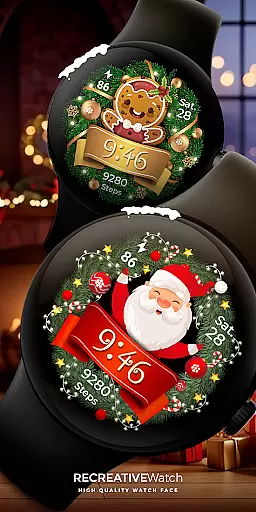
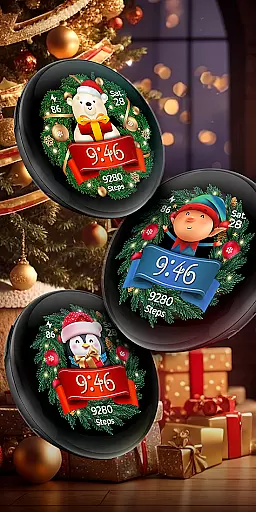
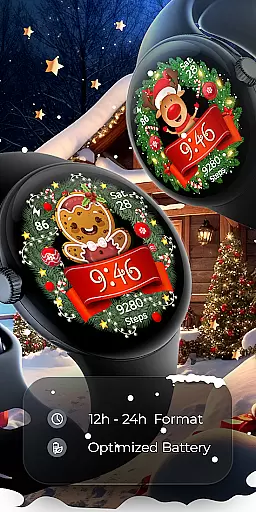

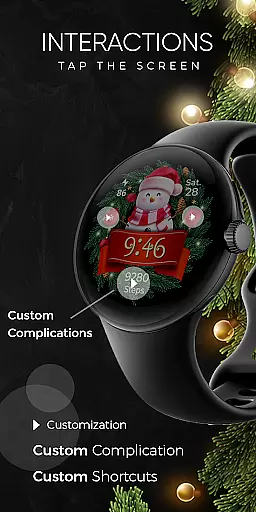
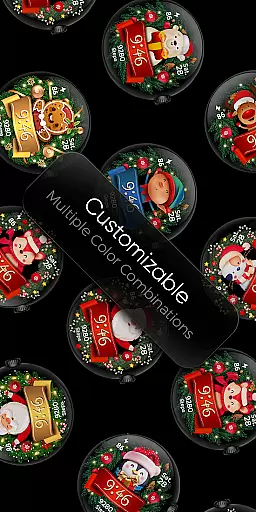
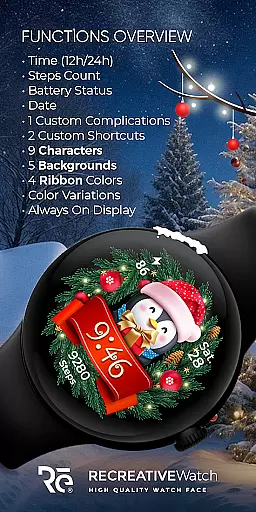
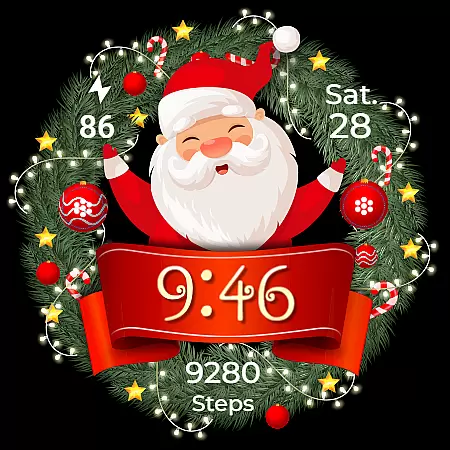
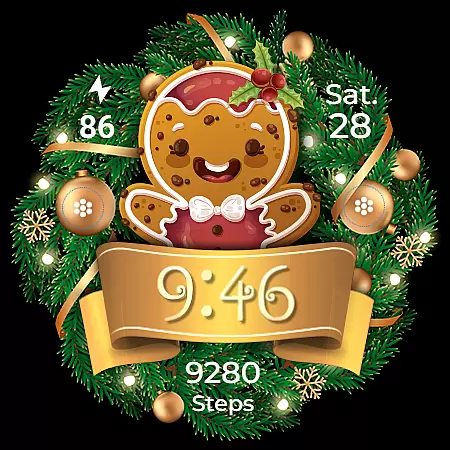
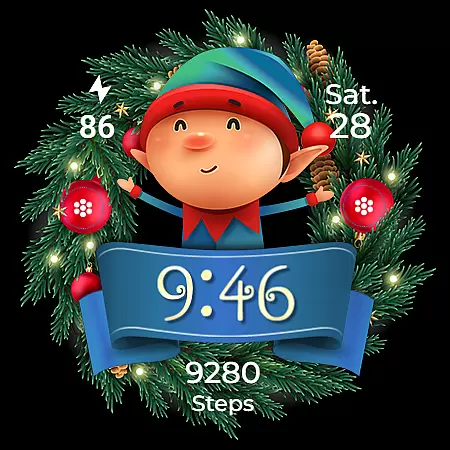
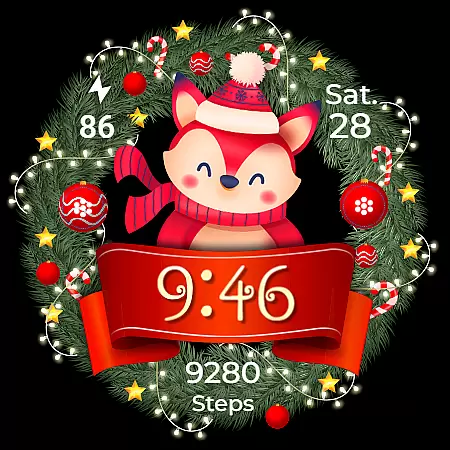
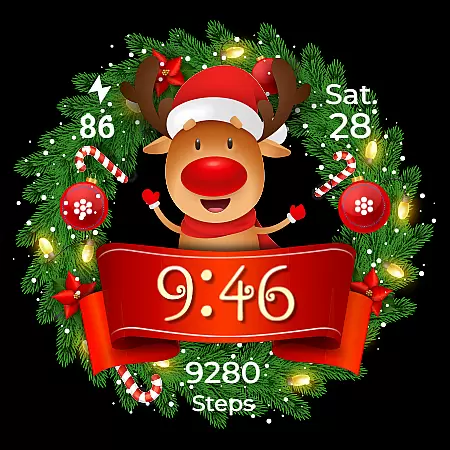
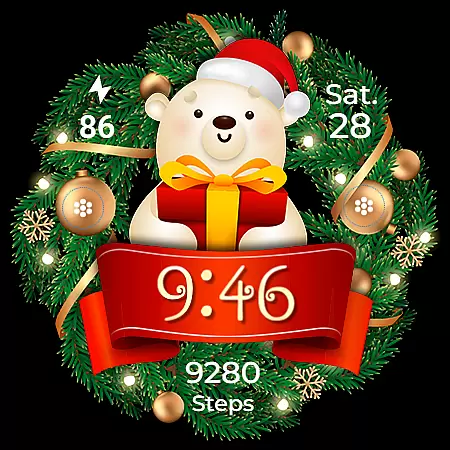
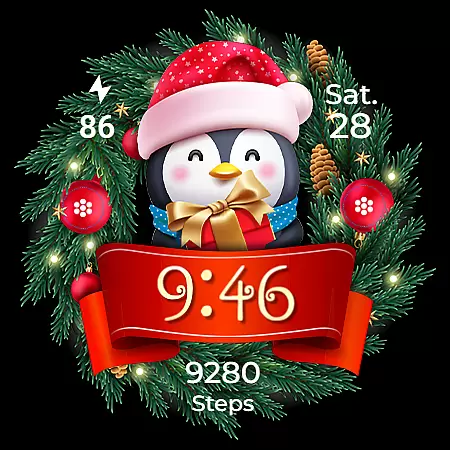
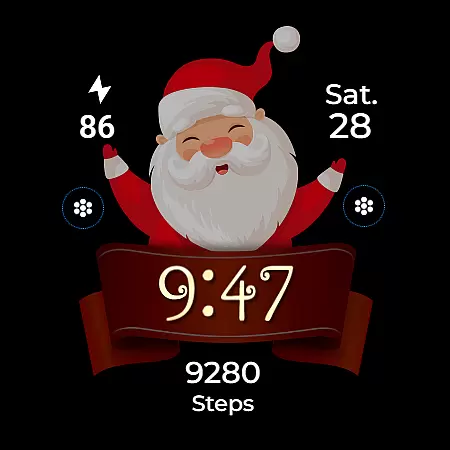
Christmas Frame is a festive-themed watch face app designed specifically for Wear OS devices. This application allows users to customize their smartwatch display with holiday-inspired designs, featuring various characters such as Santa, a reindeer, snowman, or an elf, all set within a decorative pine circle. Beyond its charming aesthetics, Christmas Frame offers practical functionalities including digital time display in 12/24h formats, date, battery status, and step count.
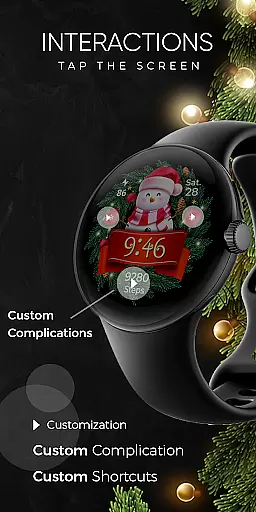
The app supports advanced features like customizable complications and shortcuts, enabling users to tailor the information displayed on their watch face. With compatibility across multiple devices, including Google Pixel and Galaxy Watch models, this app ensures a broad user base can enjoy a personalized and festive smartwatch experience. The overall value lies in its ability to combine functionality with seasonal cheer, making it a must-have app during the holiday season.
Christmas Frame stands out with its rich feature set tailored for festive personalization and utility. One of the key highlights is the wide range of customization options available, allowing users to choose from five different backgrounds, nine characters, and four ribbon colors. These choices ensure that each user can create a unique look that resonates with their personal style while maintaining a holiday spirit.
In addition to aesthetic customizations, the app provides practical functionalities such as 12/24h digital time display, date, battery level indicator, and step counter. Users can also take advantage of the always-on display mode, which supports changeable colors and modes, ensuring visibility and convenience. Furthermore, the inclusion of one customizable complication and shortcut adds another layer of personalization and utility, allowing users to access their most important data quickly. These comprehensive features make Christmas Frame not just a festive app but a fully functional tool for daily use.
Companion app integration is essential for a seamless wearable experience. Christmas Frame offers a dedicated mobile application that simplifies the installation process and helps users locate the watch face on their Wear OS devices.
The phone app acts as a facilitator, ensuring that users can effortlessly set up and manage their festive watch face. This streamlined process allows for quick access to features and settings, enhancing user convenience.
While the mobile app contains ads, it ensures that the core functionality of the watch face remains unaffected. Users can enjoy an uninterrupted holiday-themed experience on their smartwatches without compromising performance or aesthetics.
Device compatibility is crucial for ensuring that applications run smoothly across various hardware platforms. Christmas Frame is designed to be compatible with Wear OS, supporting devices such as Google Pixel watches and Galaxy Watch series 4, 5, and 6.
This compatibility extends to devices running API level 33 and above, guaranteeing that most modern Wear OS devices can utilize the Christmas Frame watch face. The wide range of supported devices ensures that more users can enjoy this festive customization option.
For optimal battery performance, it's recommended to disable the Always On Display mode when using this watch face. This feature provides users with flexibility in managing their device's power consumption while still enjoying their chosen holiday character on their wrist.
User-friendly interface
Wide customization options
Festive and fun designs
Practical features included
Broad device compatibility
Limited to festive themes
Ads in mobile app
Advanced features need setup
Battery usage concerns
Character selection finite

Diet tracker for weight loss - track calories, food and macros. Simple and easy!
 4.70
4.70
Current temperature, weather hourly, weather radar by the weather forecast app
4.40
Analog watch face with 8 complications and expedition styling
4.1
Beautiful, colorful and practical watch face. For Wear OS devices.
5.00
Be an elegant and classy secret agent, with this carefully detailed watch face
4.70
The most customizable minimal watch face. For Wear OS 5.0, API 34+ and later
4.70
Professional weather radar and more
3.90
Hybrid watch face for Wear OS with customizable complications by Matteo Dini MD
4.70
Your music, your playlists, and more—offline and unlimited.
4.20
A modern hybrid informative watch face for Wear OS designed by BALLOZI
4.80
A white realistic classic analog watch face with many customization options.
4.40
The ultimate destination for kids ages 3-8 to explore the Marvel Universe!
4.30
Watch face for Wear OS.
4.20
"PER27 Galaxy Digital" is a digital Wear OS watch face designed by PERSONA
4.10
A digital watch face that celebrates Christmas.
4.00
Christmas and New Year - Themed Watchface
4.0
Contemporary digital watch face with five complications
4.0
Funny animated watch face for Thanksgiving
4.2
Hybrid Vibrant Health Watch Face for Wear OS
4.2


User Reviews