
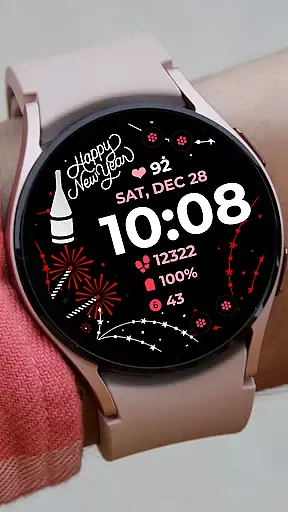
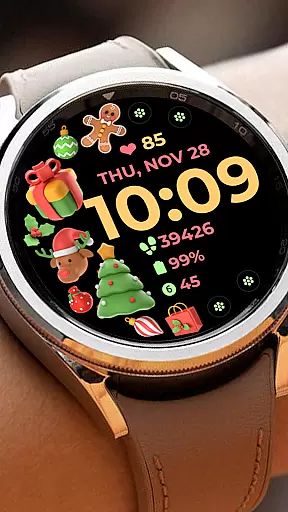
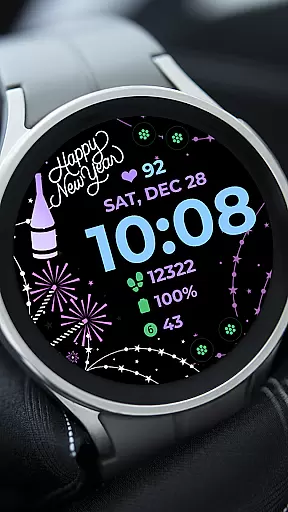
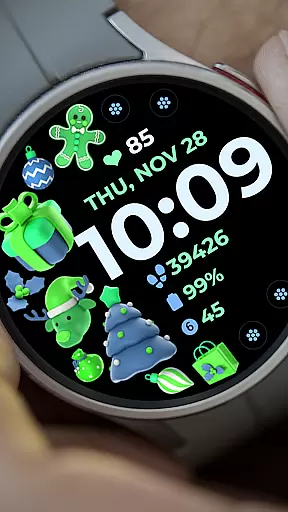
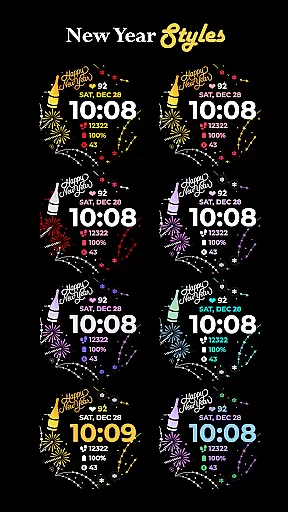
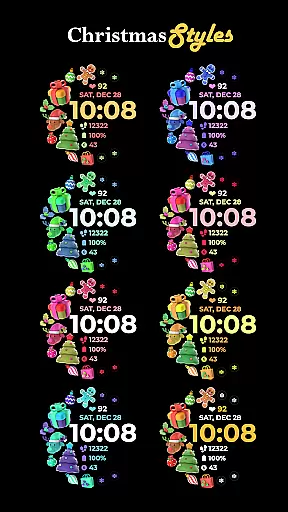
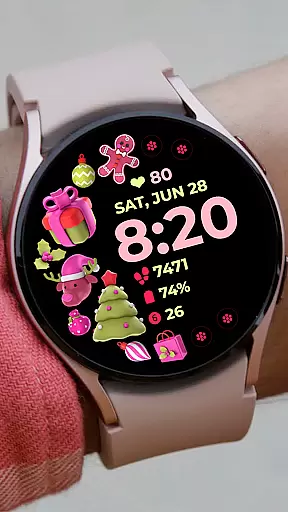
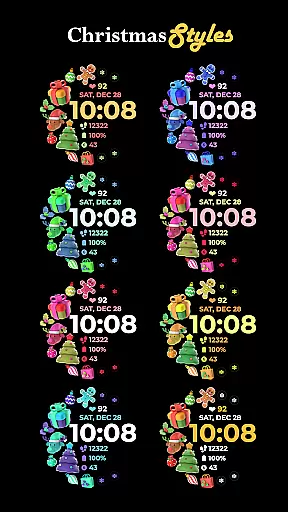
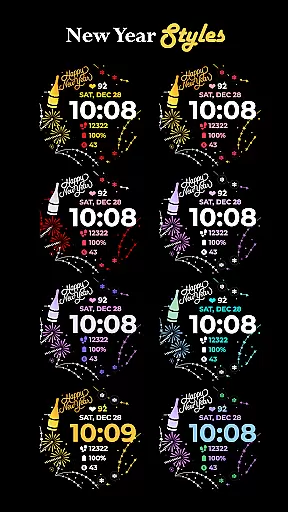
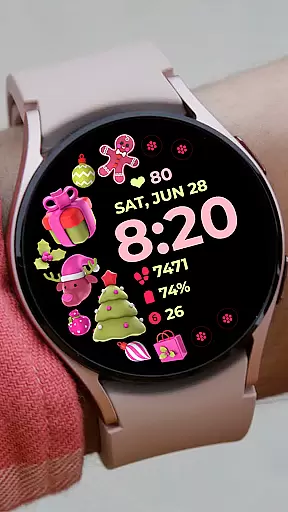
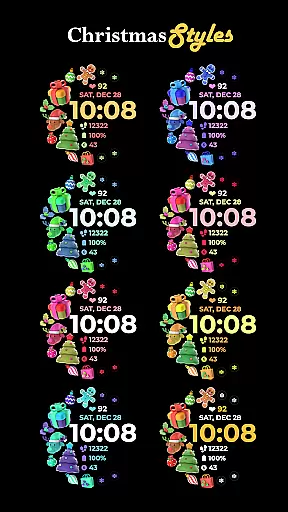
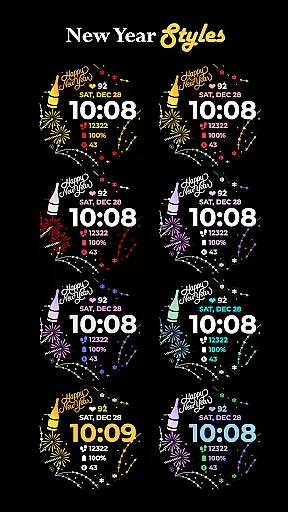
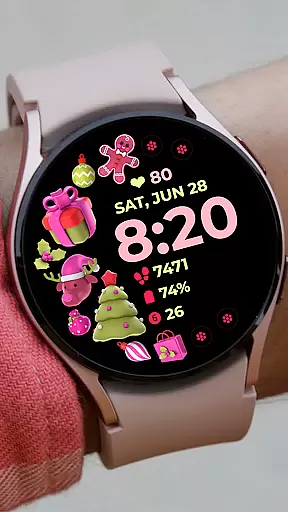
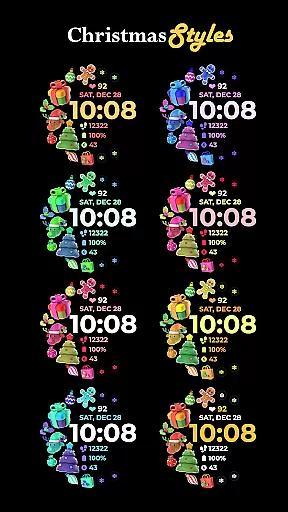
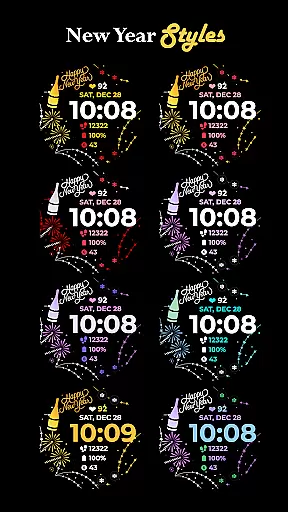
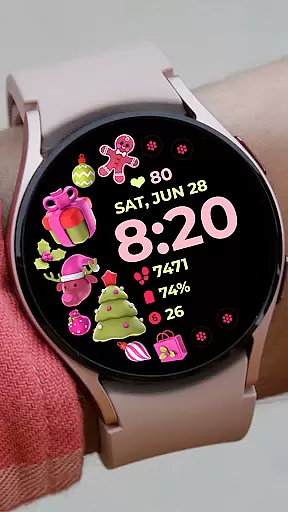
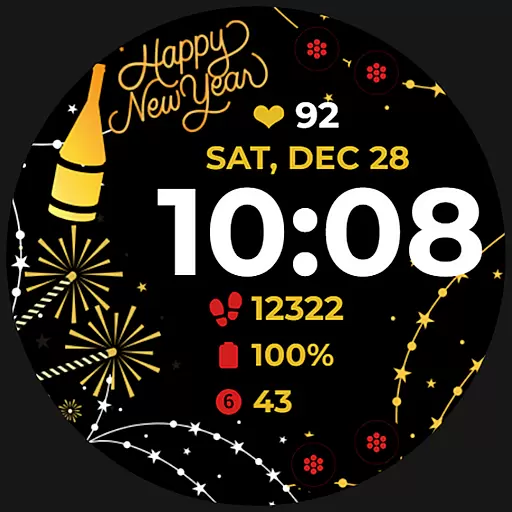
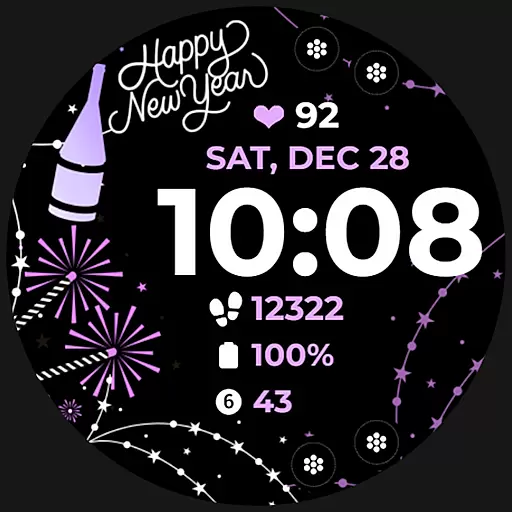
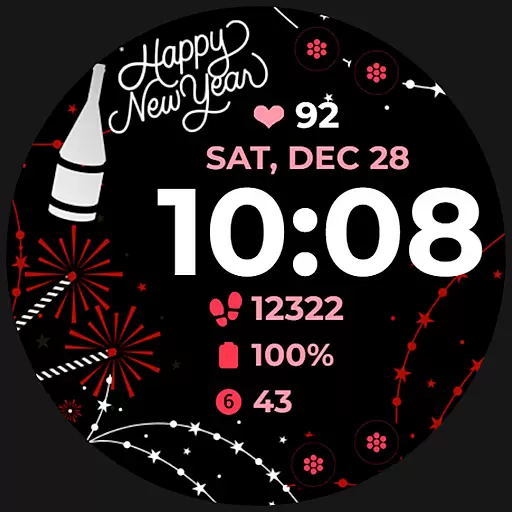
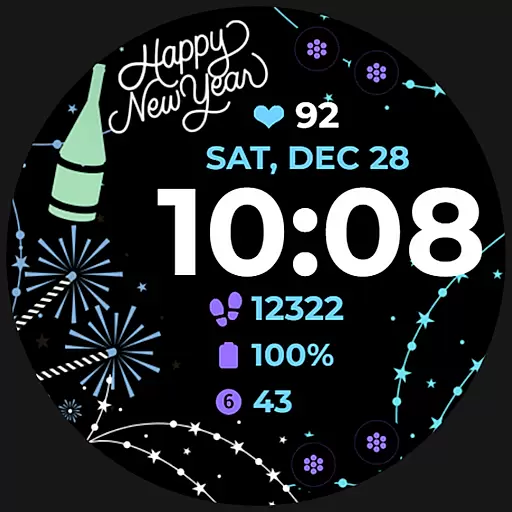
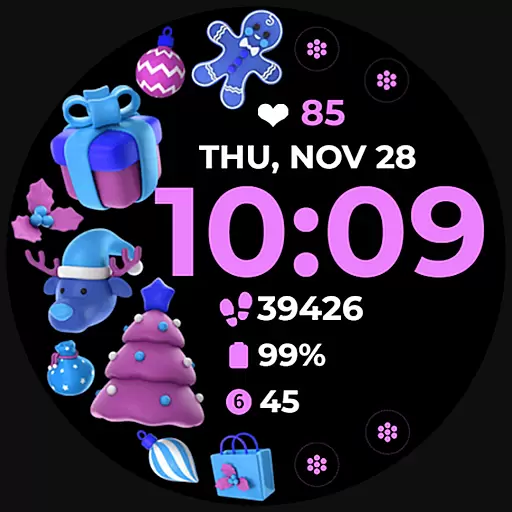
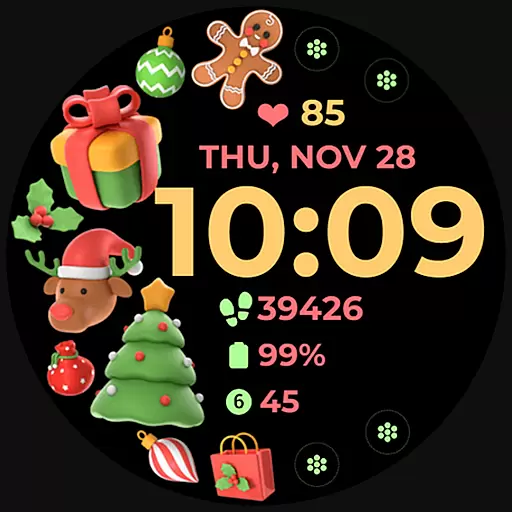
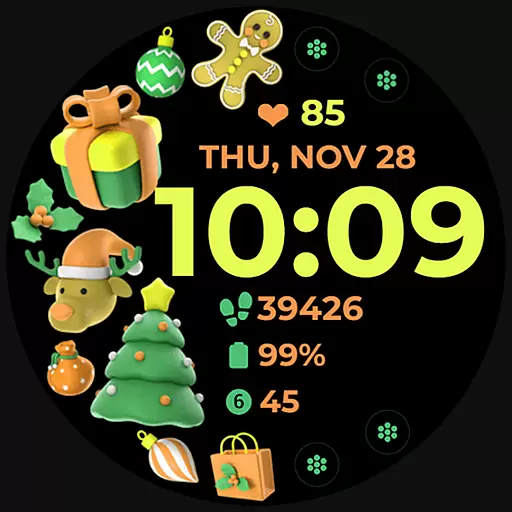
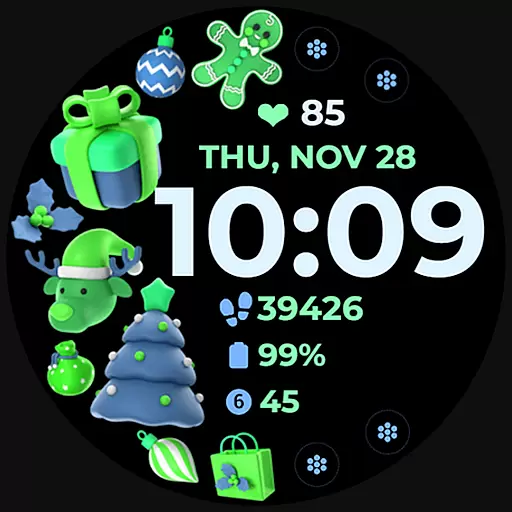
Holiday Art is a feature-rich watch face app designed specifically for Wear OS devices, including the Samsung Galaxy Watch 4. Developed using Samsung's 'Watch Face Studio' tool, this app offers users a customizable and visually appealing interface that enhances their smartwatch experience.
The app provides essential timekeeping functions through its digital clock display, while also presenting the date and day for user convenience. One of its standout features is the Always-On Display (AOD) functionality, ensuring that vital information remains accessible at a glance without the need to wake the device.
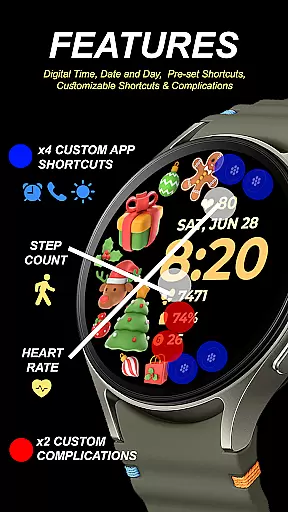
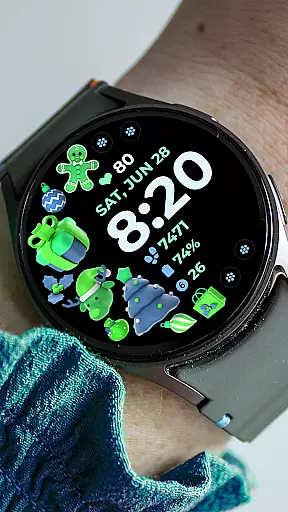
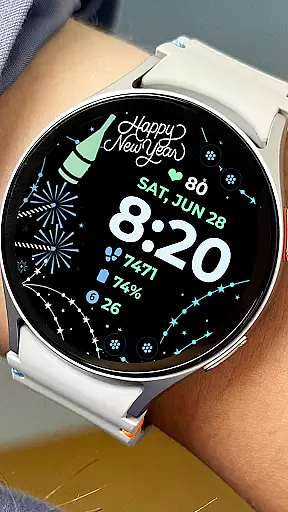
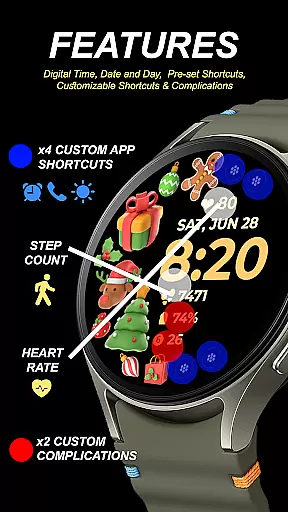
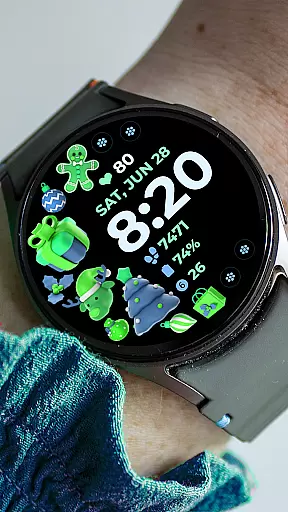
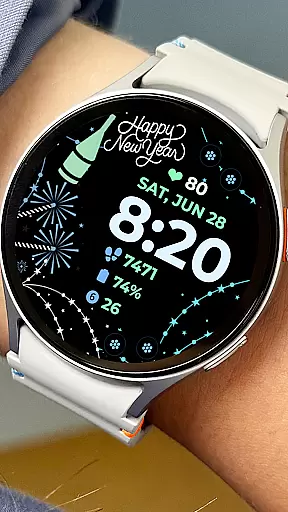
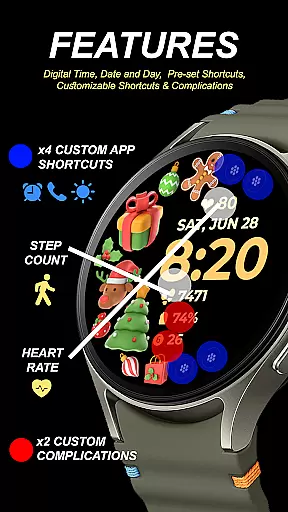
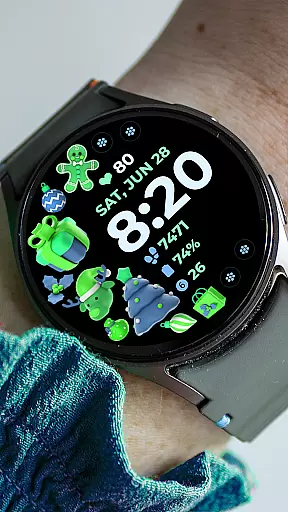
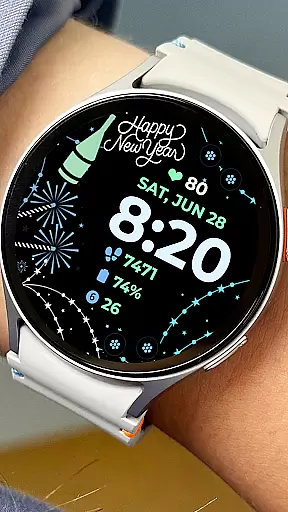
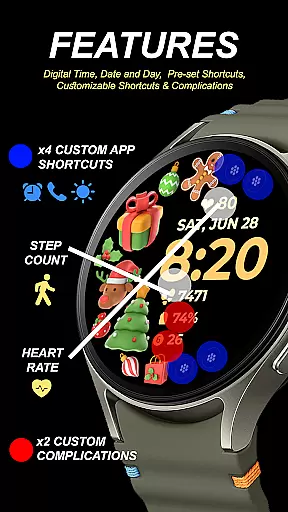
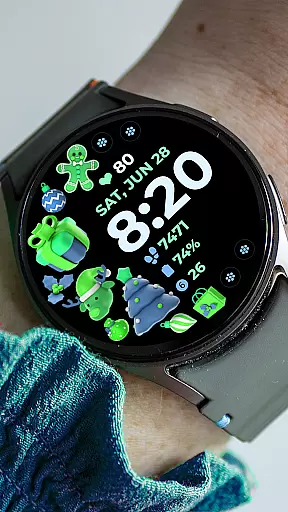
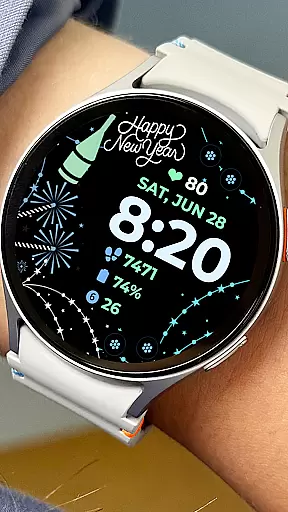
With Holiday Art, users can enjoy a personalized experience by customizing app shortcuts and complications. The ability to modify styles and color palettes allows for a unique look that suits individual preferences. These customization options make it an ideal choice for users seeking both functionality and personal expression on their smartwatches.
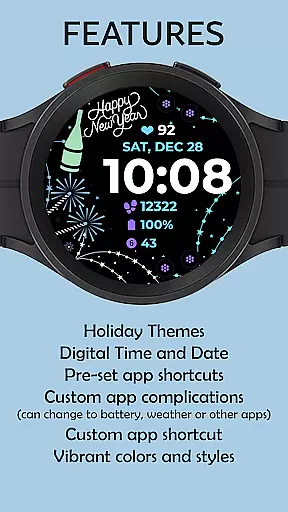
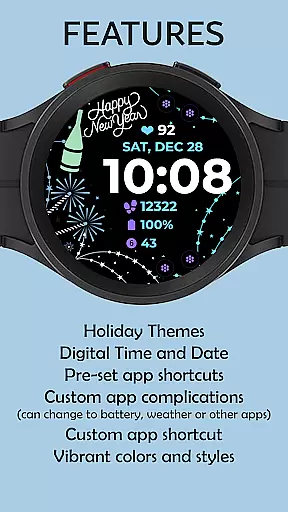
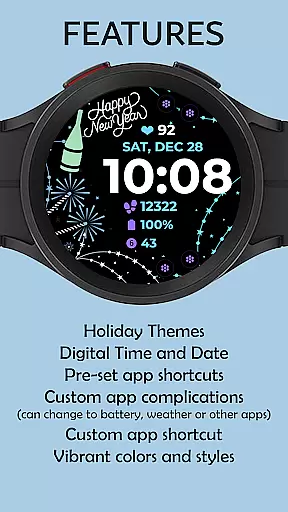
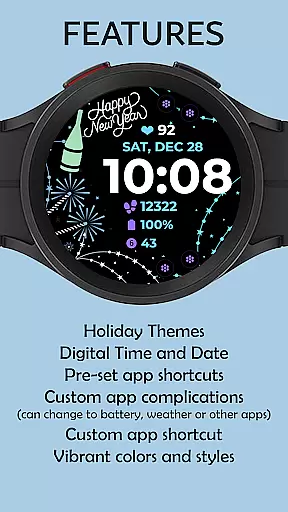
Holiday Art stands out with its comprehensive set of features designed to enhance the smartwatch user experience. The app includes a digital clock display that shows the current time alongside the date and day, providing users with all essential temporal information at a glance.
A key innovation is its Always-On Display (AOD) capability, which maintains visibility of crucial information even when the watch screen is not actively engaged. This feature ensures that users can quickly check the time or other important details without needing to wake their device, thus conserving battery life.
The app also offers preset app shortcuts for quick access to frequently used functions. Moreover, it supports customizable app shortcuts and complications, allowing users to tailor their watch face to suit their specific needs. With changeable styles and color palettes, Holiday Art enables users to express their personal style while maintaining practical functionality, making it a versatile choice for smartwatch enthusiasts.
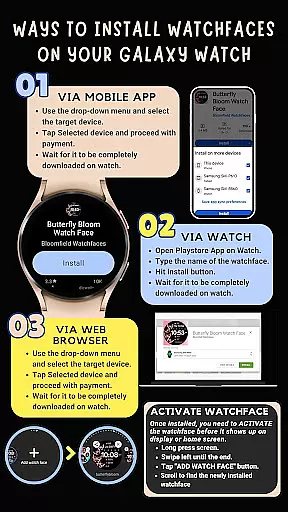
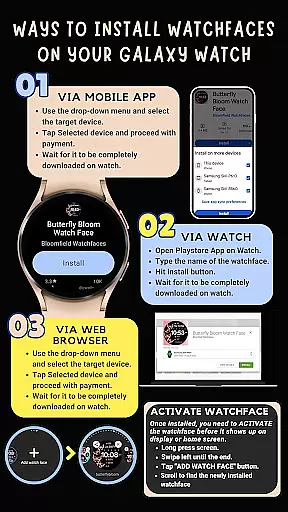
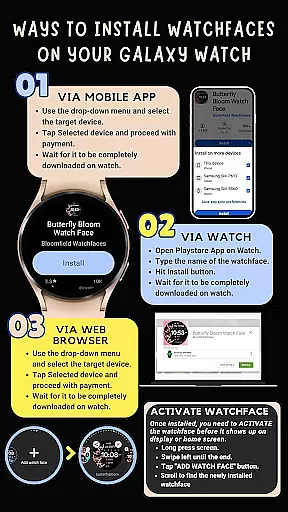
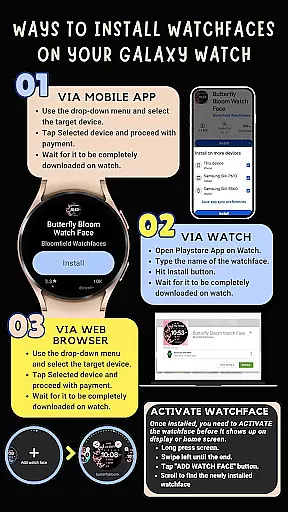
Companion app integration is essential for Android Wear applications as it ensures seamless synchronization between the wearable and its paired smartphone. Holiday Art watch face excels in this area by providing a comprehensive installation guide that emphasizes the importance of maintaining a strong connection between devices.
The application requires users to connect their Galaxy Watch 4 to the same Wi-Fi network as their phone, ensuring reliable data transfer. This connectivity is crucial for downloading and installing the watch face directly onto the wearable device without interruptions.
Moreover, Holiday Art simplifies companion app integration by offering step-by-step instructions via email support. Users can reach out for assistance, receiving detailed guidance on how to install the watch face through the Google Play Store on both their phone and directly on their watch.
Wear OS and device compatibility are vital aspects of any Android Wear application, determining its ability to function across various smartwatch models. Holiday Art watch face has been meticulously developed using Samsung's 'Watch Face Studio' tool, ensuring optimal performance on devices running the new Wear OS Google/One UI Samsung operating system.
This compatibility extends to features such as Digital Clock, Date & Day display, Always-On (AOD) functionality, Preset App Shortcuts, Customizable App Shortcuts & Complications, and Changeable Styles & Color Palette. These elements collectively enhance user experience by providing both aesthetic appeal and practical utility.
While some features may not be available on all watches, Holiday Art prioritizes broad compatibility with Samsung Galaxy Watch 4 series, delivering a consistent experience regardless of specific hardware variations within this range.
User-friendly interface
Customizable design options
Always-On Display functionality
Comprehensive timekeeping features
Wide compatibility with Wear OS devices
Limited initial installation support
Potential connectivity issues
Feature availability varies by device
Refund policy restrictions
Requires multiple permissions

Christmas Theme Watch Face for Wear Os
 5.00
5.00
Embrace the festive spirit with our Christmas Countdown watchface for Wear OS
4.10
Bold, Modern Hybrid Watch Face for Wear OS. 10 Colors, Rich Info Display.
4.30
Locate your family members by GPS phone location tracker everywhere and anytime
4.30
A modern hybrid informative watch face for Wear OS designed by BALLOZI
4.80
Animated video-game inspired “secret agent” simulation, right on your wrist!
4.20
Daily Weather forecast with 15 weather images for Day & Night plus Big Bold time
4.10
Your local weather forecast, storm tracker, radar maps & live weather news
3.40
Start and succeed with PAP
4.10
Beautiful, colorful and practical watch face. For Wear OS devices.
5.00
A modern premium sporty hybrid watch face for Wear OS by Ballozi
4.70
Hybrid watch face for Wear OS with customizable complications by Matteo Dini MD
4.70
To-Do List: daily schedule planner, task organizer, to do reminder app, calendar
4.60
Bold weather Digital watchface with forecast & optional animated background
4.40
Watch face for Wear OS.
4.20
"PER27 Galaxy Digital" is a digital Wear OS watch face designed by PERSONA
4.10
Watch face designed for Thanksgiving Day. 7 Background Styles included.
3.20
Stylish digital watch face for Wear OS devices with customizable features
4.0
Hybrid Vibrant Health Watch Face for Wear OS
4.1


User Reviews