
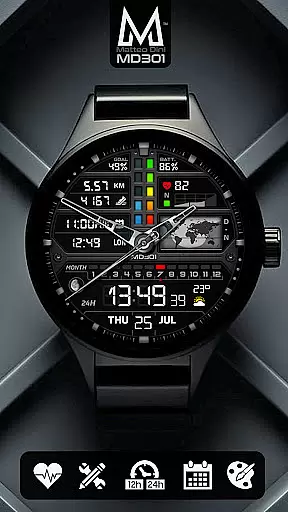
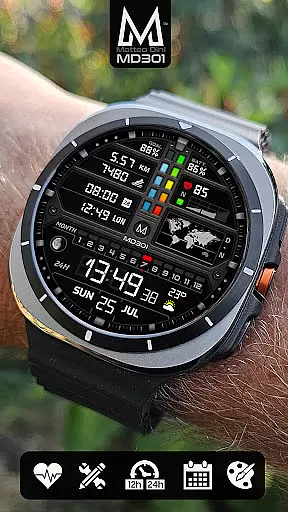
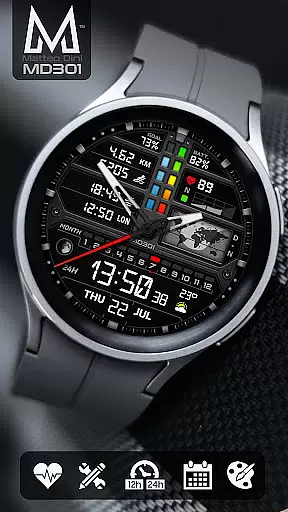
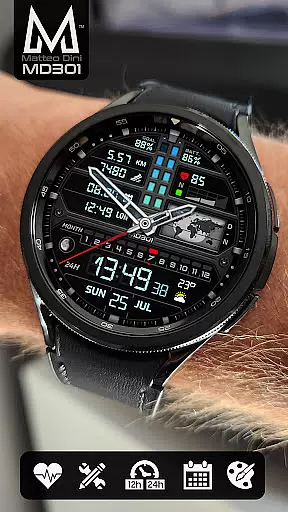
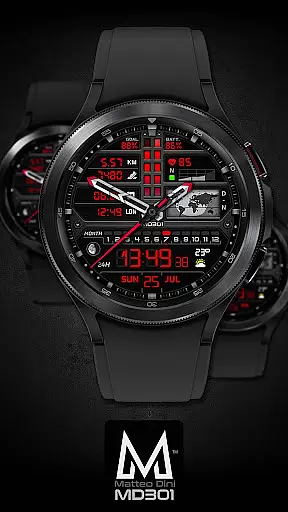
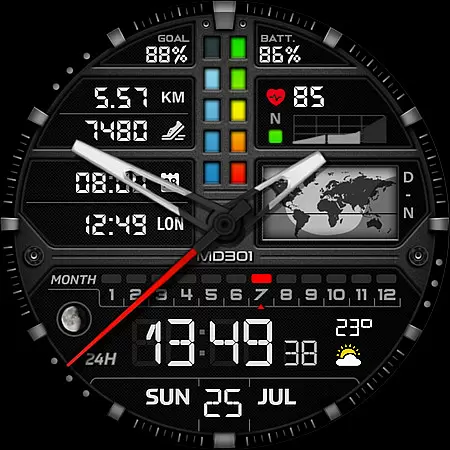
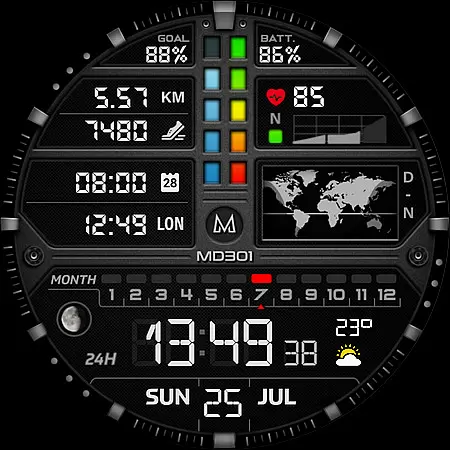
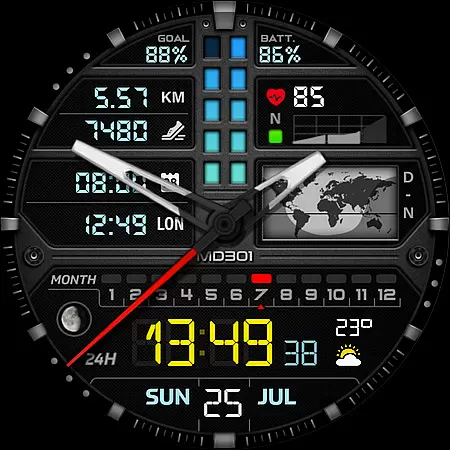
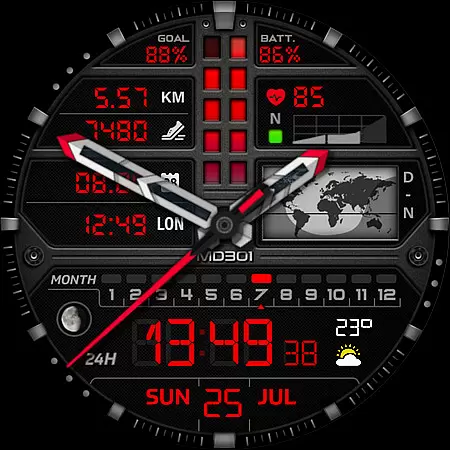
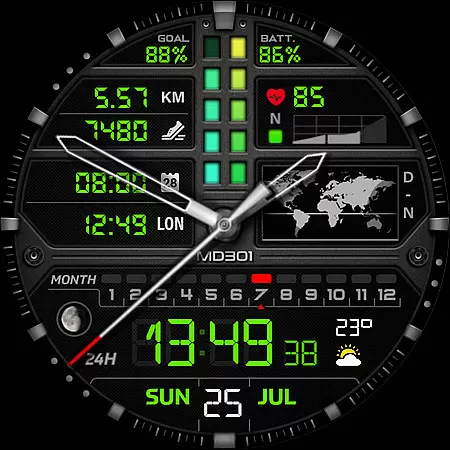
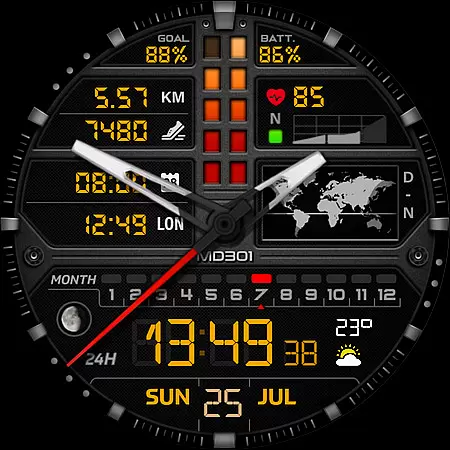
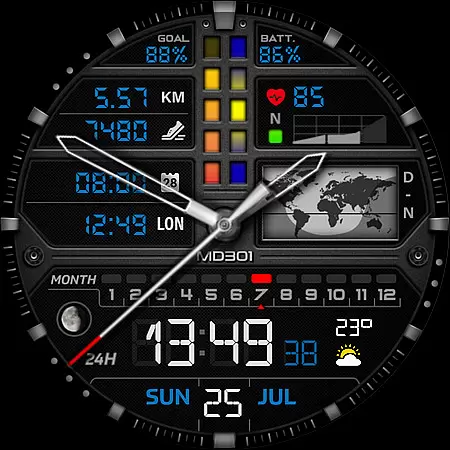
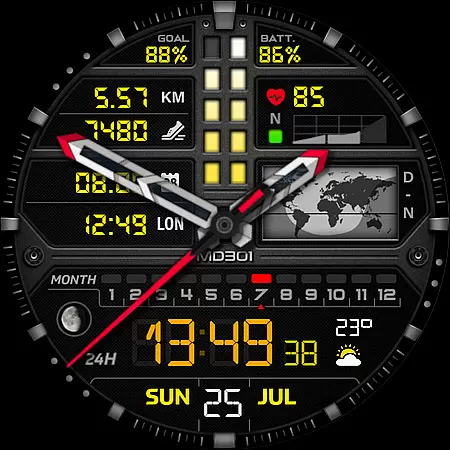
MD301 Hybrid watch face is a feature-rich wearable application designed for smartwatch users. This innovative watch face format offers a perfect blend of aesthetics and functionality, featuring digital and analog time display, date, moon phase, world map, battery status, heart rate monitor, step counter, and more. With support for Wear OS devices running API Level 33+ (Wear OS 4 and later), it ensures compatibility with popular models like Samsung Galaxy Watch series and Pixel Watch.
The watch face stands out with its customizable elements including three preset app shortcuts, three user-definable shortcuts, and four adaptable complications that allow personalization with preferred data types such as weather or distance metrics. Users can enjoy an enhanced experience through direct on-watch customization, circumventing current limitations in the Samsung Wearable app's editor.
Ideal for tech-savvy individuals who value both form and function in their wearable technology, MD301 Hybrid watch face provides a versatile platform to tailor your smartwatch interface according to individual preferences while delivering essential information at a glance.
MD301 Hybrid watch face distinguishes itself through a comprehensive suite of features tailored for smartwatch enthusiasts. The application boasts dual time display modes - digital (12/24hr) and analog - complemented by practical indicators such as date, month, moon phase, and a unique day & night world map. Health-conscious users will appreciate integrated trackers for heart rate, daily step goals, alongside battery level monitoring.
Customization is at the core of this watch face's appeal; it includes three preset app shortcuts (Calendar, Battery, Measure HR), three customizable shortcuts, and four adaptable complications where users can select from various data sources like weather forecasts or time zones. Notably, the Always ON Display function supports changeable colors, ensuring visibility and personal style are maintained even when the screen is inactive.
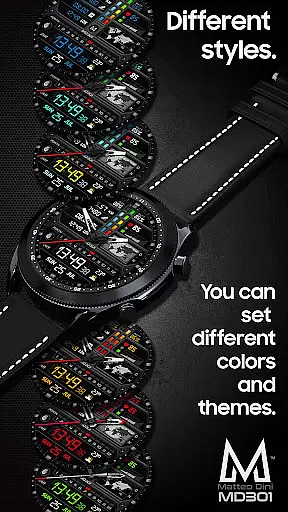
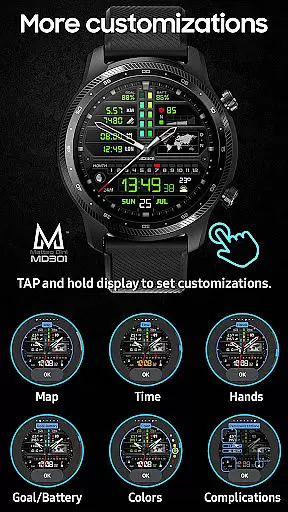
For seamless integration into your digital life, MD301 allows extensive personalization options ranging from hand styles to general color schemes. By tapping and holding the display followed by selecting 'customize', users gain access to these powerful tools that transform their wearable device into a personalized gadget reflecting individual tastes and needs.
Companion app integration is essential for a seamless wearable experience. The MD301 Hybrid watch face demonstrates excellent synchronization capabilities with its companion app, ensuring that all user preferences and customizations are accurately reflected on the wearable device.
This application supports direct customization on the watch itself, which is particularly useful given the current limitations of the Samsung Wearable app's editor. Users can tap and hold the screen on their Galaxy Watch to access customization options, providing a reliable workaround until Samsung addresses the loading issues with complex watch faces.
The integration extends to include three preset app shortcuts such as Calendar, Battery, and Measure HR, alongside four customizable complications. This allows users to tailor their watch face to display the most relevant information, like weather updates or time zones, directly on their wrist.
By offering this level of integration, MD301 ensures that users enjoy a cohesive experience across their devices, enhancing both functionality and personalization without compromising on performance or reliability.
Device compatibility is a cornerstone of any successful Wear OS application. The MD301 Hybrid watch face excels in this area by supporting all Wear OS devices with API Level 33+ (Wear OS 4 and later versions), including popular models like the Samsung Galaxy Watch series and Pixel Watch.
This broad compatibility ensures that users across different devices can enjoy the advanced features of MD301, such as its digital and analog time displays, heart rate monitoring, step tracking, and even a day and night world map. These features are accessible on various high-end smartwatches, making it versatile for tech-savvy individuals.
Moreover, the watch face supports Always ON Display with changeable colors, catering to those who prioritize both aesthetics and functionality. Users can customize elements like hands, digital time, general colors, and more, allowing for a personalized experience that remains consistent regardless of the device they use.
With Matteo Dini MD u00ae being an award-winning brand known for quality and innovation, users can trust that the MD301 will deliver a top-tier experience on their compatible Wear OS devices, backed by robust customer support and continuous updates.
Highly customizable
Feature-rich interface
Wide device compatibility
Always ON Display
Health tracking capabilities
Complex setup process
Limited editor support
Premium pricing model
Requires additional apps
Occasional performance issues

Gym Log & Workout Tracker | Fitness Journal, Training & Weight Lifting Planner
 4.90
4.90
Wear Os Watch Face - Animated Snow - Sesonal for Christmas & Winter
4.4
Rose gold watch face with festive lights & customizable features.
4.60
The most customizable minimal watch face. For Wear OS 5.0, API 34+ and later
4.70
The ultimate destination for kids ages 3-8 to explore the Marvel Universe!
4.30
Period, ovulation & pregnancy tracker. Fertility insights & menstrual calendar.
4.90
Daily Weather forecast with 15 weather images for Day & Night plus Big Bold time
4.10
Connect, create, and collaborate with Gmail, part of Google Workspace.
4.10
Back up your contacts & access them anywhere
4.30
Christmas Theme Watch Face for Wear Os
5.00
Real-time weather radar with temperatures, warnings, hurricanes, and widgets
4.80
Your second brain for organizing your life: to-do, calendar, reminder.
4.70
Gym & home workout plans with strength training, exercise tracking, HIIT & more.
4.60
A white realistic classic analog watch face with many customization options.
4.40
Christmas watch face. For Wear OS devices.
4.30
Calming & relaxing sounds for sleeping and stress relief. Stay focused all day!
4.20
Wear Os Watch Face - Animated Snow Effect & Magic Spark - 6 Scenes
4.10
A full-featured Amazon Alexa voice assistant that can show you things.
3.70
Simple Analog-Digital Watchface For Wear OS 3.0 and Up Smartwatches
4.4


User Reviews