
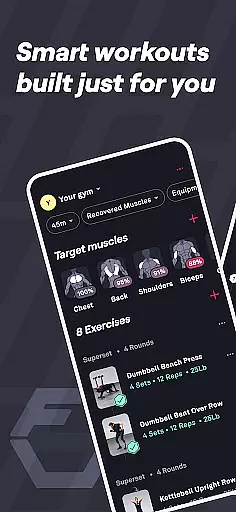
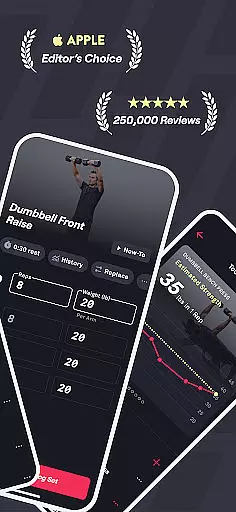
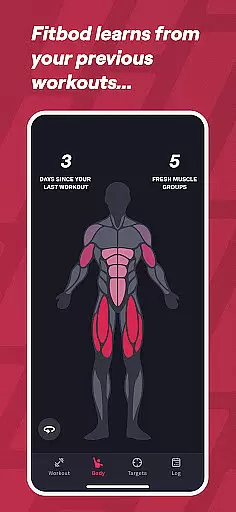
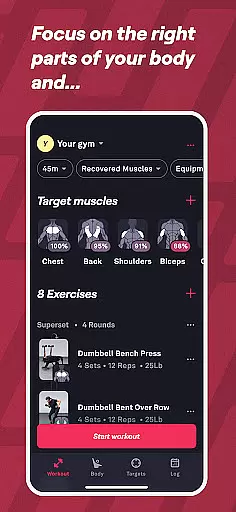
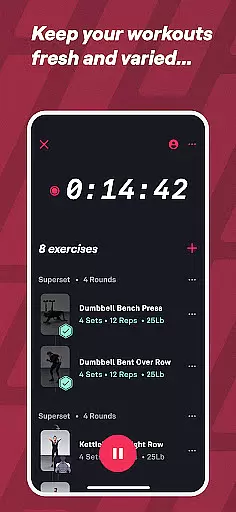
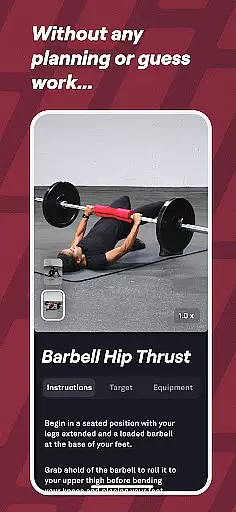
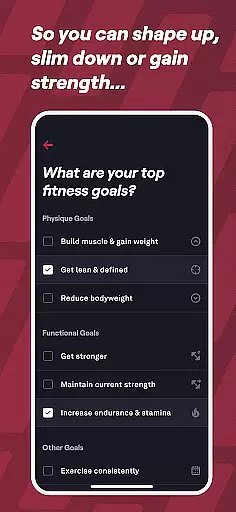
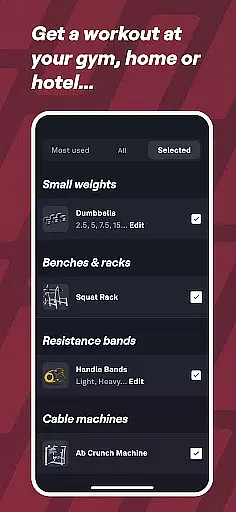
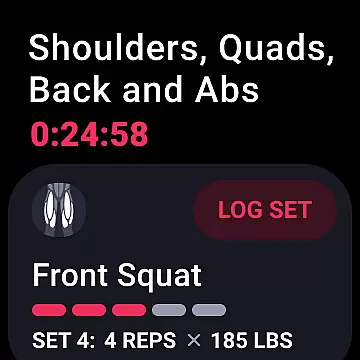
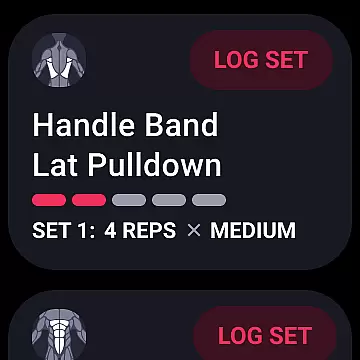
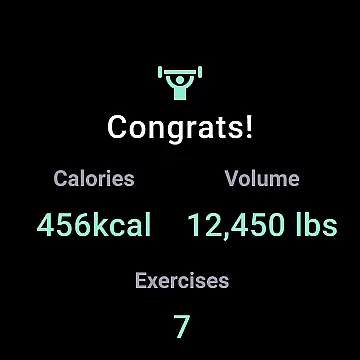
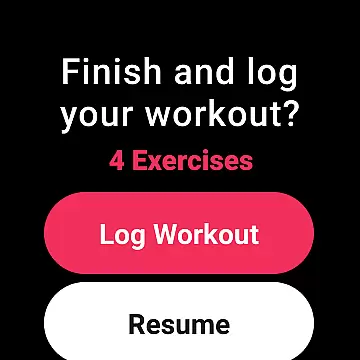
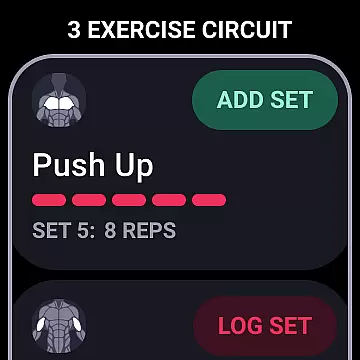
Fitbod is a cutting-edge fitness application designed to optimize weight lifting routines for muscle building, strength gain, and weight loss. Powered by AI, this personalized workout planner tailors each training session to your fitness level, goals, and available equipment, whether you're at home or in the gym. The app's adaptive technology learns from your preferences and past performance to create customized workout plans that evolve with your progress.
In addition to personalized workouts, Fitbod offers a comprehensive fitness and health tracker to monitor your journey, ensuring you meet your goals with exercises suited to your body. With over 1000 exercises, hi-res videos, and detailed instructions, Fitbod supports various fitness needs, including cardio, mobility, and pregnancy-safe workouts. Its integration with Wear OS provides quick access to your routines, making it a versatile companion for achieving lasting strength and health improvements.
Fitbod stands out with its AI-generated workouts that adapt to your fitness goals and preferences. Each session is optimized using resistance training principles, ensuring balanced and varied exercises tailored to your available equipment and target muscle groups. The app employs non-linear periodization, catering to beginners, intermediates, and advanced users alike, while offering workout modifiers for added customization.
Beyond its core functionality, Fitbod integrates advanced features like a fitness tracker, health tracker, and machine learning-powered recommendations. Users can search exercises by muscle group, equipment type, or keyword, and benefit from consistent updates to the exercise library. Additionally, Fitbod's Wear OS integration allows seamless access to workouts directly from your smartwatch, enhancing convenience and accessibility for all users.
Fitbod offers seamless companion app integration, ensuring that your workout data is always in sync across devices. This means whether you're using a smartphone or a Wear OS device, your personalized workout plans and progress are accessible wherever you go.
The app's synchronization capabilities allow for real-time updates, so any changes made on one device instantly reflect on others. This feature ensures that users can transition smoothly between their mobile devices and Wear OS without missing a beat in their fitness journey.
By leveraging the power of companion app integration, Fitbod provides a cohesive experience that enhances user engagement. With all workout information readily available, users can maintain consistency in their training, leading to better results and an optimized fitness routine.
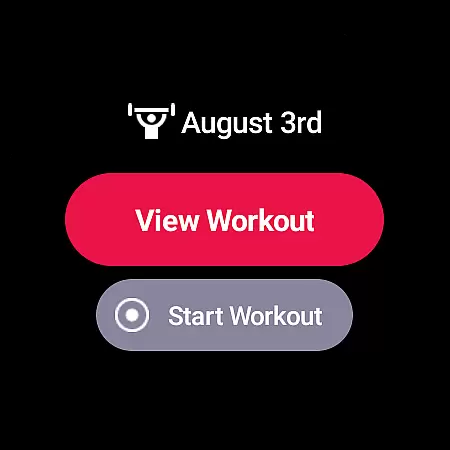
Fitbod boasts extensive compatibility with Wear OS and other devices, making it versatile for various users. Its integration with Wear OS allows users to access their workout plans directly from their smartwatch, providing unparalleled convenience during exercise sessions.
The application supports quick access through the Tile feature on Wear OS, enabling users to start workouts with minimal effort. This compatibility ensures that whether at home or the gym, accessing personalized routines is straightforward and efficient.
With broad device compatibility, Fitbod caters to different preferences and setups. Users benefit from a flexible and adaptive system that accommodates various devices, enhancing accessibility and usability regardless of the chosen platform.
Personalized workout plans
AI-driven optimization
Over 1000 exercises
Detailed exercise instructions
Wear OS integration
Limited free features
Premium subscription required
No live video coaching
Occasional learning curve
Dependent on user input

"PER27 Galaxy Digital" is a digital Wear OS watch face designed by PERSONA
 4.10
4.10
Gym Log & Workout Tracker | Fitness Journal, Training & Weight Lifting Planner
4.90
Watch face designed for Thanksgiving Day. 7 Background Styles included.
3.20
Be an elegant and classy secret agent, with this carefully detailed watch face
4.70
Bold, Modern Hybrid Watch Face for Wear OS. 10 Colors, Rich Info Display.
4.30
sleep, alarm, snoring, stress, healing, focus, sound therapy, circadian rhythm
4.10
Funny animated watch face for Thanksgiving
4.2
Daily Weather forecast with 15 weather images for Day & Night plus Big Bold time
4.10
Download full tracks, listen to music offline, make unlimited playlists.
4.80
Beautiful, colorful and practical watch face. For Wear OS devices.
5.00
Real-time weather radar with temperatures, warnings, hurricanes, and widgets
4.80
The most customizable minimal watch face. For Wear OS 5.0, API 34+ and later
4.70
Walking app for weight loss: walk & step tracker, pedometer, indoor treadmill
4.60
Simple, helpful messaging by Google
4.60
Ideal for surviving in the wasteland left after nuclear fallout
4.50
Beautiful artistic animated digital watch face, with a customizable layout!
4.40
Premium hybrid watch face with many customizations for Wear OS devices.
4.40
Watch face for Wear OS.
4.20
Stay in touch with your friends and family using LINE!
3.40


User Reviews