
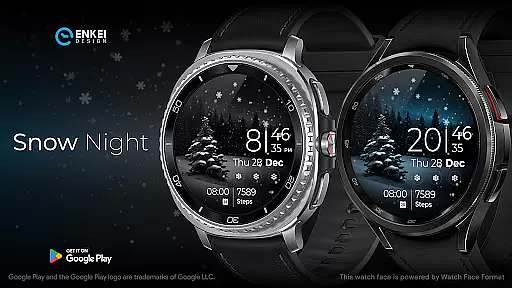
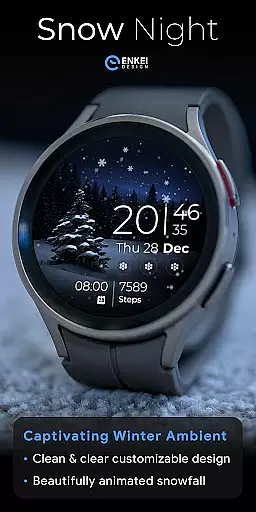
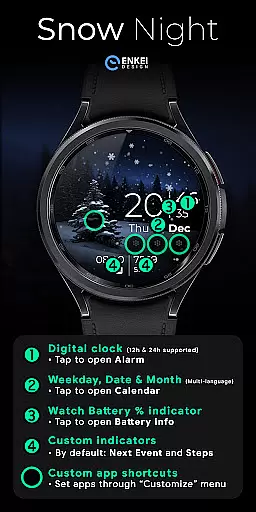
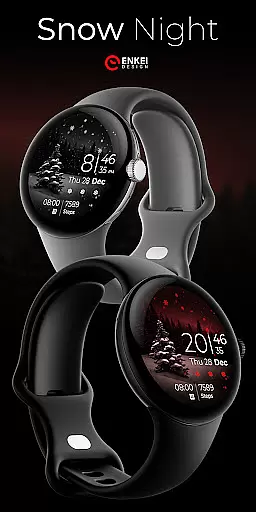
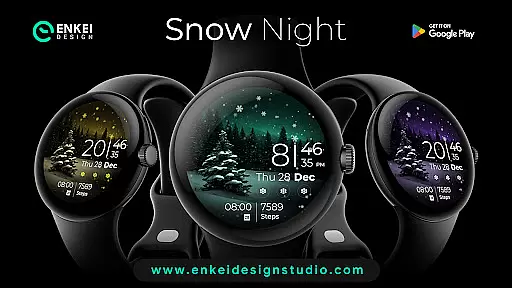
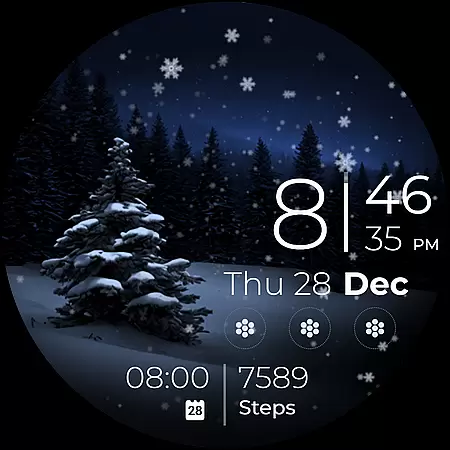
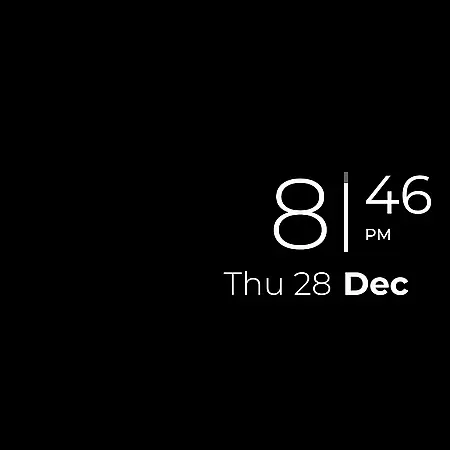
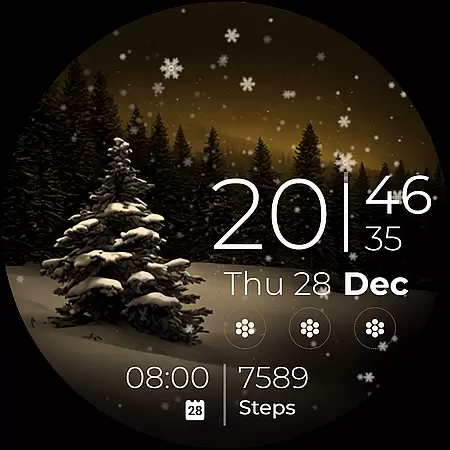
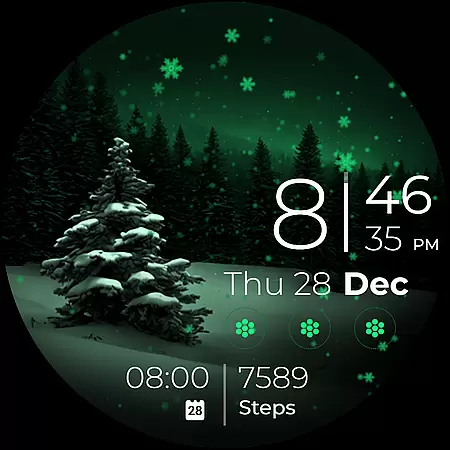
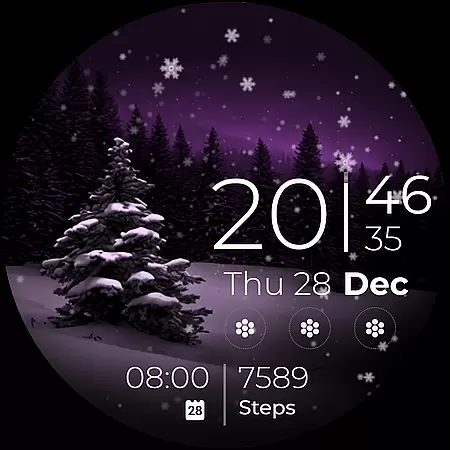
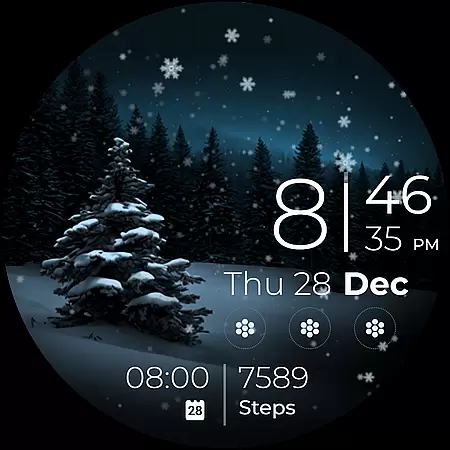
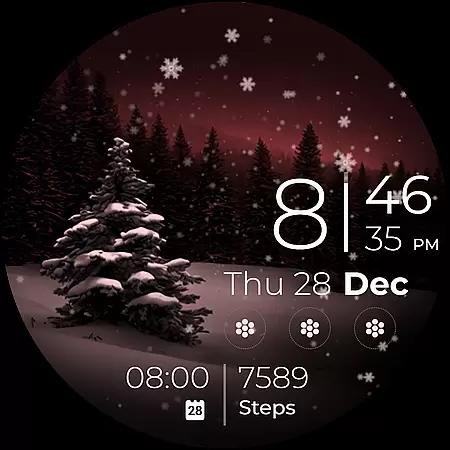
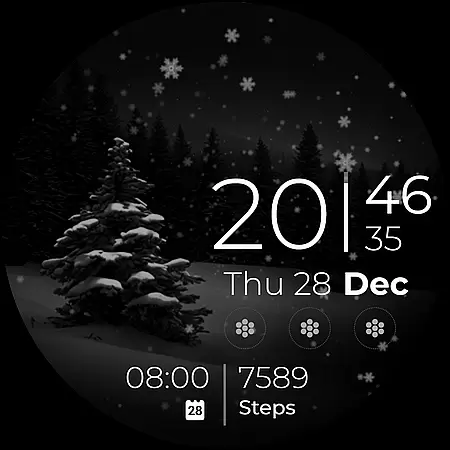
Snow Night is a captivating artistic watch face designed for Wear OS devices, offering a relaxing winter-themed experience. The watch face features ambient snowfall animation and customizable options, allowing users to create their perfect layout. With clear and bright indicators, visibility is excellent at a glance.
The app supports various practical features such as a digital clock with 12h/24h format, weekday, date, and month indicators in multiple languages, battery percentage bar, and customizable short-text indicators. Users can also access app shortcuts and a customize menu through simple tap and long-press actions. Powered by Watch Face Format, Snow Night offers expanded customization options and useful functionalities tailored for devices running Wear OS 5.0 and newer versions.
Snow Night stands out with its gorgeous ambiental snowfall animation and extensive customization options. Users can personalize colors, Always-On Display (AOD) styles, and complications to suit their preferences. The watch face includes a digital clock, weekday, date, and month indicators in multiple languages, and a watch battery percentage bar.
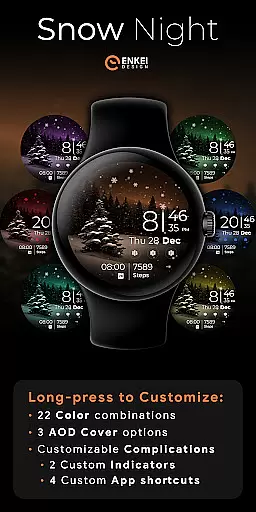
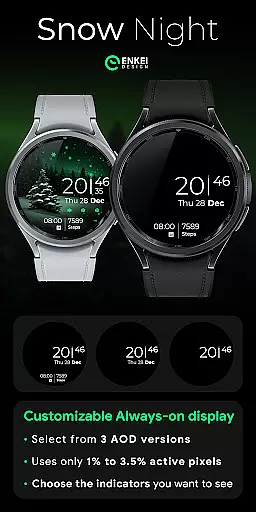
Additional features include two customizable short-text indicators showing next events and steps by default, four customizable app shortcuts with three visible icons, and a hidden tree icon on the left. The app utilizes only 2% - 4% active pixels, ensuring efficiency. A long-press action grants access to the Customize menu, where users can choose from 22 color combinations, three AOD cover options, and further customize complications.
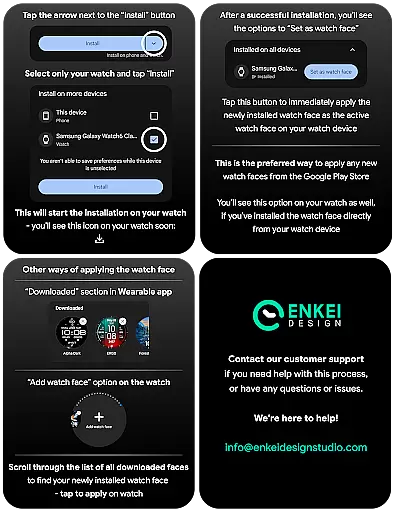
Companion app integration is crucial for Android Wear applications as it ensures seamless synchronization between the watch face and its phone counterpart. Snow Night excels in this aspect by providing a dedicated phone companion app that simplifies the installation process directly to your watch device.
This thoughtful design choice allows users to effortlessly manage their watch face settings without cluttering the wearable's limited interface. The companion app serves as a bridge, ensuring that all customization options are readily accessible from your phone.
By separating the installation and management functions to the companion app, Snow Night maintains optimal performance on the wearable device while offering expanded features through the phone application. This approach demonstrates a deep understanding of wearable technology limitations and user convenience.
Device compatibility is a fundamental consideration for any Android Wear application. Snow Night clearly specifies its compatibility requirements, supporting only devices running Wear OS 5.0 and newer versions (API 34+). This deliberate choice ensures optimal performance and access to the latest smartwatch features.
The developers have optimized the watch face to take full advantage of modern Wear OS capabilities while maintaining stability across supported devices. By setting these minimum requirements, they can implement advanced features like the Watch Face Format without worrying about backward compatibility issues.
This focused compatibility approach benefits users by guaranteeing a smooth, feature-rich experience on qualified devices. It also enables the developers to push creative boundaries, knowing their audience uses hardware capable of supporting their vision.
Visually stunning design
Highly customizable layout
User-friendly interface
Efficient performance
Excellent visibility
Limited to Wear OS
Requires API 34+
No phone functionality
Premium features need purchase
Complex for beginners

Wear Os Watch Face - Animated Snow - Sesonal for Christmas & Winter
 4.0
4.0
Snowflake Rose Gold Watch Face - Digital, modern, & sleek with GYRO effect.
4.10
Watch face designed for Thanksgiving Day. 7 Background Styles included.
3.20
A modern premium sporty hybrid watch face for Wear OS by Ballozi
4.70
The most customizable minimal watch face. For Wear OS 5.0, API 34+ and later
4.70
Professional weather radar and more
3.90
Hyper-Realistic Airplane Dashboard Watch Face With 10 Skins and Custom AOD
4.00
Retro digital watch face with customizable colors and a unique lighting effect
4.60
A modern hybrid informative watch face for Wear OS designed by BALLOZI
4.80
Be an elegant and classy secret agent, with this carefully detailed watch face
4.70
Your second brain for organizing your life: to-do, calendar, reminder.
4.70
Digital watch face with big numbers and many customization for Wear OS devices
4.40
Reliable phone calls with spam protection, caller ID and more helpful features
4.40
Bold weather Digital watchface with forecast & optional animated background
4.40
Bold, Modern Hybrid Watch Face for Wear OS. 10 Colors, Rich Info Display.
4.30
Your music, your playlists, and more—offline and unlimited.
4.20
A Wintery Snow Globe on Your Wrist; now celebrating Christmas!
4.2
Artistic Digital Watchface
4.1
Hybrid Vibrant Health Watch Face for Wear OS
4.1


User Reviews