
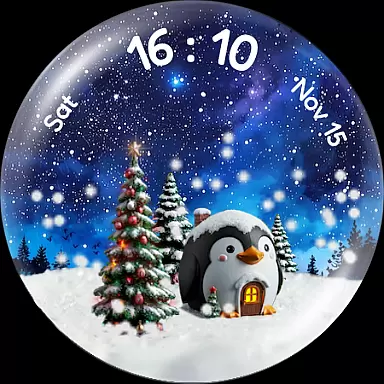
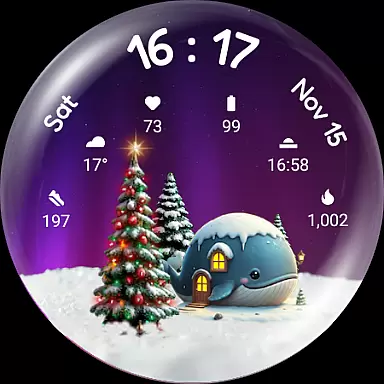
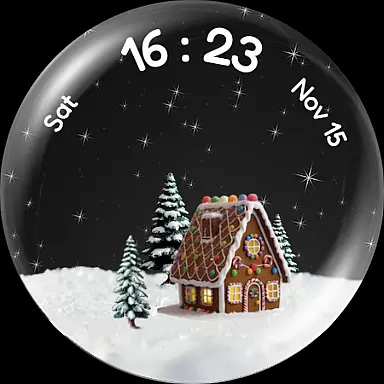
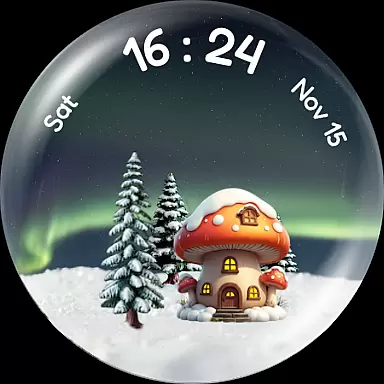
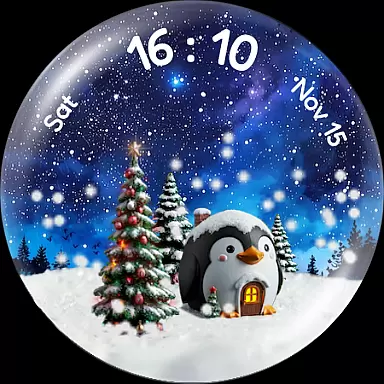
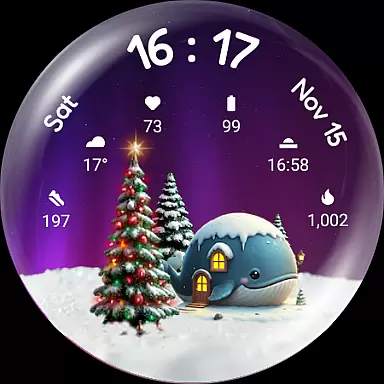
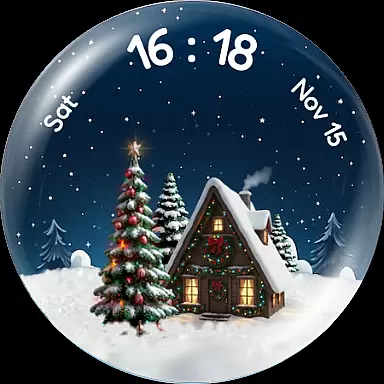
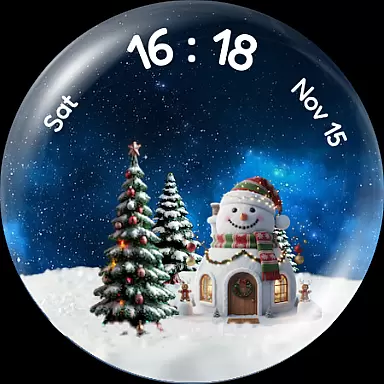
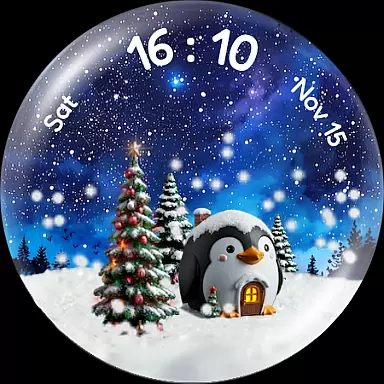
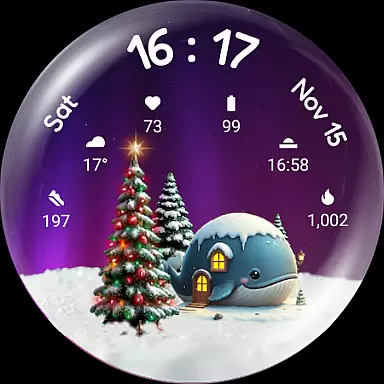
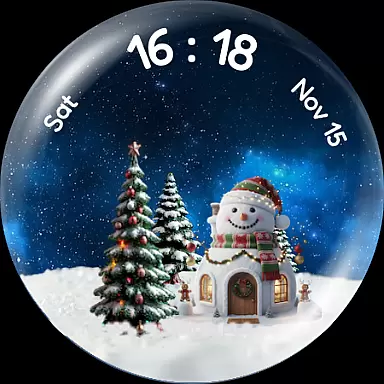
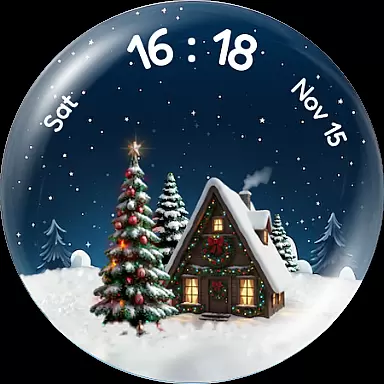
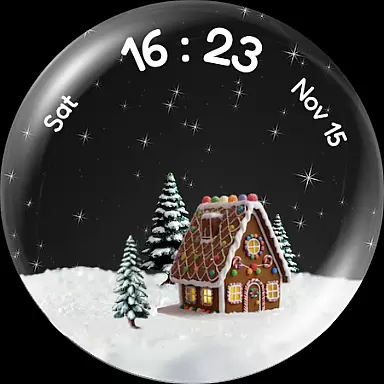
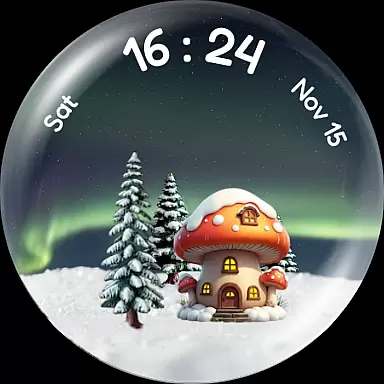
Experience the enchantment of winter with Christmas Snow Globe WatchFace, a festive watch face for Wear OS 4+ devices. This app brings a delightful snow globe animation to your wrist, complete with customizable features that capture the holiday spirit.
Featuring mesmerizing snowfall effects and charming personalization options like northern lights backgrounds and animal-themed houses, it transforms your smartwatch into a magical winter scene. The unique step-tracking Christmas tree grows as you achieve daily fitness goals, adding both fun and motivation to your routine.
Perfect for those who love the holidays, this watch face combines functionality with seasonal cheer through its six complication slots and compatibility with companion apps for goal setting.
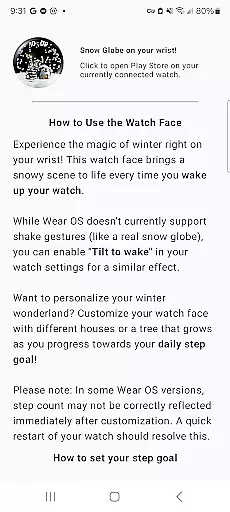
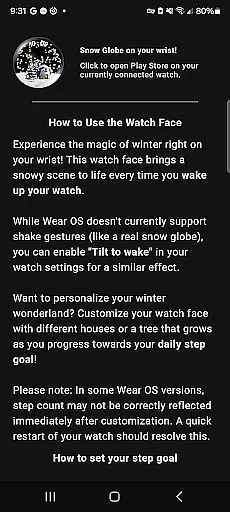
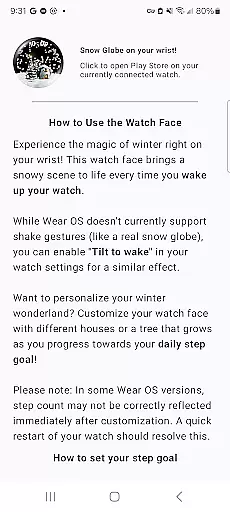
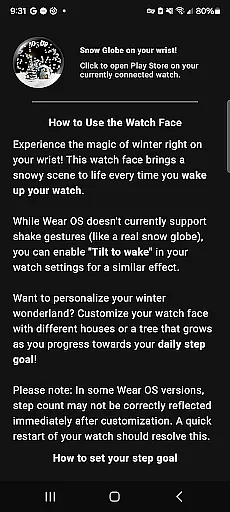
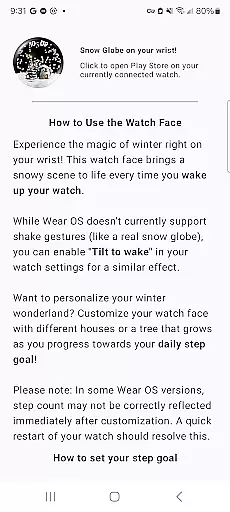
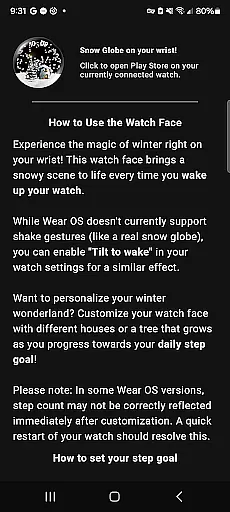
Christmas Snow Globe WatchFace stands out with its captivating snow globe animation that activates every time you wake your watch. For added delight, enable 'Tilt to wake' for a shake-to-snow effect.
Customization is at the heart of this app, offering stunning night sky backgrounds such as Aurora and starry skies, alongside charming house options including penguin, whale, and festive Xmas themes. Your daily steps illuminate a Christmas tree, providing visual feedback on your fitness progress.
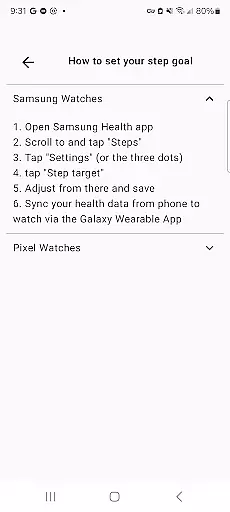
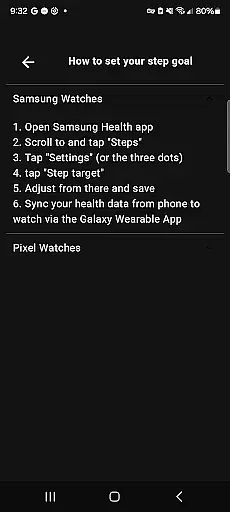
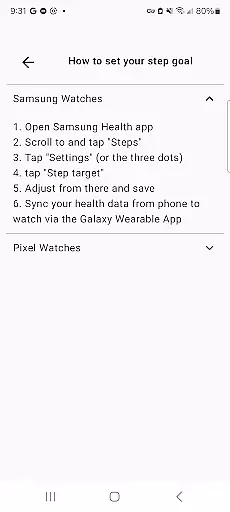
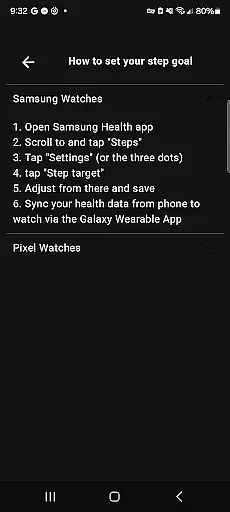
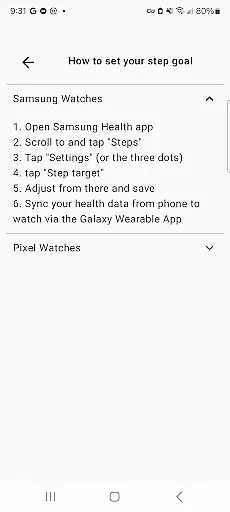
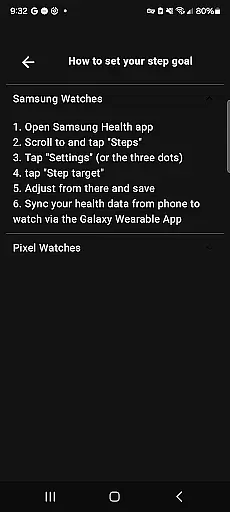
Functionally robust, it includes six custom complication slots for essential information like heart rate and weather. Designed for Wear OS 4+, users can set personal step goals via a companion phone app, ensuring an engaging and health-conscious experience throughout the holiday season.
Companion app integration is essential for a seamless wearable experience. The Christmas Snow Globe Watch Face excels in this area by providing a dedicated mobile application.
This companion app serves as the control center for your watch face, allowing you to easily configure settings and personalize your snow globe. You can choose from various charming houses and adjust the mesmerizing snow animation to match your preferences.
The most innovative feature is the step-tracking functionality that energizes your Christmas tree. Through the companion app, you can set a personal daily step goal, ensuring the tree grows and illuminates based on your activity level.
By bridging your phone and watch, this integration ensures that all features are easily accessible and customizable, enhancing both usability and enjoyment of your festive watch face.
Device compatibility is crucial for ensuring that your Wear OS applications run smoothly across different devices. The Christmas Snow Globe Watch Face is designed specifically for Wear OS 4 and above, guaranteeing optimal performance.
This compatibility ensures that users benefit from the latest advancements in wearable technology. With support for high-resolution displays and advanced health tracking features, the watch face takes full advantage of Wear OS capabilities.
In addition to stunning visuals, the watch face includes six custom complication slots. These slots allow for easy access to vital information such as heart rate, weather updates, and step counts directly from your wrist.
Whether you're using a modern smartwatch or an older model, this compatibility layer ensures that you receive a consistent and delightful experience, bringing the magic of winter to your everyday life.
Unique snow globe concept
Festive customization options
Motivational step tracker
Beautiful animations
Functional complications
Limited to Wear OS
Requires companion app
Premium features may cost extra
Battery consumption may increase
Complex settings for beginners

Calming & relaxing sounds for sleeping and stress relief. Stay focused all day!
 4.20
4.20
Beautiful artistic animated digital watch face, with a customizable layout!
4.40
Easy Voice Recorder is your everyday companion to record important moments.
4.70
Kia Access makes getting your vehicle information easier than ever
4.60
Reliable phone calls with spam protection, caller ID and more helpful features
4.40
Funny animated watch face for Thanksgiving
4.0
Fast and smart typing with Emojis, GIFs, and more
4.50
Back up your contacts & access them anywhere
4.30
Download full tracks, listen to music offline, make unlimited playlists.
4.80
Hyperlocal rain alerts by MyRadar using patent-pending technology, radar & more
4.80
Hybrid watch face for Wear OS with customizable complications by Matteo Dini MD
4.70
Nutrition, Macro tracker: Food, fitness & healthy diet tracking for weight loss
4.60
MyNISSAN® lets you remotely control your car from your phone.*
4.50
Premium hybrid watch face with many customizations for Wear OS devices.
4.40
"PER27 Galaxy Digital" is a digital Wear OS watch face designed by PERSONA
4.10
Daily Weather forecast with 15 weather images for Day & Night plus Big Bold time
4.10
The #1 source of faces for your smartwatch!
4.00
Christmas and New Year - Themed Watchface
4.5
Stylish digital watch face for Wear OS devices with customizable features
4.0


User Reviews