
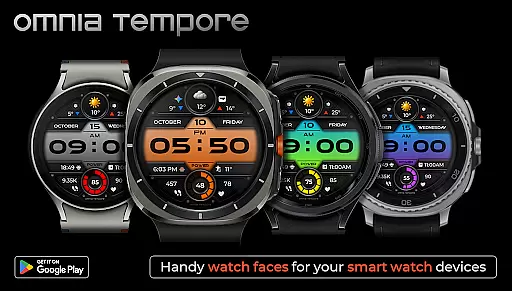
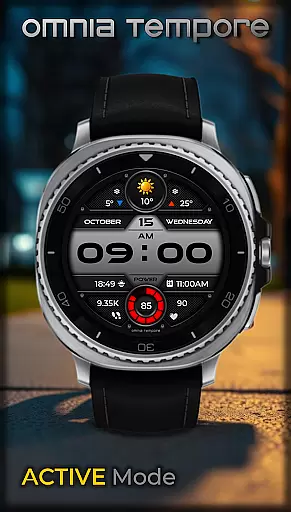
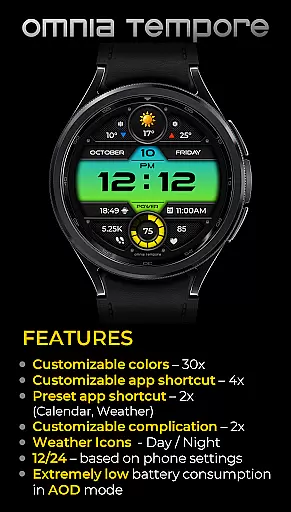
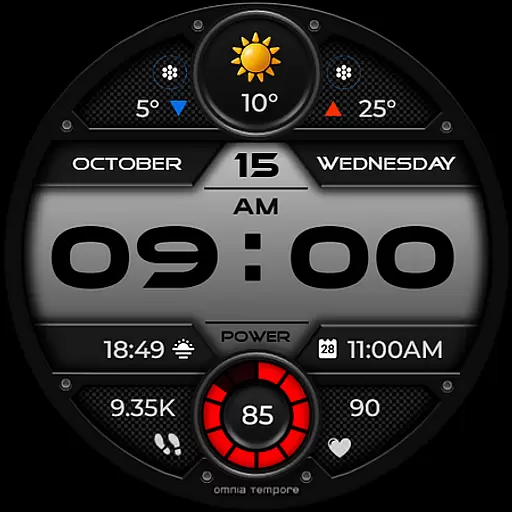
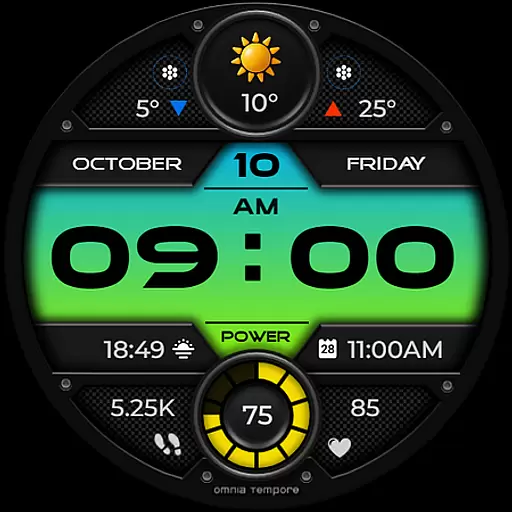
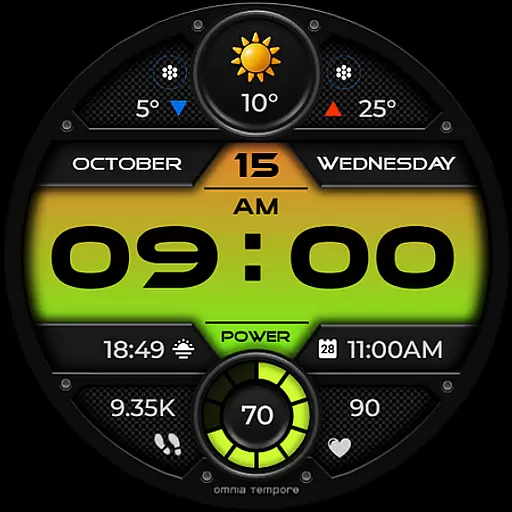
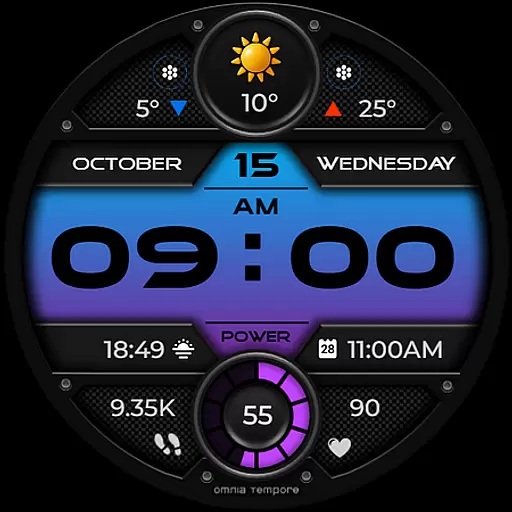
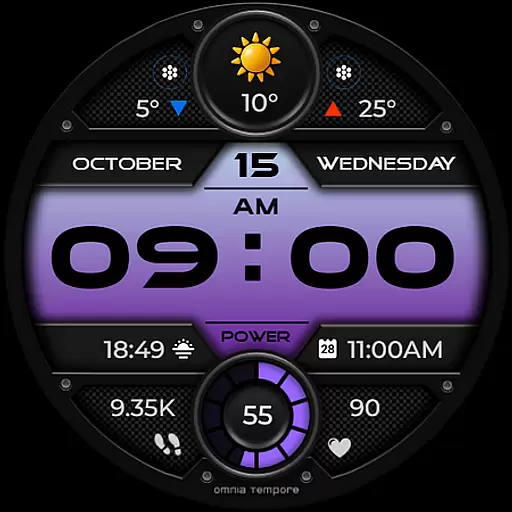
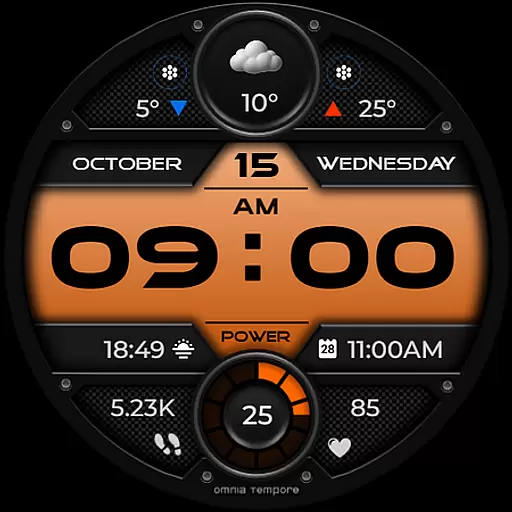
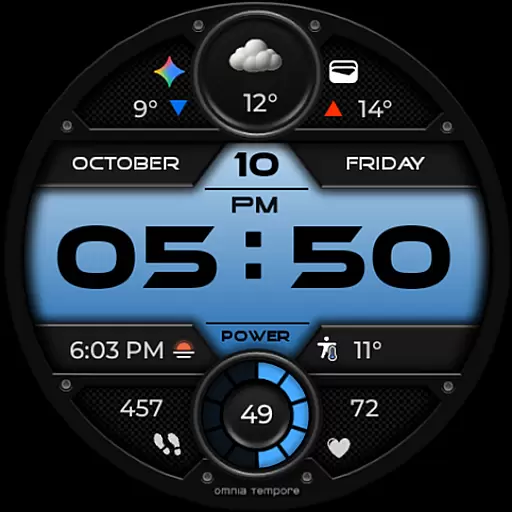
OT is a sophisticated digital watch face designed for Wear OS devices running version 5.0 and above. This application seamlessly blends style with functionality, offering users real-time weather updates, step counting, and heart rate monitoring. The watch face ensures that you remain connected to both your personal wellness and the external environment without any interruptions.
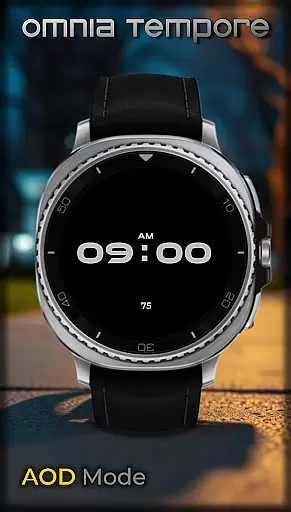
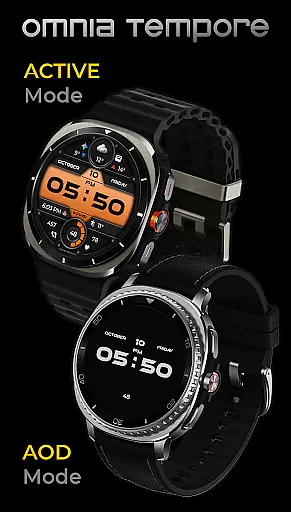
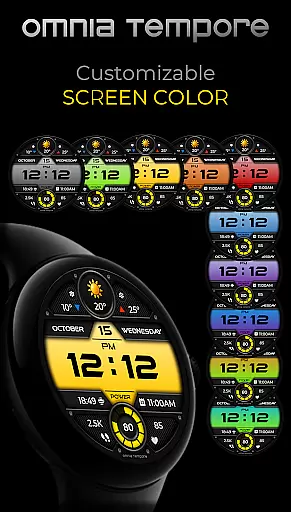
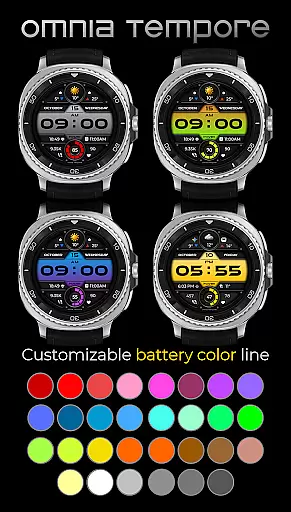
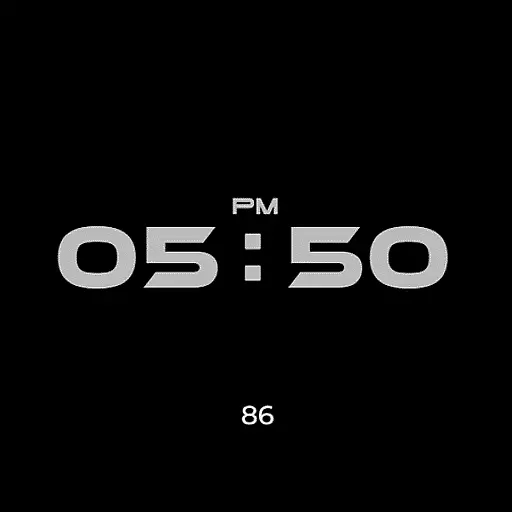
With customizable complications and app shortcuts, OT provides a personalized experience that aligns with individual preferences. Users can choose from ten display color schemes and thirty battery status color options, ensuring their smartwatch not only performs exceptionally but also reflects their unique style. Its sleek design and low power consumption in AOD mode make it an ideal companion for both professional and casual settings.
OT stands out with its comprehensive feature set tailored for the modern individual. The watch face offers real-time weather updates, allowing users to stay informed about current conditions. With integrated step counting and heart rate tracking, it supports health-conscious individuals by providing essential metrics at a glance.
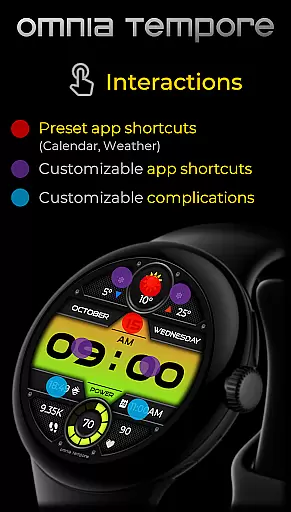
Customization is at the core of OT's offerings. It includes two customizable complications and six app shortcut slots, four visible and two hidden, which allow quick access to frequently used applications like Calendar and Weather. Furthermore, the availability of multiple color options for the display and battery status ensures that each user can tailor their watch face to match their personal style while benefiting from low power consumption in AOD mode.
Companion app integration is essential for a seamless wearable experience. OT ensures that your Wear OS device works in harmony with your smartphone, providing real-time synchronization of important data.
This digital watch face connects effortlessly with your phone to deliver instant weather updates and notifications. The integration allows you to stay informed about your schedule through Calendar shortcuts and receive timely alerts from your favorite apps.
Users benefit from the ability to launch frequently used tools directly from their wrist. With two preset app shortcuts and four customizable slots, OT offers quick access to essential functions without needing to reach for your phone.
The true value lies in how this integration enhances daily life. By combining style with functionality, OT keeps you connected and organized while maintaining a sleek aesthetic on your wrist.
Compatibility with Wear OS devices is crucial for any smartwatch application. OT is designed specifically for Wear OS 5.0 and above, ensuring optimal performance across a range of devices.
This compatibility extends beyond mere functionality. OT takes full advantage of Wear OS features, offering low power consumption in AOD mode and supporting customizable complications that enhance user interaction.
Users can personalize their experience with 10 color versions of the display and 30 battery status color options. This flexibility ensures that OT adapts to individual preferences while maintaining system stability and responsiveness.
The benefit of this comprehensive compatibility becomes evident in daily use. Whether you're managing your fitness goals or navigating through meetings, OT provides a reliable and visually appealing interface that works consistently across different Wear OS devices.
User-friendly interface
Real-time weather updates
Health tracking features
Highly customizable display
Low power consumption
Limited to Wear OS
Requires version 5.0+
Premium features may cost extra
Some functionalities need third-party apps
Design might not appeal to all

Precision analog watch face with 7 complications and style options
 4.3
4.3
Digital, flexibly customizable watch face. For Wear OS 5.0, API 34+ and later.
5.00
Authentic military-tactical design with ZULU time! Realistic and functional!
3.80
Professional weather radar and more
3.90
Hyper-Realistic Airplane Dashboard Watch Face With 10 Skins and Custom AOD
4.00
Viewer for Wyze/Yi/Eufy/Arlo/ONVIF/RTSP/P2P IP cams w/ adv. features & DIY DVR
4.00
Your music, your playlists, and more—offline and unlimited.
4.20
Your local weather forecast, storm tracker, radar maps & live weather news
3.40
Start and succeed with PAP
4.10
Hybrid watch face for Wear OS with customizable complications by Matteo Dini MD
4.70
The most customizable minimal watch face. For Wear OS 5.0, API 34+ and later
4.70
Fast and smart typing with Emojis, GIFs, and more
4.50
Digital watch face with big numbers and many customization for Wear OS devices
4.40
Elegant animated Christmas tree with multiple customization options
4.20
The #1 source of faces for your smartwatch!
4.00
Animated Watch Face and Customizable with 24 Backgrounds. Perfect for Christmas!
3.90
Structured watch face with seven complications and modular UI elements
3.90
Watch face designed for Thanksgiving Day. 7 Background Styles included.
3.20
Contemporary digital watch face with five complications
4.1


User Reviews