
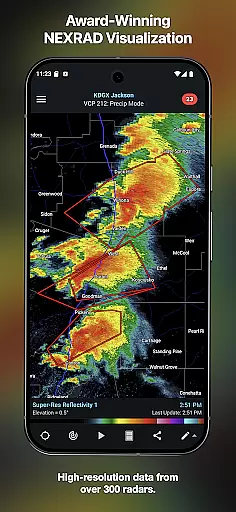
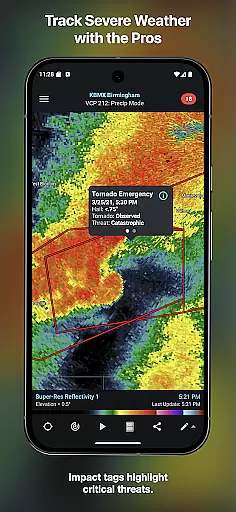
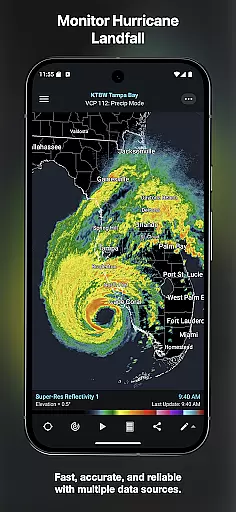
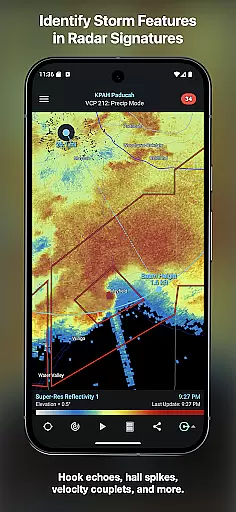
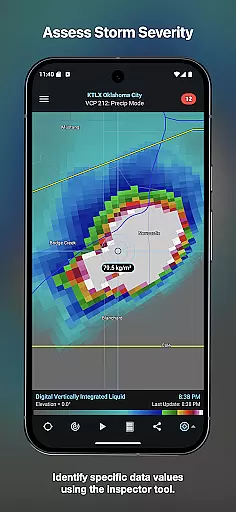
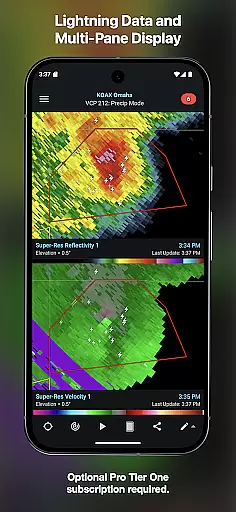
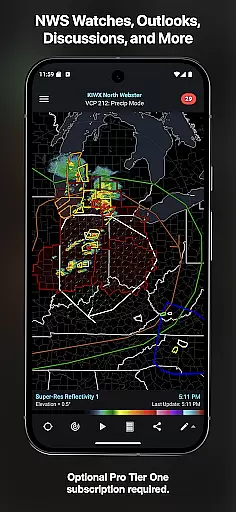
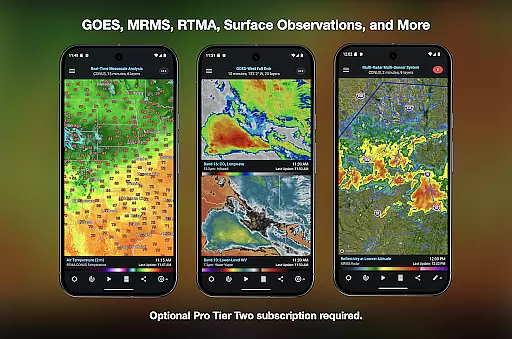
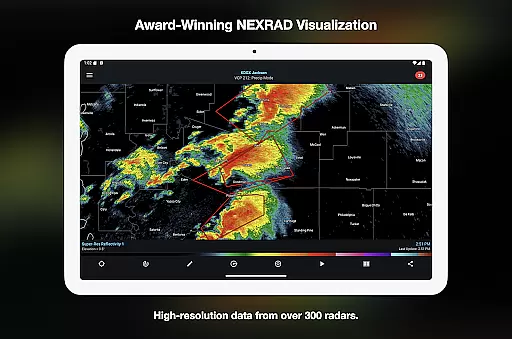
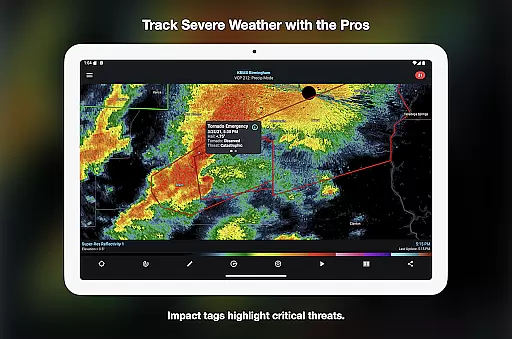
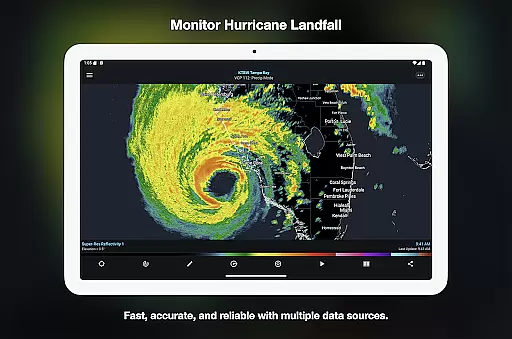
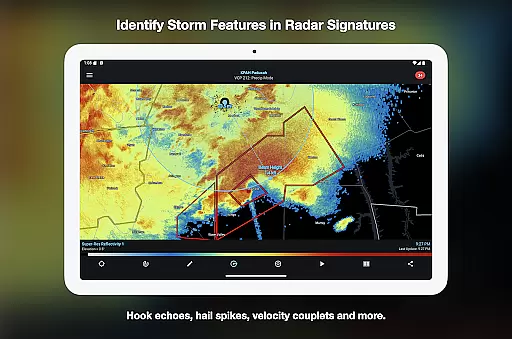
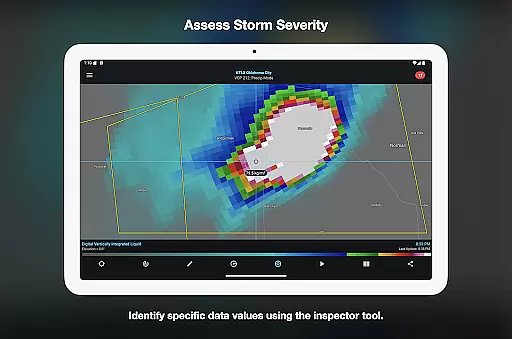

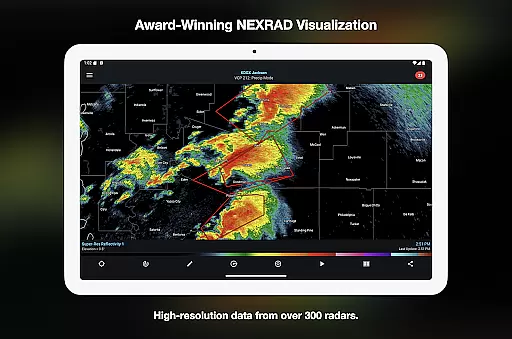
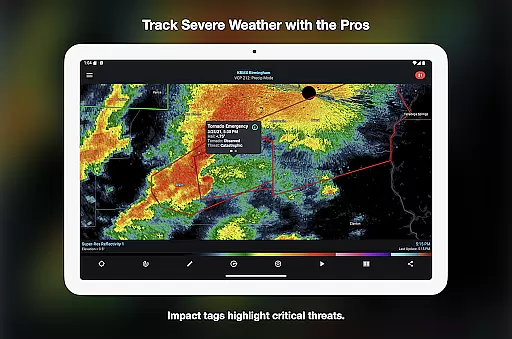
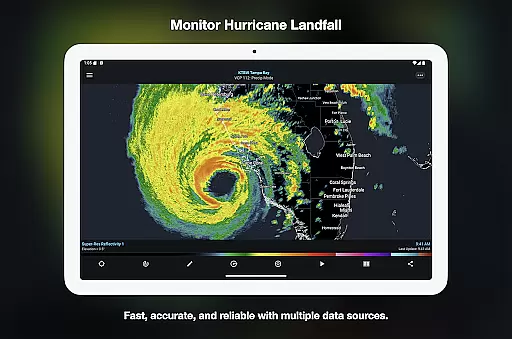
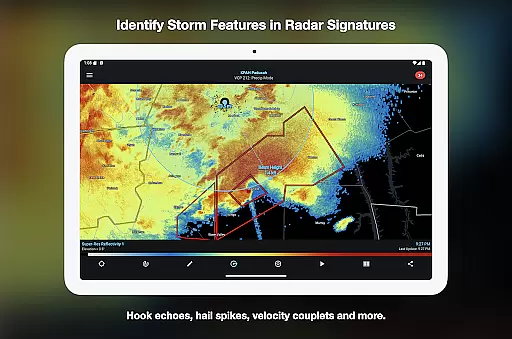
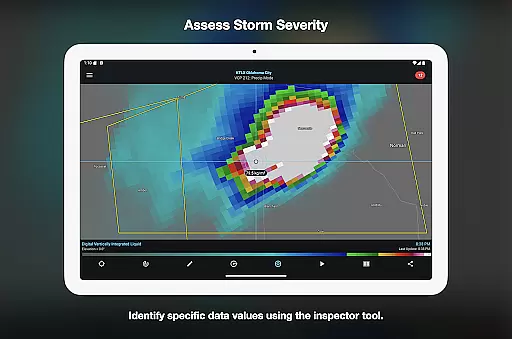
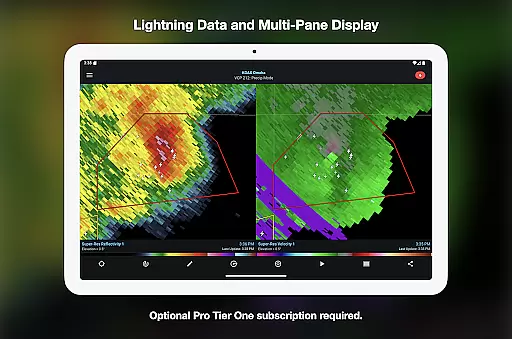
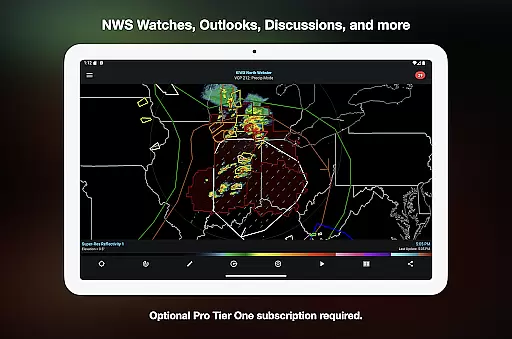
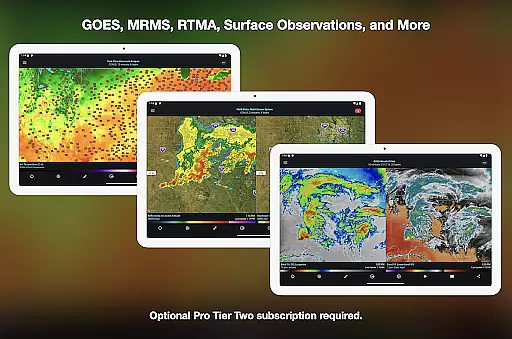
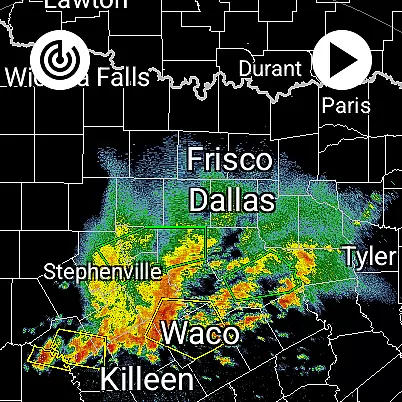
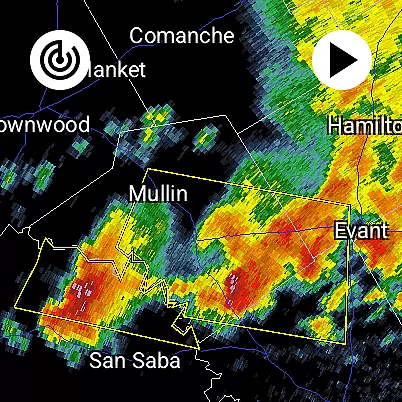
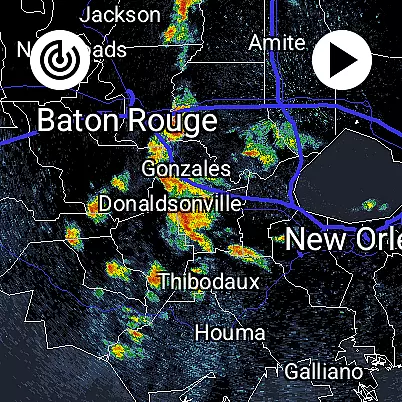
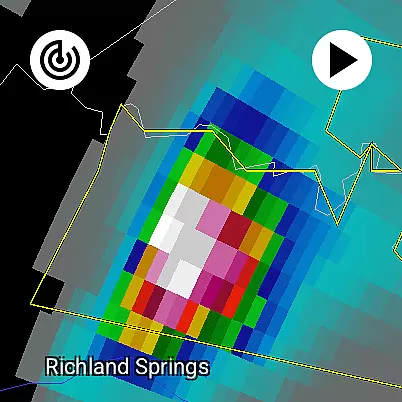
RadarScope is a professional weather visualization tool designed for meteorologists and weather enthusiasts. It provides real-time access to a comprehensive suite of single-site radar data and severe weather products across multiple countries. The app displays native radar data in its original radial format, offering near-instant updates every two to ten minutes depending on the radar's scanning strategy.
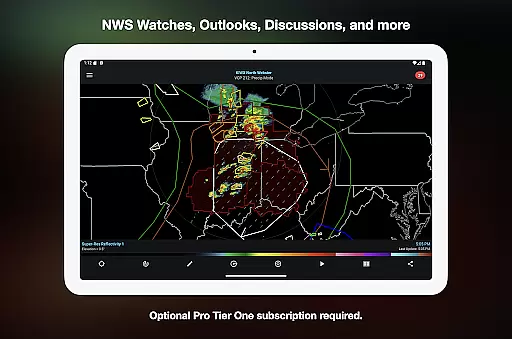
With its initial purchase, users gain access to advanced features such as 6-frame radar loops, tornado and thunderstorm warnings, storm tracks, and integration with services like AllisonHouse and Spotter Network. Optional RadarScope Pro subscriptions unlock additional capabilities, including longer radar loops, lightning strike data, and historical weather archives, making it an indispensable tool for tracking storms and other weather phenomena.
RadarScope stands out with its ability to display radar data in its purest form, ensuring accuracy and timeliness. The app supports radar products from the US, Canada, Guam, Denmark, Finland, and Germany, providing global coverage for weather professionals. Its Inspector and distance tools allow users to analyze radar images with precision, while customizable color palettes enable personalized data visualization.
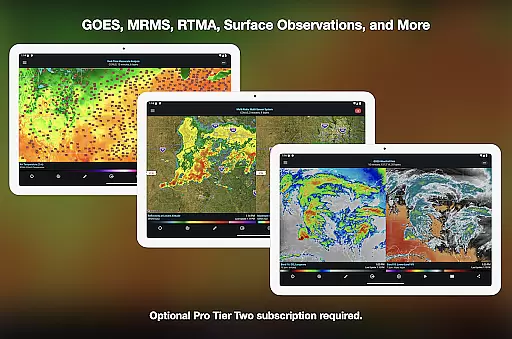
For power users, RadarScope Pro tiers offer enhanced functionalities. Tier One includes 30-frame radar loops and cloud-to-ground lightning data, while Tier Two expands to NEXRAD Level II data, GOES satellite imagery, and MRMS products. These advanced features cater to users who require detailed analysis of atmospheric conditions, making RadarScope a versatile tool for both casual observers and professional meteorologists.
Companion app integration is crucial for Android Wear applications as it ensures seamless data synchronization and feature coordination between the wearable and its primary device. RadarScope excels in this area by offering a unified experience across both Android and Wear OS platforms.
The app provides real-time weather updates directly to your wrist, ensuring that critical meteorological information is always accessible. This includes live radar imagery, severe weather alerts, and other essential data points that are perfectly optimized for quick viewing on smaller screens.
Users benefit from having instant access to vital weather information without needing to pull out their phone. The companion app architecture allows for automatic syncing of preferences, locations, and custom settings, creating a truly integrated ecosystem.
This level of integration significantly enhances situational awareness for meteorologists and weather enthusiasts who need immediate access to changing weather conditions while on the move.
Device compatibility is fundamental for any Android Wear application, determining how well the software performs across different hardware configurations. RadarScope demonstrates exceptional compatibility with various Wear OS devices, maintaining consistent performance and functionality regardless of the specific smartwatch model.
The application is engineered to deliver optimal performance even on devices with limited processing power and memory. It achieves this through efficient coding practices and adaptive UI elements that adjust to different screen sizes and resolutions.
Users can expect reliable operation whether they're using a high-end smartwatch or an entry-level device. The app's universal design ensures that all core features remain accessible and responsive across the entire spectrum of supported devices.
This broad compatibility makes RadarScope an ideal choice for professionals and enthusiasts who require dependable weather information on their preferred wearable technology.
Real-time radar updates
Global radar coverage
Customizable color palettes
Integration with weather services
Detailed storm tracking
Higher subscription cost
Complex for beginners
Limited free features
No offline mode
Heavy data usage

Diet tracker for weight loss - track calories, food and macros. Simple and easy!
 4.70
4.70
Walking app for weight loss: walk & step tracker, pedometer, indoor treadmill
4.60
Christmas is near, let's count together the days left until Santa comes
4.4
Be an elegant and classy secret agent, with this carefully detailed watch face
4.70
The most customizable minimal watch face. For Wear OS 5.0, API 34+ and later
4.70
Bold, Modern Hybrid Watch Face for Wear OS. 10 Colors, Rich Info Display.
4.30
Find EV charging stations
4.30
Funny animated watch face for Thanksgiving
4.5
Hybrid watch face for Wear OS with customizable complications by Matteo Dini MD
4.70
Retro digital watch face with customizable colors and a unique lighting effect
4.60
The ultimate destination for kids ages 3-8 to explore the Marvel Universe!
4.30
A customizable Christmas watch face for Wear OS with a countdown.
4.20
Your music, your playlists, and more—offline and unlimited.
4.20
Get helpful reminders, take progress photos and find answers to your questions.
3.90
Want to take charge of your health? Let Google Fit help you reach your goals.
3.50
Wear Os Watch Face - Animated Snow Effect & Christmas Lights
4.5
an Analog Watch Face for winter season with freeze winter background for Wear OS
4.4
A heartwarming Christmas scene featuring a cute image of Santa and Rudolf
4.0
Simple Analog-Digital Watchface For Wear OS 3.0 and Up Smartwatches
4.3


User Reviews