
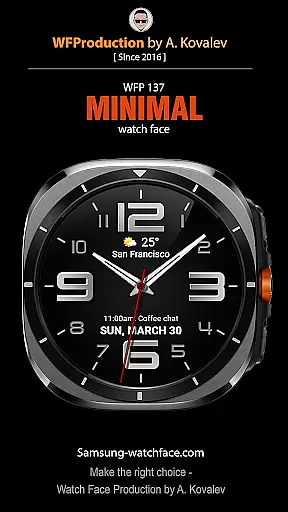
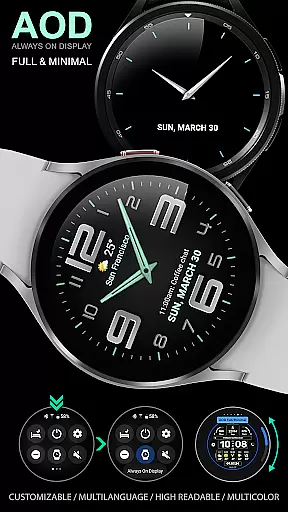
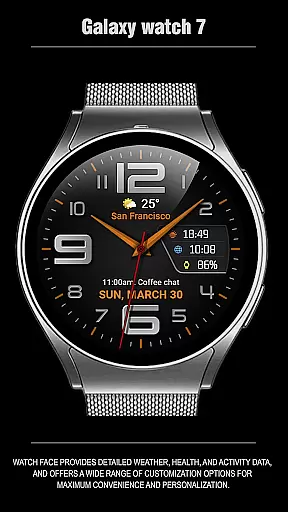
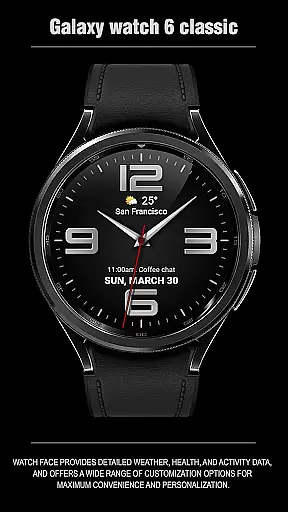
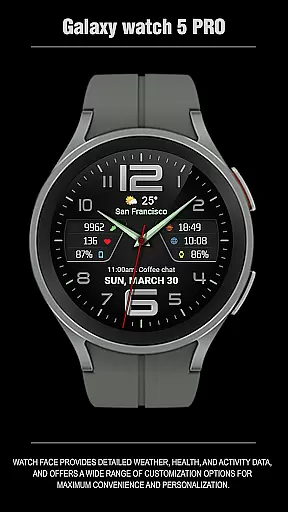
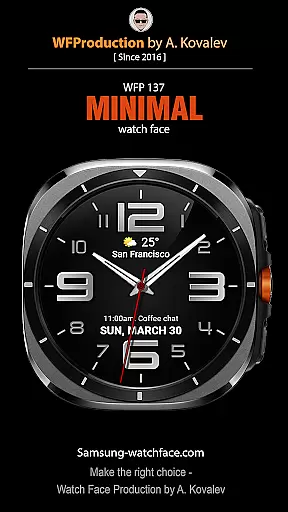
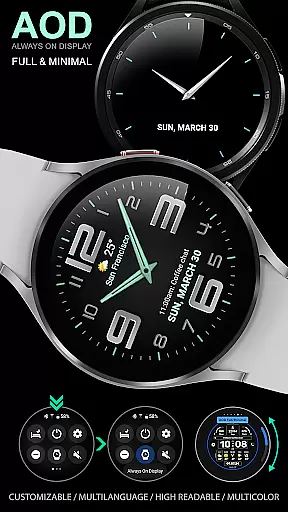
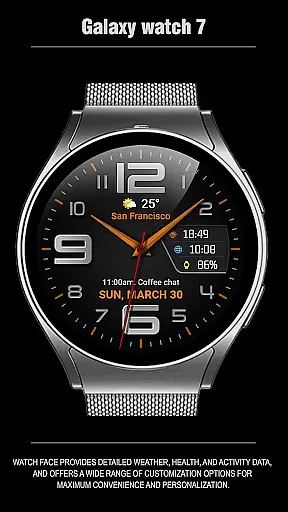
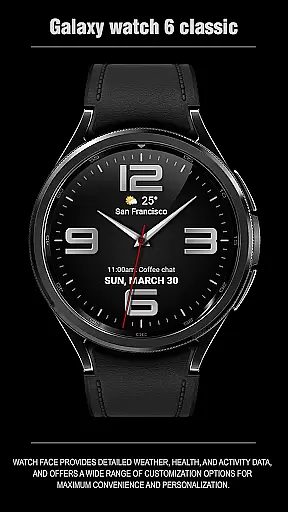
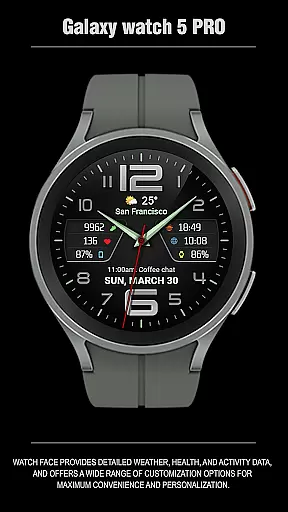
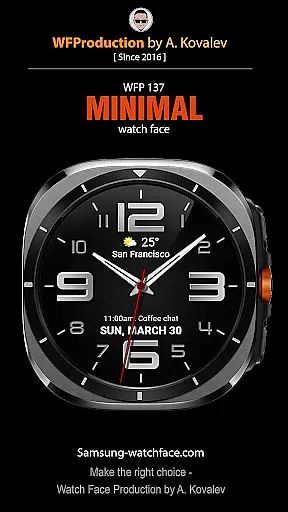
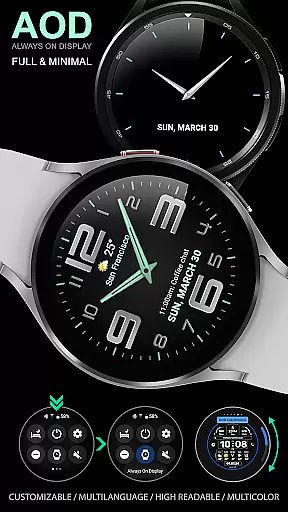
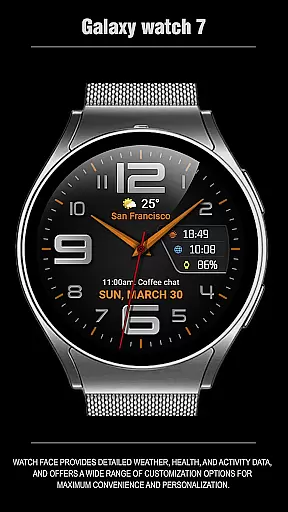
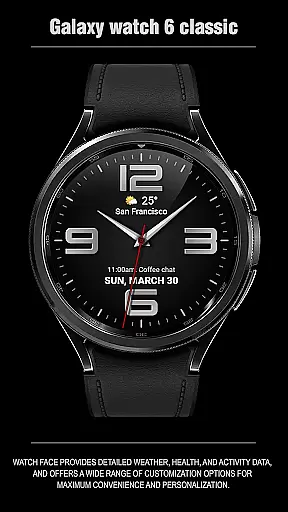
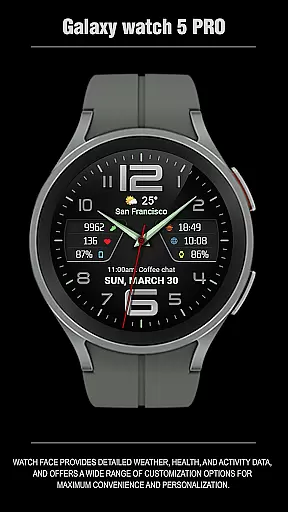
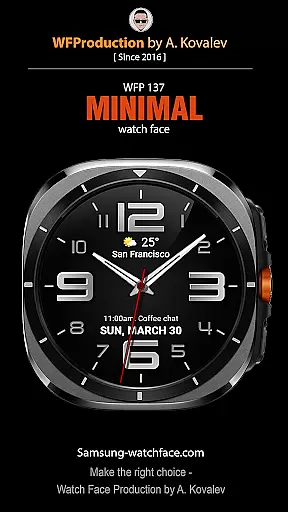
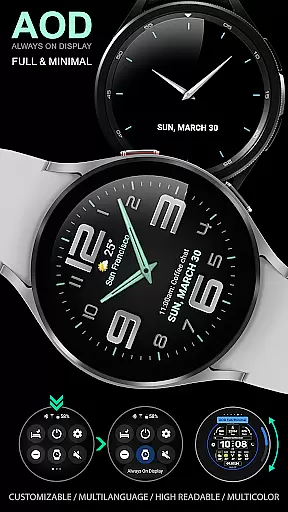
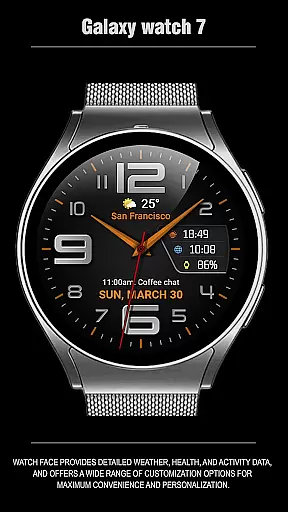
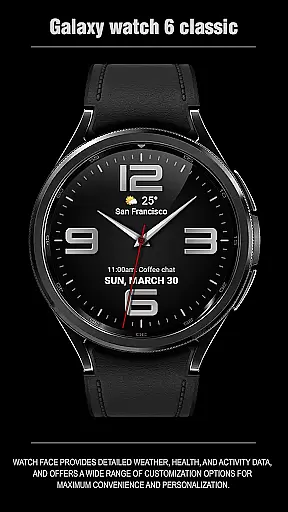
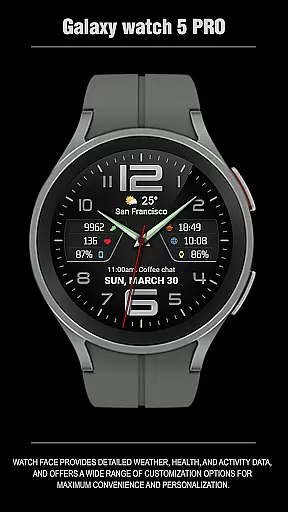
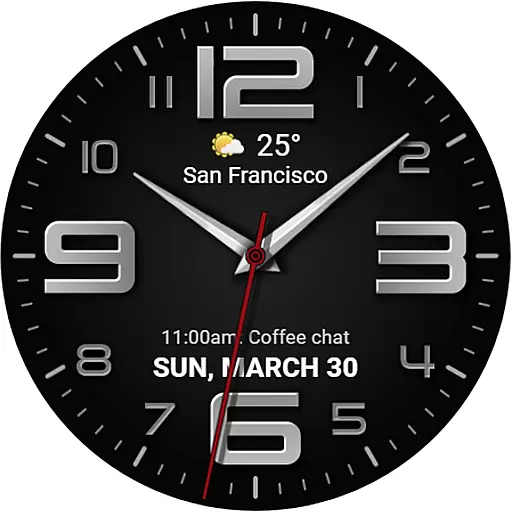
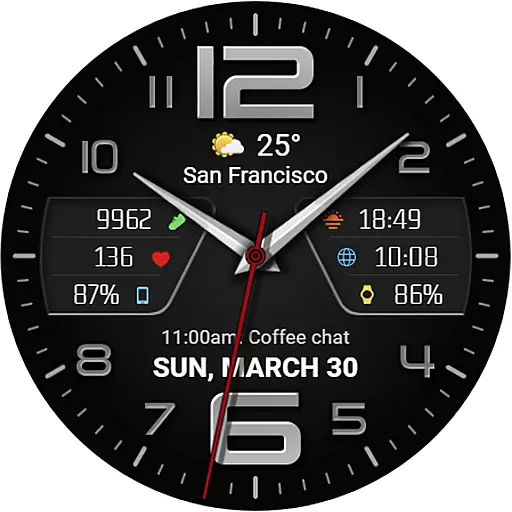
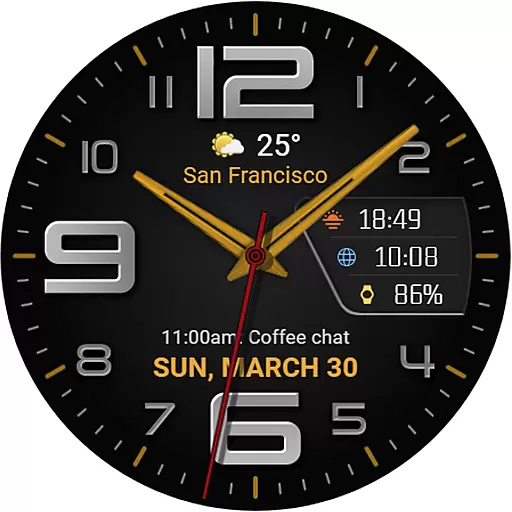
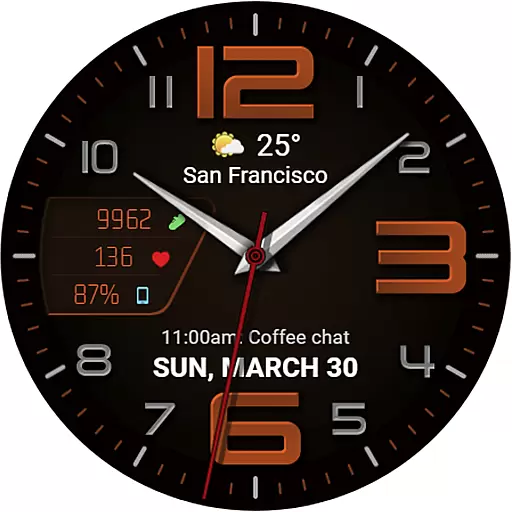
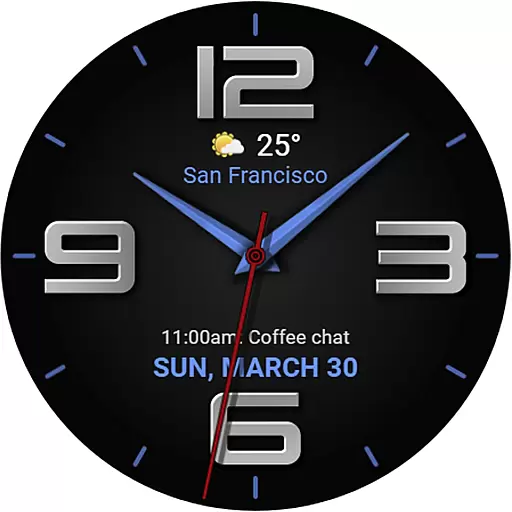
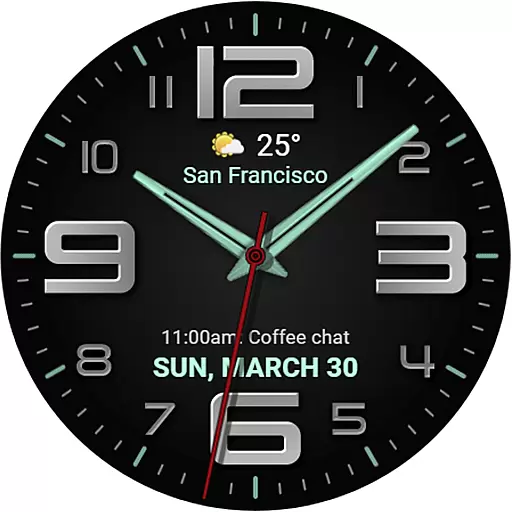
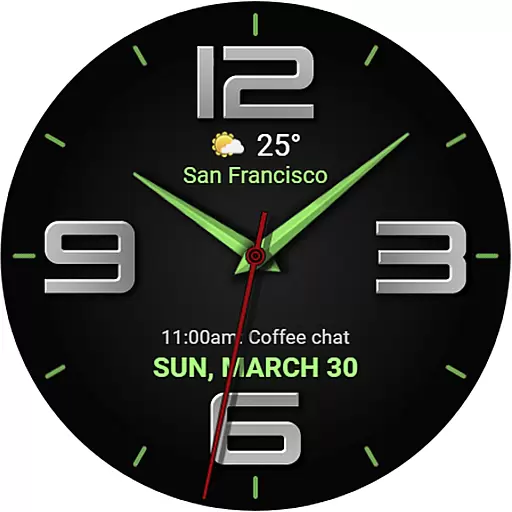
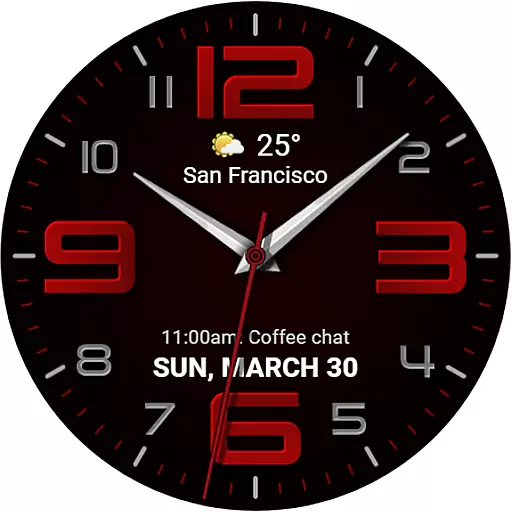
The WFP 137 Minimal watch face is a stylish and functional application designed for smartwatches. It offers users detailed weather forecasts, health tracking, and activity data directly on their watch face. With compatibility for devices running API 34+ and later, this app ensures broad device support.
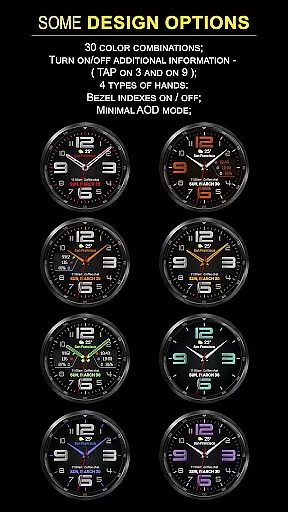
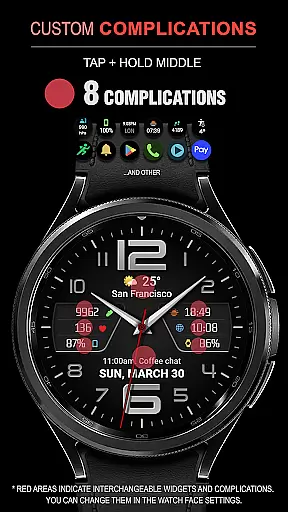
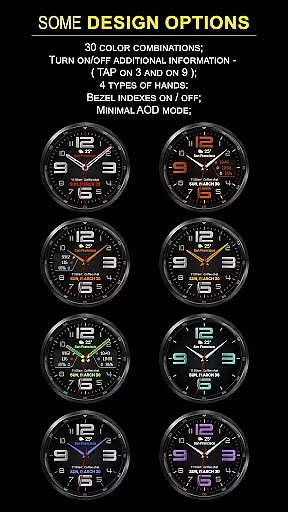
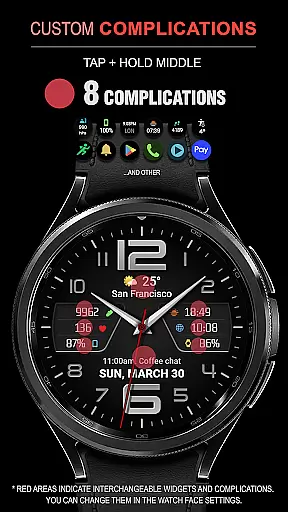
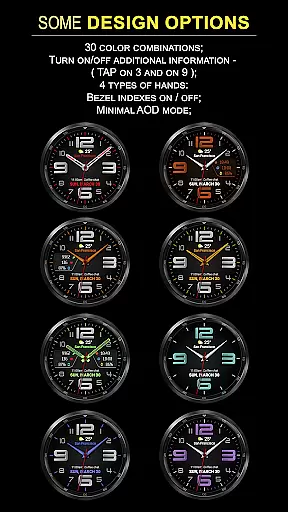
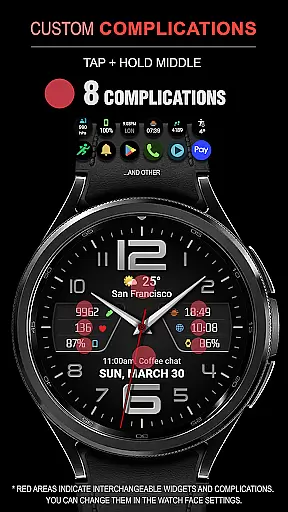
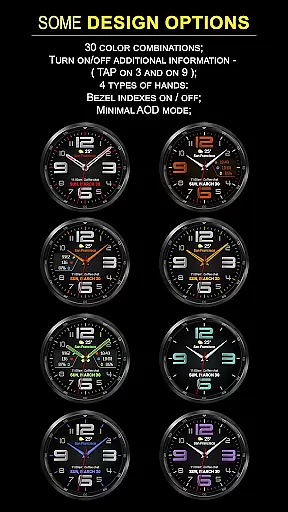
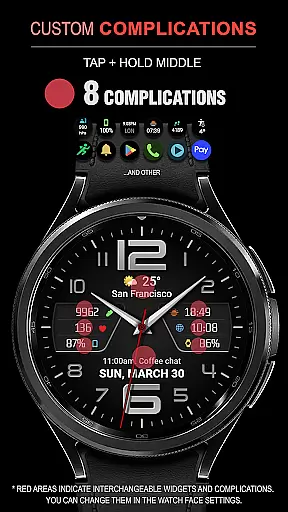
One of the key highlights of the WFP 137 Minimal watch face is its extensive customization options. Users can choose from 30 color combinations, 8 complications, and 4 types of hands to personalize their watch face. The app also features high resolution and optimization, ensuring smooth performance while consuming minimal battery power.
This application is ideal for individuals who want both style and functionality on their smartwatch. Whether you need quick access to weather updates or want to track your daily activities, the WFP 137 Minimal watch face provides a personalized and efficient solution.
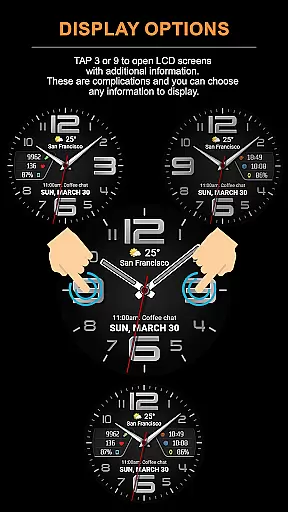
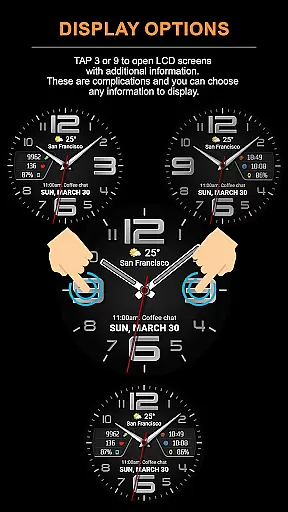
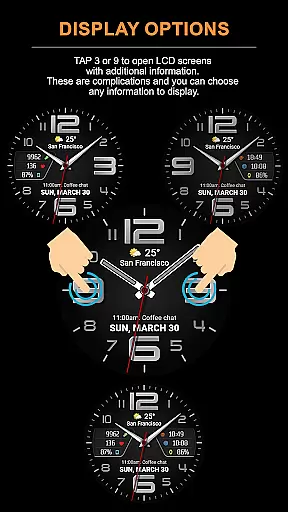
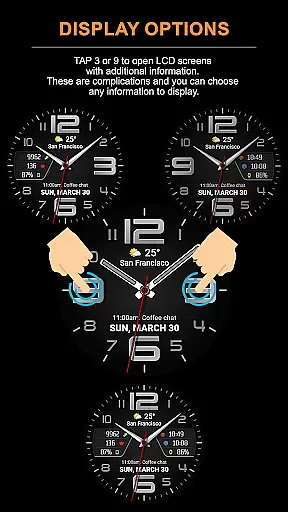
The WFP 137 Minimal watch face stands out with its rich feature set tailored for smartwatch users. One notable feature is the ability to tap at 3 or 9 on the watch face to open LCD screens displaying additional information. These are customizable complications where users can select what data to show, such as weather forecasts or health metrics.
Customization is at the heart of this app's functionality. Users can choose from 30 color combinations and 4 types of hands, allowing them to tailor the appearance to their preferences. Additionally, the app supports multilingual interfaces and displays weather in both Fahrenheit and Celsius, catering to a global audience.
Performance-wise, the WFP 137 Minimal watch face boasts high resolution and optimization, resulting in low battery consumption. This ensures that users can enjoy a visually appealing watch face without compromising on battery life, making it an excellent choice for everyday use.
Companion app integration is essential for a seamless wearable experience. The WFP 137 Minimal watch face excels in this area by offering users the ability to sync and share data with their smartphones effortlessly.
This functionality allows for real-time updates of weather, health, and activity data directly on the user's wrist. By tapping into the phone's sensors and internet connection, the watch face remains up-to-date without requiring direct input from the user.
Users benefit from having all their important information in one place, accessible at a glance. Whether it's receiving notifications or monitoring daily step counts, the integration ensures that the most current data is always available.
The synchronization between devices enhances the overall utility of the watch face, making it not just a timepiece but a comprehensive personal assistant on the wrist.
Device compatibility is crucial for ensuring that the WFP 137 Minimal watch face functions optimally across various Wear OS devices. This watch face supports devices running API 34+ and later, which covers a wide range of modern smartwatches.
By being compatible with multiple devices, the WFP 137 Minimal guarantees that its stylish design and functional features are accessible to a broad audience. Users can enjoy a consistent experience regardless of their specific Wear OS device model.
This compatibility also means that future updates to Wear OS will likely support the watch face, ensuring longevity and continued functionality as technology advances.
Ultimately, the broad device compatibility enhances user satisfaction by providing flexibility in device choice while maintaining access to advanced customization options and features.
Highly customizable
Low battery usage
Wide compatibility
Informative complications
Stylish design
Limited widget support
No advanced analytics
Premium features cost
Complex setup
Fewer updates

A customizable Christmas watch face for Wear OS with a countdown.
 4.20
4.20
Be an elegant and classy secret agent, with this carefully detailed watch face
4.70
Authentic military-tactical design with ZULU time! Realistic and functional!
3.80
The #1 source of faces for your smartwatch!
4.00
Minimalistic design modern digital watch face.
4.5
Stylish, Energizing and Modern Watch Face crafted by Dominus Mathias.
4.50
Fast and smart typing with Emojis, GIFs, and more
4.50
Your local weather forecast, storm tracker, radar maps & live weather news
3.40
Control your Samsung Smart TVs, appliances, and SmartThings-compatible devices
4.60
Digital, flexibly customizable watch face. For Wear OS 5.0, API 34+ and later.
5.00
Highly customizable hybrid watch face for Wear OS, perfect for everyday use.
4.60
Retro digital watch face with customizable colors and a unique lighting effect
4.60
Bold weather Digital watchface with forecast & optional animated background
4.40
Your music, your playlists, and more—offline and unlimited.
4.20
Wear Os Watch Face - Animated Snow Effect & Magic Spark - 6 Scenes
4.10
Connect, create, and collaborate with Gmail, part of Google Workspace.
4.10
Watch the sharpness of the sky on your wrist..
3.70
Stay in touch with your friends and family using LINE!
3.40
Fitness interactive virtual pet super fighter boy watch face
4.3


User Reviews