
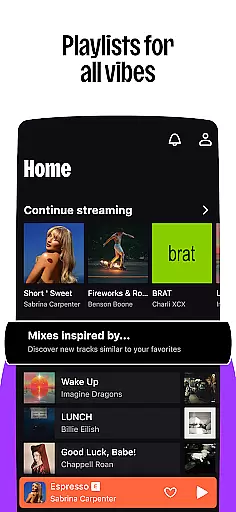

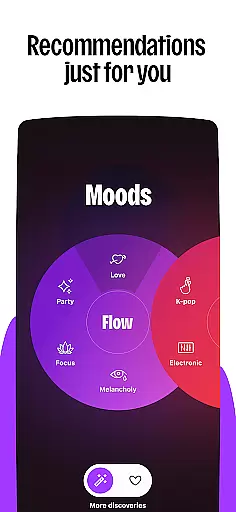




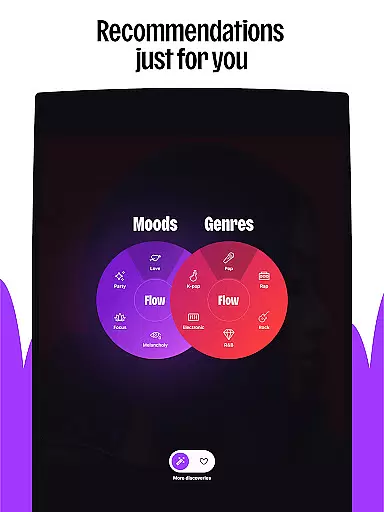
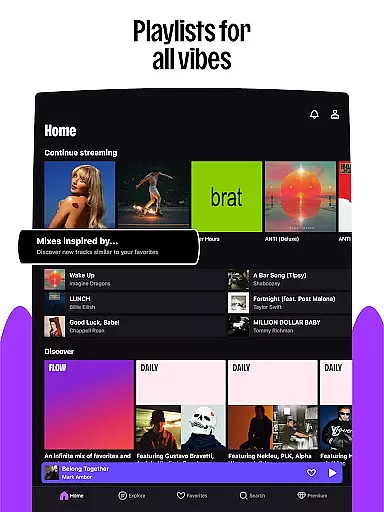


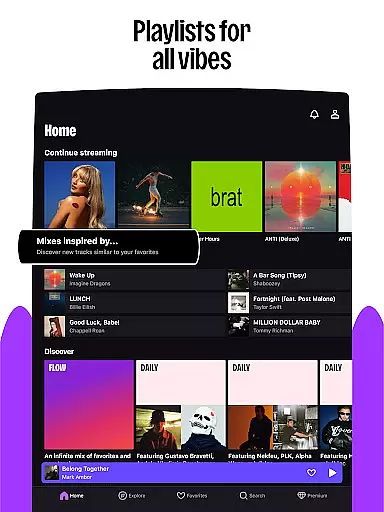


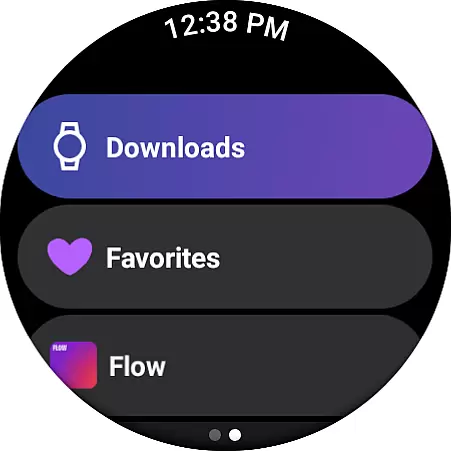
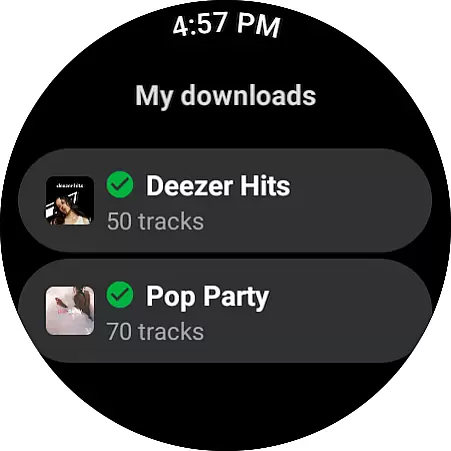
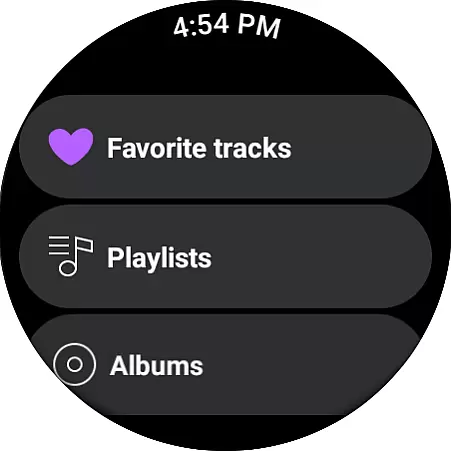
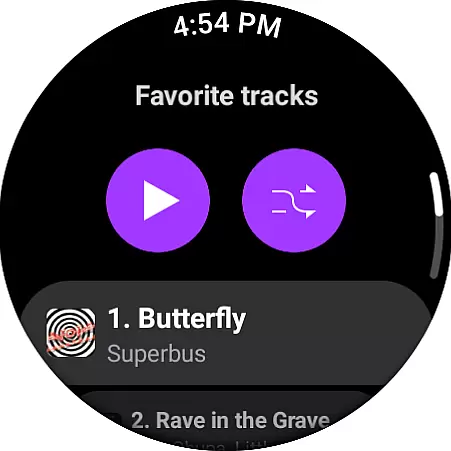
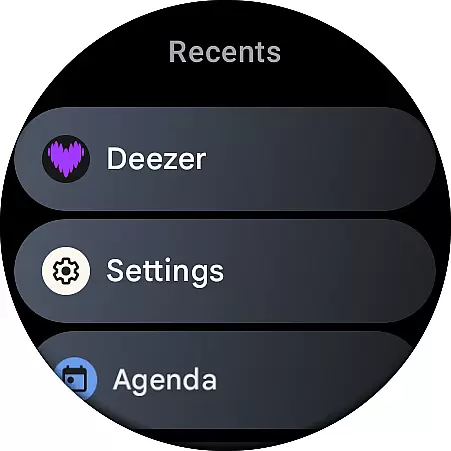
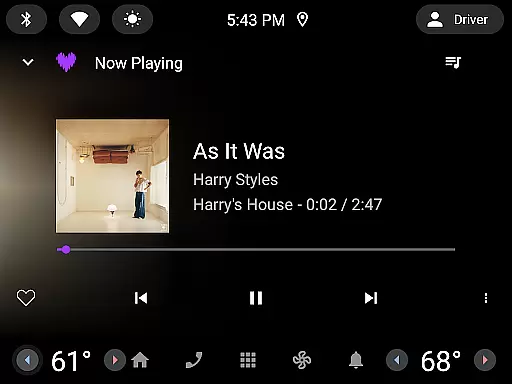
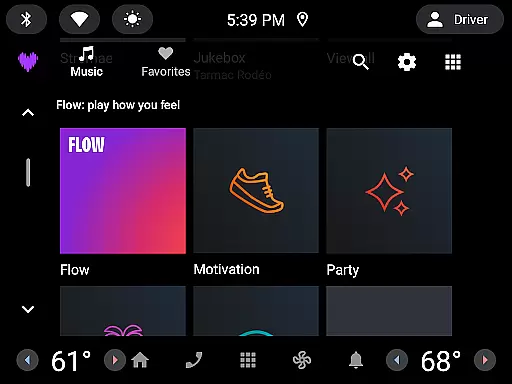
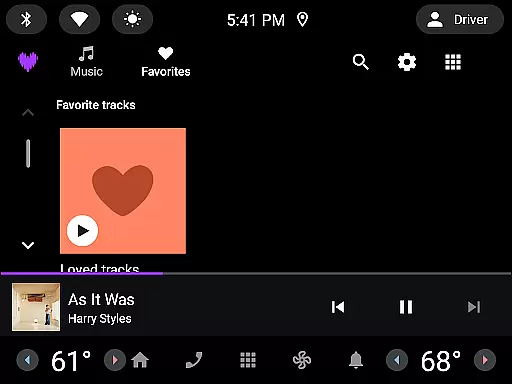
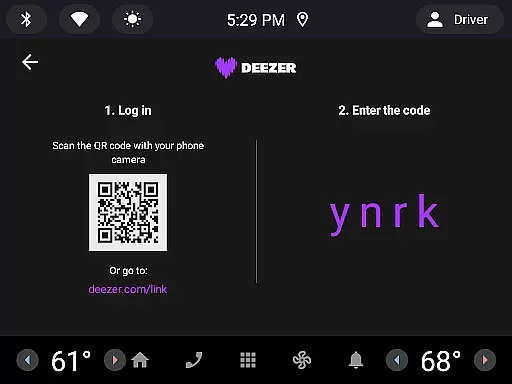

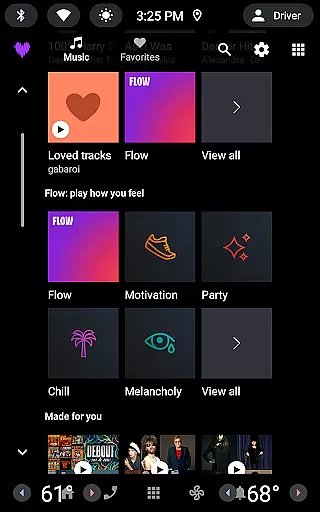
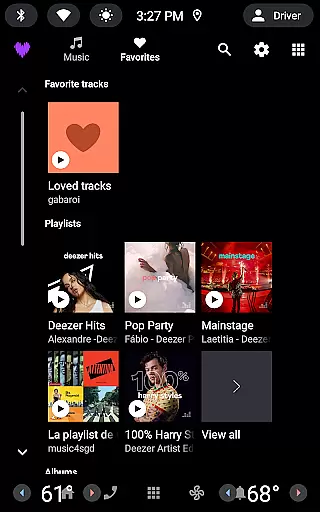

Deezer is a comprehensive music streaming platform designed for Android Wear users who want to enjoy their favorite tracks on the go. This app offers an extensive music catalog with personalized playlists, mood-based mixes, and curated content tailored to individual preferences. With features like Flow, Deezer creates an infinite mix of your favorite songs while introducing new discoveries.
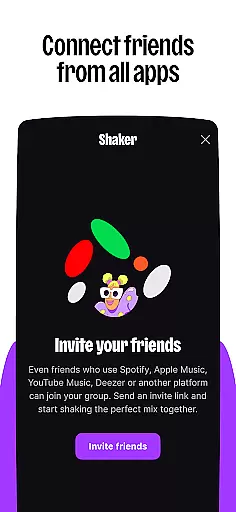
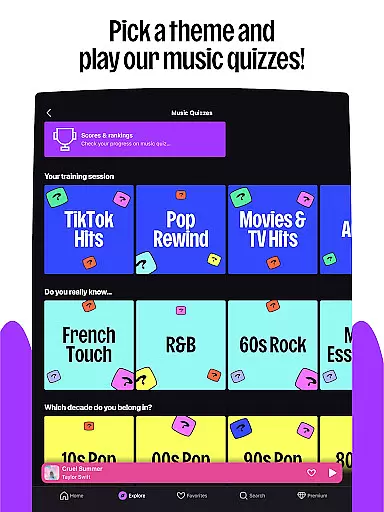
Beyond music, Deezer supports podcasts, audiobooks, and radio, making it a versatile listening companion. The app also includes interactive features such as Shaker for collaborative playlists, Music Quiz for fun challenges, and SongCatcher for identifying tunes. Available on smartwatches, Deezer ensures you can access high-quality audio wherever you are.
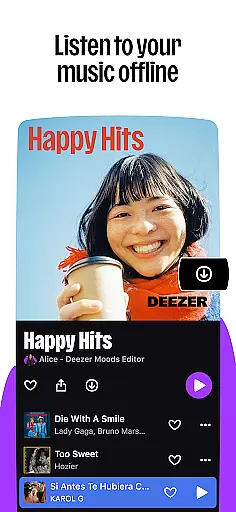
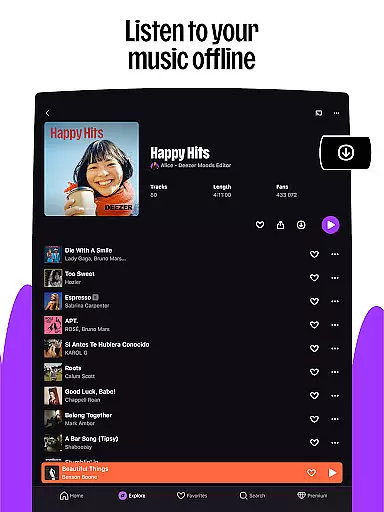
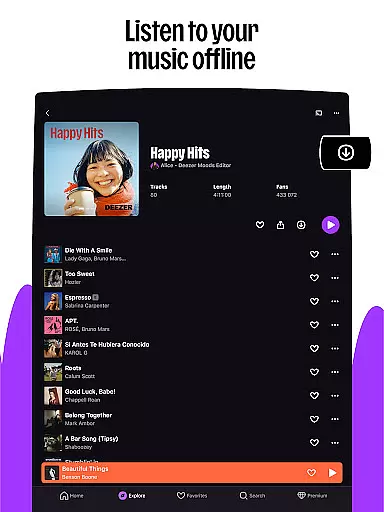
Whether you're commuting or working out, Deezer's offline mode and HiFi audio quality provide uninterrupted playback. The app is compatible with various devices including Galaxy Watch, Fitbit, and other Wear OS gadgets, offering seamless integration into your digital lifestyle.
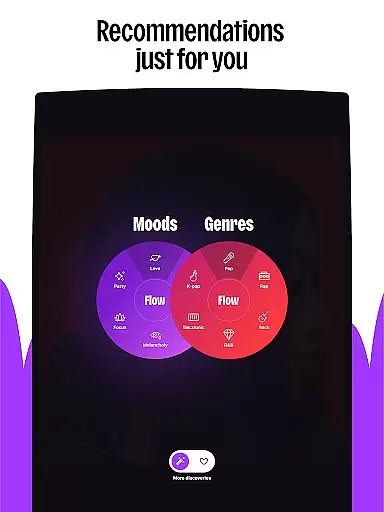
Deezer stands out with its innovative features designed specifically for Android Wear users. The app's signature Flow feature provides an endless stream of personalized music recommendations based on your listening habits and preferences. This adaptive algorithm learns from your interactions to deliver increasingly accurate suggestions over time.
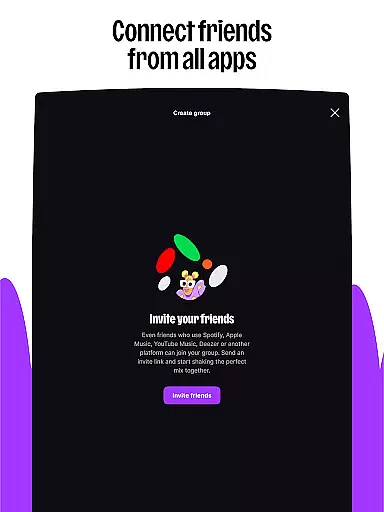
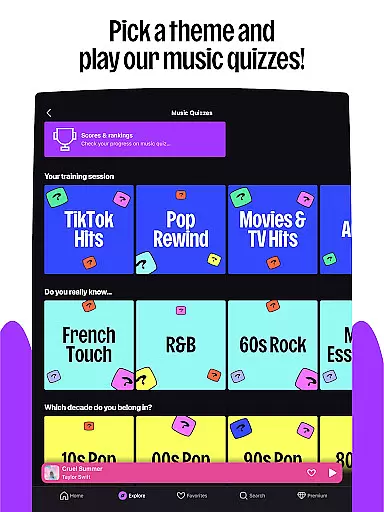
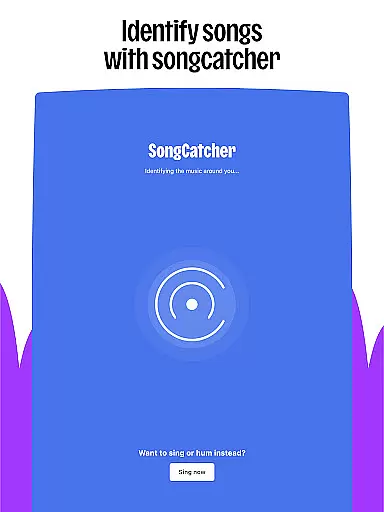
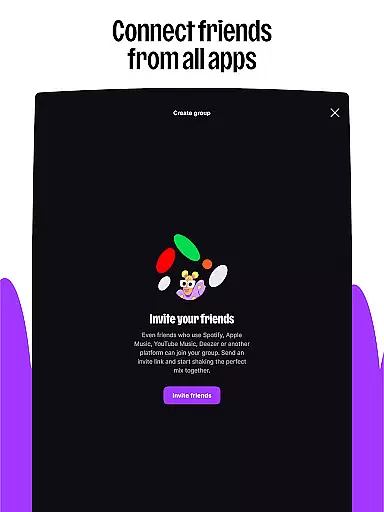
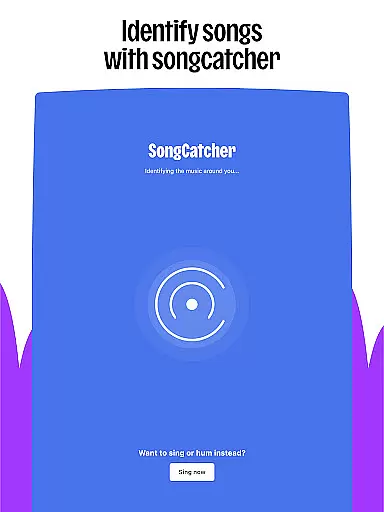
For those who love interactive experiences, Deezer offers several engaging tools. Shaker lets you create shared playlists with friends, while Music Quiz tests your knowledge through entertaining challenges. SongCatcher revolutionizes music discovery by identifying songs from humming or ambient sounds. Additionally, Deezer Club provides exclusive opportunities to win tickets for live events.
The customization options are equally impressive. Users can personalize their homepage layout, design custom playlist covers, and organize favorites according to their preferences. With support for lyrics and translations, Deezer enhances the listening experience while maintaining essential features like ad-free playback, unlimited skips, and high-fidelity audio quality across all subscription plans.
Companion app integration is essential for a seamless wearable experience. Deezer excels in this area by offering robust synchronization between its mobile app and Android Wear devices.
The integration allows users to access their entire music library, playlists, and Flow directly from their smartwatch. This means you can leave your phone at home while still enjoying your personalized music experience during workouts or commutes.
Deezer's companion app functionality extends beyond just music playback. Users can control playback, browse new content, and even use voice commands to find specific tracks or playlists. The transition between mobile and wearable devices is smooth, with real-time updates ensuring your listening history and preferences are always current.
This level of integration provides significant value to users who want the convenience of accessing their music library anytime, anywhere, without being tied to their smartphones. It enhances the overall user experience by making music more accessible and convenient across different devices.
Device compatibility is crucial for any application targeting the Android Wear platform. Deezer demonstrates excellent compatibility with various Wear OS devices, ensuring a consistent experience across smartwatches from different manufacturers.
The application supports popular devices like Galaxy Watch, Fitbit, and other Wear OS devices. This wide compatibility range allows users to enjoy Deezer regardless of their chosen wearable brand. The app automatically adjusts its interface to fit different screen sizes and resolutions, maintaining optimal usability.
Beyond basic compatibility, Deezer optimizes its performance for each supported device. This includes adapting to hardware capabilities, ensuring efficient battery usage, and leveraging device-specific features like heart rate monitors for workout playlists.
By maintaining broad device compatibility and optimizing for individual devices, Deezer ensures that users can enjoy high-quality music streaming on their preferred wearable technology. This approach maximizes the potential user base while delivering a premium listening experience across all compatible devices.
Extensive music library
Personalized recommendations
Interactive features
Multi-device compatibility
High-quality audio streaming
Limited free version
Subscription costs
Feature availability varies
Occasional connectivity issues
Learning curve for new users

Calming & relaxing sounds for sleeping and stress relief. Stay focused all day!
 4.20
4.20
Beautiful artistic animated digital watch face, with a customizable layout!
4.40
Bold, Modern Hybrid Watch Face for Wear OS. 10 Colors, Rich Info Display.
4.30
Professional weather radar and more
3.90
Minimalistic design modern digital watch face.
4.0
Hyper-Realistic Airplane Dashboard Watch Face With 10 Skins and Custom AOD
4.00
Hybrid watch face for Wear OS with customizable complications by Matteo Dini MD
4.70
Fast and smart typing with Emojis, GIFs, and more
4.50
Your local weather forecast, storm tracker, radar maps & live weather news
3.40
Digital, flexibly customizable watch face. For Wear OS 5.0, API 34+ and later.
5.00
Diet tracker for weight loss - track calories, food and macros. Simple and easy!
4.70
A modern premium sporty hybrid watch face for Wear OS by Ballozi
4.70
A realistic hybrid watch face with many customization options.
4.60
Stylish, Energizing and Modern Watch Face crafted by Dominus Mathias.
4.50
Embrace the holiday spirit with this magical animated watch face!
4.40
Premium hybrid watch face with many customizations for Wear OS devices.
4.40
Find EV charging stations
4.30
Embrace the festive spirit with our Christmas Countdown watchface for Wear OS
4.10
A watch face that fuses motorsport precision with contemporary smartwatch design
4.1


User Reviews