
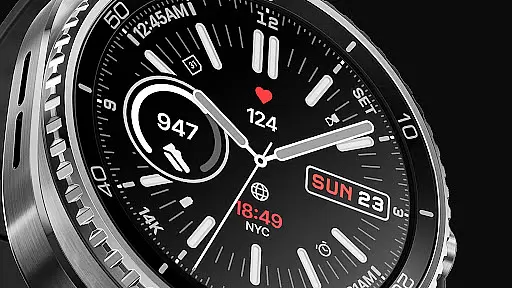
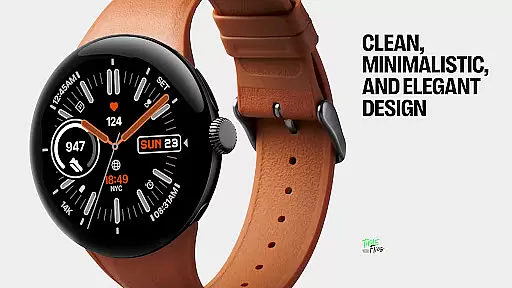
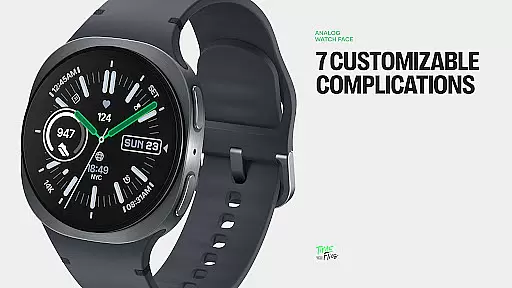
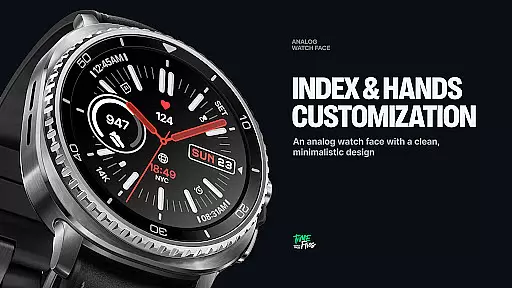
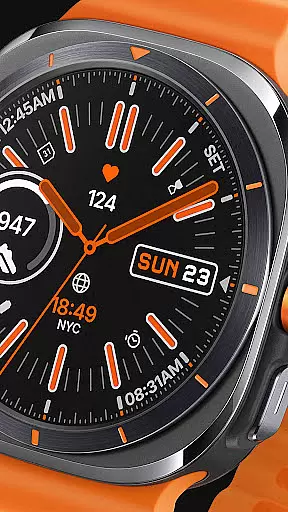
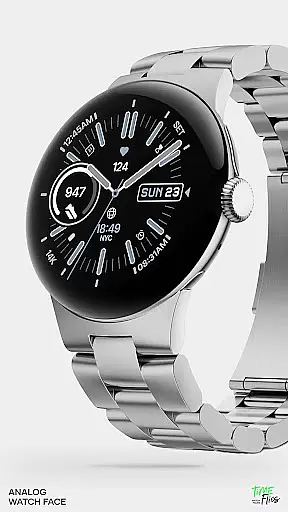
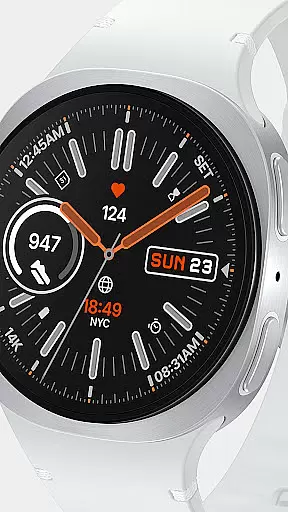
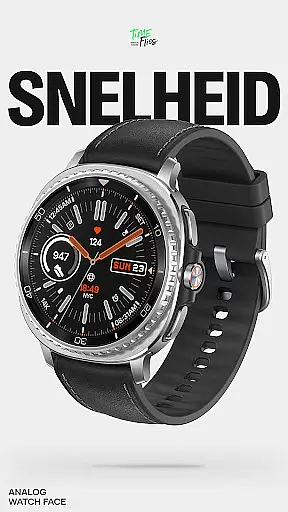
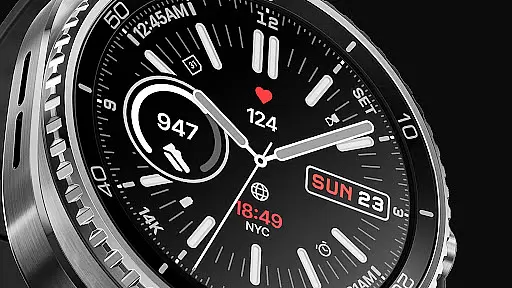
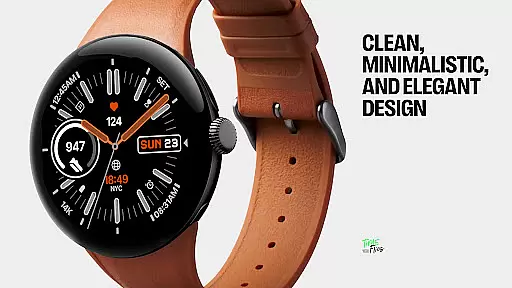
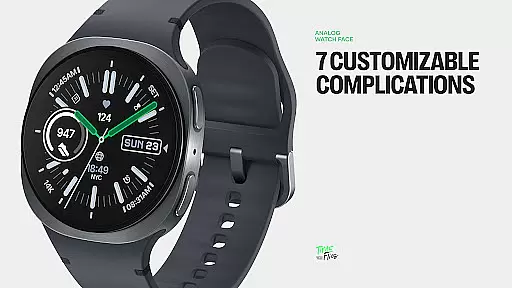
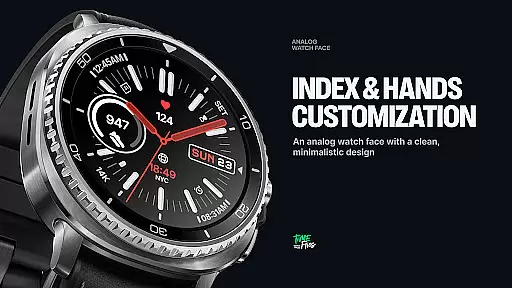
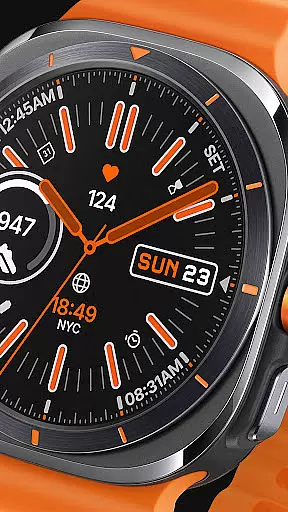
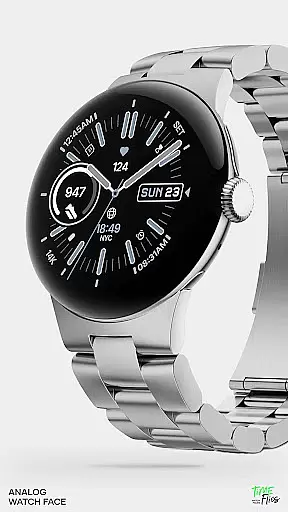
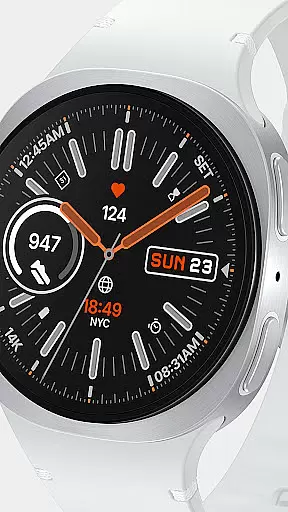
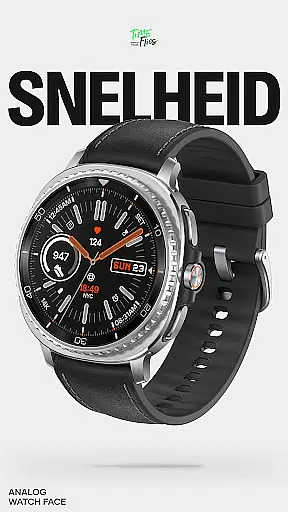
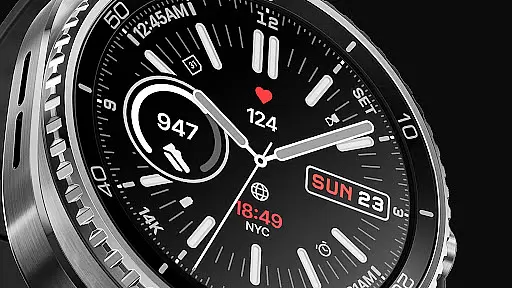
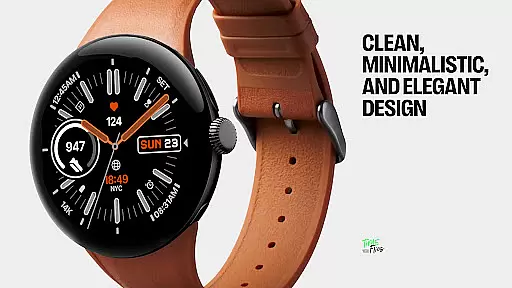
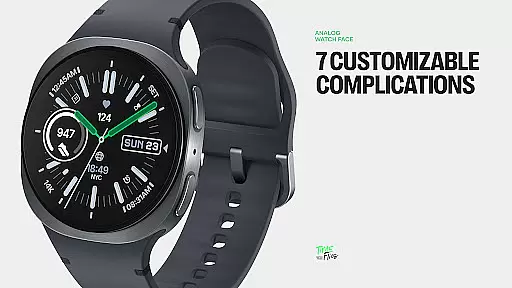
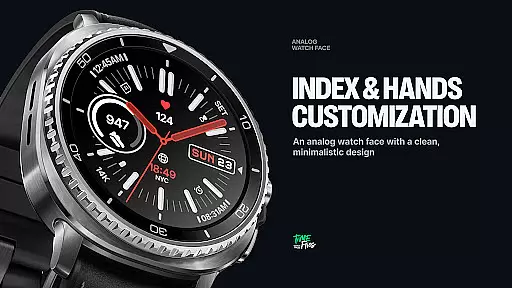
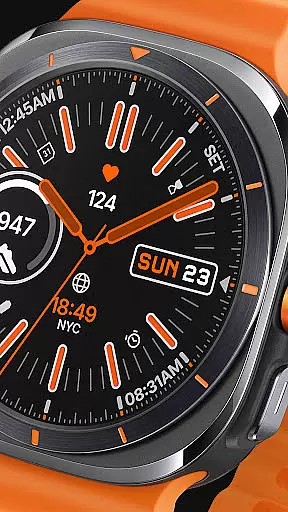
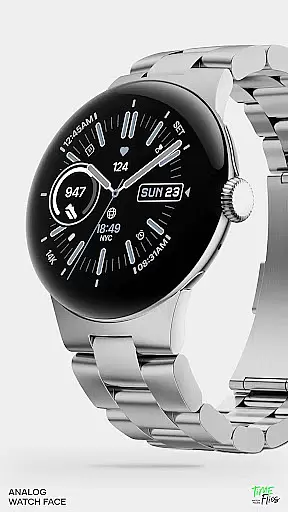
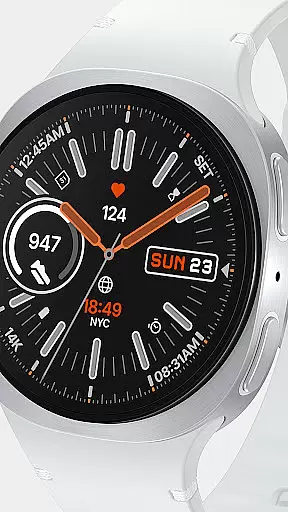
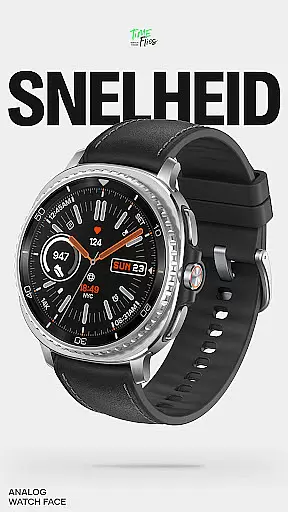
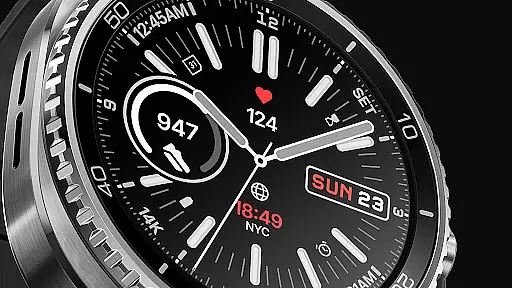
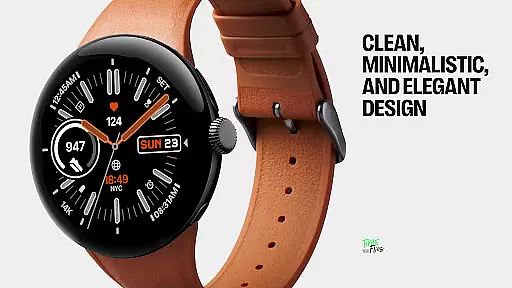
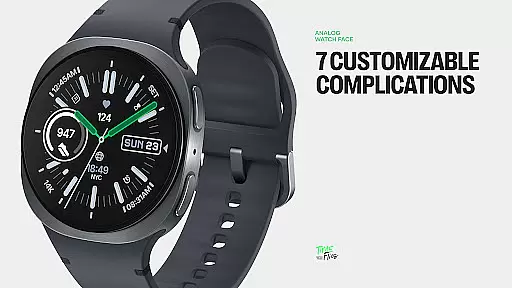
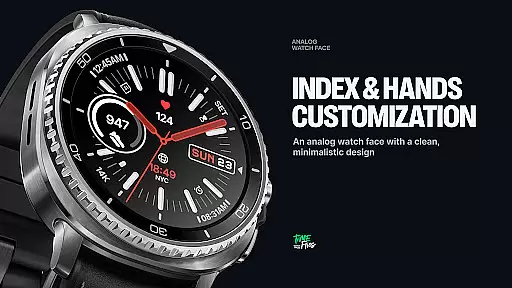
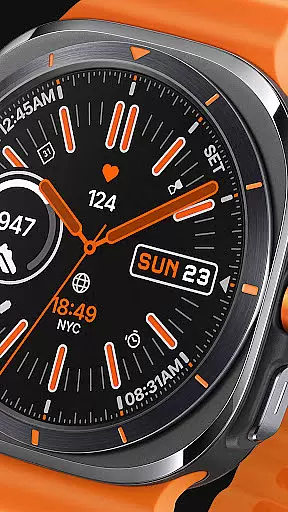
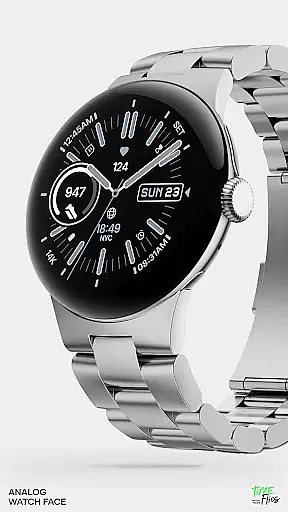
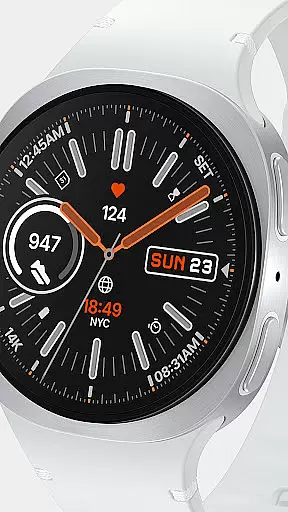
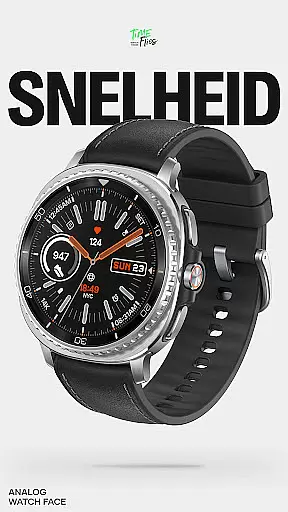
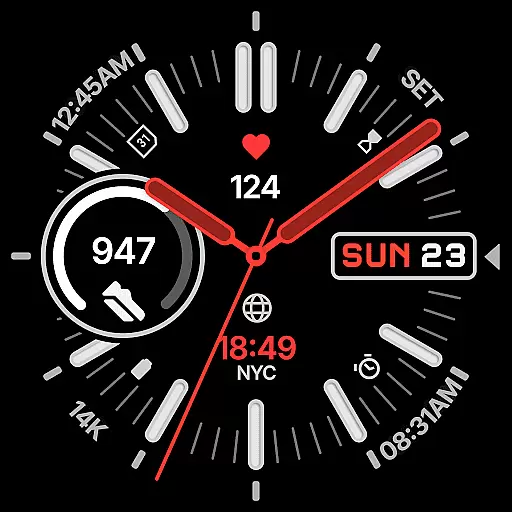
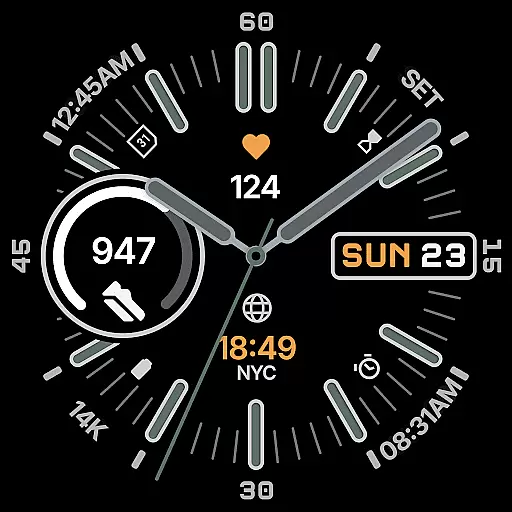
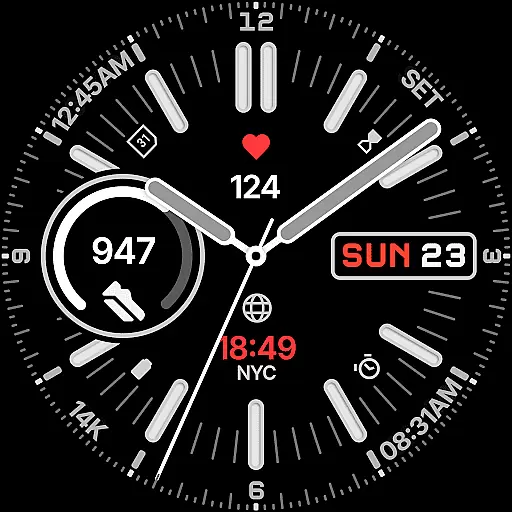
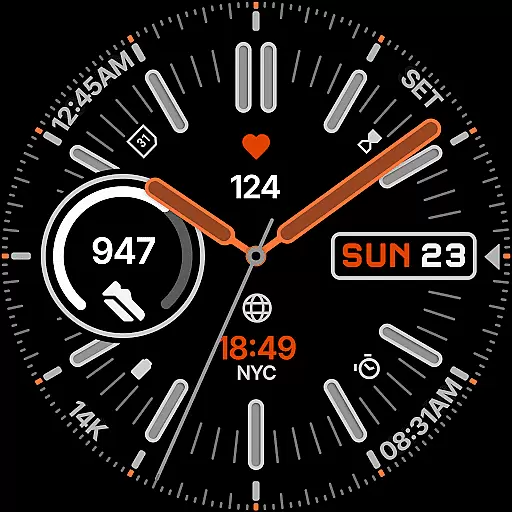
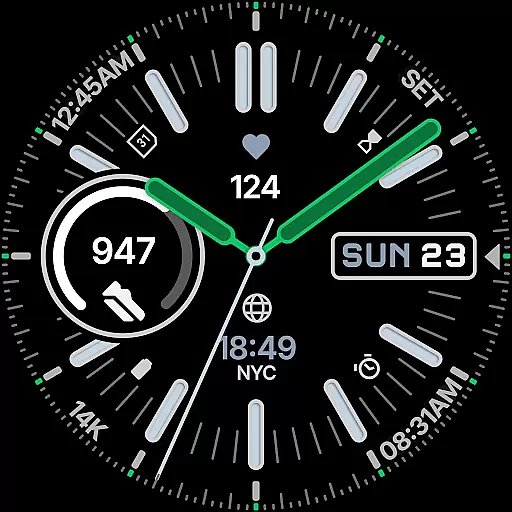
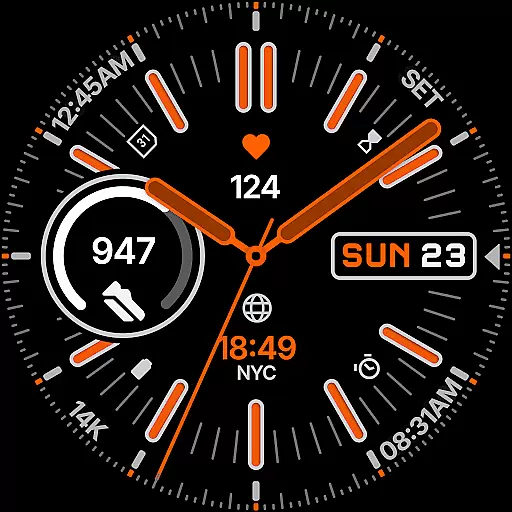
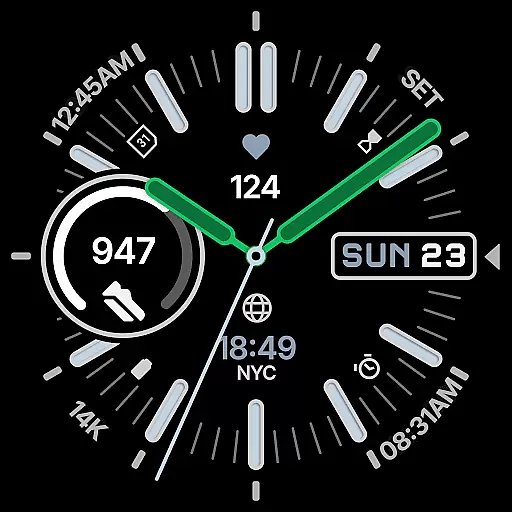
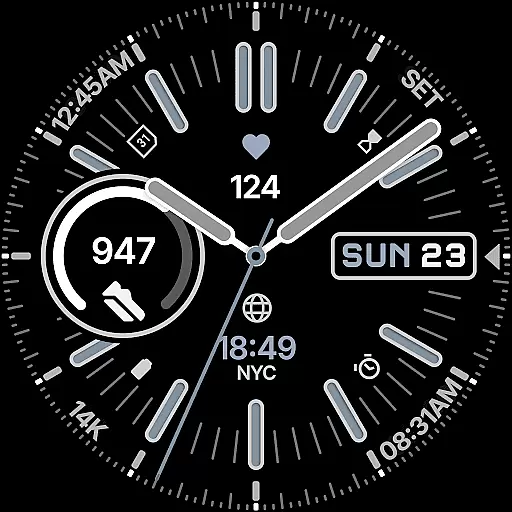
Snelheid Analog Watch Face is a Wear OS watch face that combines motorsport-inspired design with modern smartwatch functionality. Featuring bold indices, dashboard-style typography, and vibrant accents, it delivers both style and utility. The dynamic dial integrates analog timekeeping with digital intelligence, offering seven customizable complications for quick access to essential data like health metrics, weather, and more.
With 30 curated color schemes, multiple index styles, and battery-efficient Always-on Display modes, Snelheid adapts to various settings, from professional environments to outdoor activities. Its optional Android companion app simplifies customization, making it easy to tailor the watch face to individual preferences while maintaining its motorsport character.
Snelheid stands out with its fusion of motorsport aesthetics and smartwatch technology. The watch face features bold indices and dashboard-inspired typography, creating a visually striking yet functional design. Seven customizable complications are seamlessly integrated into the dial, providing users with instant access to critical information such as activity stats, weather updates, and world time.
Customization is at the heart of Snelheid's appeal. Users can choose from 30 curated color schemes, multiple index styles, and various dial options to personalize their experience. The Clean Always-on Display mode ensures battery efficiency without compromising visibility. Additionally, the optional Android companion app streamlines setup and customization, allowing users to adjust settings directly from their smartphones for maximum convenience.
Companion app integration is crucial for users who want seamless synchronization between their smartwatch and smartphone. Snelheid offers an optional Android companion app that simplifies the setup and customization process, allowing users to personalize their watch face directly from their phone.
The companion app provides an intuitive interface where users can easily adjust settings such as color schemes, index styles, and dial options. This ensures that your watch face not only meets your functional needs but also aligns with your personal style preferences.
By leveraging the companion app, users can enjoy a hassle-free experience when managing their watch face settings. The app ensures that all customizations are accurately reflected on the wearable device, providing a consistent and personalized user experience across both platforms.
Ensuring compatibility with various Wear OS devices is essential for delivering a versatile user experience. Snelheid is designed to work seamlessly across different smartwatch models, whether they feature a steel-bezel or a minimalist curved display.
The analog watch face integrates digital intelligence, offering seven customizable complications positioned within the dial. These complications provide quick access to essential information like health metrics, activity data, weather updates, or world time, making it suitable for diverse user needs.
Snelheid's design balances bold indices and vibrant accents with functional elements, ensuring at-a-glance clarity on any device. With support for multiple index styles, dial options, and clean Always-on Display modes, this watch face adapts effortlessly to different screen types while maintaining its motorsport-inspired elegance.
Stylish motorsport design
Highly customizable interface
Battery-efficient display modes
Optional Android companion app
Versatile for any occasion
Limited to Wear OS devices
Companion app not standalone
Premium features may cost extra
Complexity for new users
Requires compatible hardware

"PER27 Galaxy Digital" is a digital Wear OS watch face designed by PERSONA
 4.10
4.10
Walking app for weight loss: walk & step tracker, pedometer, indoor treadmill
4.60
Animated Watch Face and Customizable with 24 Backgrounds. Perfect for Christmas!
3.90
Snowflake Rose Gold Watch Face - Digital, modern, & sleek with GYRO effect.
4.10
Wear Os Watch Face - Animated Snow Effect & Magic Spark - 6 Scenes
4.10
Your second brain for organizing your life: to-do, calendar, reminder.
4.70
The ultimate destination for kids ages 3-8 to explore the Marvel Universe!
4.30
Real-time weather radar with temperatures, warnings, hurricanes, and widgets
4.80
Back up your contacts & access them anywhere
4.30
Deck out your Wear OS Watch face with a beautifully decorated pine wreath!
4.50
Stylish, Energizing and Modern Watch Face crafted by Dominus Mathias.
4.50
Beautiful artistic animated digital watch face, with a customizable layout!
4.40
Christmas watch face. For Wear OS devices.
4.30
Authentic military-tactical design with ZULU time! Realistic and functional!
3.80
Stay in touch with your friends and family using LINE!
3.40
Watch face designed for Thanksgiving Day. 7 Background Styles included.
3.20
Wear Os Watch Face - Animated Snow Effect & Christmas Lights
4.5
Christmas and New Year - Themed Watchface
4.3
Precision analog watch face with 7 complications and style options
4.3


User Reviews