
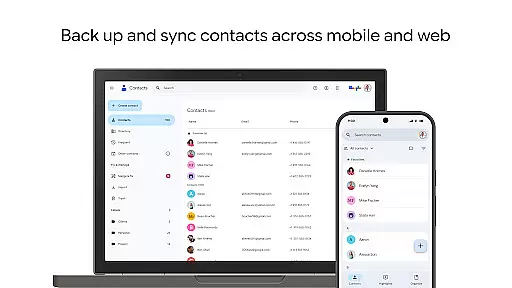
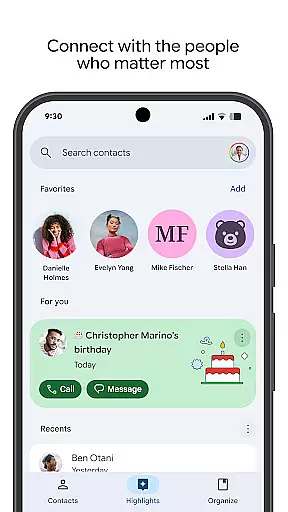
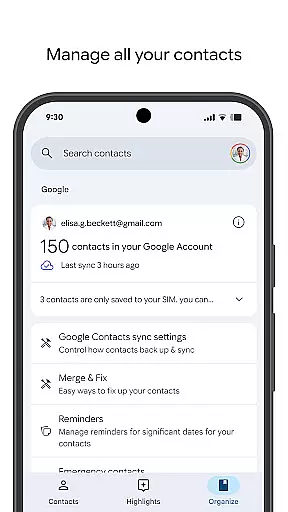
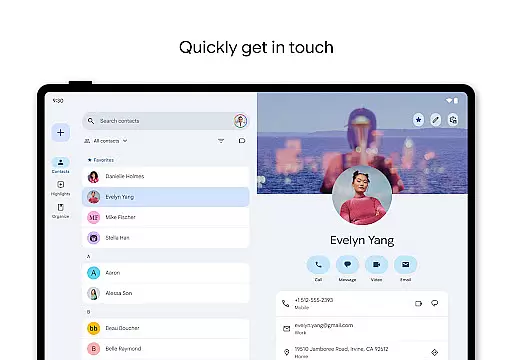
Contacts is a powerful Android Wear application designed to seamlessly manage and organize your contact information across all devices. The app allows users to back up their contacts directly to their Google Account, ensuring that important contact details are always safe and accessible from any signed-in device. With the ability to recover deleted contacts within 30 days, Contacts provides an added layer of security for your data.
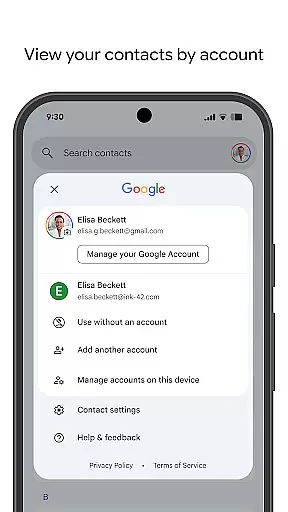
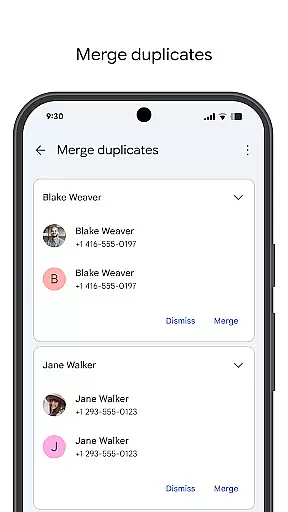
In addition to its backup capabilities, the app offers robust organizational tools. Users can categorize contacts by accounts, merge duplicates, and easily update contact details such as phone numbers and emails. The app also enhances user engagement by highlighting key dates like birthdays and anniversaries, with customizable notifications to ensure you never miss an important event. Available on both mobile and Wear OS, this app ensures you stay connected with the people who matter most.
Contacts stands out with its comprehensive feature set tailored for both personal and professional use. One of its core features is the ability to sync and back up contacts across multiple devices through a Google Account. This ensures that whether you're switching phones or using multiple devices, your contacts remain consistent and up-to-date. The app also includes a Trash feature, allowing users to restore accidentally deleted contacts within a 30-day window.
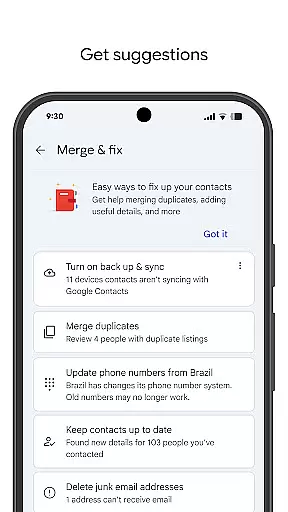
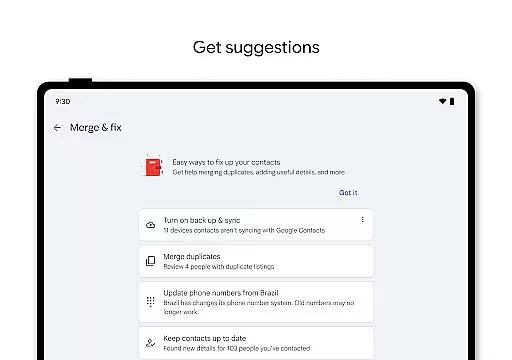
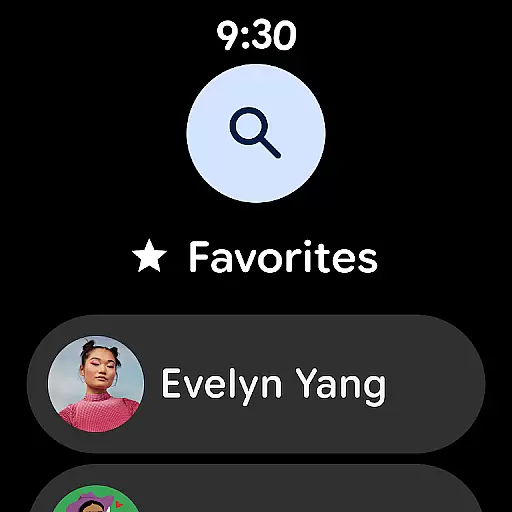
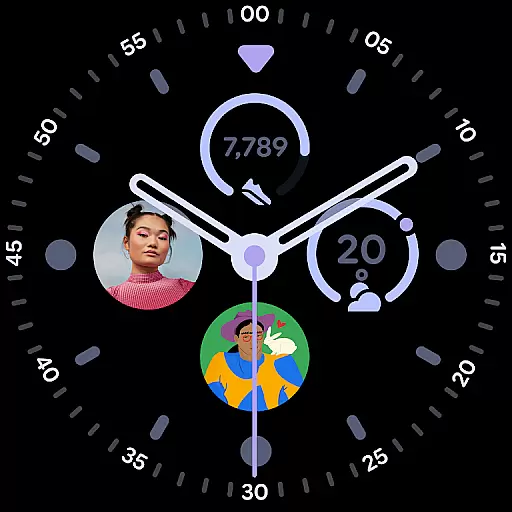
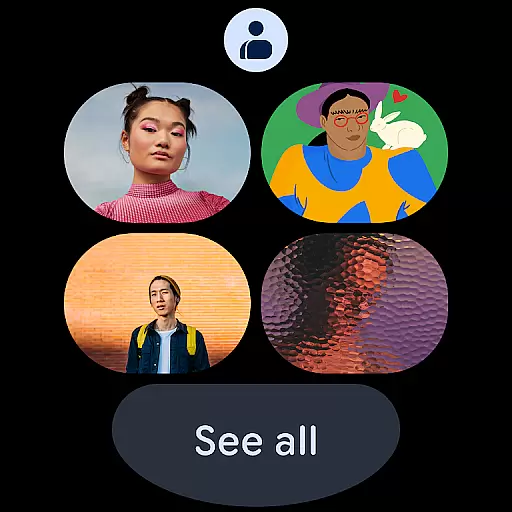
Organization is another strong suit of Contacts. It enables users to view contacts by specific accounts, making it easier to separate work and personal connections. The app provides intelligent suggestions for merging duplicate entries and enriching contact details, saving time and effort. Additionally, the Wear OS version offers quick access to favorite contacts through dedicated tiles and complications, ensuring essential contacts are just a tap away on your smartwatch.
For Android Wear users, the Contacts app offers seamless companion app integration that ensures your contact information is always up-to-date across all devices. This means whether you're on your phone or interacting with a smartwatch, your contacts are synchronized and accessible.
The synchronization process is automatic and occurs in real-time, ensuring that any changes made to your contacts on one device are immediately reflected on others. This feature eliminates the need for manual updates and reduces the risk of having outdated or missing contact information when switching between devices.
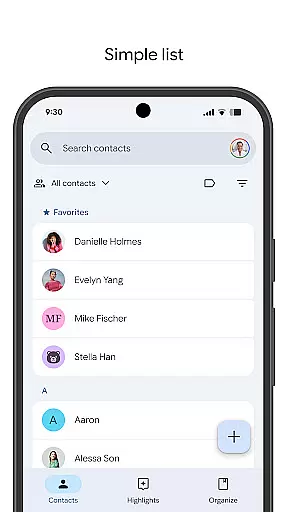
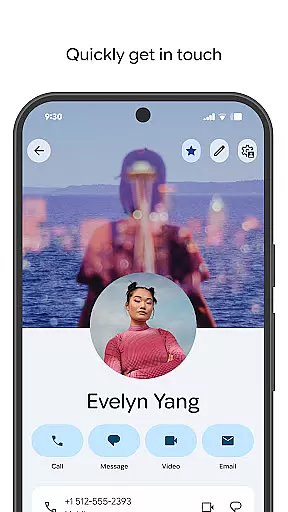
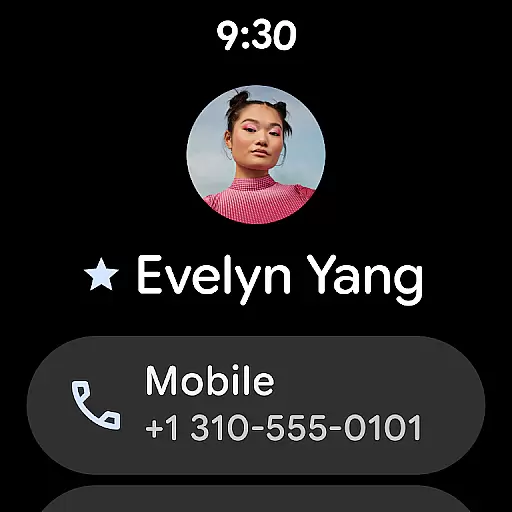
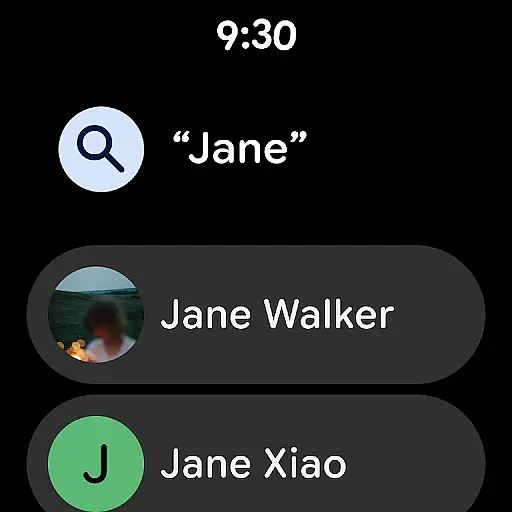
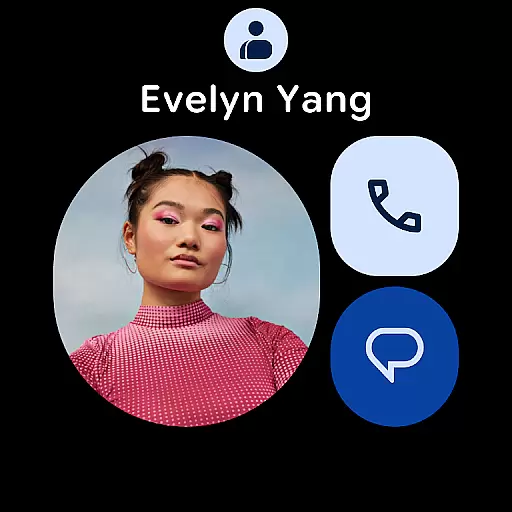
Furthermore, the Contacts app provides a consistent user experience by maintaining the same intuitive interface and functionality on both the smartphone and wearable versions. Users can easily navigate through their contacts, view essential details, and perform actions such as making calls or sending messages directly from their smartwatch.
The Contacts app is fully compatible with Wear OS, Google's operating system for smartwatches, ensuring that users can access their contacts without any compatibility issues. The app supports a wide range of Wear OS devices, providing a reliable and smooth performance regardless of the specific model being used.
Device compatibility extends beyond just supporting different hardware; it also includes optimizing the app's performance for various screen sizes and resolutions. This optimization ensures that text and images within the Contacts app are displayed clearly and are easy to interact with, even on smaller smartwatch screens.
In addition to basic compatibility, the Contacts app takes advantage of Wear OS-specific features such as tiles and complications. These allow users to pin favorite contacts or contact lists directly to their watch face for quick access, streamlining the process of reaching out to important contacts while on the go.
User-friendly interface
Secure cloud backup
Smart contact suggestions
Cross-device syncing
Wear OS integration
Limited offline functionality
Google Account required
Occasional sync delays
No advanced CRM features
Basic design aesthetics

Christmas Theme Watch Face for Wear Os
 5.00
5.00
Snowflake Rose Gold Watch Face - Digital, modern, & sleek with GYRO effect.
4.10
A heartwarming Christmas scene featuring a cute image of Santa and Rudolf
4.0
Easy Voice Recorder is your everyday companion to record important moments.
4.70
Ideal for surviving in the wasteland left after nuclear fallout
4.50
The ultimate destination for kids ages 3-8 to explore the Marvel Universe!
4.30
A realistic hybrid watch face with many customization options.
4.60
A white realistic classic analog watch face with many customization options.
4.40
Spam call blocker and caller ID for automatic call protection!
4.40
Gym & home workout plans with strength training, exercise tracking, HIIT & more.
4.60
Highly customizable hybrid watch face for Wear OS, perfect for everyday use.
4.60
Retro digital watch face with customizable colors and a unique lighting effect
4.60
MyNISSAN® lets you remotely control your car from your phone.*
4.50
Calming & relaxing sounds for sleeping and stress relief. Stay focused all day!
4.20
Embrace the festive spirit with our Christmas Countdown watchface for Wear OS
4.10
Watch the sharpness of the sky on your wrist..
3.70
A full-featured Amazon Alexa voice assistant that can show you things.
3.70
Watch face designed for Thanksgiving Day. 7 Background Styles included.
3.20
Artistic Digital Watchface
4.3


User Reviews