
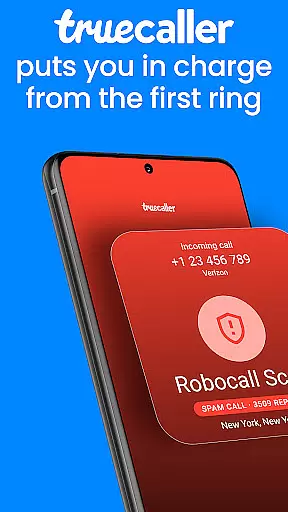


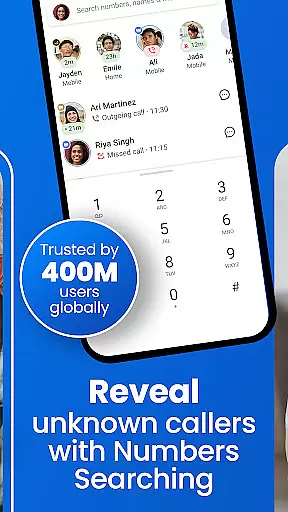

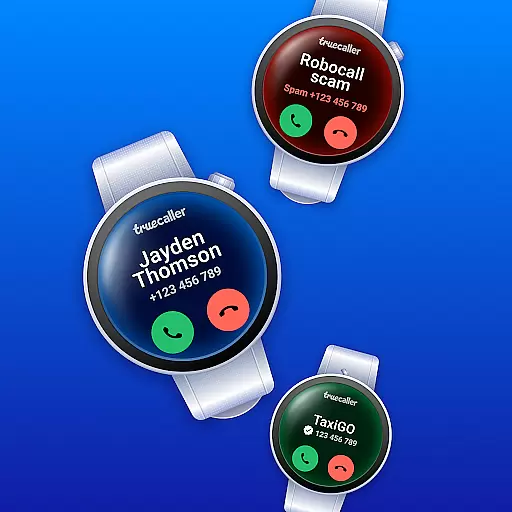
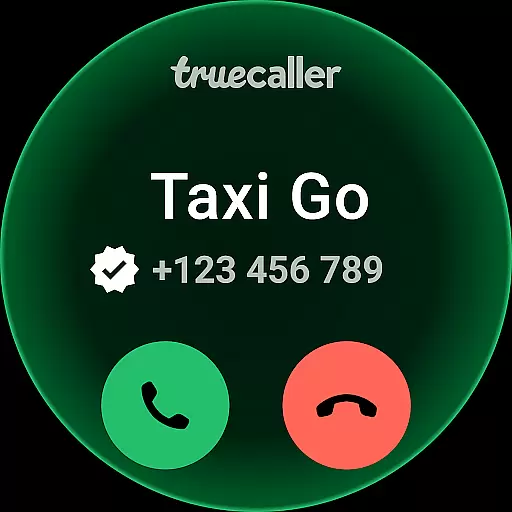


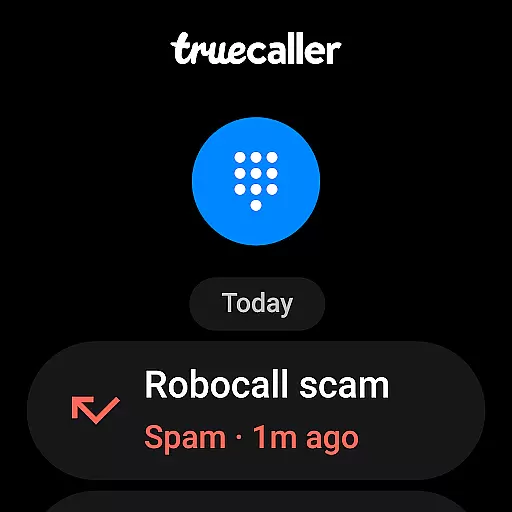
Truecaller is a comprehensive communication app designed for Android Wear, offering advanced Caller ID and call-blocking features. The app instantly identifies incoming calls, empowering users to block spam, scam, and unwanted calls with ease. With built-in tools like reverse number lookup and call recording, Truecaller ensures you are always in control of your phone communications.
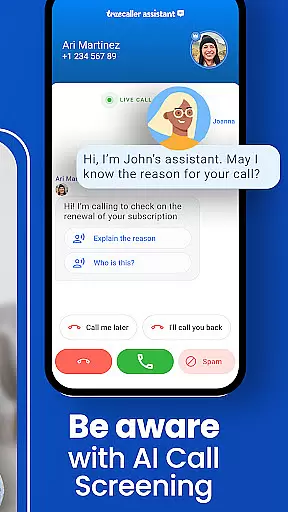
The app includes AI Call Scanner and Truecaller Assistant, which enhance security and streamline call management. AI Call Scanner detects AI-synthesized voices, protecting users from potential scams. Truecaller Assistant screens calls using machine learning, providing over 90% accuracy in identifying spam or scam calls. These innovative features make Truecaller an essential tool for managing calls efficiently on wearable devices.
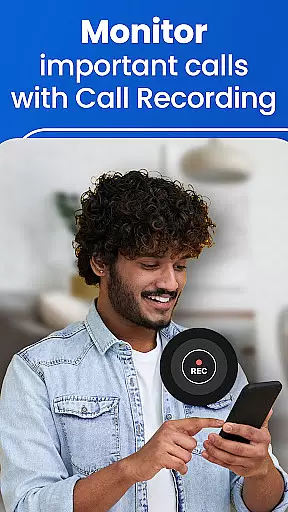
Truecaller stands out with its world-class spam call blocker and detector, automatically blocking telemarketers, robocallers, and scammers. The app's Caller ID function identifies numbers not saved in your contacts and categorizes them as business or spam. Additionally, the Call Recorder feature allows users to record calls and generate AI-based summaries and transcripts, boosting productivity.
Truecaller also offers powerful messaging capabilities, organizing SMS into tabs such as Personal, Important, and Spam. Users can schedule messages and block unwanted texts effortlessly. For those seeking enhanced functionality, Truecaller Premium provides features like no ads, Truecaller Assistant, and advanced blocking options, making it the ultimate communication tool for Android Wear users.
Truecaller offers seamless companion app integration, ensuring that your wearable device works in harmony with your smartphone. The application extends its advanced call-blocking and spam-filtering capabilities to your Android Wear device, allowing you to manage calls and messages directly from your wrist.
The synchronization between the Truecaller mobile app and its wearable counterpart is designed for real-time updates. This means any changes made on one platform are immediately reflected on the other, providing a cohesive user experience across devices. Whether it's updating your block list or receiving caller ID notifications, everything is synced effortlessly.
Users benefit from having control at their fingertips without needing to reach for their phones constantly. With important features like AI Call Scanner and Truecaller Assistant accessible on your smartwatch, you can verify caller authenticity and screen calls even when your phone isn't within arm's reach.
Truecaller ensures broad compatibility with Wear OS and various devices, making it an ideal choice for users seeking comprehensive communication management on their smartwatches. The app supports a wide range of Wear OS devices, guaranteeing that you can enjoy its full functionality regardless of your specific hardware.
Device compatibility extends beyond just supporting different models; it also includes optimizing performance based on each deviceu2019s specifications. This optimization ensures smooth operation and minimal battery consumption, which is crucial for maintaining the usability of both your watch and paired smartphone throughout the day.
By prioritizing cross-device functionality, Truecaller enhances user convenience by delivering consistent service quality. Whether using voice commands or interacting through touchscreens, users will find that all core featuresu2014from reverse number lookup to blocking unwanted callersu2014are readily available and performant on their preferred wearable technology.
Advanced spam detection
AI-powered call screening
Comprehensive call recording
Efficient message organization
Real-time spam updates
Premium subscription required
Limited free features
Occasional false positives
Privacy concerns
Resource-intensive

an Analog Watch Face for winter season with freeze winter background for Wear OS
 4.5
4.5
A heartwarming Christmas scene featuring a cute image of Santa and Rudolf
4.0
A watch face that fuses motorsport precision with contemporary smartwatch design
4.4
Deck out your Wear OS Watch face with a beautifully decorated pine wreath!
4.50
Elegant animated Christmas tree with multiple customization options
4.20
Let's celebrate Thanksgiving - Wear Os watch face
4.20
Structured watch face with seven complications and modular UI elements
3.90
Animated video-game inspired “secret agent” simulation, right on your wrist!
4.20
Fitbit is dedicated to helping people lead healthier, more active lives.
4.10
Digital, flexibly customizable watch face. For Wear OS 5.0, API 34+ and later.
5.00
Real-time weather radar with temperatures, warnings, hurricanes, and widgets
4.80
Hybrid watch face for Wear OS with customizable complications by Matteo Dini MD
4.70
Walking app for weight loss: walk & step tracker, pedometer, indoor treadmill
4.60
Gym & home workout plans with strength training, exercise tracking, HIIT & more.
4.60
A realistic hybrid watch face with many customization options.
4.60
"PER27 Galaxy Digital" is a digital Wear OS watch face designed by PERSONA
4.10
Wear Os Watch Face - Animated Snow - Sesonal for Christmas & Winter
4.2
3 Complications. All shadow on/off. 30 Themes color palette...
4.1
Stylish digital watch face for Wear OS devices with customizable features
4.3


User Reviews