
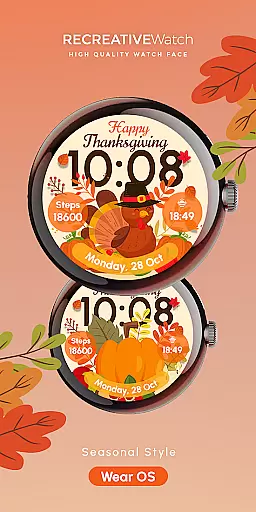
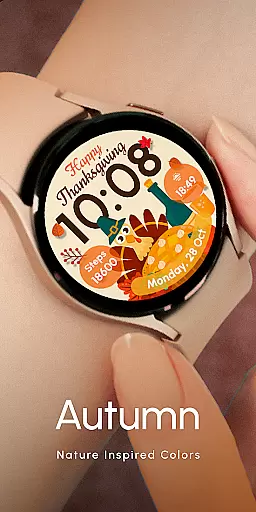

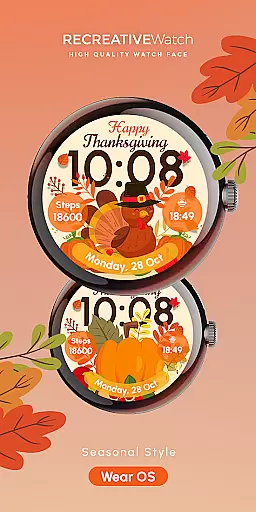
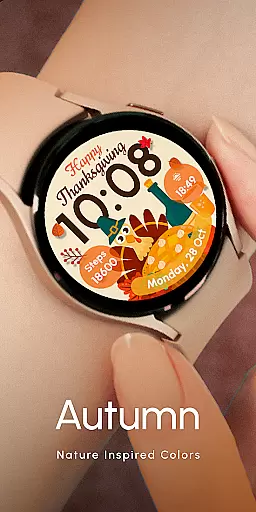

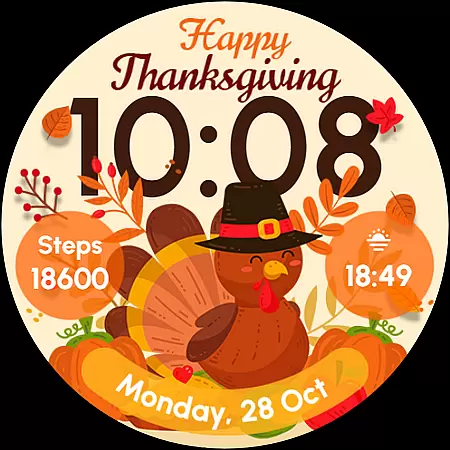
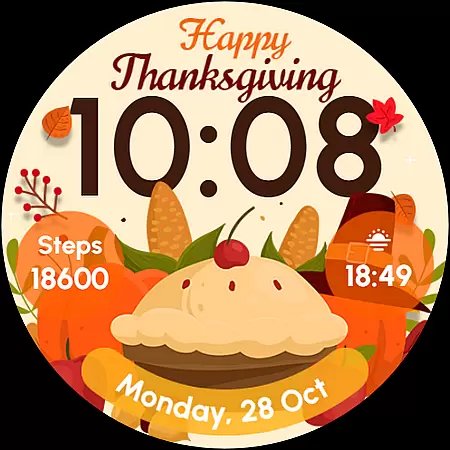
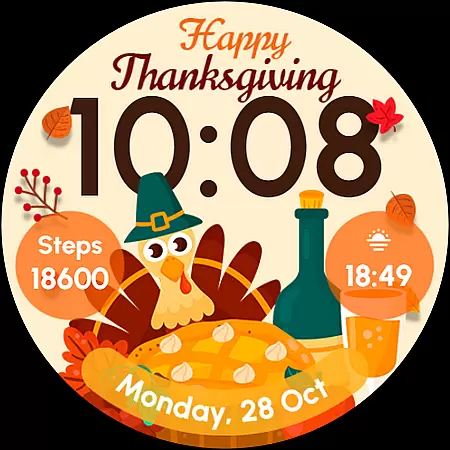
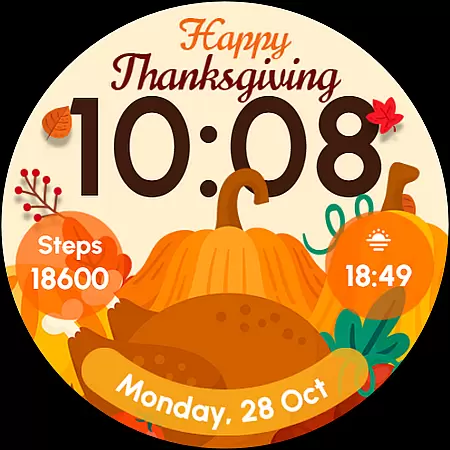
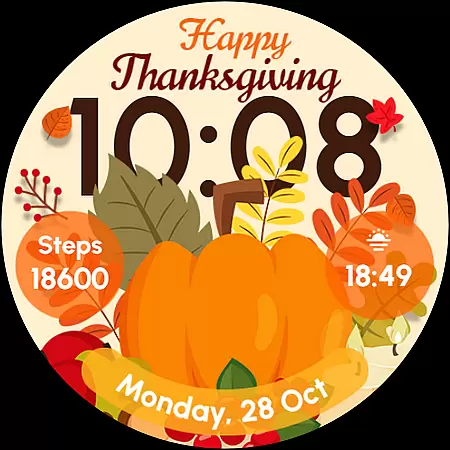
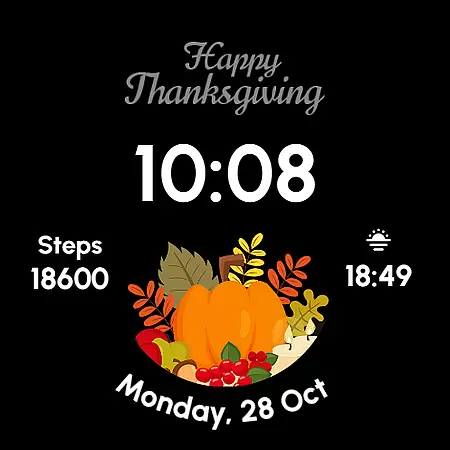
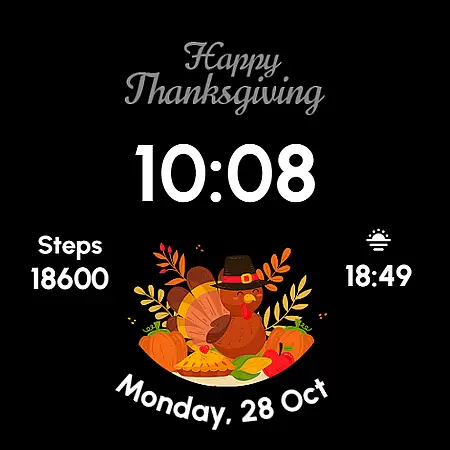
ReS54 is a festive Wear OS watch face designed to bring Thanksgiving spirit to your smartwatch. Featuring a charming turkey design, vibrant pumpkins, and a feast-themed display, it offers users a unique way to celebrate the season. The watch face provides essential functionalities including digital time display, date, battery status, and step count.
With five customizable styles and always-on display capability, ReS54 allows for personalization while maintaining practical features. Compatible with API level 33+ devices such as Google Pixel and Galaxy Watch series, this application brings autumn vibes to your wrist while delivering useful information at a glance.
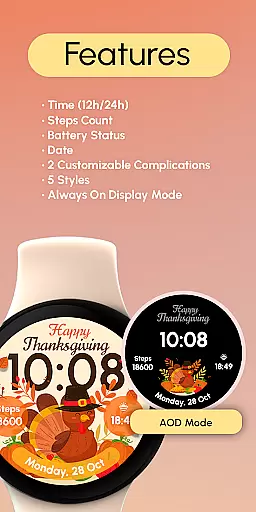
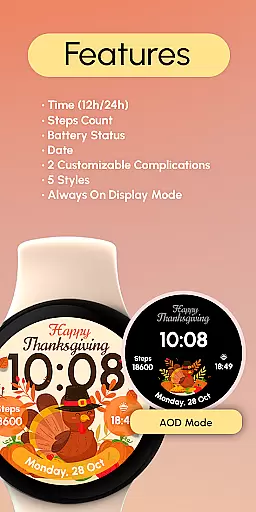
ReS54 offers a rich set of features that combine functionality with seasonal aesthetics. The watch face displays 12/24 hour digital time, date, battery level, and step count, providing users with essential information. Two customizable complications allow users to personalize data fields according to their preferences.
The application supports five different styles and includes an always-on display mode for quick access to information. Users can customize their experience through simple touch commands, while battery optimization recommendations ensure efficient power usage. These features make ReS54 both practical and festive, perfect for smartwatch users who want to celebrate the season in style.
Companion app integration is essential for Wear OS watch faces like ReS54, as it ensures seamless synchronization between the watch and a paired smartphone. This connection allows users to access additional features and settings not available directly on the wearable device.
ReS54 leverages this integration by enabling users to customize complications and styles through their phone. The intuitive interface provided via the companion app makes personalization straightforward, letting users tailor the watch face to their preferences with ease.
Through the companion app, users can also manage battery settings, steps count, and other functionalities, ensuring that the watch face not only displays vital information but does so efficiently without compromising battery life.
This level of integration enhances user experience by offering both convenience and extended functionality, making ReS54 a versatile choice for those looking to bring autumn vibes to their wrist while enjoying practical benefits.
Device compatibility is crucial for Wear OS applications, ensuring that the watch face functions correctly across various devices. ReS54 is designed to be compatible with API level 33+ Google Pixel, Galaxy Watch 4, 5, 6, and other Wear OS models, providing a broad range of users access to its festive design.
The wide compatibility spectrum means that whether you own a newer model or an older version within the supported range, you can enjoy features such as digital time display in 12/24hr formats, date, battery status, step count, and customizable complications without issues.
Moreover, ReS54 supports Always ON Display functionality, which is optimized for better battery performance when enabled. Users are encouraged to adjust these settings based on their device's capabilities to maximize usability while maintaining optimal power consumption.
By focusing on extensive device support and optimization for different hardware specifications, ReS54 guarantees a consistent and engaging user experience regardless of the specific Wear OS device in use.
Seasonal theme
Customizable options
Battery indicator
Step counter
Always-on display
Limited compatibility
Few customization slots
No analog time option
Battery intensive
Style limitations

Christmas - Festive - Christmas Village - Winter - Christmas lights
 5.00
5.00
Precision analog watch face with 7 complications and style options
4.2
A Wintery Snow Globe on Your Wrist; now celebrating Christmas!
4.1
MyNISSAN® lets you remotely control your car from your phone.*
4.50
Embrace the festive spirit with our Christmas Countdown watchface for Wear OS
4.10
Easy Voice Recorder is your everyday companion to record important moments.
4.70
A modern premium sporty hybrid watch face for Wear OS by Ballozi
4.70
Real-time results, stats, schedules and player profiles for all leagues
4.60
Hyper-Realistic Airplane Dashboard Watch Face With 10 Skins and Custom AOD
4.00
Your second brain for organizing your life: to-do, calendar, reminder.
4.70
A realistic hybrid watch face with many customization options.
4.60
Ideal for surviving in the wasteland left after nuclear fallout
4.50
Digital watch face with big numbers and many customization for Wear OS devices
4.40
Calming & relaxing sounds for sleeping and stress relief. Stay focused all day!
4.20
Want to take charge of your health? Let Google Fit help you reach your goals.
3.50
Stay in touch with your friends and family using LINE!
3.40
Christmas is near, let's count together the days left until Santa comes
4.0
A watch face that fuses motorsport precision with contemporary smartwatch design
4.4
Fitness interactive virtual pet super fighter boy watch face
4.0


User Reviews