
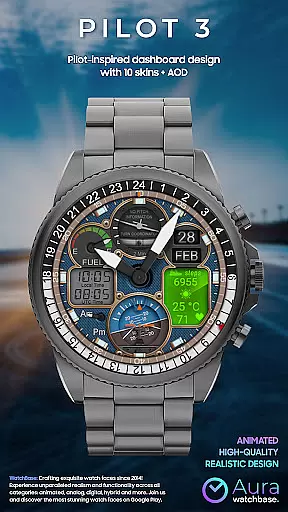
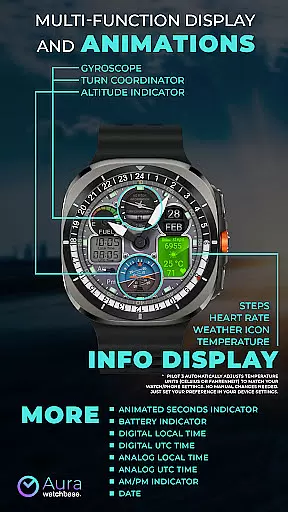
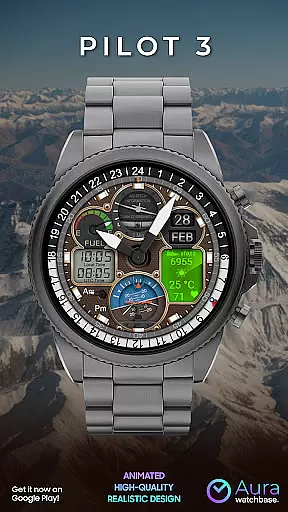
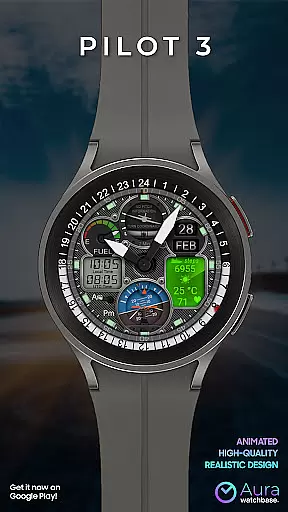
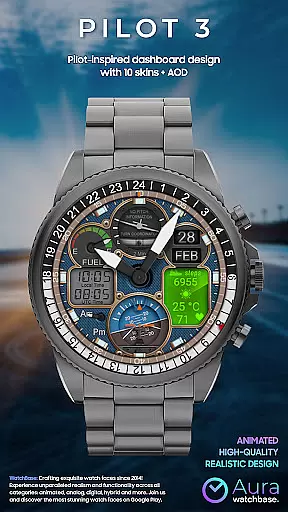
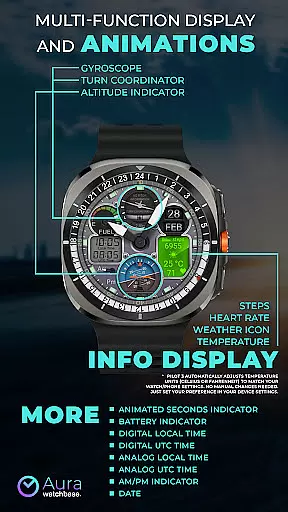
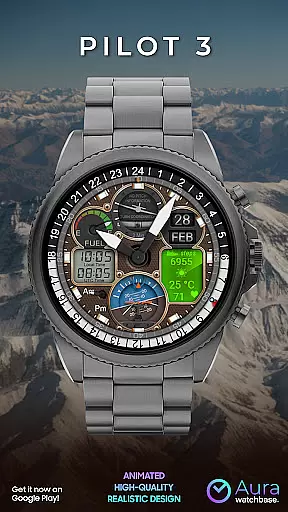
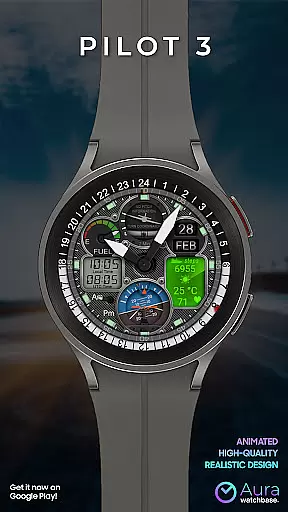
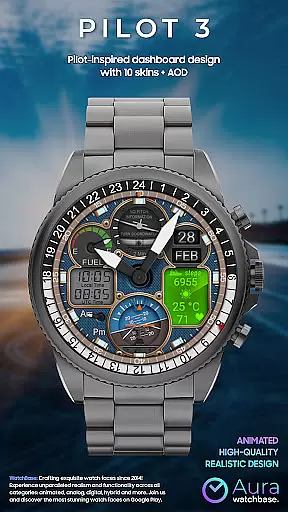
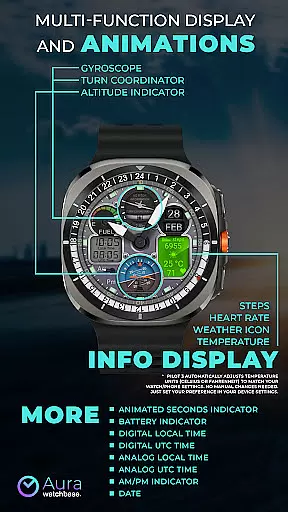
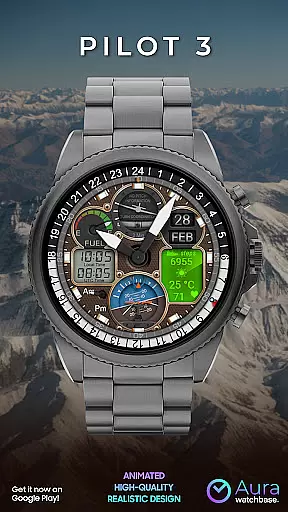
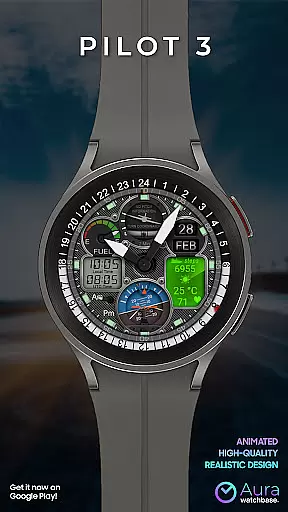
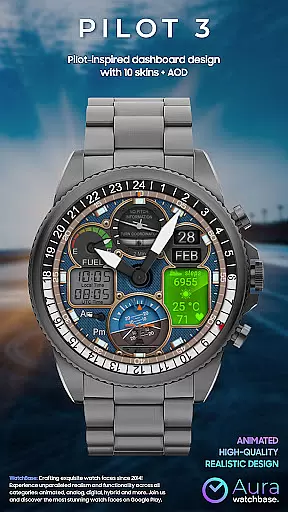
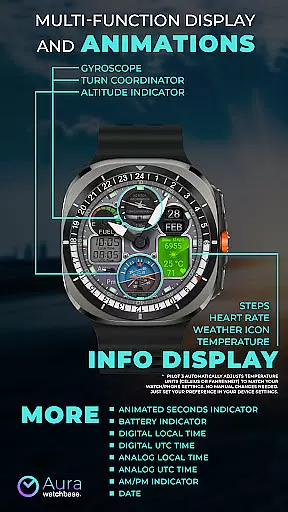
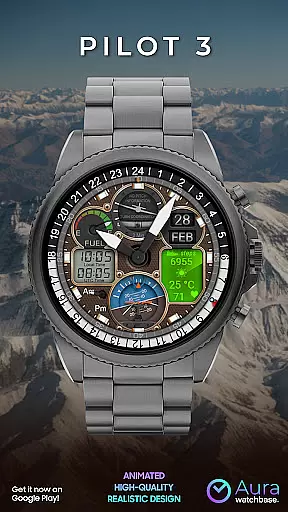
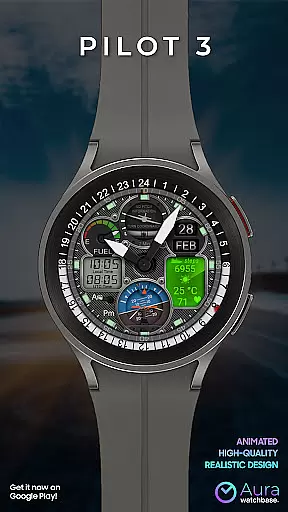
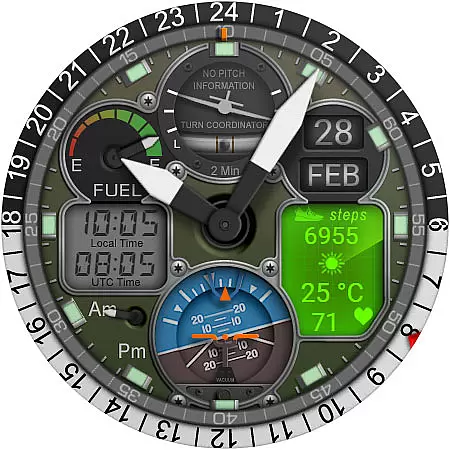
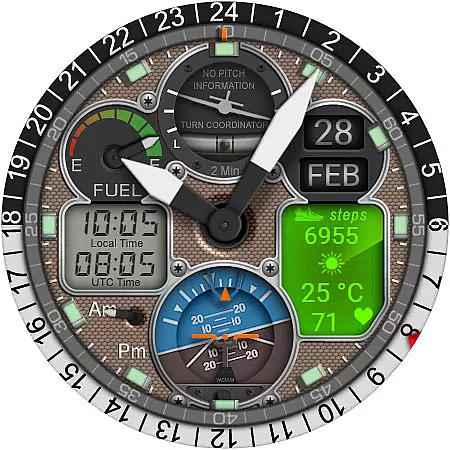
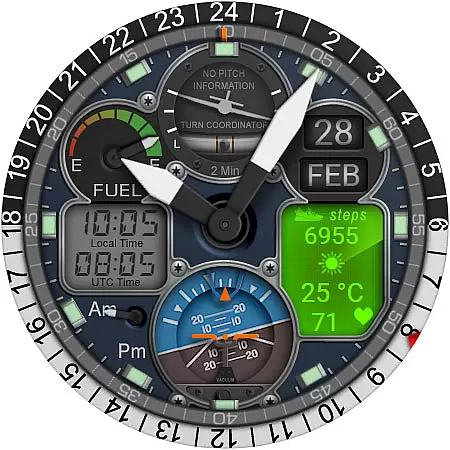
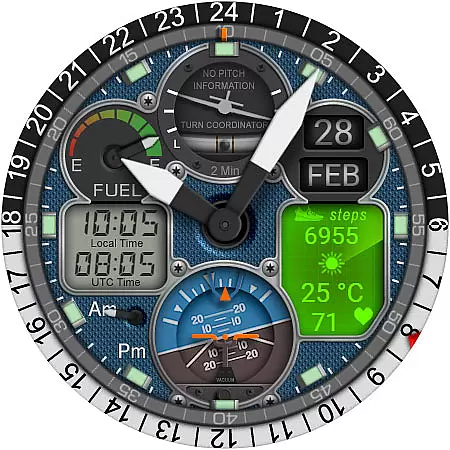
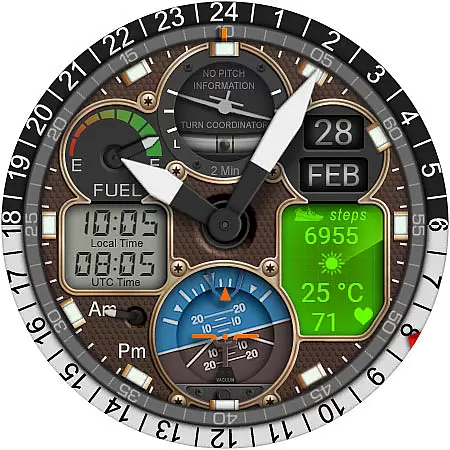
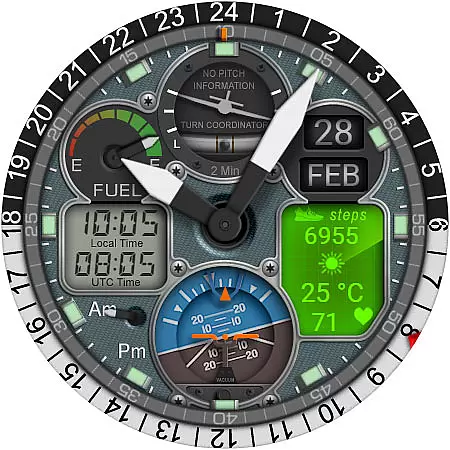
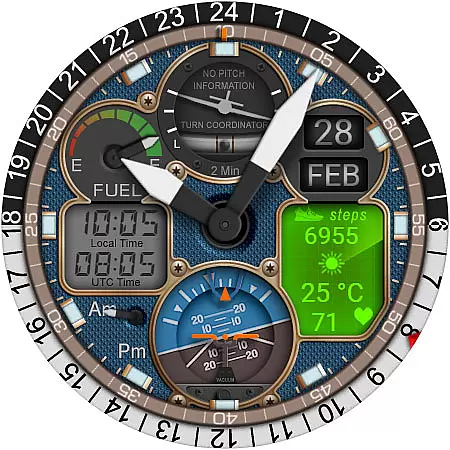
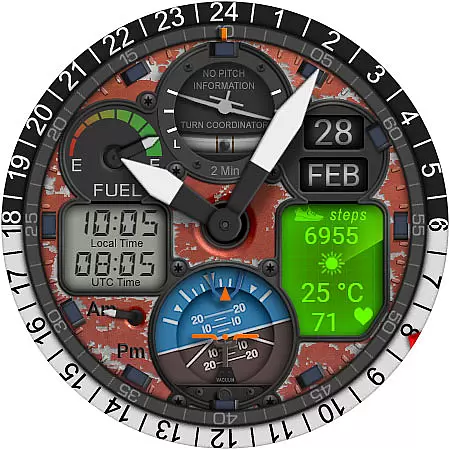
WB PILOT 3 Animated Watch Face brings the thrill of aviation to your Wear OS smartwatch. Designed exclusively for devices running Wear OS 5 and higher, this hybrid watch face combines stunning graphics with functional features. The interface mimics a pilot's cockpit, featuring animated elements like the Turn Coordinator, Altitude Indicator, and Gyroscope, alongside digital and analog time displays.
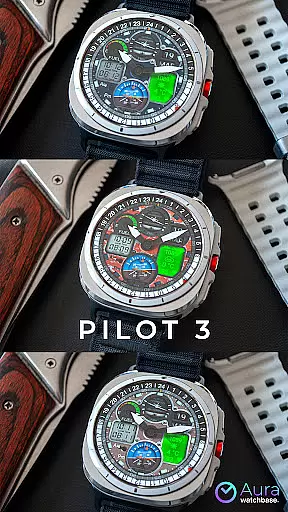
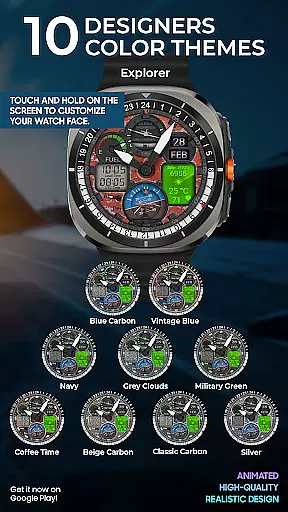
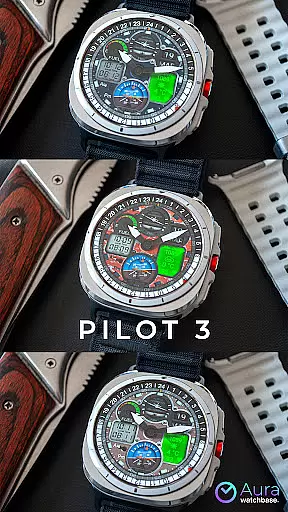
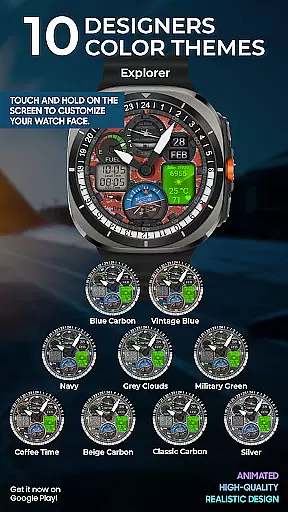
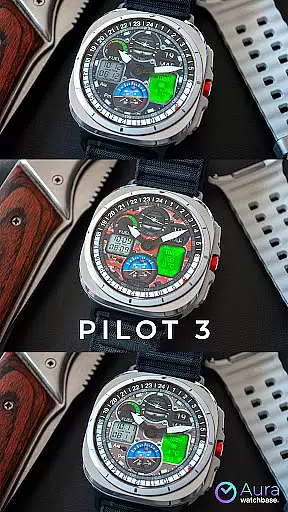
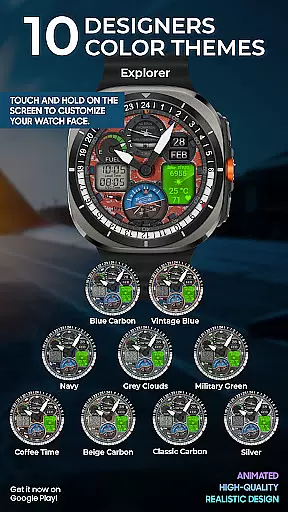
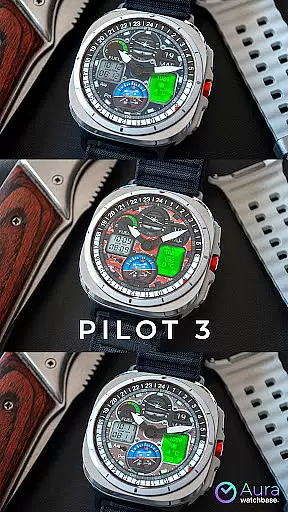
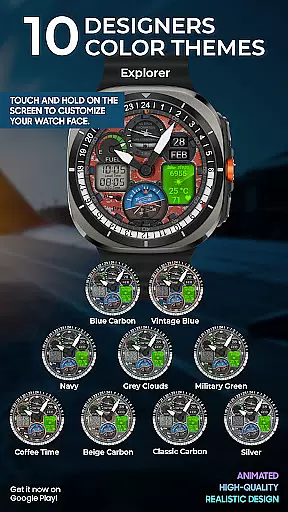
This watch face offers extensive customization options with 10 unique skins and multiple display modes including AM/PM indicators, battery status, date, and fitness tracking metrics. Users can easily adjust temperature units to match their device settings, ensuring seamless integration with their daily routine. Whether you're an aviation enthusiast or simply appreciate sophisticated design, WB PILOT 3 provides both aesthetic appeal and practical utility.
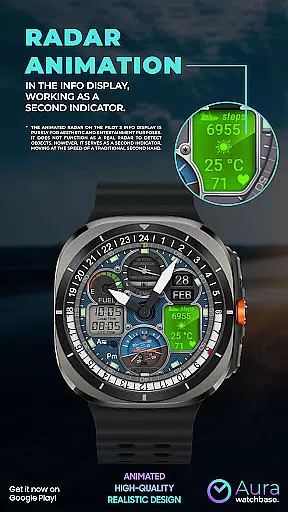
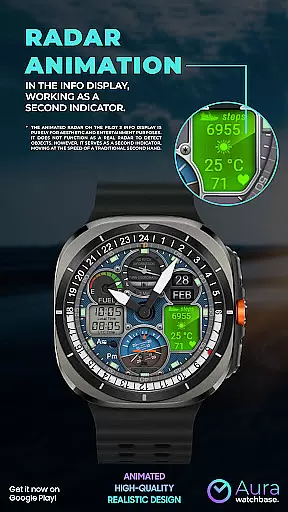
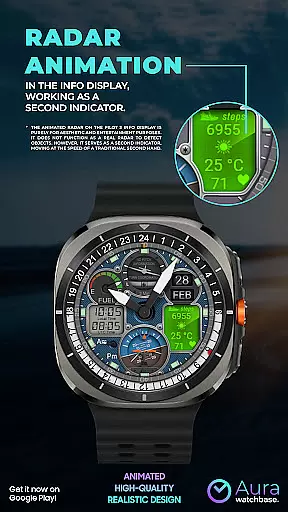
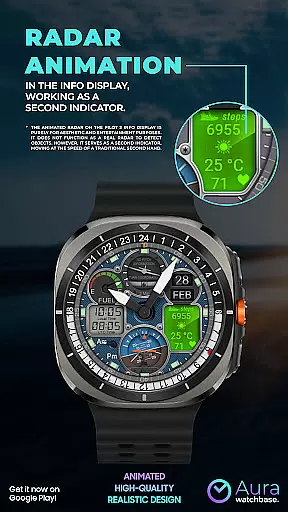
WB PILOT 3 stands out with its rich feature set tailored for smartwatch users. The watch face includes 10 customizable skins, allowing users to personalize their experience while enjoying animated elements such as the Turn Coordinator and Altitude Indicator. These animations not only enhance visual appeal but also serve practical purposes, like the animated radar acting as a second hand.
Functionality is further enriched by dual time zones, displaying both local and UTC times in digital and analog formats. The inclusion of health and fitness tracking features like steps, heart rate, and weather updates makes it more than just a stylish watch face. Additionally, the automatic adjustment of temperature units based on user preferences ensures a hassle-free experience. With compatibility across various Wear OS devices, WB PILOT 3 delivers a versatile and engaging user experience.
Companion app integration is essential for a seamless smartwatch experience. WB PILOT 3 Animated Watch Face utilizes a dedicated phone application to simplify the installation and customization process. This ensures that users can easily access and implement the watch face features without hassle.
The companion app serves as a bridge between your smartphone and Wear OS device. After purchasing the watch face, users can initiate installation directly from their phone. The app guides you through the necessary steps, ensuring that the watch face is correctly installed on your wearable device. This process eliminates common issues associated with direct installations from the Google Play Store.
One significant advantage of this integration is automatic synchronization. When you customize settings through the companion app, these preferences are immediately reflected on your smartwatch. This includes adjusting temperature units or selecting specific skins, making personalization straightforward and efficient.
Moreover, the companion app provides troubleshooting solutions for frequent problems such as synchronization issues or difficulties in locating the installed watch face. By following the recommended steps, users can resolve these issues quickly, ensuring an uninterrupted and enjoyable experience with their WB PILOT 3 Animated Watch Face.
Ensuring compatibility with Wear OS devices is crucial for maximizing user satisfaction. WB PILOT 3 Animated Watch Face is meticulously designed to be compatible with devices running on Wear OS 5 and higher. This guarantees that users with updated smartwatches can fully utilize the advanced features offered by this dynamic watch face.
The watch face leverages the capabilities of Wear OS to deliver stunning graphics and animations. Users will experience unparalleled visual appeal with elements like the animated Turn Coordinator, Altitude Indicator, and Gyroscope. These features bring the excitement of aviation directly to your wrist, offering both aesthetic pleasure and functional utility.
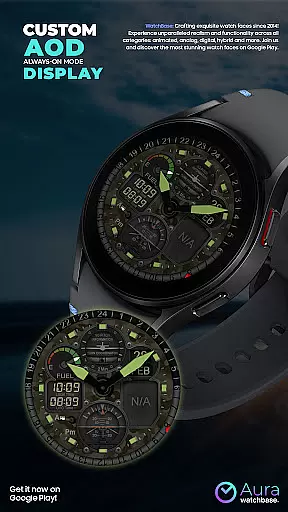
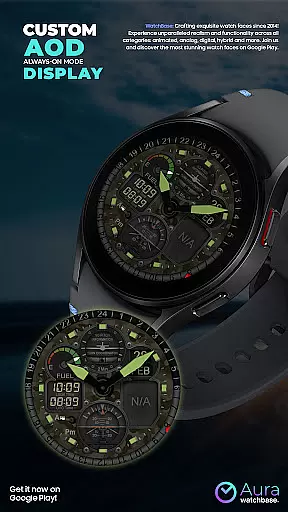
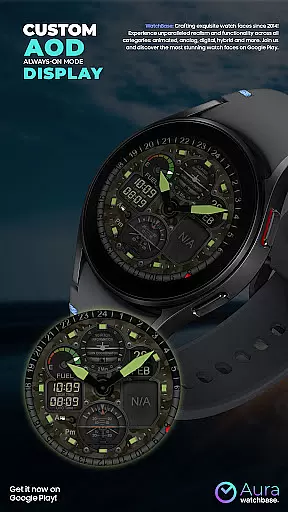
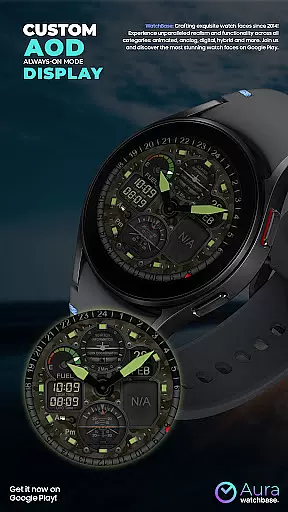
Compatibility extends beyond just operating system requirements. WB PILOT 3 supports various functionalities inherent to Wear OS, such as AOD display and digital/analog time representation. Whether you need local time, UTC time, or additional information displays like steps and heart rate, this watch face integrates seamlessly with your smartwatch's existing features.
By focusing on robust compatibility, WB PILOT 3 ensures that users enjoy a cohesive and engaging experience. With clear instructions provided for installation and customization, users can effortlessly enhance their smartwatch interface while benefiting from the latest advancements in wearable technology.
Stunning animations
Customizable skins
Dual time zones
Fitness tracking
Automatic unit adjustment
Limited OS compatibility
Potential sync issues
Complex installation
No real radar function
High system requirements

Wear Os Watch Face - Animated Snow Effect & Christmas Lights
 4.3
4.3
A heartwarming Christmas scene featuring a cute image of Santa and Rudolf
4.4
Simple Analog-Digital Watchface For Wear OS 3.0 and Up Smartwatches
4.3
Your second brain for organizing your life: to-do, calendar, reminder.
4.70
Funny animated watch face for Thanksgiving
4.3
Bold weather Digital watchface with forecast & optional animated background
4.40
Animated video-game inspired “secret agent” simulation, right on your wrist!
4.20
Premium hybrid watch face with many customizations for Wear OS devices.
4.40
Back up your contacts & access them anywhere
4.30
Beautiful, colorful and practical watch face. For Wear OS devices.
5.00
The most customizable minimal watch face. For Wear OS 5.0, API 34+ and later
4.70
Highly customizable hybrid watch face for Wear OS, perfect for everyday use.
4.60
Monitor health with the stress test and pulse checker in the heart rate app.
4.60
Retro digital watch face with customizable colors and a unique lighting effect
4.60
Calming & relaxing sounds for sleeping and stress relief. Stay focused all day!
4.20
Viewer for Wyze/Yi/Eufy/Arlo/ONVIF/RTSP/P2P IP cams w/ adv. features & DIY DVR
4.00
Stunning modern digital watch face with 7 complications and strong contrast
4.4
3 Complications. All shadow on/off. 30 Themes color palette...
4.0
Hybrid Vibrant Health Watch Face for Wear OS
4.1


User Reviews