
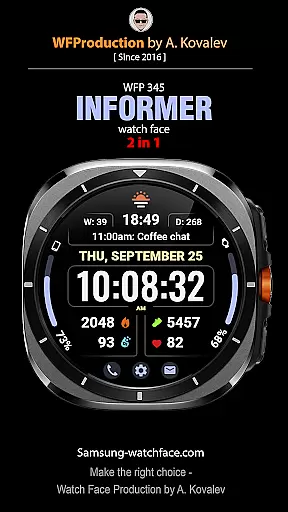
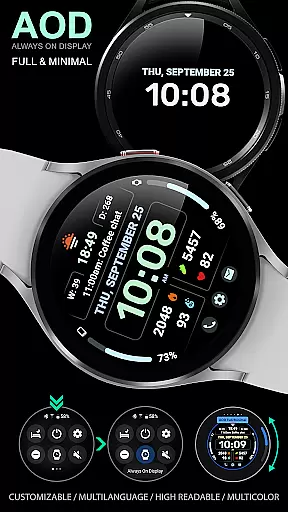
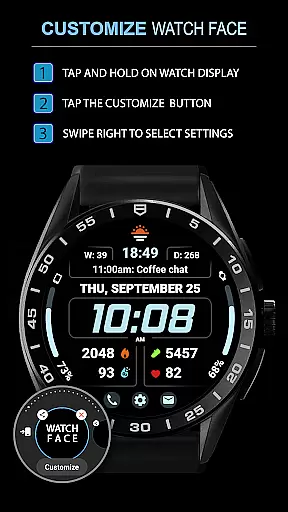
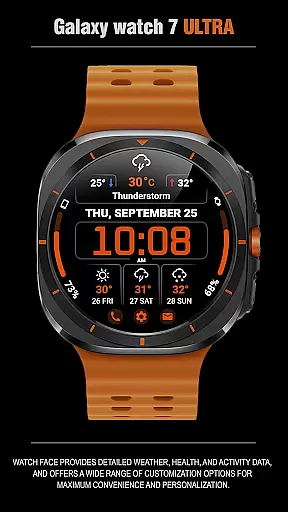
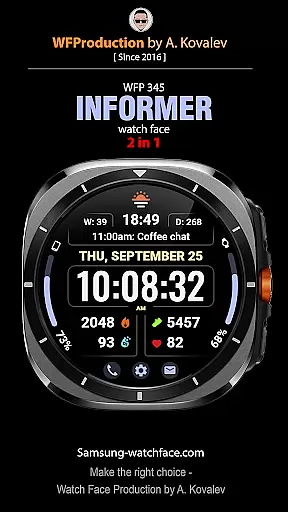
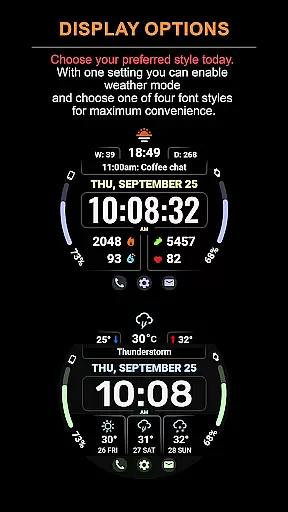
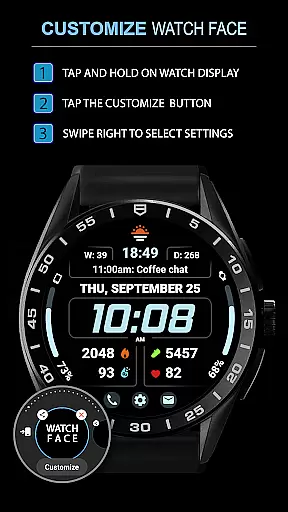
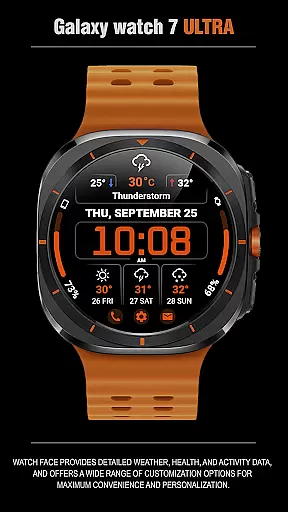
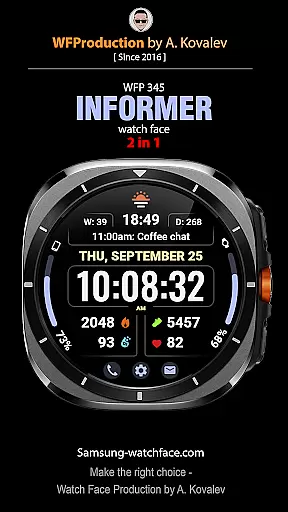
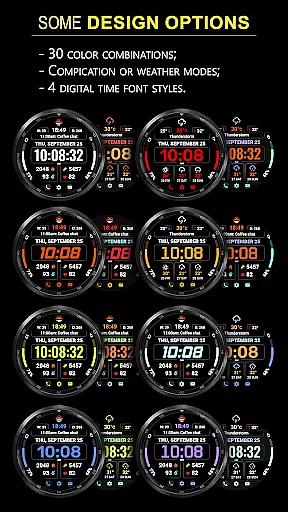
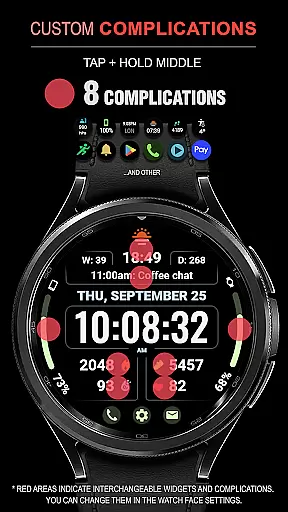
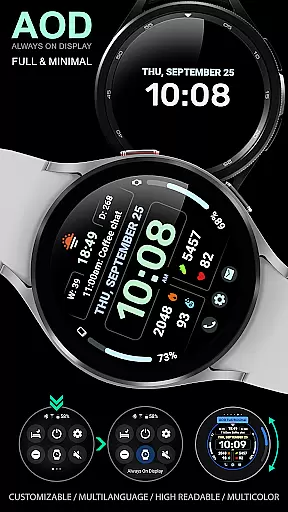
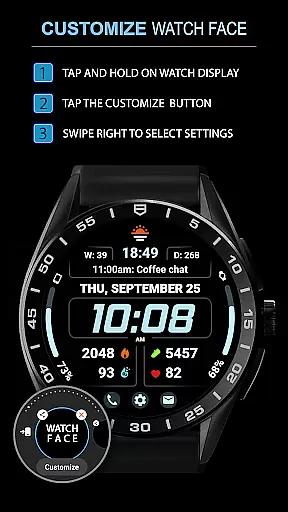
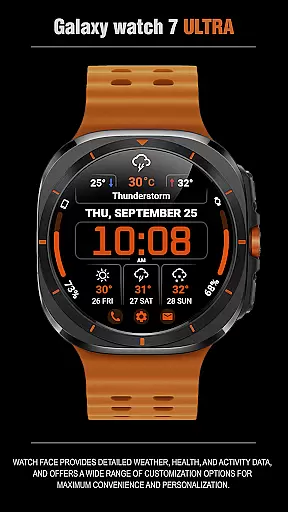
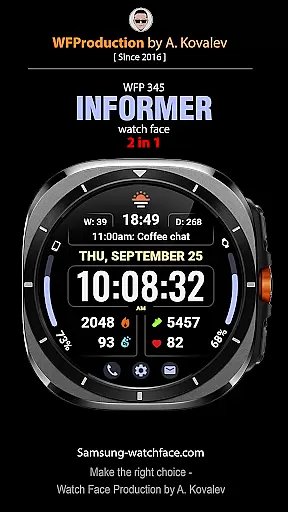
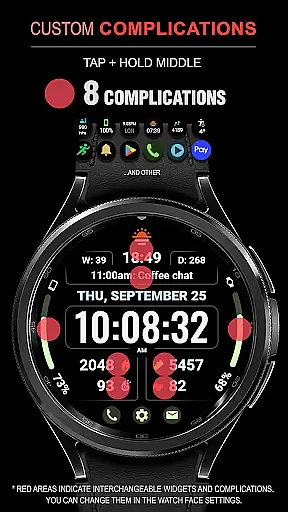
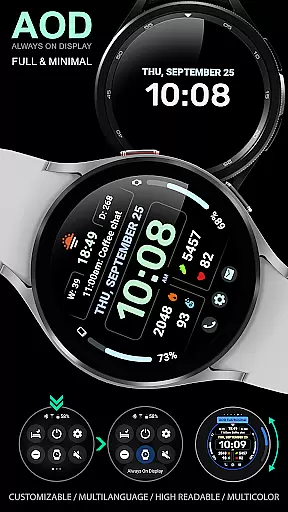
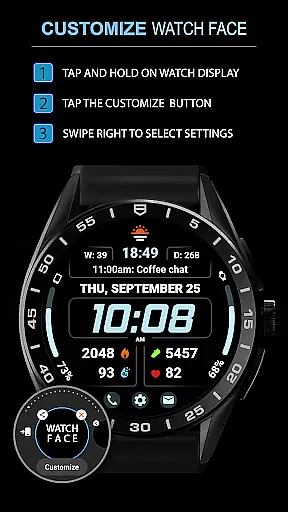
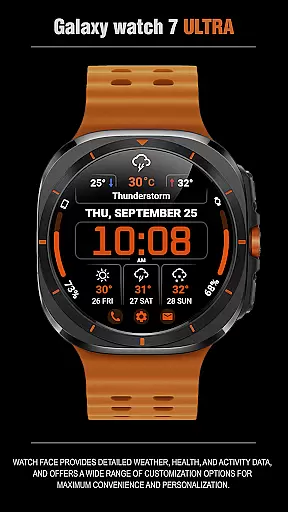
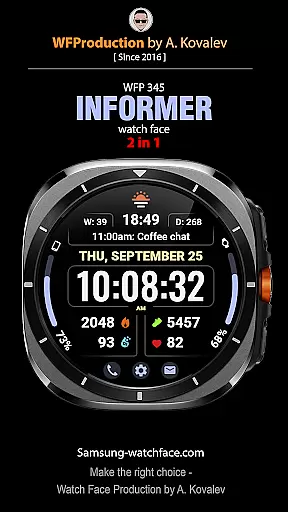
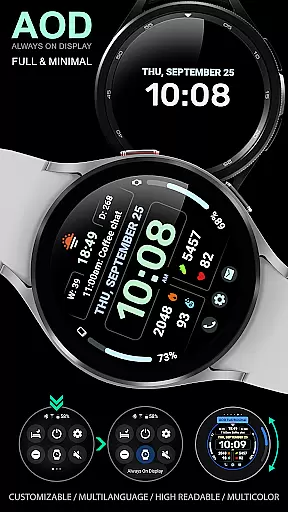
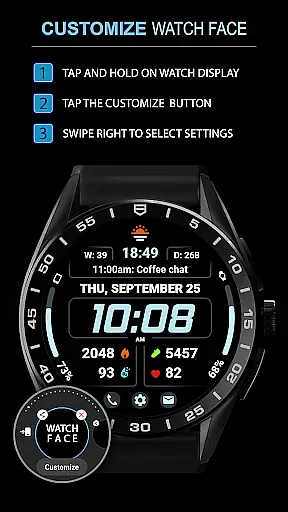
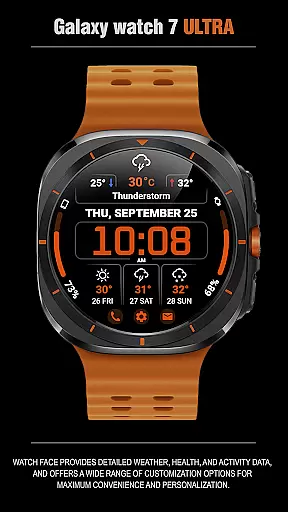
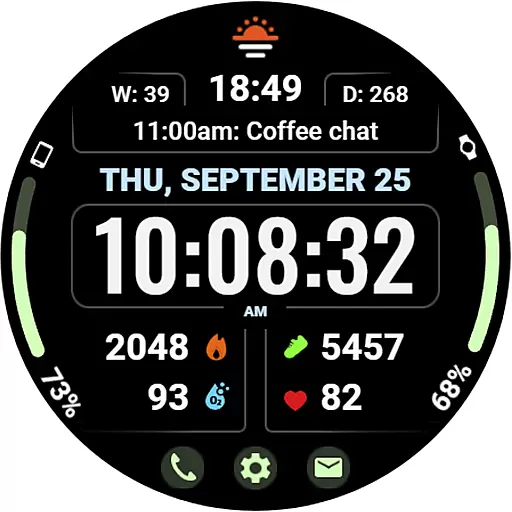
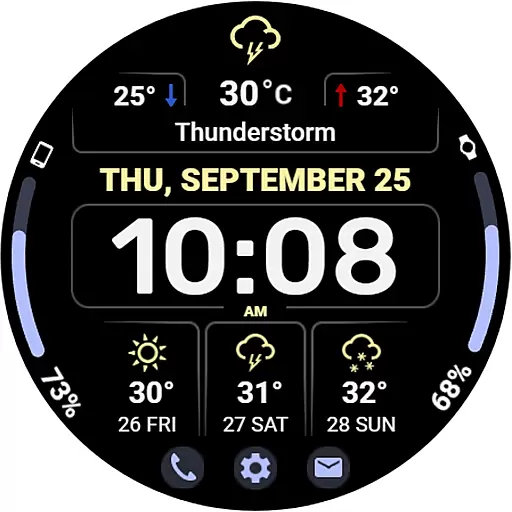
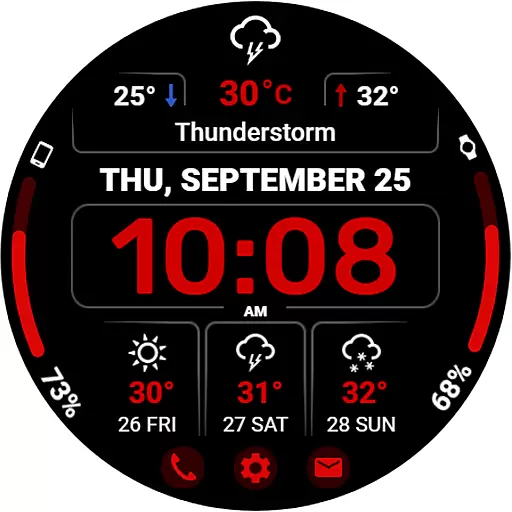
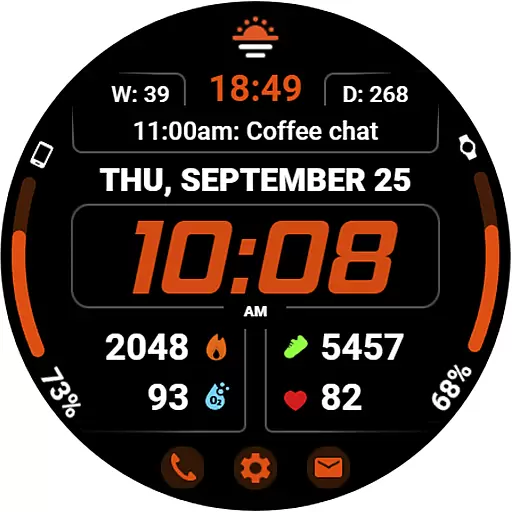
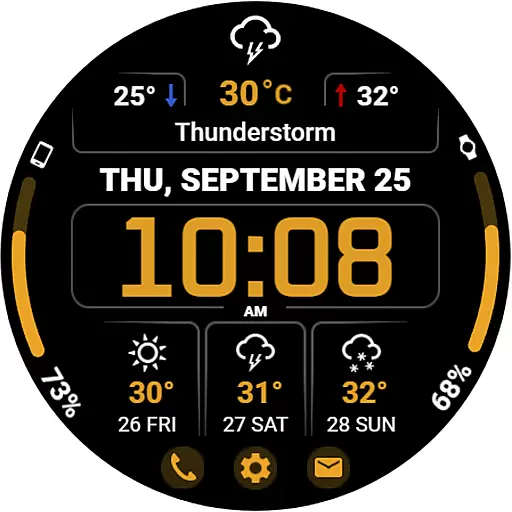
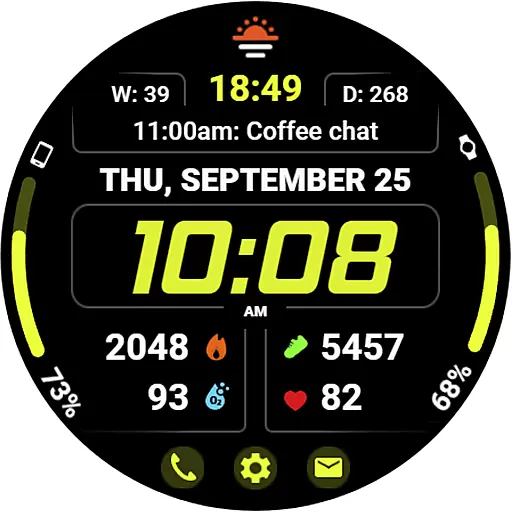
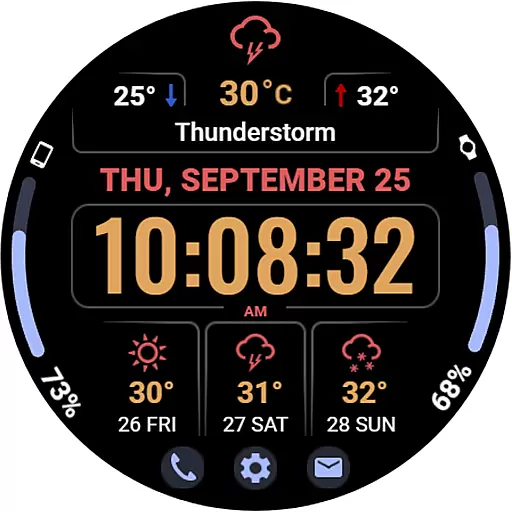
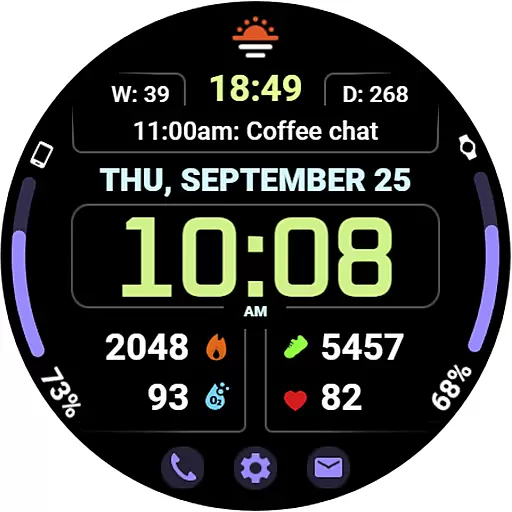
WFP 345 Informer watch face is a feature-rich Android Wear application that combines style with functionality. This smartwatch face not only enhances the visual appeal of your device but also provides essential data at a glance. Users can access detailed weather forecasts, health metrics, and activity statistics directly from their watch face.
The app offers extensive customization options, allowing users to tailor the watch face to their personal preferences. With support for multiple languages, various color schemes, and different display modes, WFP 345 ensures both convenience and individuality. Whether you need quick access to weather updates or want to monitor your fitness goals, this watch face delivers a personalized and efficient user experience.
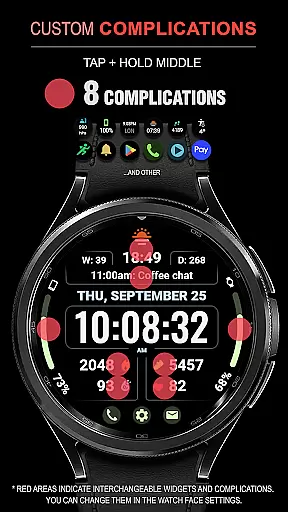
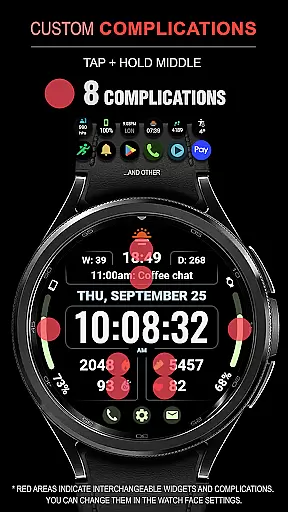
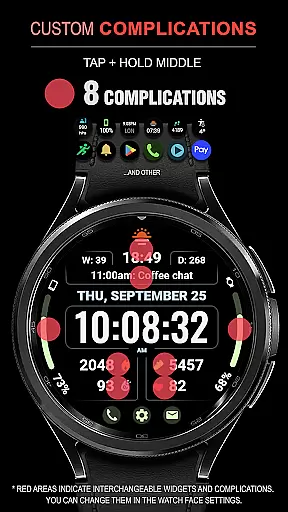
WFP 345 Informer stands out with its comprehensive feature set designed for maximum utility and customization. The watch face includes eight complications, offering users quick access to important information such as weather forecasts for up to three days, minimum and maximum temperatures, and health metrics like calories and floors climbed.
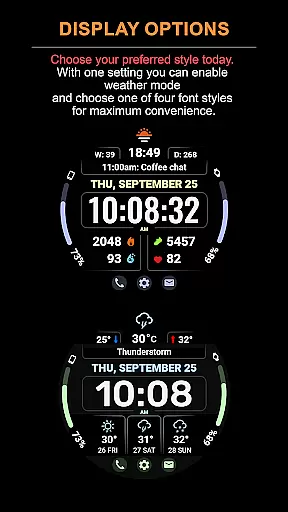
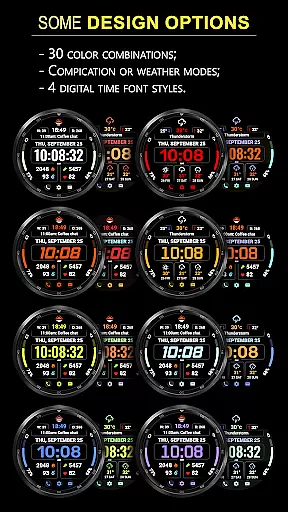
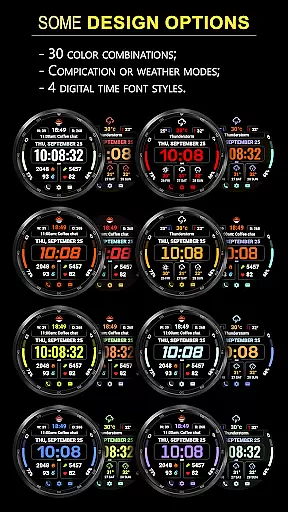
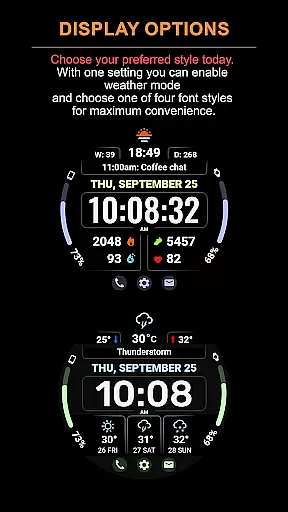
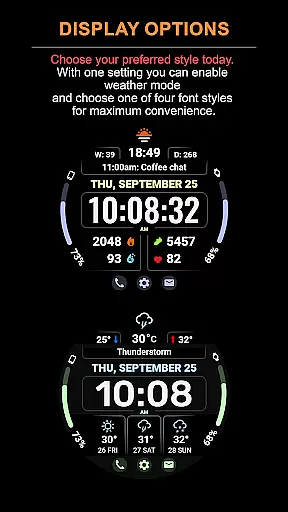
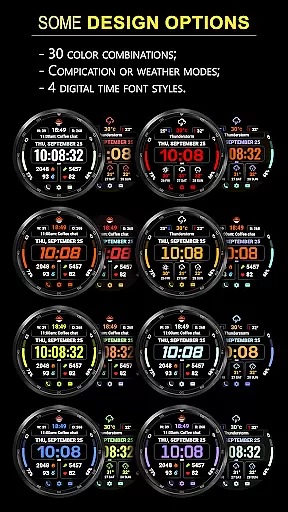
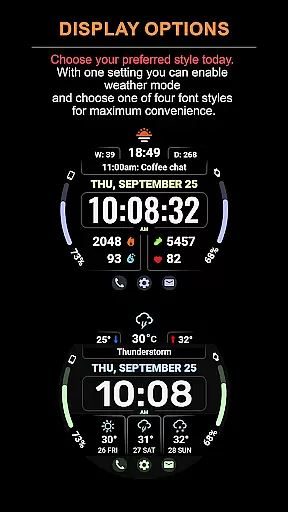
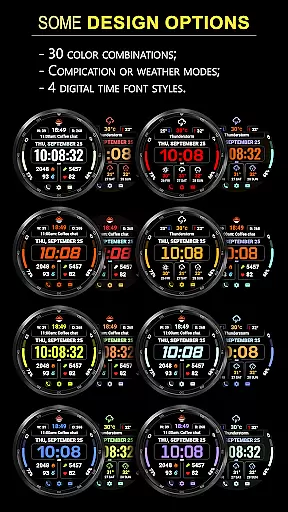
Users can choose from 30 color options and four different time font styles to match their personal taste. The app supports two distinct modes - one focused on complications and the other on weather forecasting. Additionally, it provides high-resolution graphics, low battery consumption, and multilingual support. These features ensure that users enjoy a balance of aesthetics, performance, and usability tailored specifically for their smartwatch.
Companion app integration is essential for a seamless wearable experience. The WFP 345 Informer watch face excels in this area by offering users synchronized data between their smartwatch and smartphone.
This application ensures that all weather, health, and activity metrics are accurately reflected on both devices. Users can access detailed analytics and make adjustments through an intuitive interface available on their phones.
The companion app also provides easy access to settings, allowing customization of watch faces with over 30 color options and various modes. This includes toggling between different display formats such as time fonts or switching from complications to a weather forecast view.
By maintaining strong connectivity and providing comprehensive control features, the WFP 345 enhances user convenience while delivering a personalized and functional experience across devices.
Ensuring broad device compatibility is crucial for any Wear OS application. The WFP 345 Informer boasts high optimization and low battery consumption, making it suitable for a variety of devices running Wear OS.
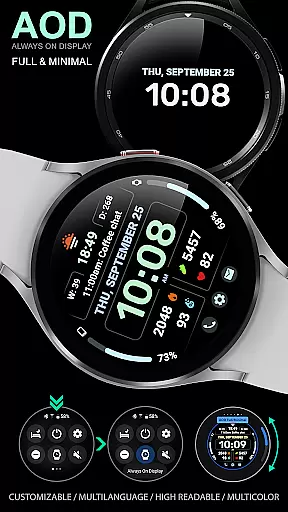
This watch face supports multiple languages and offers customizable Always-On Display (AOD) modes, catering to diverse user preferences without compromising performance. Its high-resolution design guarantees clarity and precision on all compatible screens.
With features like weather forecasts, health tracking, and activity data, the WFP 345 integrates seamlessly with Wear OS functionalities. Users benefit from real-time updates and interactive widgets that enhance their overall experience.
Whether you're monitoring your daily steps or checking the three-day weather outlook, this watch face delivers consistent performance and reliability across different devices within the Wear OS ecosystem.
Highly customizable
Comprehensive weather data
Low battery usage
Multilingual support
High resolution display
Complications hidden in Weather Mode
Limited visibility of some settings
Requires careful setup
Premium features may cost extra
Complex for beginners

WTW M17 is a premium and luxurious hybrid watch face
 4.70
4.70
Animated Watch Face and Customizable with 24 Backgrounds. Perfect for Christmas!
3.90
Rose gold watch face with festive lights & customizable features.
4.60
Bold weather Digital watchface with forecast & optional animated background
4.40
Stylish, Energizing and Modern Watch Face crafted by Dominus Mathias.
4.50
A realistic hybrid watch face with many customization options.
4.60
Daily Weather forecast with 15 weather images for Day & Night plus Big Bold time
4.10
A white realistic classic analog watch face with many customization options.
4.40
Connect, create, and collaborate with Gmail, part of Google Workspace.
4.10
Diet tracker for weight loss - track calories, food and macros. Simple and easy!
4.70
Simple, helpful messaging by Google
4.60
Ideal for surviving in the wasteland left after nuclear fallout
4.50
Watch face for Wear OS.
4.20
Animated video-game inspired “secret agent” simulation, right on your wrist!
4.20
Structured watch face with seven complications and modular UI elements
3.90
Get helpful reminders, take progress photos and find answers to your questions.
3.90
Watch the sharpness of the sky on your wrist..
3.70
Watch face designed for Thanksgiving Day. 7 Background Styles included.
3.20
Contemporary digital watch face with five complications
4.4


User Reviews