
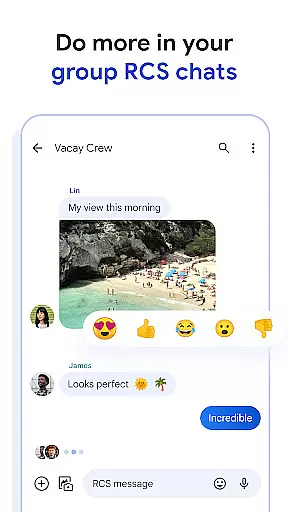
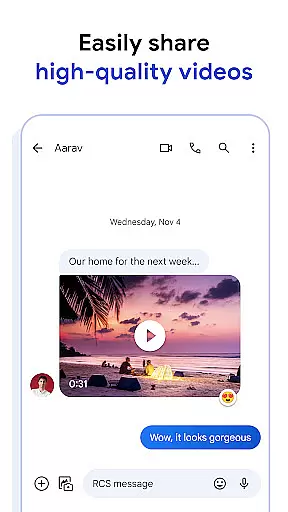
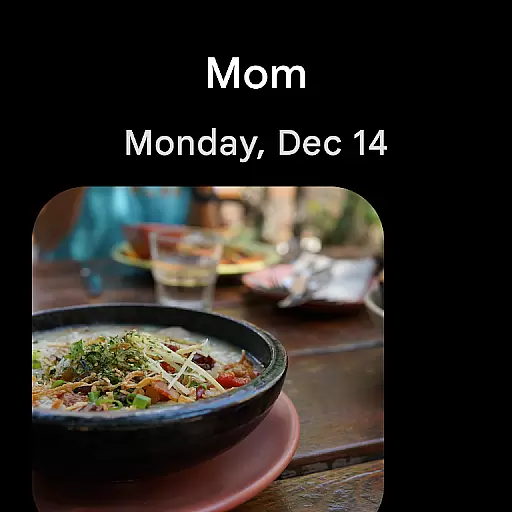
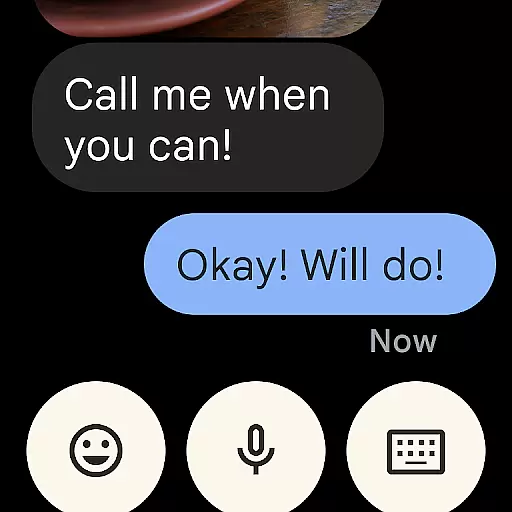
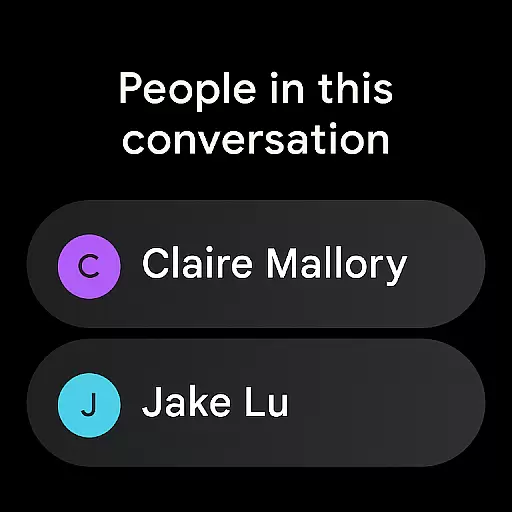
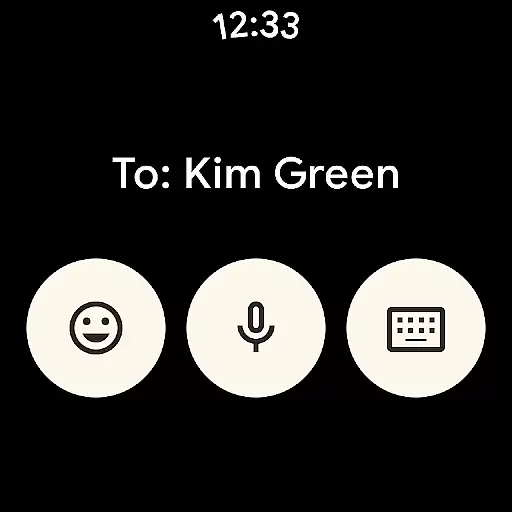
Google Messages is the official messaging app from Google, designed to enhance communication for Android users through Rich Communication Services (RCS). This app replaces traditional SMS and MMS with advanced features like high-resolution media sharing, dynamic group chats, and seamless cross-platform connectivity. With RCS, users can enjoy enriched conversations that now include iPhone users, making it a universal messaging solution.
The app offers a personalized touch with customizable chat themes and fun features like selfie GIFs. Security is prioritized through end-to-end encryption, ensuring private conversations remain protected. Additionally, AI-powered tools such as Magic Compose help users craft perfect messages effortlessly. Available on Wear OS, Google Messages ensures you stay connected across all your devices, providing a richer, safer, and more expressive messaging experience.
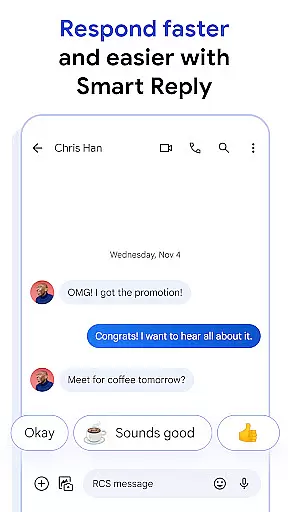
Google Messages stands out with its innovative use of RCS technology, enabling high-quality photo and video sharing along with real-time typing indicators. The app supports dynamic group chats that allow smooth interactions, even with iPhone users, bridging the gap between different platforms. Its AI-powered features, including Magic Compose, provide intelligent suggestions to enhance your messaging efficiency.
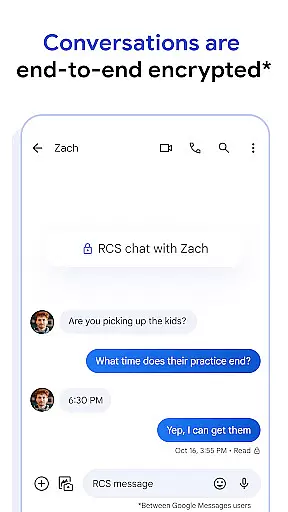
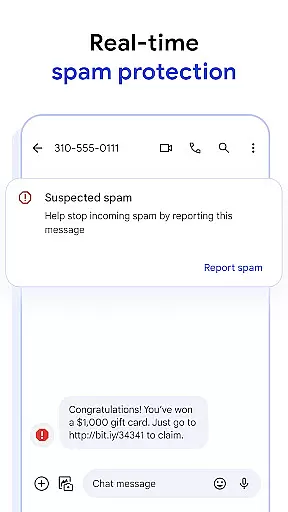
Privacy and security are at the core of Google Messages. End-to-end encryption ensures that only you and the recipient can access your messages and attachments. Advanced spam protection helps filter unwanted messages, keeping your inbox clean. The app also offers customization options like chat bubble colors and fun animations, allowing users to personalize their conversations. With availability on Wear OS, Google Messages ensures uninterrupted communication whether you're on your phone, tablet, or smartwatch.
Companion app integration is a crucial feature for Android Wear applications as it ensures seamless functionality between the smartphone and wearable device. Google Messages excels in this area by providing users with a unified messaging experience across multiple devices.
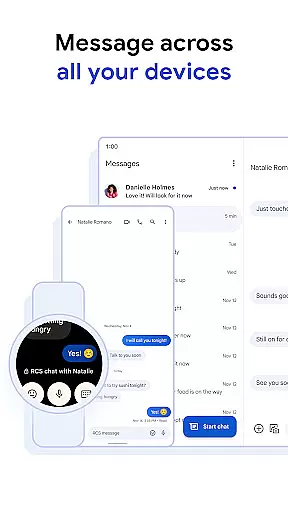
The application allows users to start conversations on their mobile phones and continue them effortlessly on their smartwatches or other Wear OS devices. This synchronization is not just limited to text messages but extends to media sharing, typing indicators, and even RCS features like high-resolution images and videos.
By maintaining consistent chat history, notification syncing, and end-to-end encryption across all linked devices, Google Messages ensures that users never miss an important message regardless of which device they are using. This creates a truly integrated ecosystem where switching between devices feels natural and intuitive.
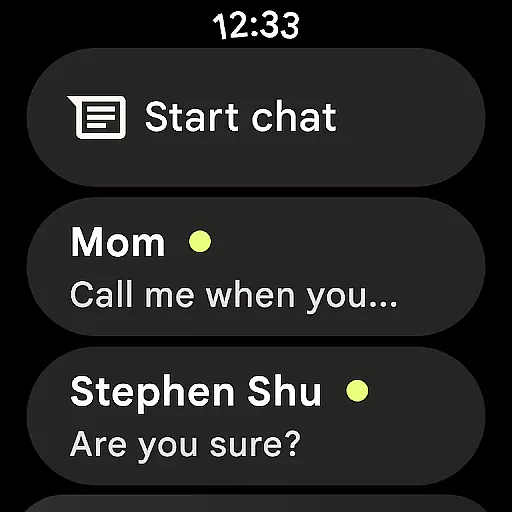
This level of companion app integration significantly enhances user convenience, especially for those who frequently use both smartphones and wearables in their daily lives. The ability to respond quickly from your wrist or view recent conversations on different devices makes communication more efficient and accessible than ever before.
Device compatibility is essential for any Android Wear application, and Google Messages demonstrates exceptional support for various Wear OS devices. The app is optimized to work seamlessly across different smartwatch models and screen sizes, ensuring a consistent user experience regardless of the hardware being used.
In addition to supporting standard messaging features, Google Messages brings advanced functionalities like RCS to compatible Wear OS devices. Users can enjoy high-quality media sharing, dynamic group chats, and even custom chat bubble colors directly from their smartwatches. The app also maintains its signature privacy features, including end-to-end encryption, across all compatible devices.
Google has ensured that the application's performance remains smooth and responsive even on devices with varying processing capabilities. This commitment to universal compatibility means that whether you're using a newer model or an older Wear OS device, you can expect reliable messaging functionality.
The comprehensive device compatibility of Google Messages makes it an ideal choice for users invested in the Android ecosystem. By providing a consistent experience across multiple devices, the application enhances the overall value proposition of choosing Wear OS-compatible products.
Enhanced media sharing
Real-time typing indicators
End-to-end encryption
AI-powered suggestions
Cross-device compatibility
Limited RCS availability
Device-specific features
Beta testing required
Data plan necessary
Varied market support

Gym Log & Workout Tracker | Fitness Journal, Training & Weight Lifting Planner
 4.90
4.90
Calming & relaxing sounds for sleeping and stress relief. Stay focused all day!
4.20
A customizable Christmas watch face for Wear OS with a countdown.
4.20
an Analog Watch Face for winter season with freeze winter background for Wear OS
4.4
Animated Watch Face and Customizable with 24 Backgrounds. Perfect for Christmas!
3.90
Be an elegant and classy secret agent, with this carefully detailed watch face
4.70
Kia Access makes getting your vehicle information easier than ever
4.60
sleep, alarm, snoring, stress, healing, focus, sound therapy, circadian rhythm
4.10
A digital watch face that celebrates Christmas.
4.00
Period, ovulation & pregnancy tracker. Fertility insights & menstrual calendar.
4.90
Hyperlocal rain alerts by MyRadar using patent-pending technology, radar & more
4.80
Highly customizable hybrid watch face for Wear OS, perfect for everyday use.
4.60
Premium hybrid watch face with many customizations for Wear OS devices.
4.40
A white realistic classic analog watch face with many customization options.
4.40
Christmas watch face. For Wear OS devices.
4.30
Find EV charging stations
4.30
The ultimate destination for kids ages 3-8 to explore the Marvel Universe!
4.30
Christmas and New Year - Themed Watchface
4.2
Precision analog watch face with 7 complications and style options
4.4


User Reviews